Skip to content

Best Tools

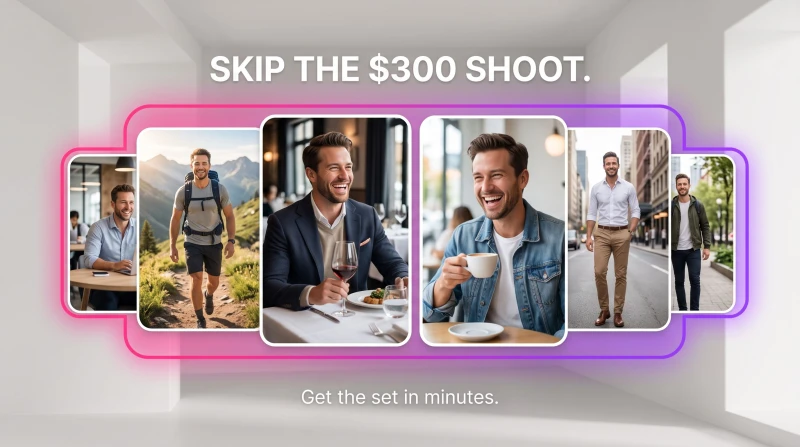
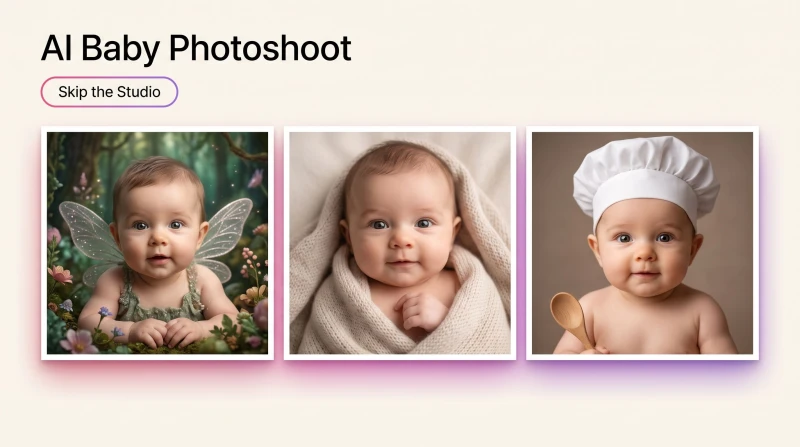
Which AI tool to reach for, by job: headshots, dating and lifestyle photos, product shots, pet portraits, face swaps and baby photoshoots, each one tested.

AI Pet Portrait Generator: Turn Your Pet Into Wall Art

Best Tools

AI Pet Portrait Generator: Turn Your Pet Into Wall Art

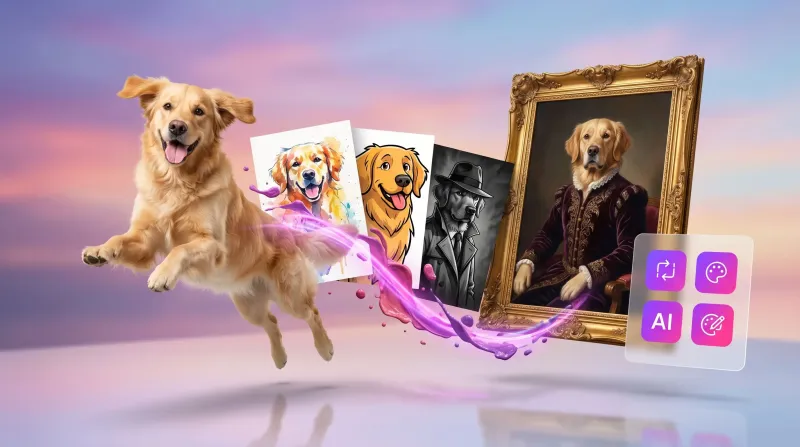
An AI pet portrait generator turns a few clear photos of your dog, cat, or rabbit into oil-paint, watercolor, and cartoon portraits worth framing, gifting, or selling. Here's how to make ones people gasp at.

Jul 9, 2026 · 7 min read

What Is Face Swap? How AI Face Swapping Works

Best Tools

What Is Face Swap? How AI Face Swapping Works

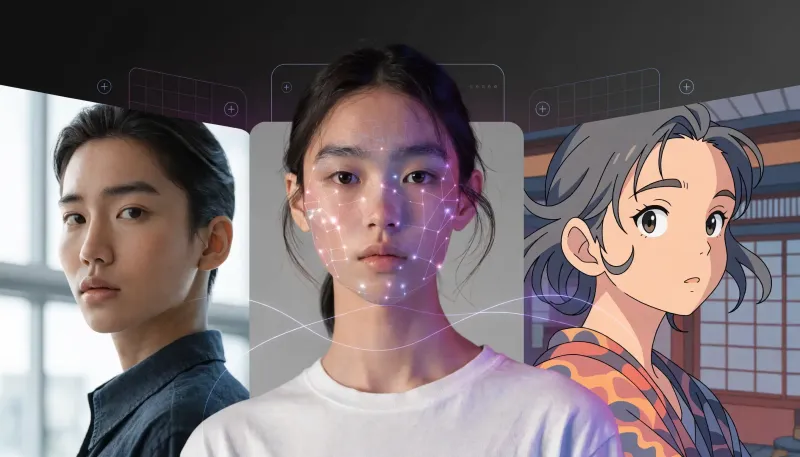
Skip the reshoot and the Photoshop rabbit hole. Here's how to run an AI face swap on any photo or video in MagicShot, plus the tricks that keep results looking real.

Jul 8, 2026 · 8 min read

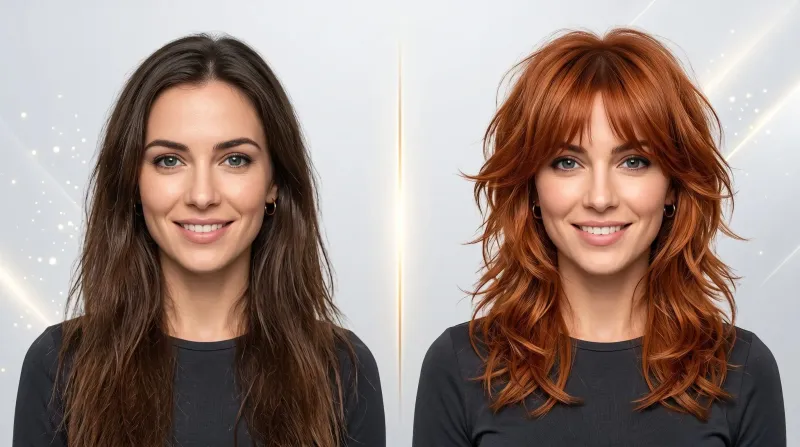
AI Hairstyle Changer: Try Any Haircut & Hair Color on Your Photo

Best Tools

AI Hairstyle Changer: Try Any Haircut & Hair Color on Your Photo

Thinking about a bold new cut or color but scared of salon regret? The MagicShot AI hairstyle changer lets you preview any haircut and any hair color on your own photo in one generation, so you can commit with confidence.

Jul 2, 2026 · 9 min read

Image to Video AI: Turn Still Photos Into Motion

Best Tools

Image to Video AI: Turn Still Photos Into Motion

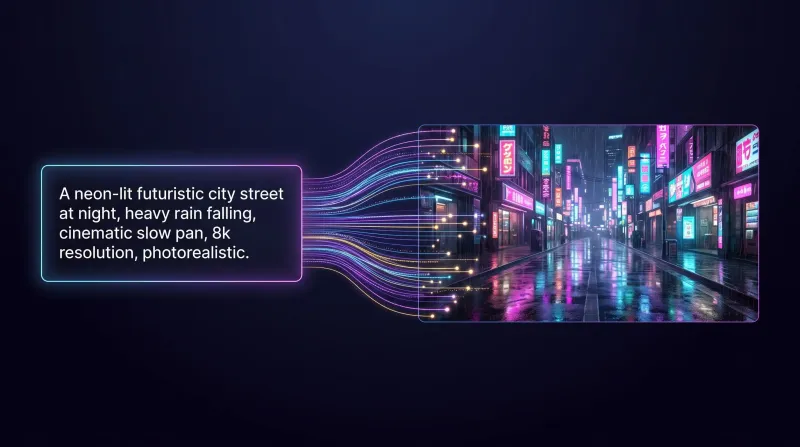
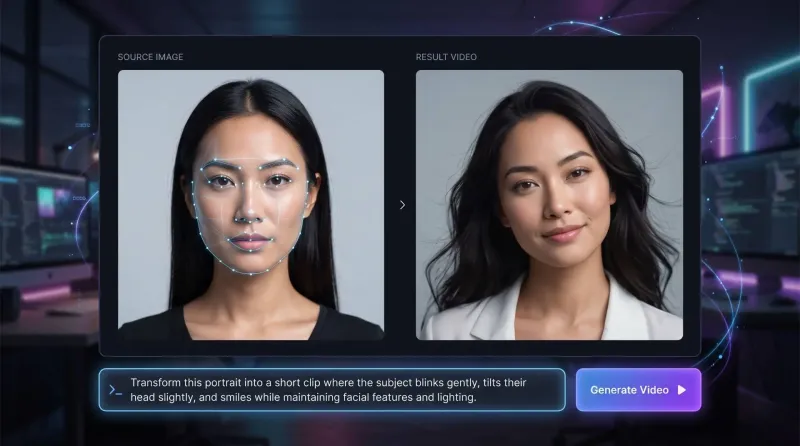
Image to video AI turns a single still photo into a short moving clip. Here's how AI image to video generators work, where they shine, and how to create video with images that looks intentional.

Jun 30, 2026 · 10 min read

Virtual Try-On: How to Try On Wedding Dresses at Home

Best Tools

Virtual Try-On: How to Try On Wedding Dresses at Home

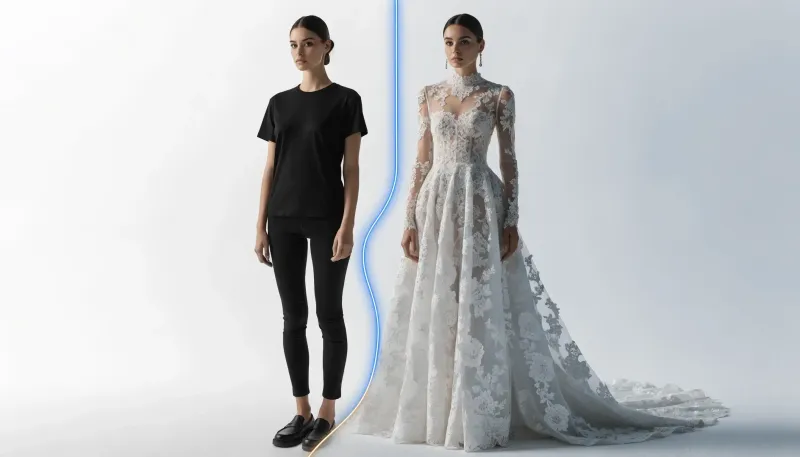
Virtual try-on turns any photo into a fitting room. Here is how dress change AI helps you try on wedding dresses at home, compare silhouettes, and choose the gown that actually fits your vision.

Jun 27, 2026 · 8 min read

Blog FAQ

Hands-on tutorials, creative tips and inspiration for making AI images, video and voiceovers, plus prompts and workflows you can copy.

No. Our guides are written for everyone, from total beginners to pros, most can be completed in minutes inside the app.

We add new tutorials and creative breakdowns regularly. Check back often or start creating with the tools we cover.

Read it, then make it

Turn what you just learned into something real, start creating with MagicShot in seconds.