











Skip to content
MagicShot

Studio-grade product photos from one phone shot

Listings, lifestyle scenes, and video ads for your whole catalog, with no studio, no reshoots, and no per-image invoice. Shoot once, produce hundreds.

Why sellers switch

From phone photo to finished listing

Catalog-consistent product shots

White-background packshots and styled lifestyle scenes from the same source photo, so every listing looks like one brand shot it.

Clean-up built in

Remove backgrounds, erase clutter, and upscale to high resolution for marketplace zoom, all in a few clicks rather than an editing session.

Ads from the same assets

Turn a winning product shot into UGC-style video ads and test creative variations without booking a production cycle.

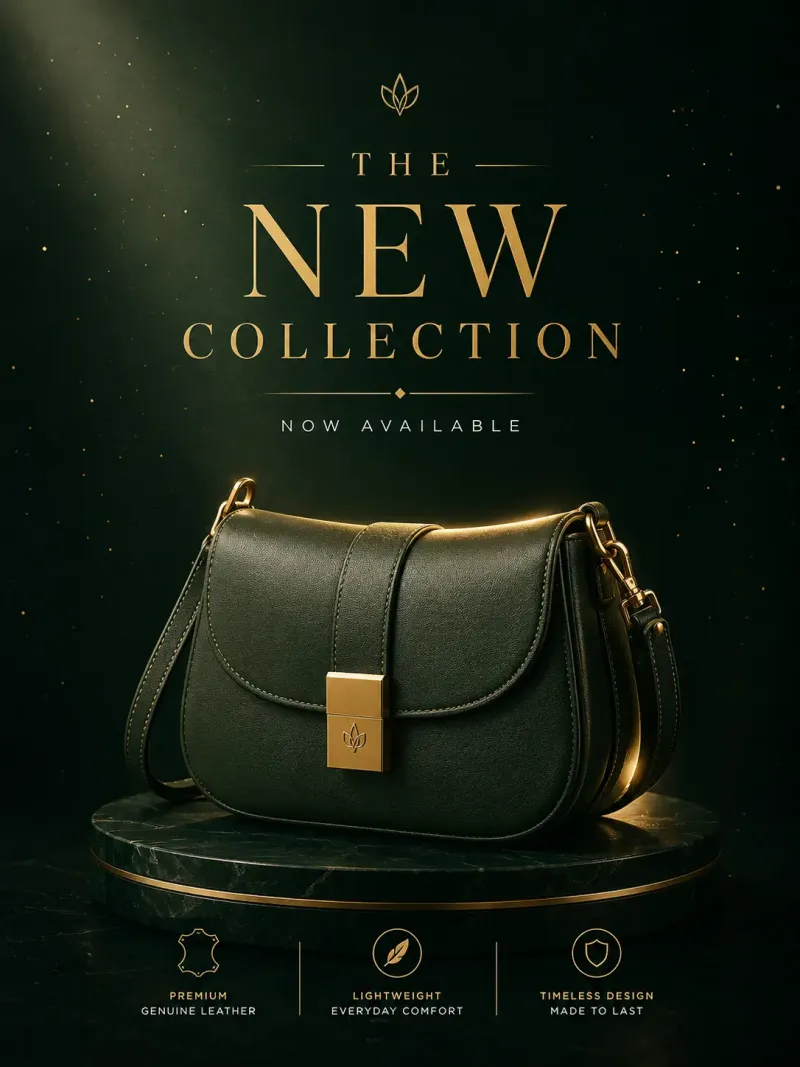
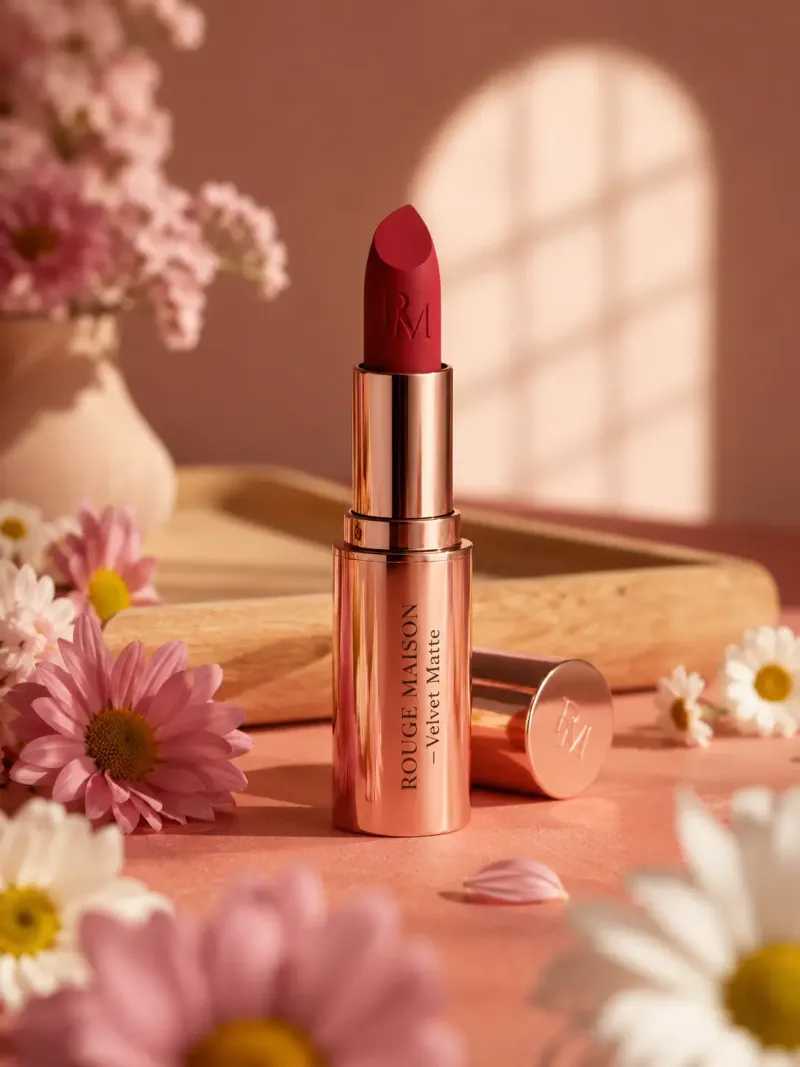
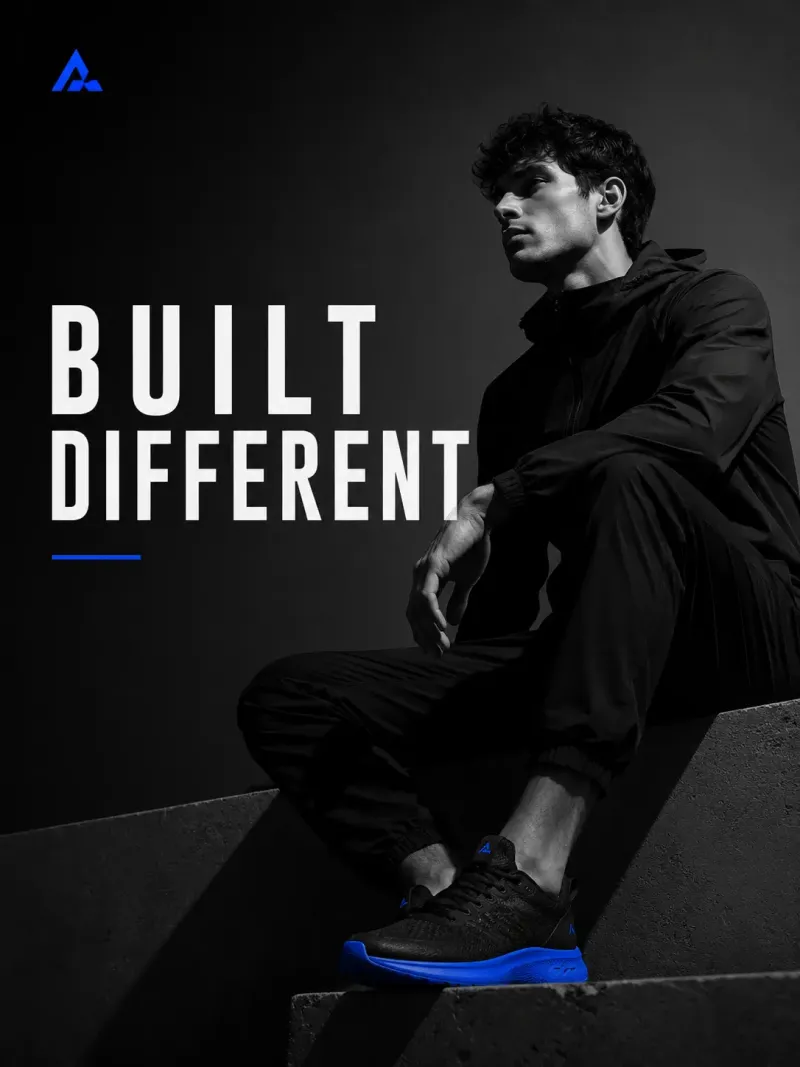
Product shots that started as phone photos

A product workflow that starts with one phone photo

Product photography is the highest-leverage asset in ecommerce and the most expensive to keep refreshing. A single studio shoot can cost more than a month of sales on a new listing. MagicShot turns one photo taken on your phone into a full set of catalog images, lifestyle scenes, and video ads, so your visuals stay consistent from the listing to the ad to the email.

  1. Clean the shot. Drop the background with the Background Remover and tidy up any stray clutter with the Object Remover.

  2. Stage it. Place the product on clean white for marketplaces, or drop it into styled lifestyle scenes with the Product Photo Generator.

  3. Sharpen for zoom. Upscale to high resolution with the Image Upscaler so buyers can pinch to zoom without the detail turning to mush.

  4. Sell it in motion. Turn the same product shots into UGC video ads and product videos for your store, ads, and socials.

Start here

The product photo suite

Trending

Product Photo Generator

Listing-ready product photos — no lightbox, no reshoot, no rented studio.

Background Remover

Backgrounds gone in one click — clean edges on hair, fur, and lace.

Object Remover

Photobombers, power lines, stray bins — gone, and the photo never tells.

Image Upscaler

Make small images big — 4K big — without the blur that usually comes with it.

Every ai image generator tool →

Sell in motion

The video suite

Trending

UGC Videos

Creator-style video ads that look filmed on a phone — because that's what converts.

Image to Video

One photo in. Cinematic motion out.

Every ai video generator tool →

One product proves it. Now do the whole catalog.

The hard part of product photography was never one photo. It was doing it for every SKU, every season, without the look drifting. Because MagicShot works from a single phone shot and charges credits instead of a fee per image, the same styling scales from one listing to five hundred. Refresh a whole range for a sale, spin up a variant sized for every marketplace, and keep one consistent look across the store, the ads, and the emails.

Export high-resolution images with clean backgrounds for marketplaces, plus lifestyle and video variants for your own channels. The Studio plan is built for catalog volume and shared team access, with one credit pool everyone draws from. See real output in the gallery before you reshoot a thing.

Shoot your entire catalog

From one phone photo to a full, consistent range, with no reshoots and no per-image fee.

Shoot your catalog →

FAQ

Frequently asked questions

AI tools for ecommerce sellers are apps that use artificial intelligence to speed up the visual and creative work behind an online store. With MagicShot, you can generate polished product photos, lifestyle scenes, marketing visuals, and promotional videos from simple prompts or existing images—no studio, photographer, or design team required.

MagicShot lets you turn plain or amateur product shots into clean, professional-looking images. You can swap or remove backgrounds, place items in realistic lifestyle settings, adjust lighting, and produce consistent visuals across your entire catalog so every listing looks sharp and on-brand.

No. MagicShot is built for sellers, not designers. You upload an image or describe what you want, and the AI handles the heavy lifting. The interface is straightforward, so you can create marketplace-ready visuals in minutes without editing software or technical skills.

Yes. Beyond still images, MagicShot generates short promotional and product videos you can use for listings, ads, and social media. Motion content helps grab attention in crowded feeds and can boost engagement compared to static images alone.

The images and videos you create with MagicShot are versatile and ready for use across major marketplaces and storefronts like Amazon, Etsy, Shopify, eBay, and Walmart, as well as social channels such as Instagram, TikTok, and Facebook. You simply download your assets and upload them wherever you sell.

A lot. Traditional product shoots and edits can take days and require booking studios or freelancers. With MagicShot, you can produce dozens of variations in a single session, making it easy to test different backgrounds, styles, and formats quickly and keep your listings fresh.

Yes. MagicShot helps you maintain a cohesive style by applying consistent backgrounds, lighting, and formats across your catalog. A unified visual identity builds trust with shoppers and makes your brand instantly recognizable across every listing and ad.

Getting started is simple: create your MagicShot account, upload a product image or enter a prompt, choose the style or scene you want, and let the AI generate your visuals. From there, refine the results, download your favorites, and publish them to your store or ad campaigns.

Ready to create something magical?

Join 400,000+ creators making images, videos and voiceovers in seconds.

Get started

We use cookies to improve your experience and measure traffic. Choose what you allow.