
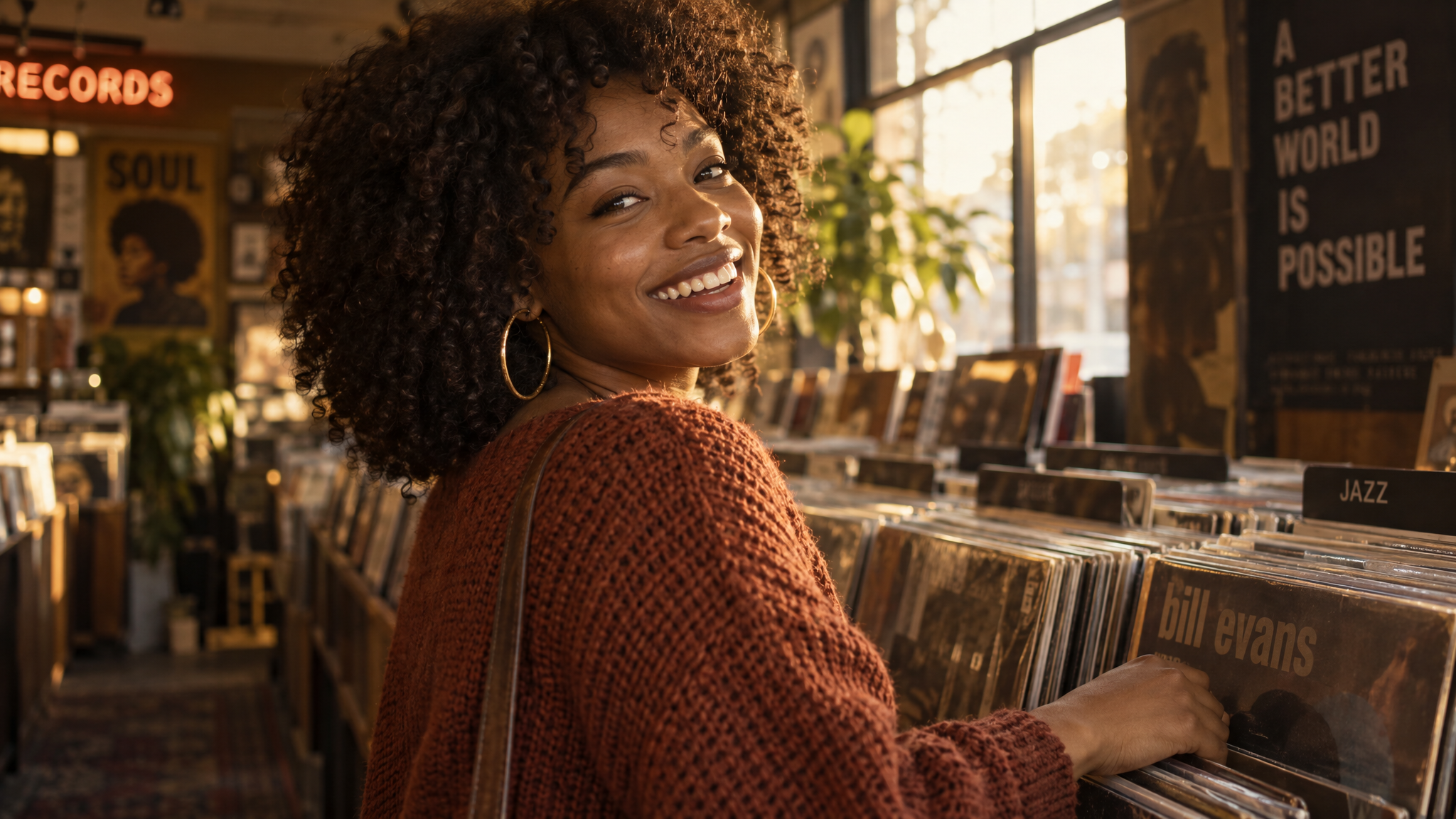
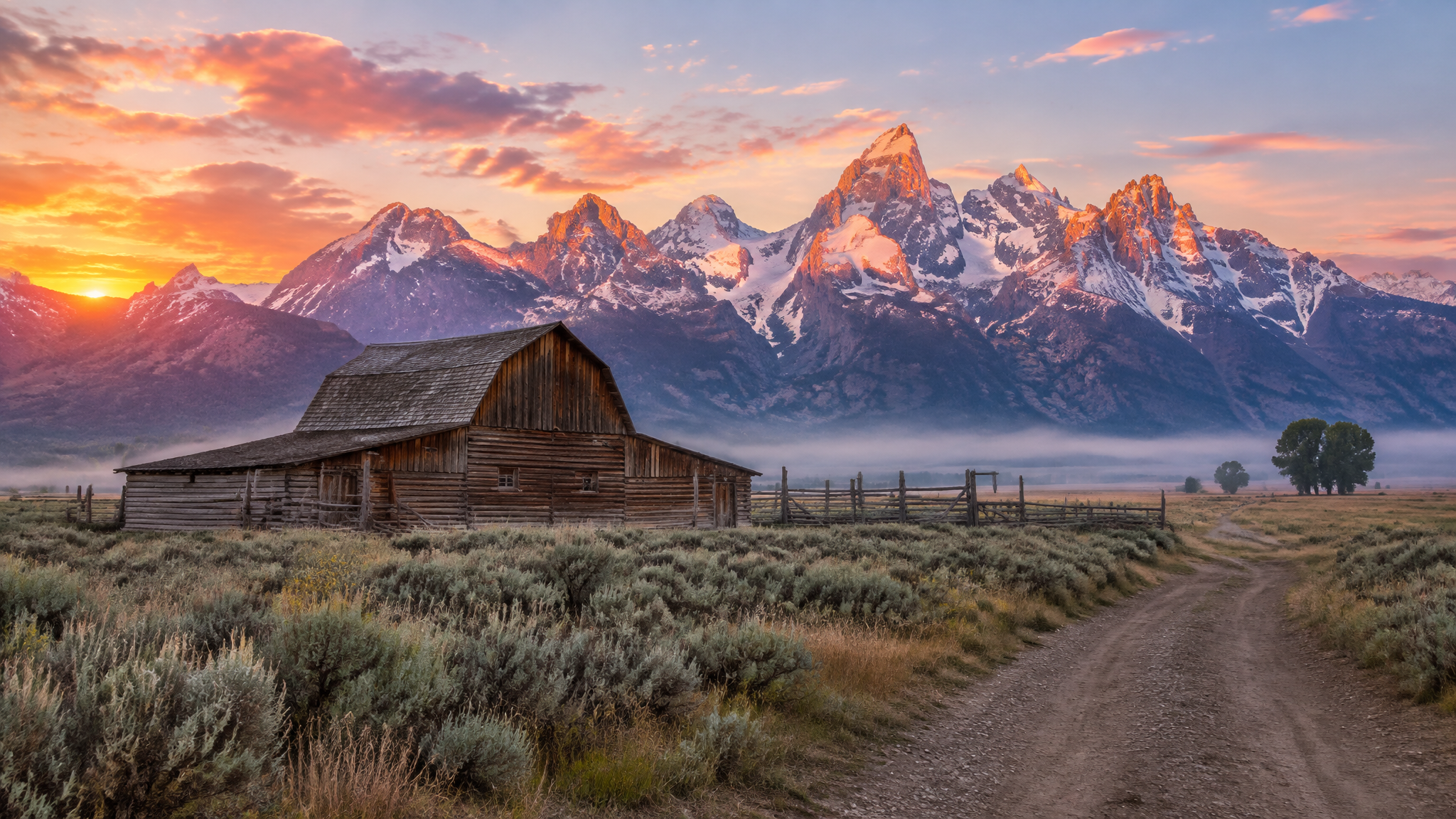
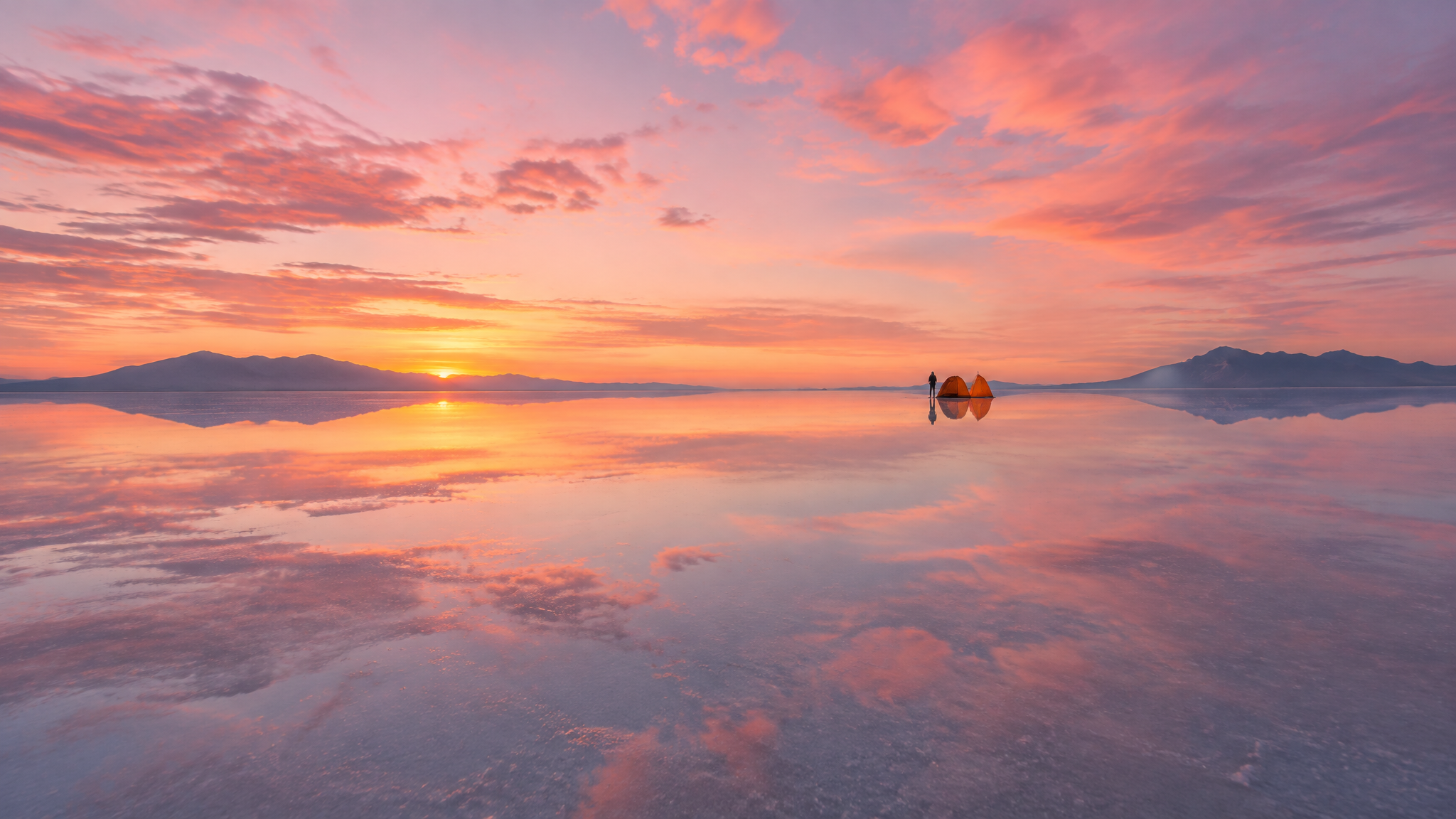
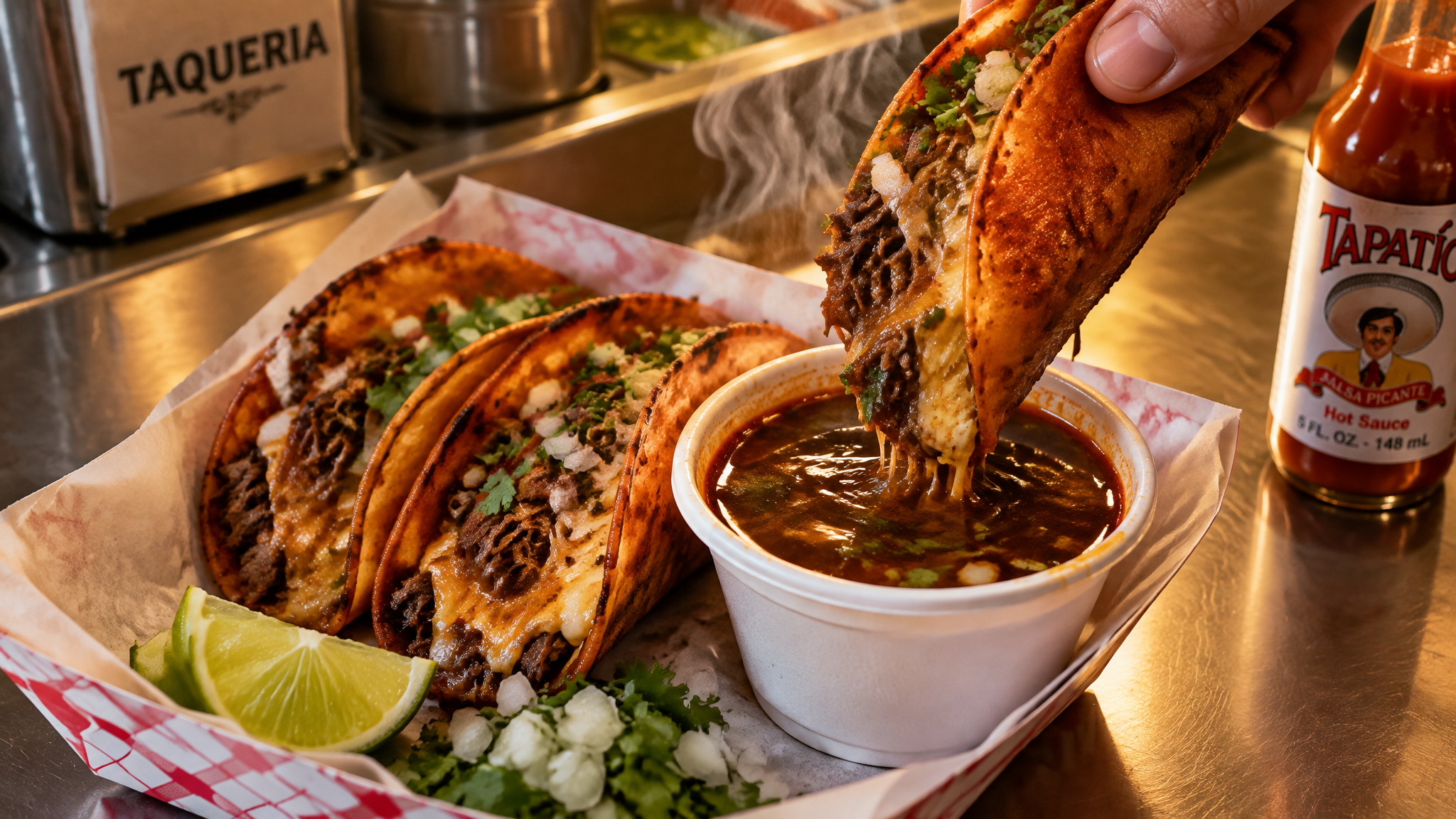



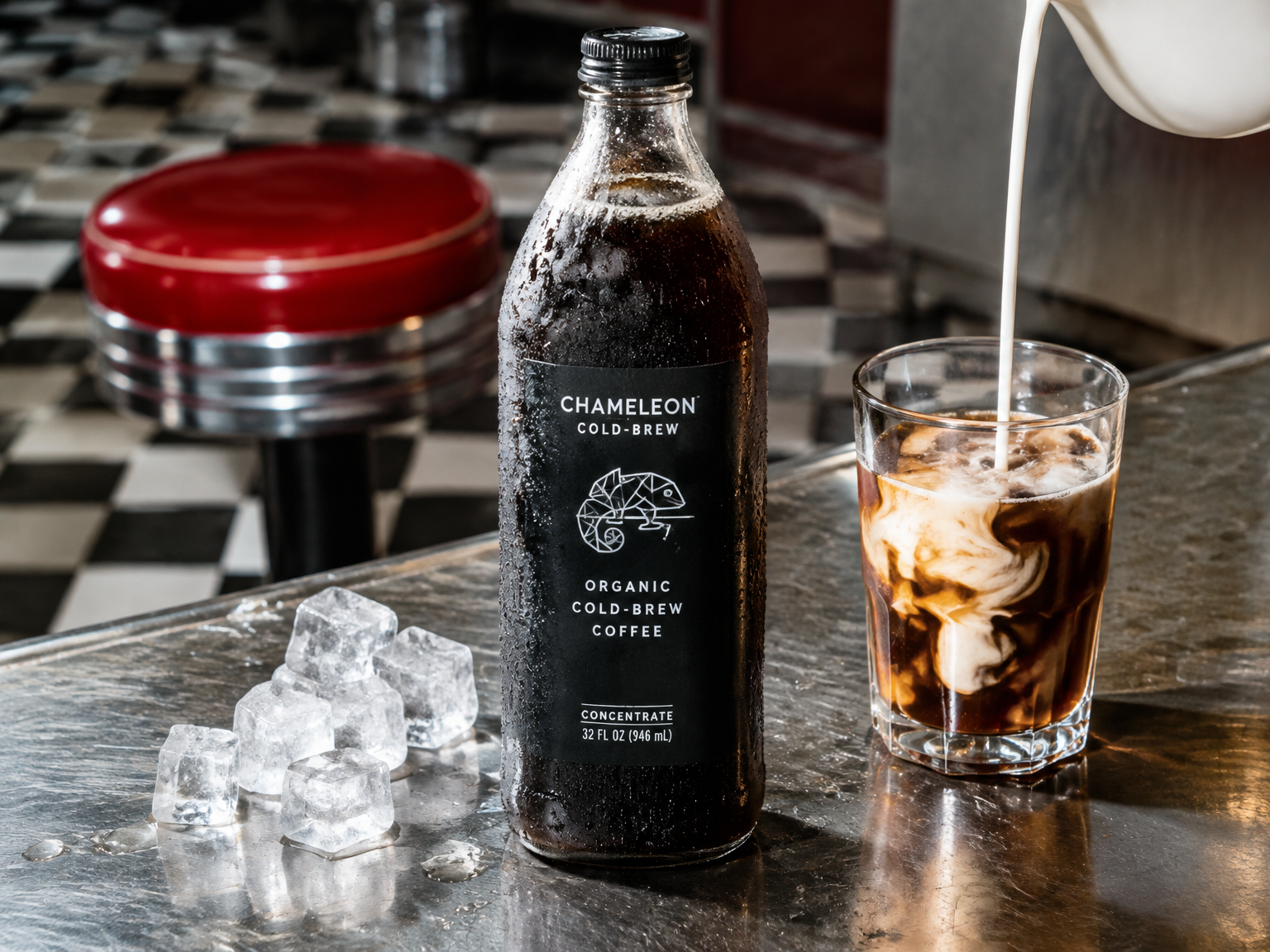
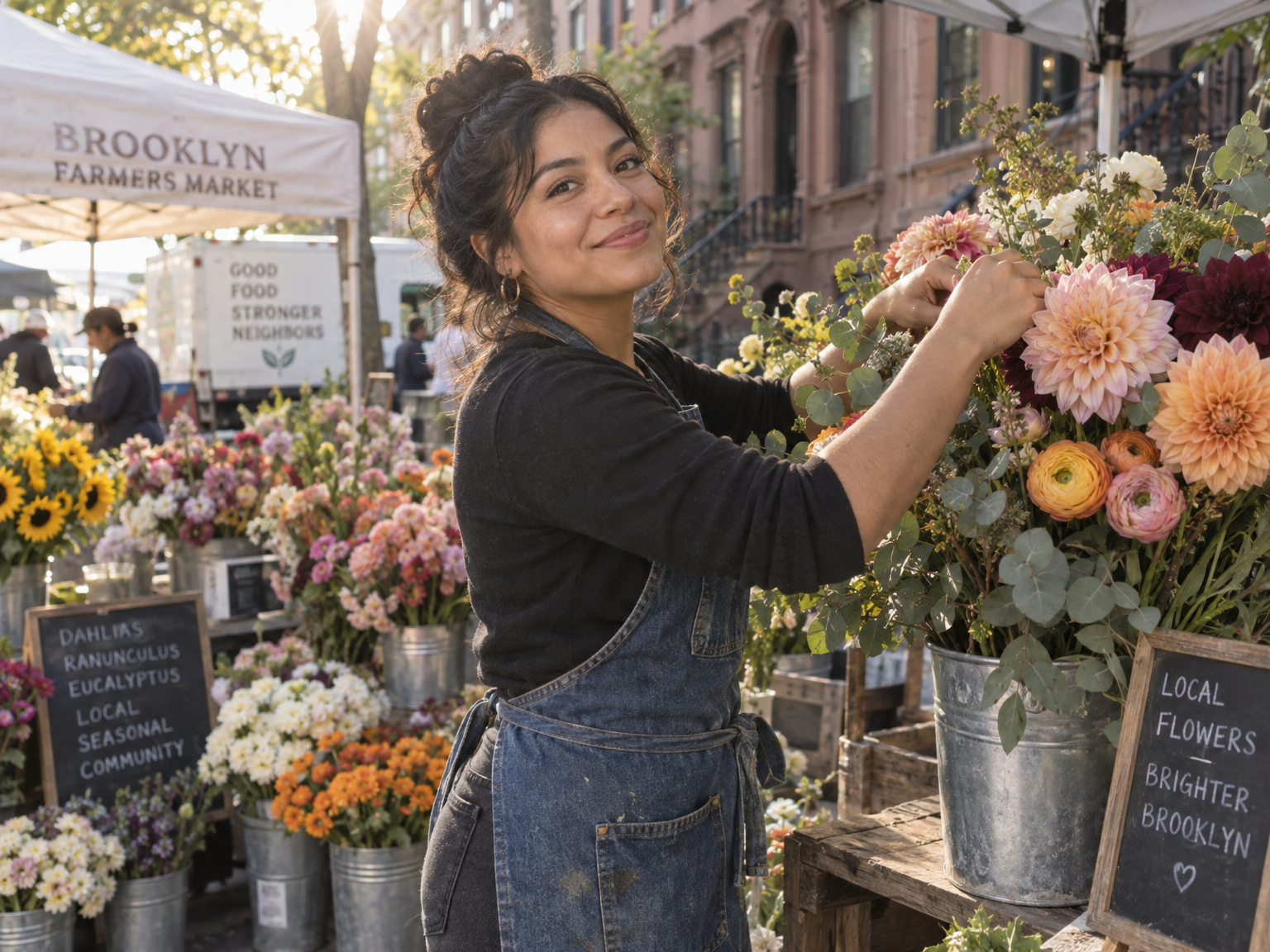
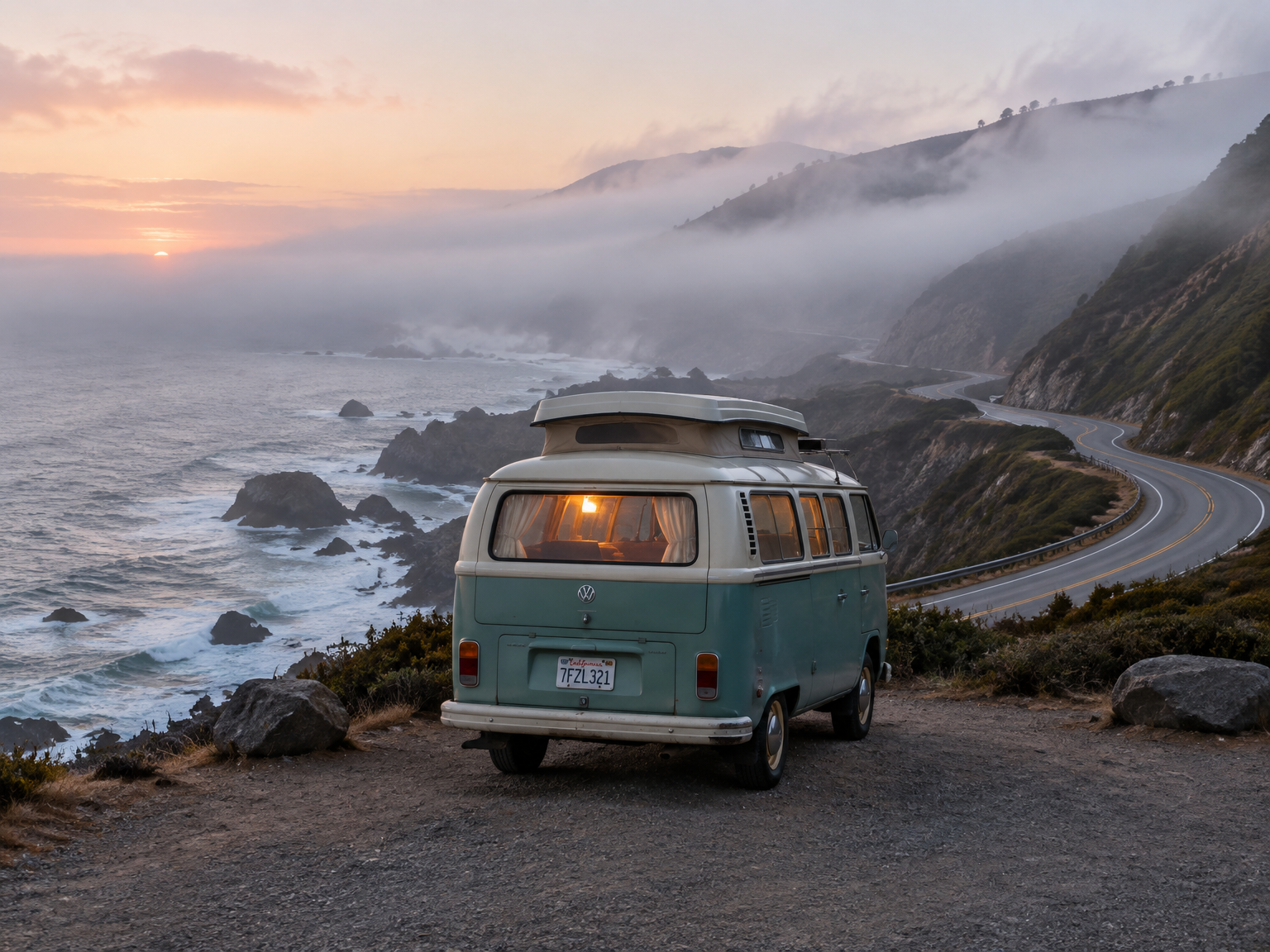
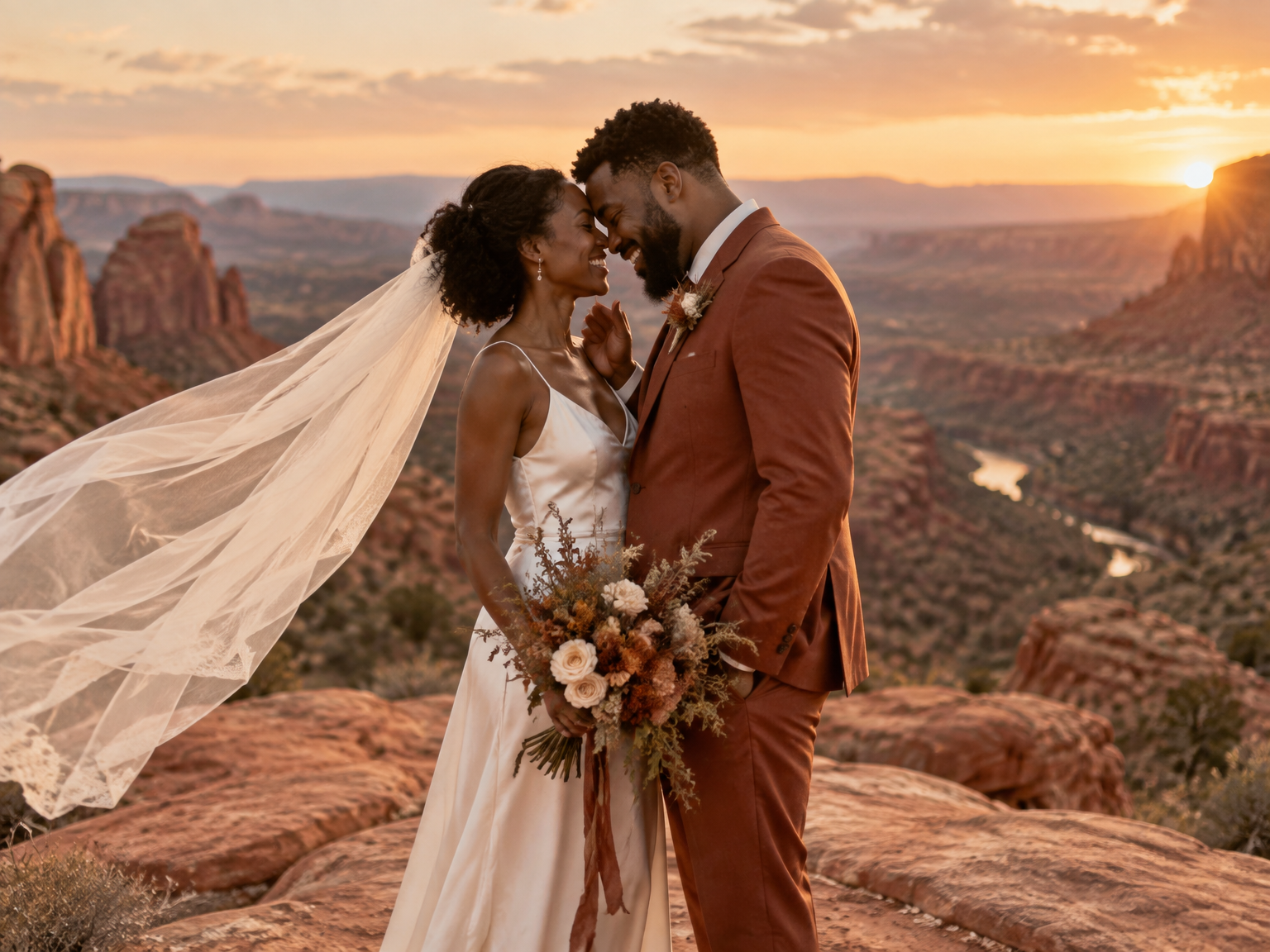
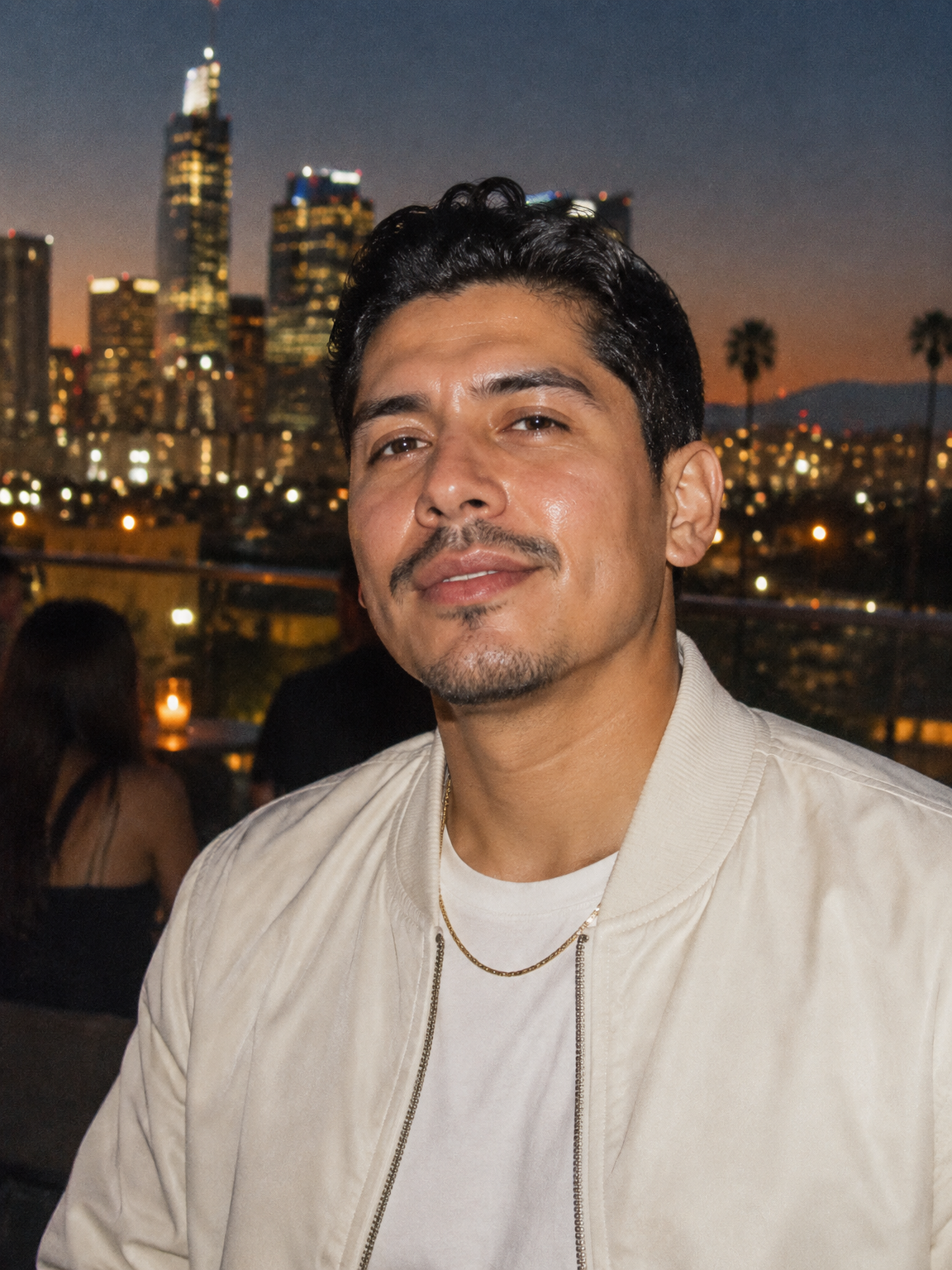
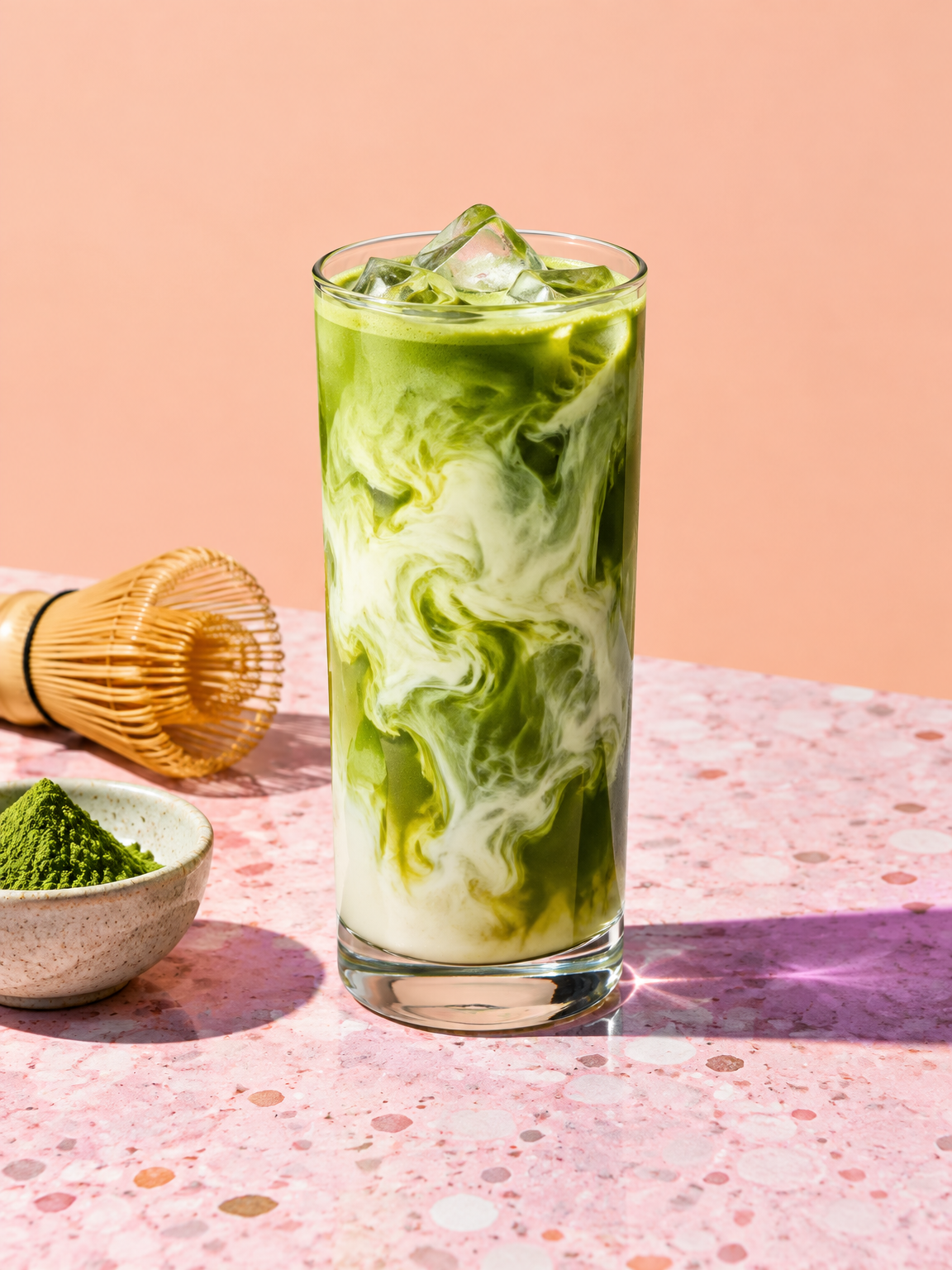
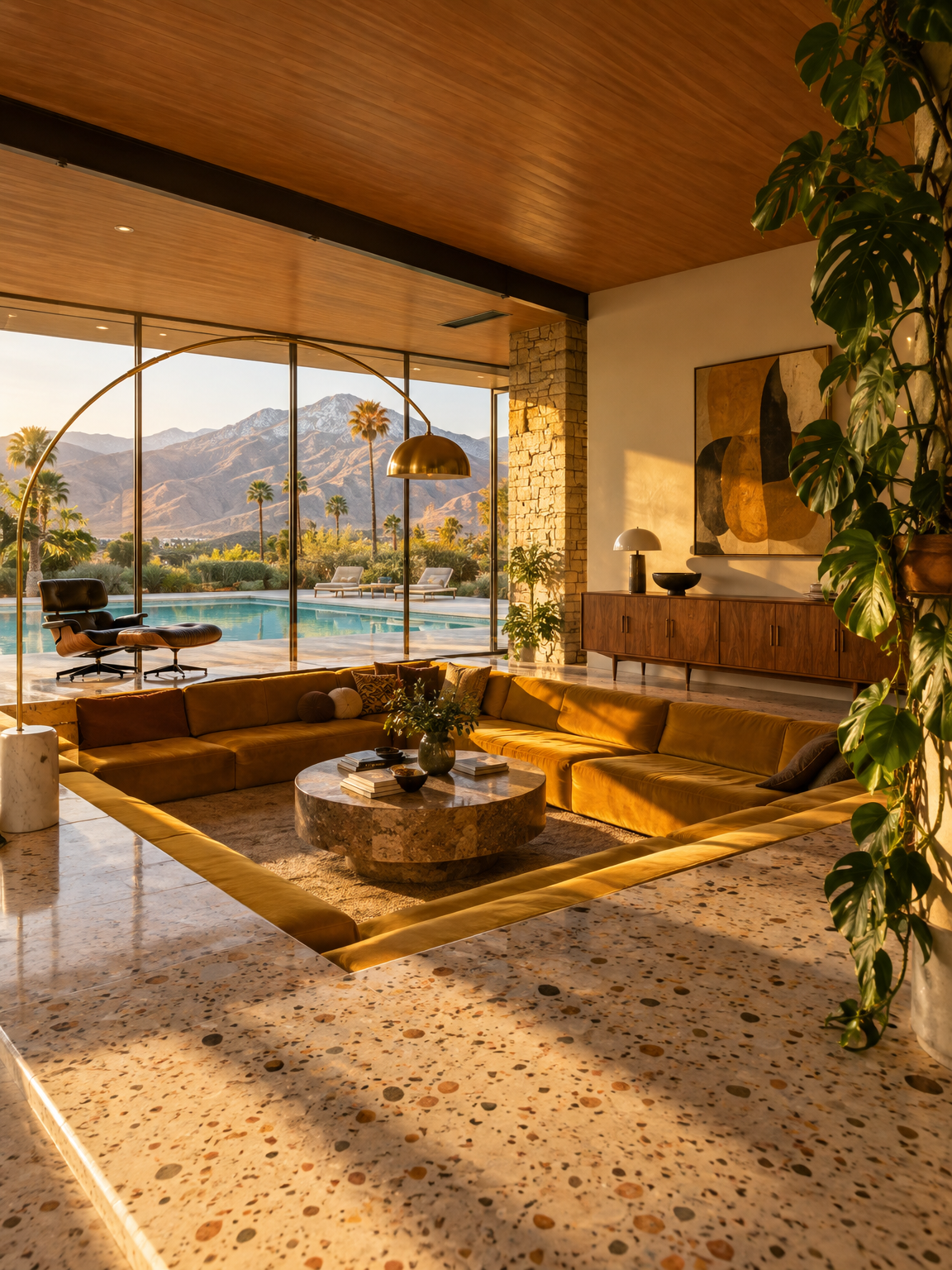
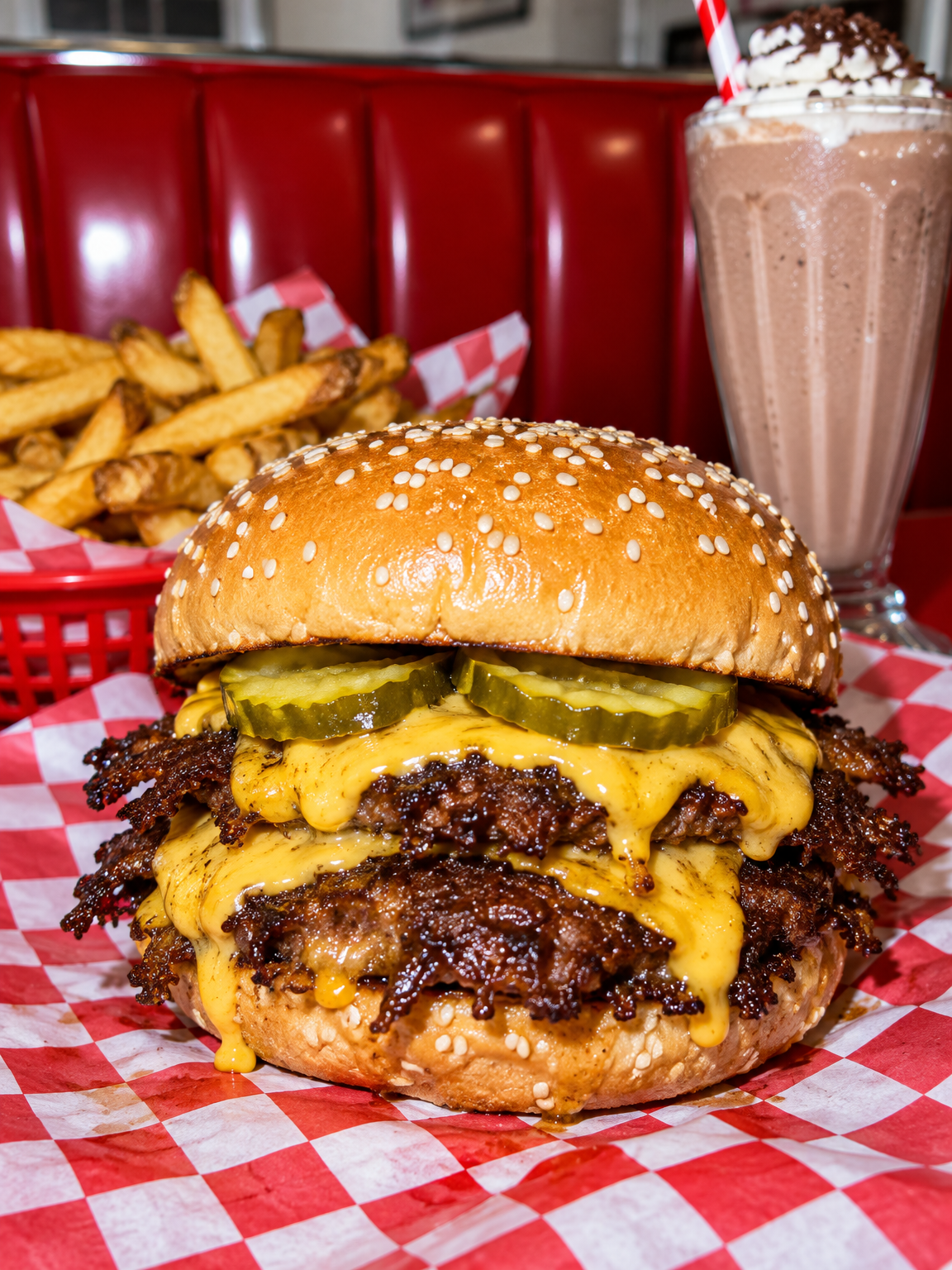

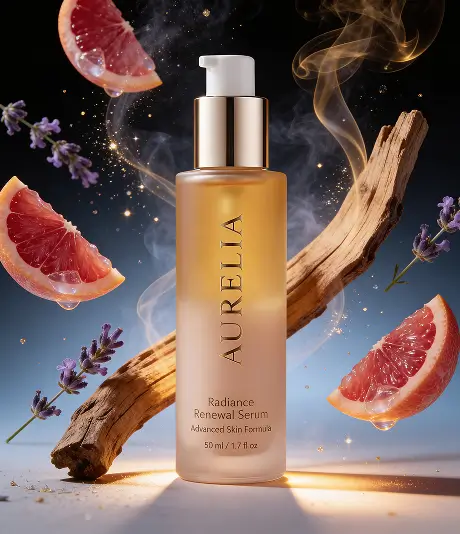
The MagicShot AI Photo Generator turns a written description into a photorealistic image. You type a sentence, the model renders a photograph, and you download it. It is free to use: there is no plan to pick and no trial clock. The same account opens the rest of the studio whenever you want it.
What "photo generator" means here
Most image generators paint. This one is tuned for photographs: natural skin, believable depth of field, light that falls the way it does on a set, and lenses that behave like glass. Ask for "85mm, shallow depth of field" and the background softens the way it would on a real camera. Ask for "24mm wide angle" and the room stretches the way a wide lens stretches it. If you want watercolor, anime or oil paint, the AI Art Generator is the tool built for styles; this page is for photos.
Tips for photos that pass as photos
Three or four specific details beat a paragraph of adjectives. "Beautiful" does nothing; "backlit by low sun, 135mm" does everything.
Name a real photographic genre when one fits: editorial food styling, lookbook, listing photo, candid street.
Keep the ratio in mind while you write. A vertical story frame wants a subject that stands; a wide header wants a scene.
Iterate. Keep the sentence, change the light or the lens, and generate again. Most finished photos are the third or fourth take.
Who it is for
Creators who need a specific photo today and do not have a camera, a model or a location. Sellers mocking up a product in a setting before they build it. Writers and marketers filling an article or a deck with photos nobody else has. Anyone learning to prompt, because the free generator is the cheapest place to practice the formula until it becomes reflex. When the face has to be yours, start from a selfie with AI Headshots; when the product has to be yours, upload it to the Product Photo Generator.