Skip to content
Generate lifelike visuals with Seedream 5.5 ⚡
New

AI GIF Generator

Turn Words or Photos Into Looping GIFs

AI GIF Generator turns a short description into a looping animated GIF. Type what moves and how it ends, or upload a photo and bring that exact picture to life. Pick a fast model for quick reactions or a detailed one for cleaner motion, choose square, portrait or landscape, and download a GIF ready for Discord, Slack, group chats and social posts. Made for creators, marketers and anyone who can never find the right GIF.

More AI Image Generation Tools

See AI GIF Generator in action
500K+
Trusted by creators
Text or image
Two ways to start
30 sec to 2 min
Typical render time
Commercial use
Licensed on paid plans

How to make a GIF with AI in 4 steps

  1. Describe the motion

    Say what moves and how it ends, for example "a paper boat rocks on the waves, then returns to where it started". Loops look cleanest when the last frame matches the first.

  2. Add a photo if you like

    Optional. Upload a picture and the AI animates that exact image. Leave it empty and the GIF is drawn from your words alone.

  3. Pick a model and a shape

    GIF Flare is the faster pick for quick reactions. GIF Sunburst takes more care with detail. Then choose square, portrait or landscape.

  4. Generate and share

    Your GIF is ready in about 30 seconds to 2 minutes. Download it, or post it straight to the MagicShot community. Not quite right? Change one word and generate again.

  5. Start with step one
Example created with AI GIF GeneratorMade with AI GIF Generator
01 / 04

GIFs you can make with AI

GIF types

Reaction GIFs

The eye roll, the slow clap, the spit take. Describe the expression or upload a selfie and make a reaction nobody else has.

Meme GIFs

Turn an inside joke into a loop. Start from a photo of your pet or your best friend and describe what happens next.

Animated photos

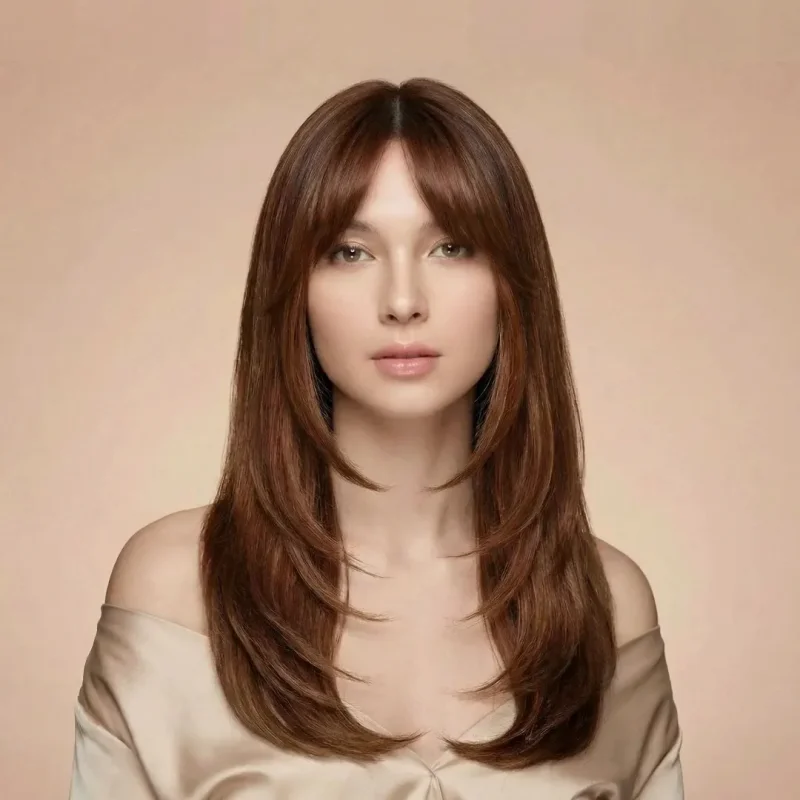
Give a still picture gentle motion: hair moving in the wind, steam rising from a mug, waves rolling behind a portrait.

Product GIFs

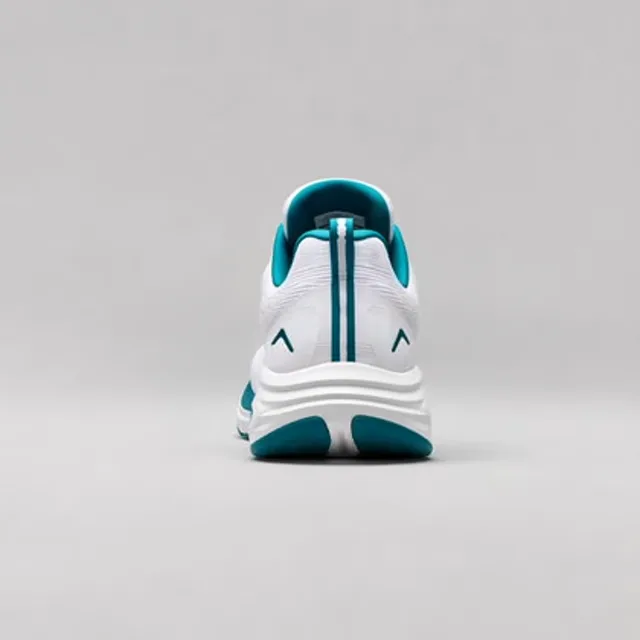
Rotate a sneaker, pour a drink, open a box. Short loops that show a product doing something in an email or a store listing.

Looping scenes and backgrounds

Rain on a window, a campfire, a city at night. Calm loops for streams, websites and lo-fi posts.

Logo animations

Upload your logo and make it spin, pulse or glow for an intro or a profile picture.

Greeting GIFs

Birthdays, holidays, congratulations. A custom animated card lands better than a stock one.
An AI GIF maker for the GIF you can't find

You give it
A short description, plus an optional photo
You get
A looping animated GIF
Best for
Reactions, memes, social posts, product teasers
Time to result
30 seconds to 2 minutes

You know the GIF you want. A cat sliding off the couch in slow motion, your logo doing a little spin, a friend's face when the check arrives. You just can't find it, because nobody has made it yet. MagicShot's AI GIF generator makes it for you. Describe the motion in a sentence or two and the GIF maker builds an original looping animation from scratch. No timeline, no keyframes, no trimming a video down to the two seconds that matter.

It works two ways. Text to GIF starts from words alone, so "a neon coffee cup steaming on a rainy windowsill" becomes a finished loop. Image to GIF starts from a picture you upload: a selfie, a pet photo, a product shot or a drawing. The AI keeps the picture and adds the movement you describe, which is the quickest way to turn a photo into a GIF that still looks like the original.

Classic GIF makers convert what already exists, usually a video clip or a stack of images. This one creates footage that never existed. That is why people use it for custom reaction GIFs in Discord and Slack, meme GIFs for the group chat, moving profile pictures, product teasers and looping visuals for social posts. Two GIF models sit behind one button: GIF Flare when you want speed, GIF Sunburst when the detail matters.

AI GIF generator prompts to start from

Prompt ideas

Start from a one-line prompt like these, then swap in your own subject. Say what moves, and end where you began so the loop closes cleanly.

Reactions

"A golden retriever tilts its head to the left, looks confused, then returns to center"

Memes

"A cat in sunglasses nods slowly to the beat, then goes back to its starting pose"

Products

"A cold can of soda rotates one full turn on a wet surface, studio lighting"

Scenery

"Rain runs down a window with city lights blurred behind it, seamless loop"

From a photo

"Her hair moves gently in the wind and she blinks once, then holds still"

Celebrations

"Confetti bursts over a birthday cake, the candles flicker, then everything settles"

Why people choose MagicShot's AI GIF maker

Why creators choose it

  • Text to GIF or image to GIF

    Start from a sentence, or upload a photo and animate that exact picture. Same tool, same button.

  • Made to loop

    Describe where the motion ends and the GIF comes back to its first frame, so it reads as one continuous loop.

  • Two GIF models, one price

    GIF Flare for speed, GIF Sunburst for finer detail.

  • A GIF in about a minute

    Most GIFs finish in 30 seconds to 2 minutes. No editing software, and no video to trim first.

  • Sized for where it is going

    Square for avatars and posts, portrait for tall crops, landscape for chats, sites and email.

  • Prompt help built in

    Not sure how to describe motion? Tap Improve and the tool sharpens your idea into a clearer prompt.

One subscription. Every tool.

AI GIF Generator is included in every MagicShot plan, along with every other photo, video and voice tool, all drawing from the same credit balance.

  • Every tool included
  • One shared credit pool
  • Commercial license on paid plans
  • Cancel anytime

New to MagicShot? Try it free with Video Generator, Text to Speech or AI Photo Generator. See what's free

30% OFF

Premium plan

$19 $13.30 first month

19,000 credits a month

See plans & pricing

Your content stays yours

Everything you create with AI GIF Generator is covered, commercial-use rights, no model training on your data, deletion on demand, and encryption in transit and at rest.

  • Commercial use

    Your plan includes commercial-use rights for the results you generate, for content, campaigns and client work.

    Learn more
  • No AI training

    We don’t use your uploads or generated results to train AI models. Your images and prompts stay yours.

    Learn more
  • Delete anytime

    Remove any result, or your whole account, whenever you want, and it clears from active storage.

    Learn more
  • Encrypted & secure

    Your data is encrypted in transit and at rest, with access limited to essential operations and support.

    Learn more

AI GIF Generator FAQ

An AI GIF generator creates an animated GIF from a text description or a still image, instead of converting an existing video. With MagicShot you describe the motion, add a photo if you want one animated, and the AI produces an original looping GIF you can download.

Open the AI GIF Generator, describe what moves and how it ends, and add an image if you want that picture animated. Pick GIF Flare or GIF Sunburst, choose an aspect ratio and hit Generate. Your looping GIF is ready to download in about 30 seconds to 2 minutes.

Yes. Upload a selfie, pet photo, product shot or drawing, then describe the movement you want, like "she blinks and smiles" or "steam rises from the cup". The image to GIF mode keeps your picture and adds the motion.

Yes. The image is optional. Leave the upload empty and the text to GIF mode draws the whole scene from your prompt, then animates it into a loop.

GIFs run on MagicShot credits. Each GIF costs 850 credits with either model, and the Generate button shows the cost before you run it. Credits come with a MagicShot plan, which also covers the image, video and audio tools. See current plans at magicshot.ai/pricing.

Start with GIF Flare. It is the recommended model and the faster of the two, which suits reactions and quick memes. Switch to GIF Sunburst when the GIF needs more detail, such as faces, products or busy scenes. Both cost the same.

Most GIFs finish in 30 seconds to 2 minutes, depending on the model and how busy the queue is.

Tell the AI where the motion ends. Prompts that return to the starting pose loop best, for example "the dog tilts its head, then returns to where it started". Small repeating motions like blinking, steam, rain or a slow spin also close cleanly.

You can pick square 1:1 for avatars and posts, portrait options such as 2:3 and 3:4, and landscape options such as 3:2, 4:3 and 16:9.

Anywhere that accepts GIF files: Discord, Slack, WhatsApp, iMessage, X, Reddit, email and your own site. Some platforms cap file size for emoji and stickers, so check their limit before you upload.

Paid MagicShot plans include a commercial license, so GIFs you generate can go into ads, emails, product pages and client work. Make sure you have the rights to any photo you upload.

A regular GIF maker converts a video clip or a set of images you already have. An AI GIF maker creates new animation from a prompt, so you can make a GIF of something that was never filmed.

Ready to make your first one?

Make images, videos and voiceovers in one place.

Try AI GIF Generator