
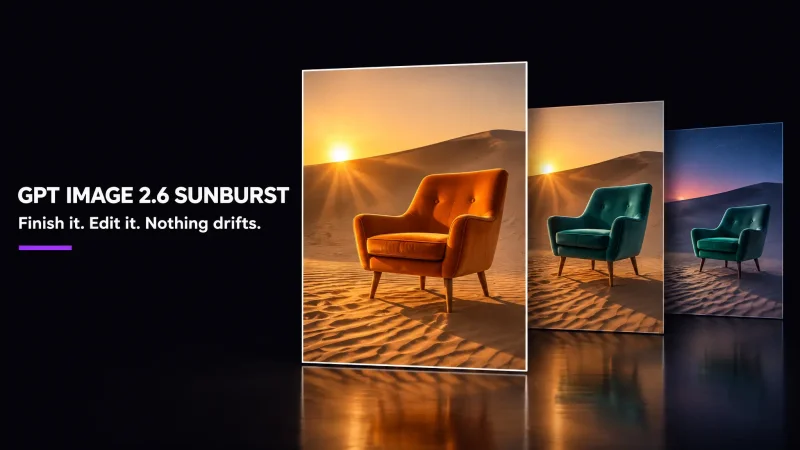
GPT Image 2.6 Sunburst is the quality-first model in OpenAI's Images 2.6 release, which arrived on November 4, 2026 in ChatGPT, Codex and the API. OpenAI describes it as the version that brings higher-quality generation and more consistency across edits. Its sibling, GPT Image 2.6 Flare, is the fast one. Sunburst is the one you reach for when the picture has to be right.
What GPT Image 2.6 Sunburst does
You describe an image in words, or start from an existing photo, and the model returns a finished picture. OpenAI's own wording is that Sunburst keeps details more consistent from one edit to the next at medium or high quality. That matters if you revise the same image several times: a logo placement, a face, a product label or a background should survive each round instead of drifting.
In side-by-side tests, Recraft found Sunburst better suited to final images and consistency, and noticed that it tends to add more dramatic finishing touches such as light rays and reflections. That is one team's subjective test, not a benchmark, so try your own prompts.
Where to use it on MagicShot
GPT Image 2.6 Sunburst is available as a model in three MagicShot tools:
Text to Image for creating a picture from a prompt.
Image Editing for changing an existing photo or illustration.
Book Cover Maker for designing a cover you can refine over several edits.
What it costs on MagicShot
When we checked the Text to Image page on November 9, 2026, GPT Image 2.6 Sunburst showed 650 credits per image at default settings. GPT Image 2.5 Sunburst showed 750 on the same page, so the newer model is about 13% cheaper there. The price shown in the tool is the one that applies to your generation.
Sunburst or Flare?
Use Flare to explore ideas quickly: OpenAI says it can generate images in as little as six seconds. Switch to Sunburst when you have a direction and want the cleanest result. Both cost 650 credits by default on MagicShot, so the choice is about speed versus finish, not price.
What we could not confirm
OpenAI's materials we read do not state a maximum resolution, and some extras OpenAI describes for its own apps, such as GIF and SVG output, are not something we claim for MagicShot. This page only lists what we checked in the tools.