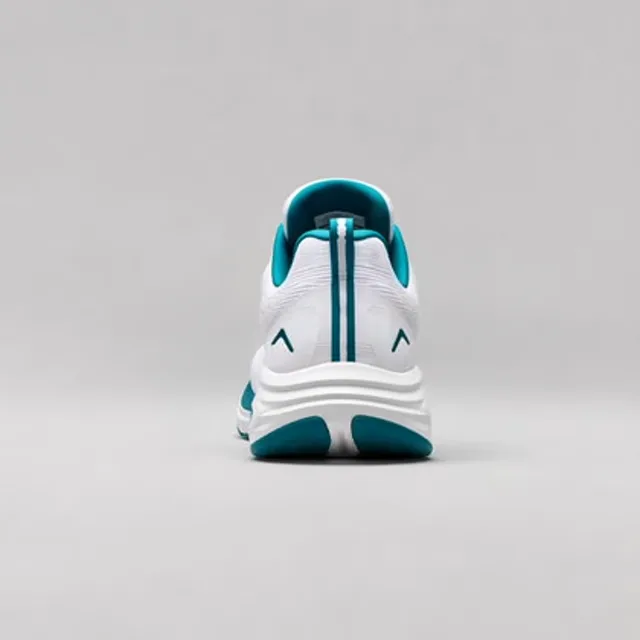
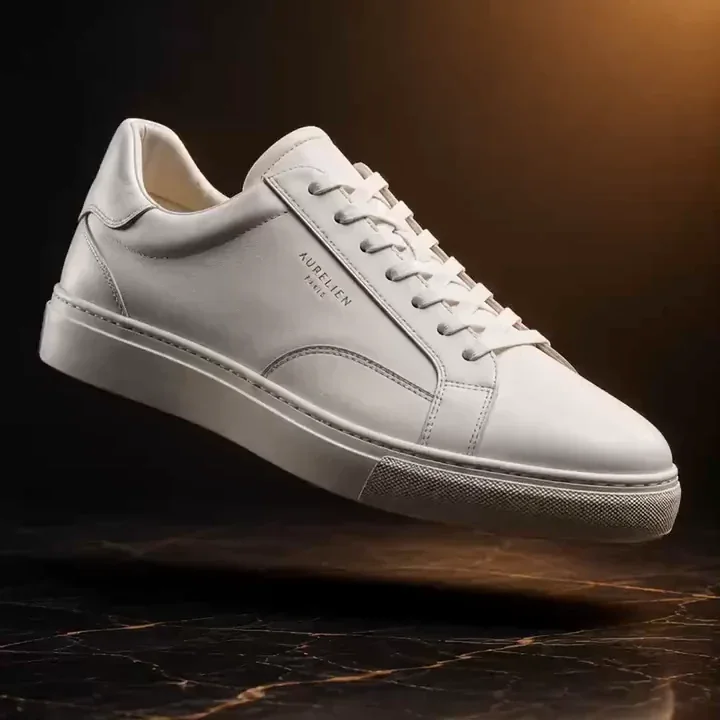
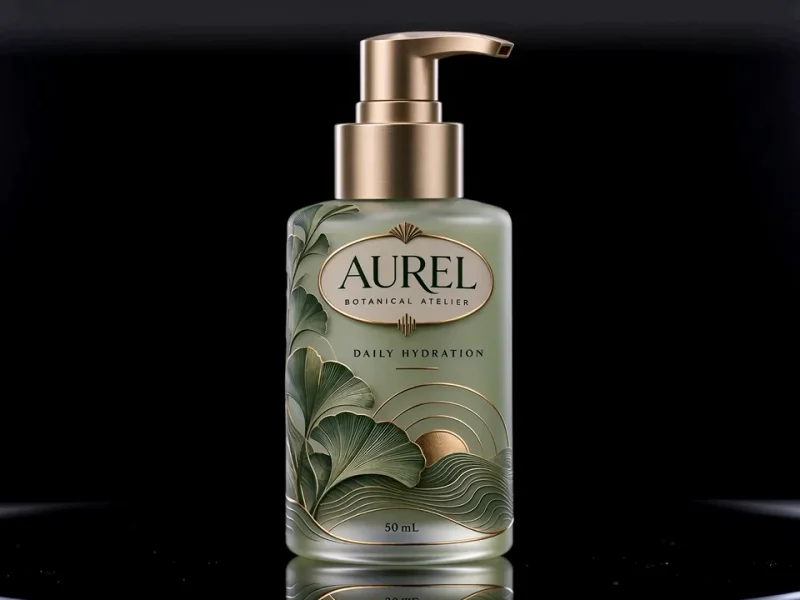

Most image-to-video tools start from a single photo. When the camera moves, the AI has to guess the sides it never saw. That is where logos warp, shapes drift, and faces change. Multi View Video starts with more information. You add photos of the same subject from different angles, and the AI refers to each one as it builds the clip.
That makes it a strong fit for anything that needs to look the same from every side. Sellers get spinning product shots without a turntable. Brands keep packaging and labels readable as the camera circles. Creators keep a character or a person consistent across shots.
Styles are optional. Camera moves such as an orbit, a slow push in, or a top-down spin direct the motion. Studio, lifestyle, and cinematic styles set the scene around the subject. Your photos and a short prompt are enough on their own.
For the best result, use sharp, evenly lit photos of the same subject in the same condition. Angles you do not upload are still estimated, so review each clip against the real product before you publish it.