
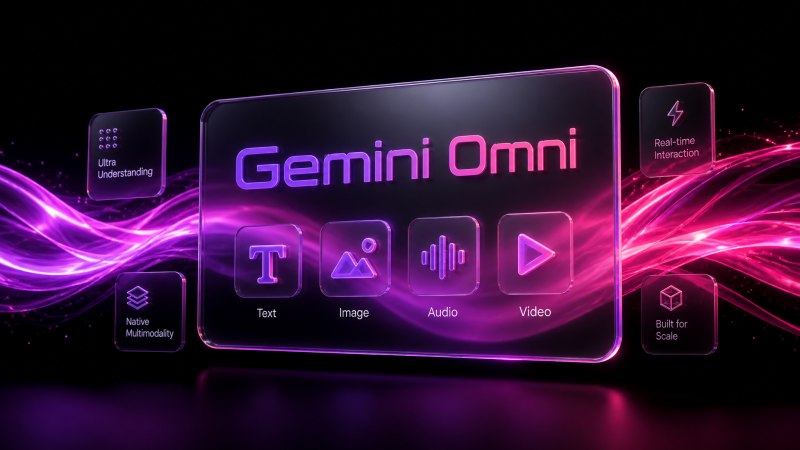
What is Gemini Omni 1.1?
Gemini Omni 1.1 is Google's multimodal video model, built for fast text-to-video and image-to-video generation with native audio in the same pass. On MagicShot, it's the model to reach for when you need a clip now, not after a five-minute render queue.
Instead of separate steps for visuals, sound, and editing, Gemini Omni 1.1 handles all three at once. Type a scene description or drop in a still photo, and the model returns a video with matching audio, motion, and framing already in place.
Text-to-video and image-to-video, in one model
Write a prompt with a scene, a camera move, and a mood, and Gemini Omni 1.1 generates a short video around it. Or upload a single image and let the model animate it into motion, which is useful for turning a product photo or a portrait into a working video without reshooting anything.
Draft cheap, then finish clean
Gemini Omni 1.1 supports multiple output resolutions, from 360p drafts up to 1080p and 4K on the finished cut. That means you can iterate on a prompt at low resolution first, then only spend on a full-resolution render once the shot is right.
Scene extension and frame control
The model can extend a scene by reading up to 10 seconds of prior context, stretching a short clip toward a longer sequence while keeping the look and story consistent. You can also set a first and last frame to guide the transition between shots.
Generate video directly from a text prompt, with audio included
Animate a single uploaded image into a moving clip
Extend an existing scene instead of starting over
Pin start and end frames for smoother transitions
Render at 360p to test ideas, then upscale the keeper
Where it fits on MagicShot
Gemini Omni 1.1 sits in MagicShot's video tools as the fastest text-to-video and image-to-video option, available to creators on a paid MagicShot plan. It's a solid pick for social clips, product teasers, and quick concept videos where speed matters more than a long, cinematic runtime.