
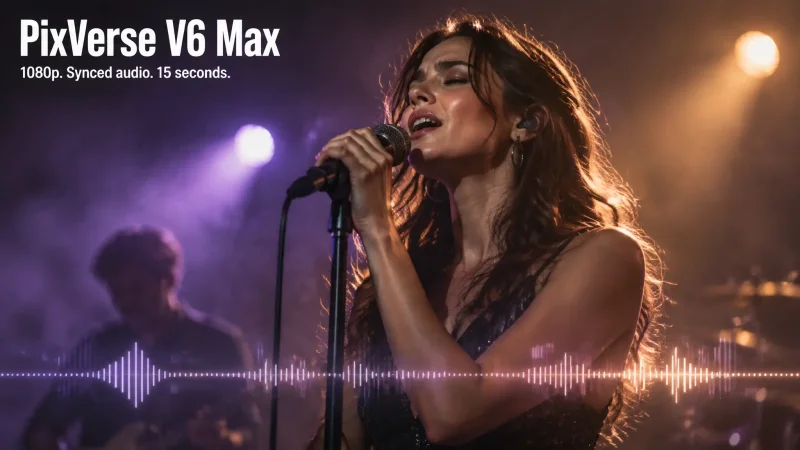
What is PixVerse V6 Max?
PixVerse V6 Max is the highest-quality model in PixVerse's V series, aimed at professional work such as ads, short dramas and music videos. It takes a text prompt or a starting image and returns up to 15 seconds of 1080p video with synchronized audio. On MagicShot you can run it from Text to Video, Image to Video and Video Avatar.
What Max changes from PixVerse V6
According to its model card, V6 Max takes the same inputs as PixVerse V6 and puts the focus on quality: better prompt following, more realistic textures and lighting, and more consistent characters and products across shots. The trade-off is that V6 Max does not support first and last frame transitions and has no style presets, so the look comes from your prompt. Keep PixVerse V6 in mind when you need those two features.
Sound, dialogue and multiple shots
Audio is generated together with the picture instead of added afterward. PixVerse lists lip-synced dialogue, multi-shot sequences and accurate product text among V6 Max's strengths, and characters who are not speaking keep their mouths shut. That combination suits ad spots with a spoken line, short scenes with more than one shot, and product clips where the label has to stay readable.
Long prompts and best uses
The model is built to follow detailed prompts with constraints on performance, camera movement and shot design. PixVerse's API accepts up to 5,000 characters for text-to-video, though the prompt box in each MagicShot tool may set its own limit. Output tops out at 15 seconds and 1080p, which fits ads, films, short-form drama and music-video style clips.