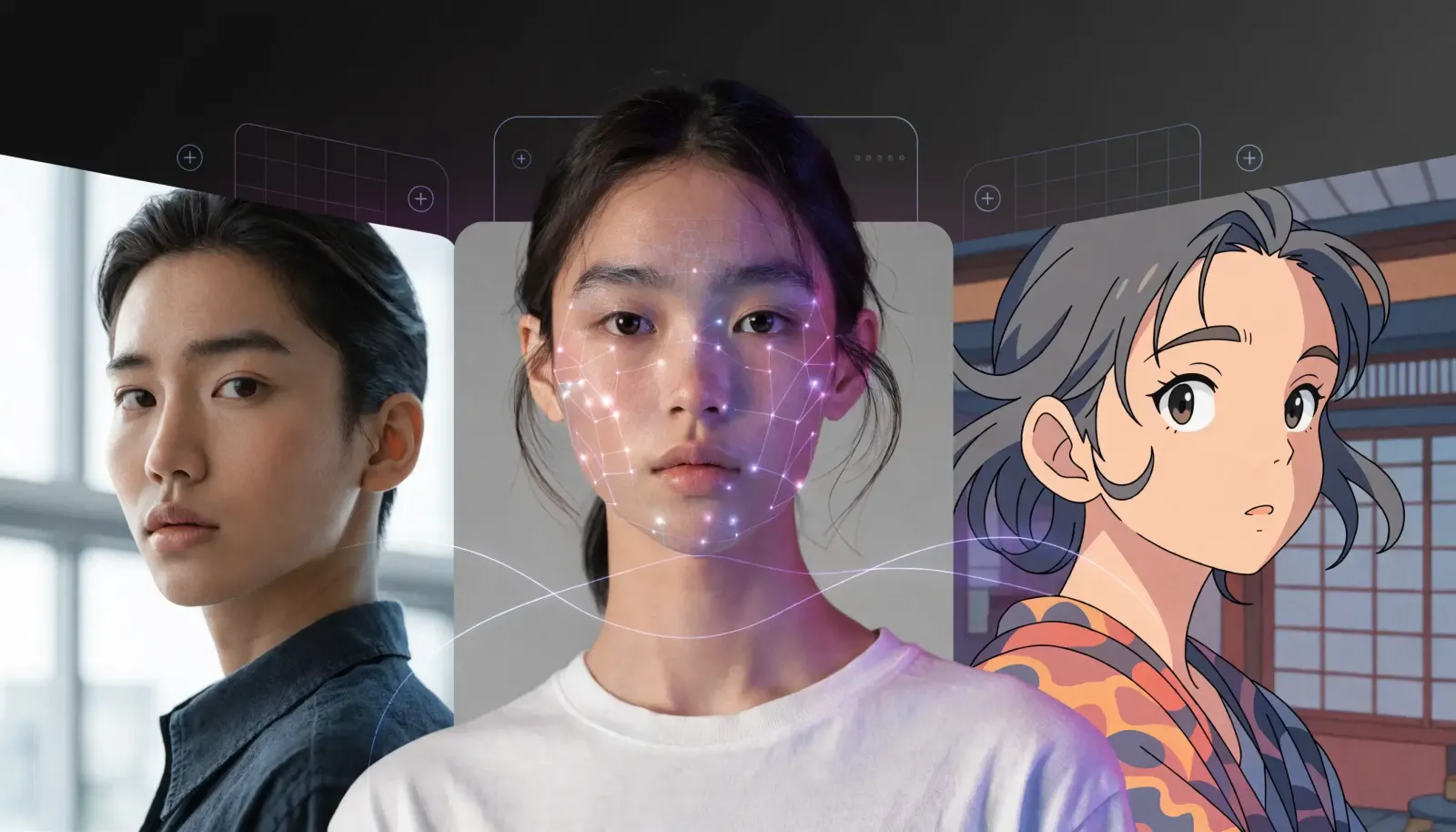
If you're hunting for the best AI photo editor in 2026, you've picked a wild year to start. The category exploded from a niche corner of photography into a mainstream obsession, with viral styles racking up hundreds of millions of edits in weeks. A good AI photo editor now does in seconds what used to take an afternoon in a layers panel: swapping backgrounds, restoring damaged prints, generating studio-quality headshots from a phone selfie, and reimagining a portrait in an entirely new art style. This guide cuts through the noise with concrete facts, real examples, and a practical framework for choosing the right tool.
I've spent the past year testing how these tools behave on real, messy photos, not curated demo shots. What follows is what actually matters when you're comparing options, plus the trends that are reshaping expectations.
What makes the best AI photo editor in 2026
An AI photo editor uses machine learning models to understand the contents of an image, then edits it from a text prompt or a single click instead of manual selections and brushes. The best one for you isn't the one with the longest feature list; it's the one that nails the specific jobs you do most, with output quality you'd actually publish.
From hands-on testing, five criteria separate the genuinely useful tools from the hype:
Edit quality on hard images. Hair, glass, fur, and busy backgrounds expose weak models fast. Clean cutouts and natural blending matter more than any single flashy feature.
Identity consistency. For headshots, avatars, and style transfers, the result has to still look like you. This is where many tools quietly fall apart.
Speed and iteration. Great editing is iterative. If each tweak takes a minute, you stop experimenting.
Range of tools in one place. Background removal, object removal, a built-in image enhancer, headshots, restoration, and style effects under one roof beats stitching five apps together.
Prompt control. The newest models follow plain-language instructions, so "change the jacket to navy and brighten the lighting" should just work.
The trend that redefined AI photo editing: Nano Banana
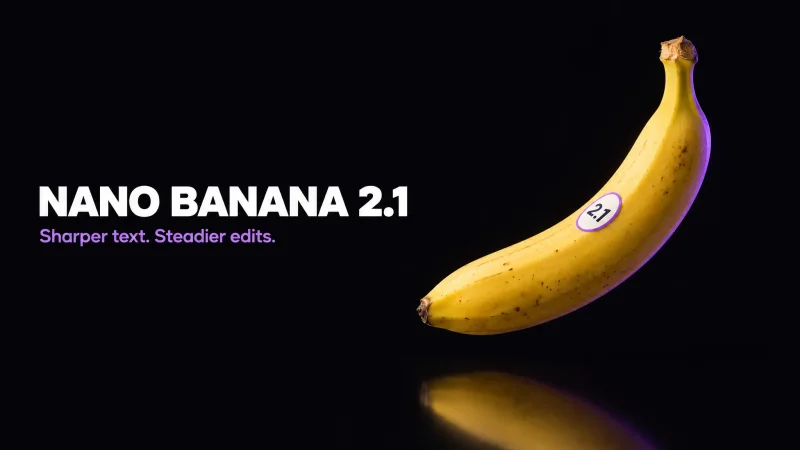
You can't talk about the best AI photo editor in 2026 without the model that set the pace. Nano Banana is the nickname for Google's image model launched in late summer 2025, and its adoption curve was unlike anything the category had seen.
Google introduced the model in August 2025, and the uptake was immediate and enormous. The Gemini app gained more than 23 million new users and people generated over 500 million images in roughly two weeks after launch, a pace that pushed the app to the top of the charts.
What made it click with everyday users wasn't a single feature but a string of shareable styles: 3D collectible figurines of yourself, vintage saree and retro portrait looks, holiday-card edits, and "time travel" shots where you appear beside a younger version of yourself. The common thread is identity consistency: the model keeps your face recognizable across dramatic transformations, which is exactly the bar a good AI photo editor has to clear.
The lesson for anyone choosing a tool: prompt-based editing with strong likeness control is now the baseline, not a bonus. If an editor can't keep your face looking like your face while it restyles everything around it, it's already behind.
How we got here: the Ghibli moment
The viral playbook for 2025 was written a few months earlier. OpenAI unveiled native image generation in its GPT-4o model on March 25, 2025, and within hours a Seattle engineer's family beach photo, restyled into a hand-drawn Studio Ghibli aesthetic, lit up social media and kicked off a global craze.
The surge was big enough to strain infrastructure. OpenAI publicly acknowledged it was working to scale capacity for the GPT-4o image tools as demand spiked, and the trend pushed weekly downloads, active users, and revenue up noticeably month over month. That episode proved a point that still holds: AI photo trends arrive fast, peak hard, and reward tools (and creators) who move quickly while interest is hot.
For your own workflow, the takeaway is simple. The best AI photo editor isn't just good at practical fixes; it lets you ride these style waves without learning a new app every time one breaks.
The core jobs a great AI photo editor should handle
Trends are fun, but most editing is unglamorous and repetitive. Here are the workhorse tasks where quality really counts, and what "good" looks like in each.
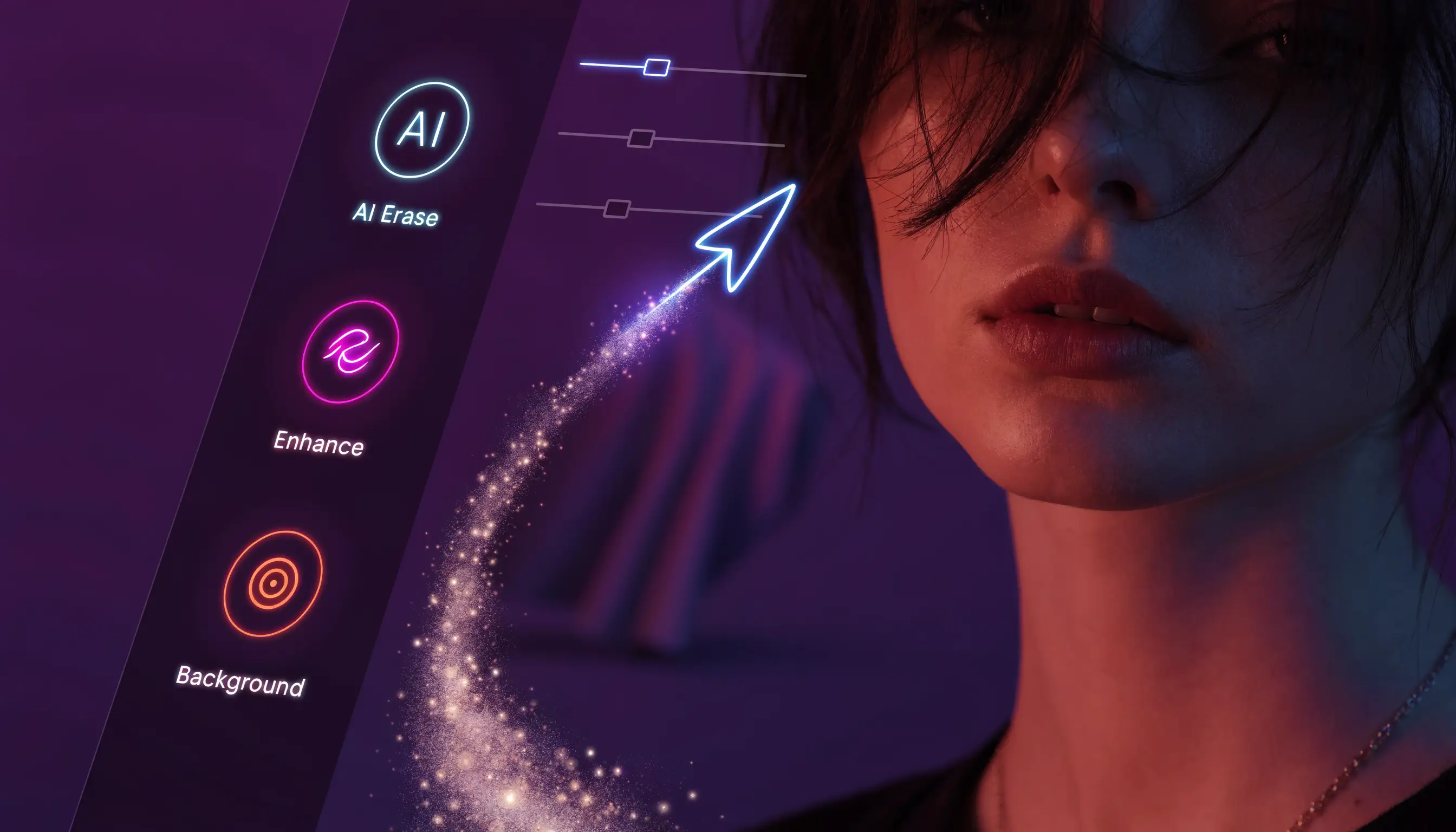
Background removal and replacement
This is the single most-demanded editing task on the planet, and the bar is high. A strong editor produces clean edges around hair and semi-transparent areas, then blends a new background with matching light and shadow so the composite doesn't scream "cut and paste." For product shots, profile pictures, and listings, this one feature pays for itself.
Object and distraction removal
Removing a photobomber, a stray sign, or a blemish should leave no smear or ghosting behind. The best tools reconstruct the area behind the object convincingly, even across complex textures like grass, brick, or water.
AI headshots from a selfie
Professional headshots used to mean booking a studio. Now a handful of casual selfies can become polished, well-lit portraits suitable for LinkedIn, résumés, and team pages. The make-or-break factor is likeness: the result should look like a real photo of you on a good day, not a glossy stranger.
Photo restoration and enhancement
Restoring faded, scratched, or low-resolution prints is one of the most emotionally rewarding uses of AI editing. A capable model removes scratches, recovers detail, and can colorize black-and-white images while keeping faces accurate. Enhancement tools sharpen and upscale modern photos without that over-processed, plastic look.
Style transfer and creative effects
This is where the Ghibli and Nano Banana energy lives: turning a portrait into an illustration, a figurine, a vintage film look, or a themed scene. Good style transfer is bold in the transformation but faithful to your features.
Where MagicShot fits
MagicShot's AI photo editor is built around exactly these jobs, combining background removal, object cleanup, AI headshots, photo enhancement, restoration, and trend-driven style effects in one place. The goal is to skip the app-hopping: instead of one tool for cutouts, another for headshots, and a third for restyling, you handle the whole pipeline in a single workspace with prompt-based control.
Because the viral styles change month to month, having generation and editing under one roof matters. When the next Nano Banana-scale trend lands, you want to try it where your photos and edits already live, rather than starting over somewhere new.
How to choose the best AI photo editor for your needs
There's no single winner for everyone. Match the tool to the work:
Define your top two tasks. Headshots and background removal? Restoration and enhancement? Pick the editor that's demonstrably strong at those, not the one with the biggest feature grid.
Test on your hardest photo. Upload an image with messy hair, glasses, or a cluttered background. If the cutout and blending hold up there, the easy cases will be fine.
Check identity consistency. For anything involving your face, run the same selfie through and judge whether it still looks like you across styles.
Judge iteration speed. Make three quick edits in a row. Smooth, fast iteration is what turns a tool into a habit.
Look for breadth in one workspace. Fewer tabs and fewer exports between apps means faster, cleaner results.
A practical rule of thumb: the best AI photo editor is the one that gets your real photos to "ready to publish" in the fewest steps, while still looking like the moment you actually captured.
What's coming next
The pace isn't slowing. Models are iterating on a scale of months, not years, and each release raises the floor for prompt accuracy and likeness. Expect three things to keep trending into 2026: ever-more-realistic restyles that preserve identity, conversational editing where you describe changes in plain language, and seasonal waves of shareable styles tied to holidays and hiring cycles. Choosing a flexible, all-in-one editor now means you won't be scrambling to switch tools every time the internet falls in love with a new look.
The bottom line
The best AI photo editor in 2026 isn't defined by a single killer feature; it's the tool that handles your everyday tasks cleanly, keeps faces recognizable, iterates fast, and lets you join the viral moments without learning a new app each time. Start with the jobs you do most, test on your toughest images, and prioritize quality and consistency over hype. Do that, and you'll land on an editor that earns a permanent spot in your workflow.