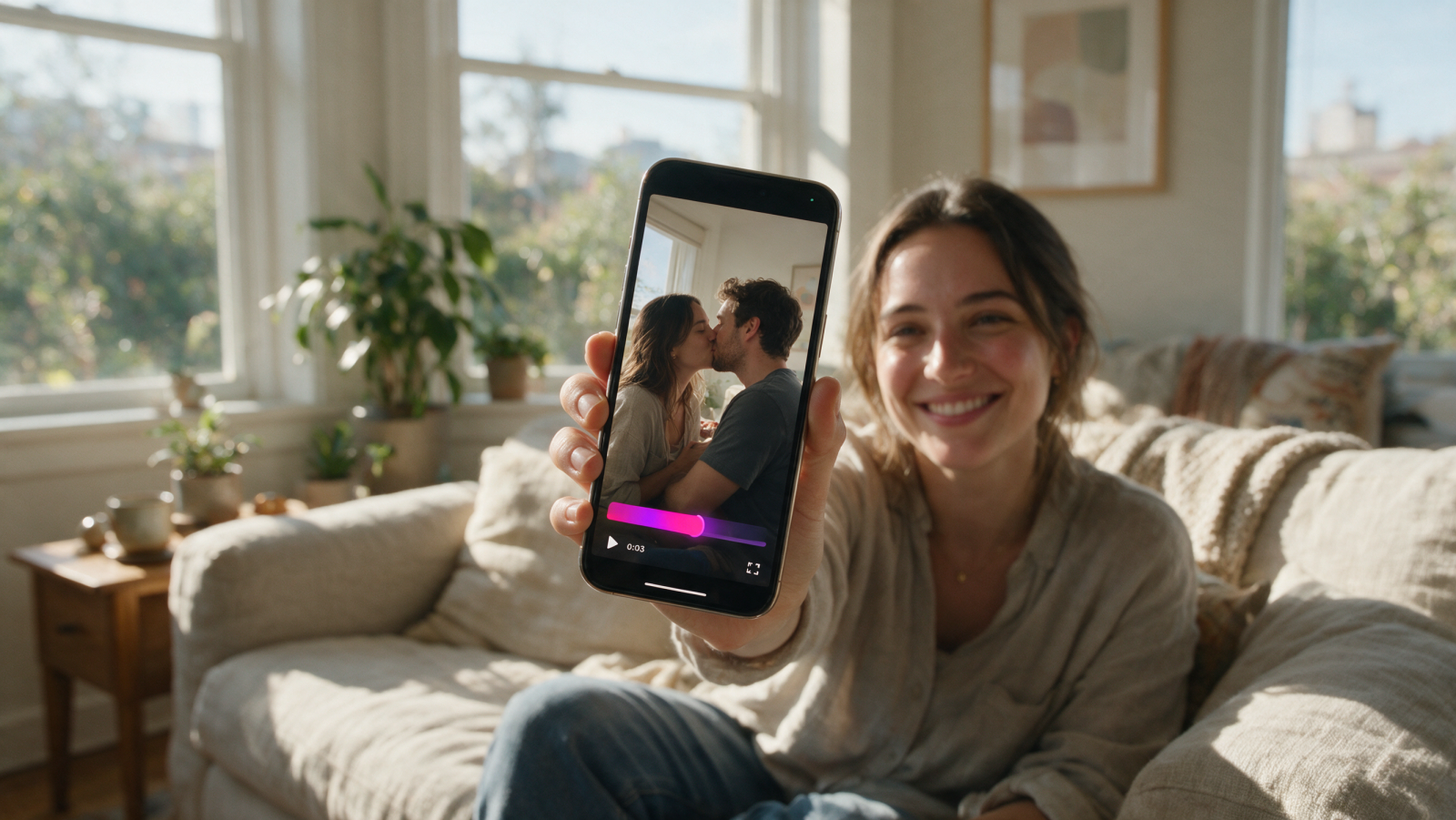
You have a photo of you. You have a photo of them. What you don't have is a second camera, a willing friend behind it, or the nerve to restage the moment six months later. An AI kiss generator covers that gap. Feed it two portraits, and it animates a short clip where those two faces turn toward each other and kiss.
Here's the direct answer before the details: an AI kiss generator is a tool that takes two uploaded photos and produces a few seconds of video in which the two people kiss. You don't script anything. You don't keyframe anything in an editor. You upload, pick a kiss style, wait for the render, and download a clip you can post.
What an AI kiss generator actually is
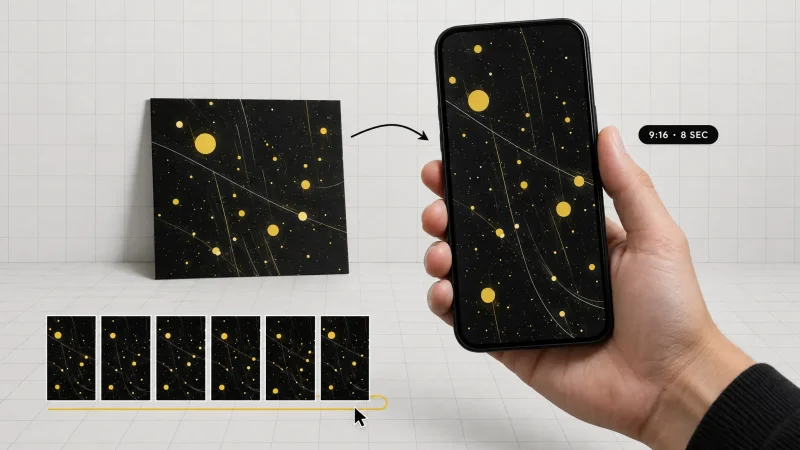
Strip away the branding and it's an image-to-video model with a very narrow job. It reads two still images, locates the faces, works out head position and lighting, then generates the in-between frames: the turn, the lean, the contact, the small settle afterward. The output is a short video file, not a still.
That narrowness is the point. General video models will happily give you a spaceship or a cooking montage, and they're bad at holding two specific faces steady while those faces move close together. A dedicated kissing AI is tuned for one motion path, which is why the identities usually survive the render instead of melting into two generic strangers.
What it is not: a face swap, a photo filter, or a still image with a heart sticker on it. If you want a static frame, that's a different tool. The whole reason people search for an AI kissing video generator is motion. A kissing photo is a photo. A kissing video reads as a moment.
How to make an AI kissing video in three steps
Upload two photos. One clear face per image. Shoulders-up crops work best, and both people should be looking roughly at the camera.
Pick the kiss style. A soft kiss, a cheek kiss, or a French kiss preset changes how far the heads travel and how long the contact holds.
Generate and download. The model renders the motion, you preview it, and you save the clip to your phone or desktop.
That's the entire flow in MagicShot's AI kissing video generator. No timeline, no masking, no keyframes. The part people underestimate is step one, which is where nearly every bad result comes from.
The photo rules that decide whether it looks real
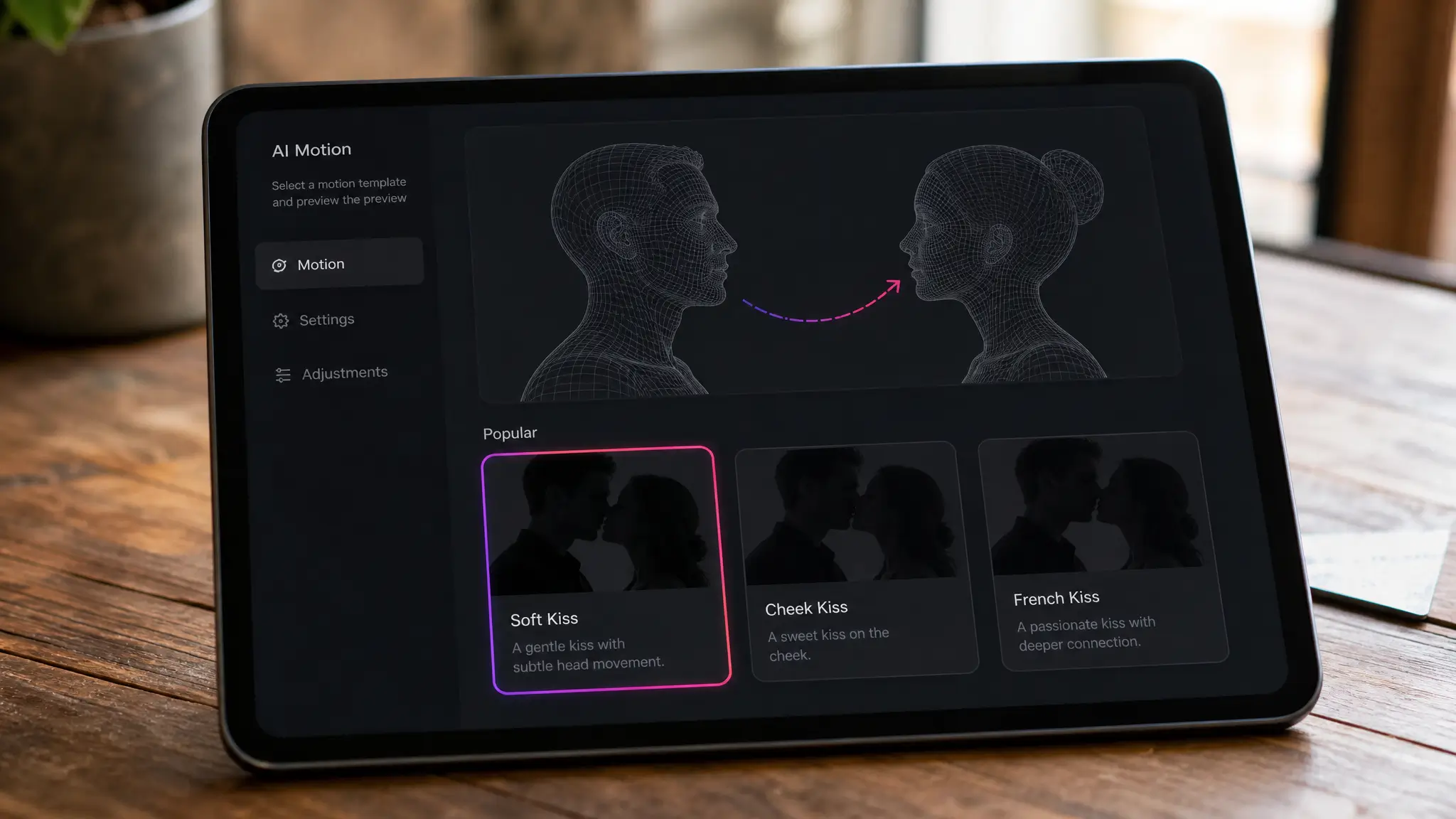
I've run enough of these to know the pattern: the model isn't usually the problem, the source images are. Two photos taken in wildly different conditions produce a clip where one face looks pasted onto the other. Fix the input and the output fixes itself.
Front-facing beats profile. If the face is turned more than about 30 degrees from the camera, the model has to invent the far cheek and jawline. That's where the wobble starts.
Both eyes visible. Sunglasses, a heavy fringe, or a hand near the face gives the model less to anchor to.
Match the light. A photo shot in warm indoor light next to one shot in blue midday shade will look like two different weather systems in one frame. Pick a pair with similar direction and warmth.
Crop the crowd out. Group shots confuse face detection. Crop to one person before you upload.
Skip the heavy filters. Beauty smoothing removes the skin texture the model uses to keep the face looking like a face.
Resolution matters more than megapixels. A sharp face that fills a decent share of the frame beats a 4000 pixel wide photo where the head is the size of a thumbnail.
Mind the mouth. Wide open laughing mouths, chewing, straws, cigarettes: all of it makes the kiss motion awkward. Neutral or lightly smiling is the safest input.
Two portraits that were never in the same room
This is the actual use case for most people. Long distance couples, a grandparent who passed before the wedding, two friends who live on opposite coasts. The photos were never meant to sit together, so give the tool a hand: crop both to a similar framing, keep both heads at a similar size in frame, and choose versions where neither person is wearing something that dominates the shot, like a big hat or a hood.
French kiss, soft kiss, or peck: choosing the energy
The preset does more work than the prompt here. A French kiss AI preset produces a longer, slower contact with more head movement, which is why it's the most requested and also the least forgiving. Slower motion means more frames where a hand, a strand of hair, or a pair of glasses can drift.
A few practical calls:
Soft or closed-mouth kiss: the safest option, and the one that looks most natural on faces shot from slightly different angles. Start here if it's your first render.
French kiss: use it when both photos are front-facing, well lit, and high resolution. It's the version people share as a joke with their partner, and it's the version that looks worst on a blurry source photo.
Cheek kiss: the one to pick for family photos, friends, or anything you'd send to a group chat that includes your mother.
Where AI kissing videos actually get posted
Search volume for terms like AI kiss, kiss AI generator and AI kissing app spiked for a reason: these clips are built for the vertical feed. The real-world uses I keep seeing:
Anniversary and birthday posts. A couple photo from 2014 next to one from last week, animated into one kiss.
Long distance relationship content. Two people who haven't been in the same zip code for months, kissing on camera anyway.
Wedding and engagement teasers. A quick clip in a stories slot before the real photos land.
Fandom and ship edits. Two characters, one clip, a comment section that loses its mind.
Jokes between friends. Which is, honestly, most of the volume. Two mates who would never, now permanently kissing on the group chat.
Vertical crop, under ten seconds, no captions needed. That's the format that travels on TikTok and Reels.
Where AI kiss generators still trip up
Nobody benefits from pretending this is perfect. Known weak spots, so you can work around them:
Glasses. Reflections and frames can warp during the lean. Choose a photo without them when you can.
Hands near the face. A hand on the chin in the source photo tends to become a smear in motion.
Extreme angle mismatches. One photo from below and one from above gives you a clip that feels physically wrong even if the faces are fine.
Long or complex hair. Loose hair moves during the turn, and that motion is guesswork.
Unusual jewelry and hats. Anything the model hasn't seen much of tends to shift shape across frames.
The fix for almost all of these is the same: try a different source photo before you try a different tool. Two renders from two better inputs beat ten renders from the same bad pair.
What separates a good kiss AI generator from a bad one
There are dozens of these now, and most of them are the same model behind a different logo. The differences that actually show up in the output:
Identity retention. Play the clip and pause on the last frame. If either face has drifted away from the source photo, the tool is generating a generic face rather than animating yours. This is the single biggest quality gap between tools.
Preset range. One motion path gets boring fast. A soft kiss, a cheek kiss and a French kiss option give you something to switch to when the first render looks stiff.
Render time. These clips are impulse content. If it takes longer to generate than it does to eat lunch, you'll abandon it.
Output that fits the feed. A clip you have to re-crop in another app before posting costs you more time than the generation saved.
Moderation that works. A tool with no upload checks is a liability, not a feature.
One more, less obvious: whether the kiss tool sits next to the other tools you'll need in the same session. A kiss clip usually turns into a wider edit, and bouncing between four sites to get sound, an effect and a second animated shot is where the time actually goes.
The couple photo problem this quietly solves
Ask any couple for a good photo of the two of them and watch the panic. Most people have hundreds of solo shots and maybe three decent pictures together, usually taken by a stranger at an angle nobody asked for. An AI couple photo built from two separate portraits sidesteps that entirely, and animating it into a kiss gives you something with more life than a static side-by-side collage.
The same logic applies to anyone who missed the moment: a friend who couldn't make the trip, a pet owner who wants a cheek kiss with a dog who never sits still, a family photo where one person was behind the camera all day. The generator isn't inventing a relationship. It's animating one that already existed and never got filmed.
Consent, and the line you don't cross
Worth saying plainly, because the search results for make people kiss AI are full of people who haven't thought about it. Use photos of yourself and of people who have agreed to it. Do not upload photos of minors. Do not build kissing content of real public figures who never consented, and don't use these clips to imply a relationship that doesn't exist.
The rule I use: if you wouldn't show the person the clip before you post it, don't make the clip.
Every reputable kissing AI runs content moderation on uploads and blocks material involving minors. That's not a limitation to route around. It's the reason the category is allowed to exist.
AI kissing app or browser tool?
Most searches for kissing app assume you need an install. You don't. A browser-based generator runs the render on a server, so an older phone gets the same output quality as a new laptop, and you're not handing camera roll permissions to another app. Upload from your phone's browser, generate, save to your photos. The practical advantage of doing it in a browser: your other tools live in the same place, so you can keep working on the clip without exporting between apps.
Small touches that make the clip land
The kiss render is the middle of the job, not the end. Three things worth doing after:
Add a track. A five second clip with no sound reads as unfinished in a feed. Generate something that fits the mood with an AI music generator instead of pulling a track that gets your post muted.
Animate the setup shot. If you want a before-and-after, run the original couple photo through an image to video tool so the whole sequence moves rather than cutting from a still.
Stack an effect. Transitions, zooms and stylized looks from an AI video effects generator give you a second beat after the kiss, which is usually what keeps people watching to the end.
Does an artificial intelligence kiss video actually fool anyone?
At a glance on a phone screen, from a good source pair: often, yes. Slowed down or viewed full screen on a desktop, the tells show up. Watch for the moment of contact, where lips can lose definition, and the first and last half second, where motion tends to be softest.
That's fine for what these clips are. Nobody posting a kiss video of themselves and their partner is trying to pass off documentary evidence. The value is the reaction in the comments, not photorealism that survives forensic review. Judge the output by whether it made someone laugh or made someone's day, not by whether it beats a detection tool.
The five-minute version
Pick two sharp, front-facing photos with similar lighting. Crop both to shoulders-up. Start with a soft kiss preset before you try French kiss. Generate, check the contact moment, and re-run with a different photo if something drifts. Add sound, crop vertical, post.
The old version of this task involved getting two people in the same room, in the same mood, with a camera pointed at them. The AI kiss generator version takes two photos from your camera roll and about the time it takes to make coffee. That's the trade, and for a clip that lives in a feed for 48 hours, it's a good one.