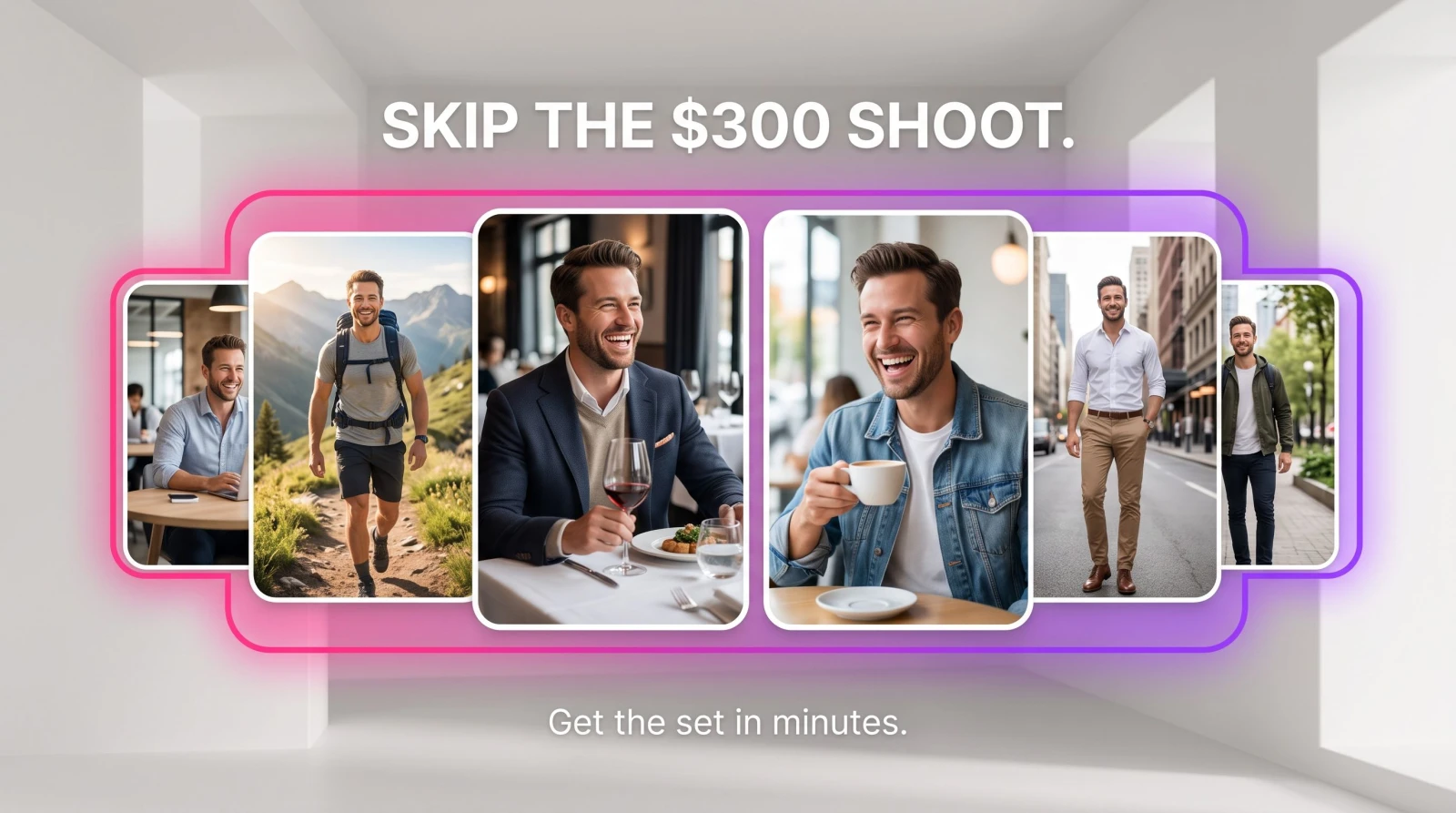
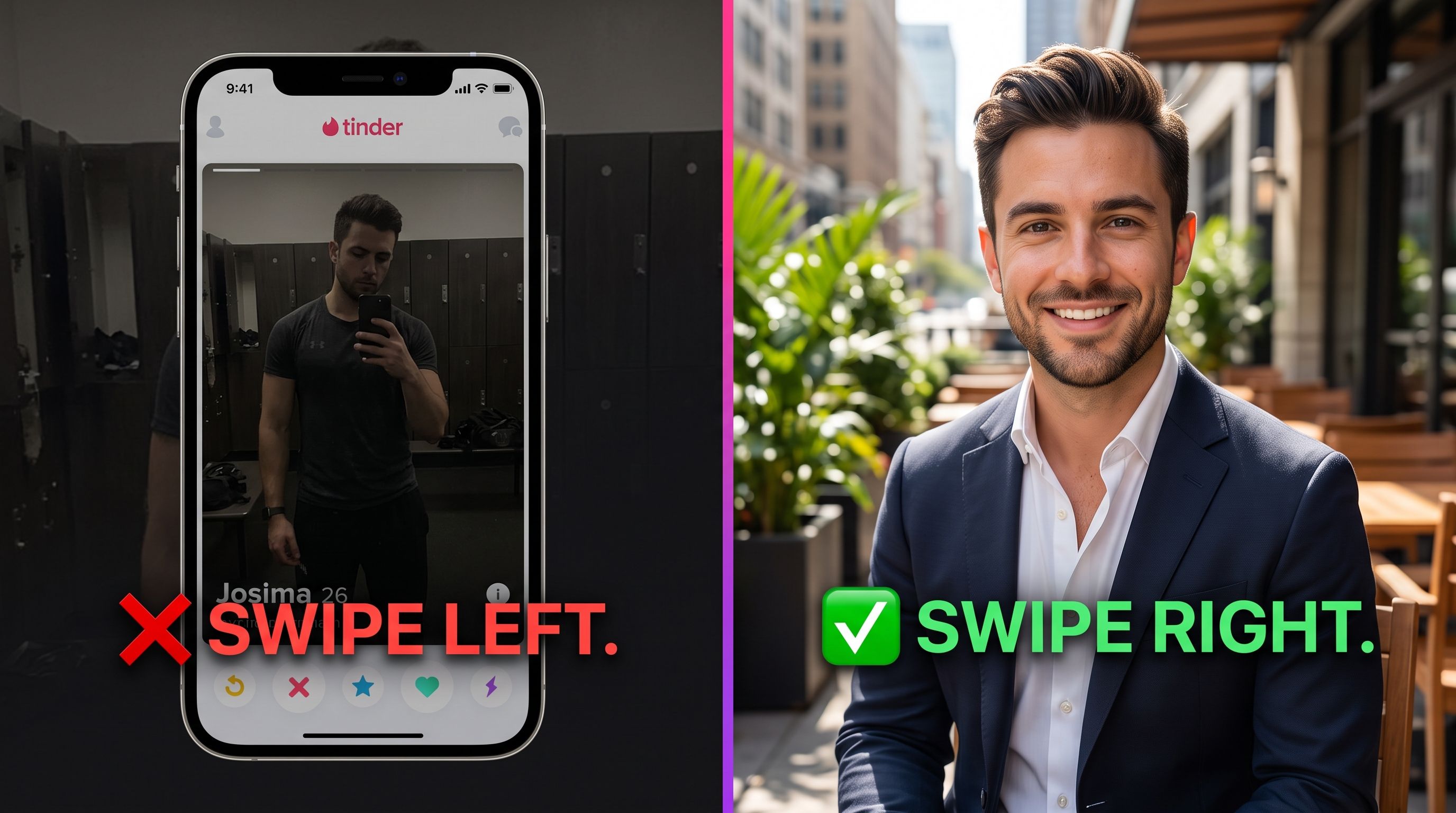
Your dating profile lives or dies on the first photo. Swipers give it about a second before deciding, so a blurry gym mirror shot or a cropped group pic is quietly costing you matches. AI dating profile photos fix that gap without a paid photographer or a weekend shoot. You upload a handful of selfies, and the tool returns a set of clean, well-lit, natural-looking portraits built to earn the swipe right. No $300 booking fee, no reshoot, no awkward posing in a park while a friend holds your phone.
This guide covers what these tools actually do, why they work on apps like Tinder, Hinge, and Bumble, how to pick your inputs, and the mistakes that make AI photos look fake. If you have ten spare selfies, you have everything you need to start.
What are AI dating profile photos?
AI dating profile photos are portraits generated from your own selfies by a model trained to recreate your face, then place it into flattering lighting, backgrounds, and outfits. You feed it 8 to 15 photos of yourself. It learns your features and produces new shots that still look like you, minus the harsh phone flash and cluttered bedroom behind you. Think of it as a photo session that runs on your camera roll instead of a rented studio.
The point is not to become someone else. It's to show the best-lit, best-framed version of the person who actually shows up on the date. Good AI dating profile photos keep your real jawline, your real smile, and your real hair, and just stop sabotaging you with bad angles and yellow overhead lighting.
Why bad photos kill your matches (and how AI fixes it)
Dating apps are a photo game before they're anything else. Most people never read your bio if the first image doesn't land. The usual offenders are predictable:
The dim selfie. Overhead lighting throws shadows under your eyes and makes everyone look tired.
The group shot as photo one. Nobody wants to guess which person is you.
The heavy filter. Beauty filters read as fake and set up a letdown when you meet in person.
The same angle five times. A profile needs variety: a close smile, a full-body shot, one candid.
An AI photoshoot solves the variety problem in one pass. Instead of one usable picture out of forty, you get a spread of angles, outfits, and settings you can mix into a full profile. And because you can regenerate as many looks as you want, you can test which vibe pulls, a coffee-shop candid versus an outdoors shot, and keep the winners.
How AI dating profile photos work, step by step
The workflow is short. You do about two minutes of work; the model does the rest.
1. Upload your selfies
Pick 8 to 15 clear photos where your face is easy to see. Vary the angles and expressions, use recent shots, and skip sunglasses, hats, and group pics. The better your inputs, the more the output looks like you on a good day.
2. Pick your styles
Choose the settings and outfits that fit the impression you want: casual outdoors, smart-casual indoors, a clean neutral background. This is where you decide whether your profile says "weekend hiker" or "dinner-and-drinks."
3. Generate and download
The tool produces a batch of portraits. You keep the ones that look most like you, download them, and drop them straight into Tinder, Hinge, or Bumble. If you want more variety, regenerate with different styles.
MagicShot's Dating Profile Photos tool runs exactly this way, so you can go from camera roll to a finished profile without booking anyone.
What makes a great dating photo (rules the AI follows for you)
Photographers who shoot dating clients follow a few consistent rules. AI bakes them in, but it helps to know what you're aiming for so you pick the right outputs.
Soft, even light. Front-facing daylight beats overhead bulbs every time. It removes shadows and makes skin look healthy, not shiny.
Eyes visible, genuine smile. A real smile that reaches the eyes reads as approachable. Clear eye contact builds trust in a split second.
A clean or interesting background. A neutral wall or a real-world setting keeps the focus on you instead of a messy room.
One clear full-body shot. People notice when every photo is a tight face crop. A full-body picture signals you have nothing to hide.
Variety across the set. Different outfits and settings make a profile feel like a real person with a real life.
AI dating photos vs. a photographer vs. your camera roll
A pro dating shoot in a big city runs $200 to $500 and eats a weekend afternoon, plus the wait for edits. Your camera roll costs nothing but rarely has more than one or two usable shots, and none of them were framed for a dating app. AI sits in between on effort and lands closest to the photographer on results.
The honest trade-off: a photographer captures true candid moments and real chemistry with a location. AI can't invent a memory you never had. What it can do is take the face you already have and present it well, in more variety, on your schedule. For most people rebuilding a profile this weekend, that's the better deal.
Beyond the profile: rounding out your dating presence
Photos do the heavy lifting, but a few extras help you stand out once you match. If you want a short video for a Hinge prompt or an Instagram you link in your bio, MagicShot's Image to Video tool can turn a still portrait into a subtle moving clip. And if an old favorite photo is grainy or faded, the Image Upscaler sharpens it up to app-ready resolution.
The same face-first approach carries over to the rest of your online life. The techniques behind dating photos are close cousins of MagicShot's Professional Headshots, so once you've dialed in your best angles for dating, you can spin up a LinkedIn set from the same batch of selfies.
How to pick the best selfies to upload
Your results are only as good as what you feed the model, so this step matters more than any style setting. Aim for 8 to 15 photos taken in different places, at different times, with a few different expressions. Recent is better than flattering-but-old: if you upload shots from three years and one haircut ago, the output won't match the person who walks into the bar.
Show your face clearly. Face the camera in most shots. A couple of side angles are fine, but the model needs to see your features head-on to learn them.
Skip the accessories. Hats, big sunglasses, and heavy filters hide the exact details the model needs. Save the character for the final styling.
Mix close and far. Include a few from the chest up and a couple with more of your body in frame so the tool can produce both.
No group photos. Extra faces confuse the model about which one is you.
Which dating app are you shooting for?
Not every app rewards the same look, so tailor your set once you have the outputs. Tinder is fast and visual, so lead with your single strongest, brightest smile. Hinge is built around prompts and conversation, so a candid that hints at a hobby gives people something to open with. Bumble skews a touch more polished, so a smart-casual shot with a clean background often outperforms a rowdy night-out photo.
The good news: one AI photoshoot gives you enough variety to serve all three. Generate a broad set, then hand-pick the two or three that fit each app's vibe. You're not shooting three times; you're curating one batch three ways.
Common mistakes that make AI photos look fake
AI photos go wrong in a handful of predictable ways, and every one is avoidable at the input stage.
Feeding it bad selfies. If your uploads are blurry, dark, or all the same angle, the output will be too. Garbage in, garbage out.
Over-styling. A tuxedo backdrop for a coffee date reads as catfishing. Match the setting to who you really are.
Picking outputs that don't look like you. Always choose the shots closest to your real face. The goal is confidence on the date, not a stranger showing up.
Using only face crops. Mix in the full-body and candid options so the profile feels lived-in.
The bottom line
You don't need a photographer or a lucky camera roll to have a dating profile that earns swipes. Upload your selfies, choose settings that match your real life, and let the tool hand back a set of clean, flattering portraits you'd actually use. Keep the ones that look like you, spread them across a few angles and outfits, and let the better photos do the work. Your next match is deciding in a second. Give them a good one to look at.