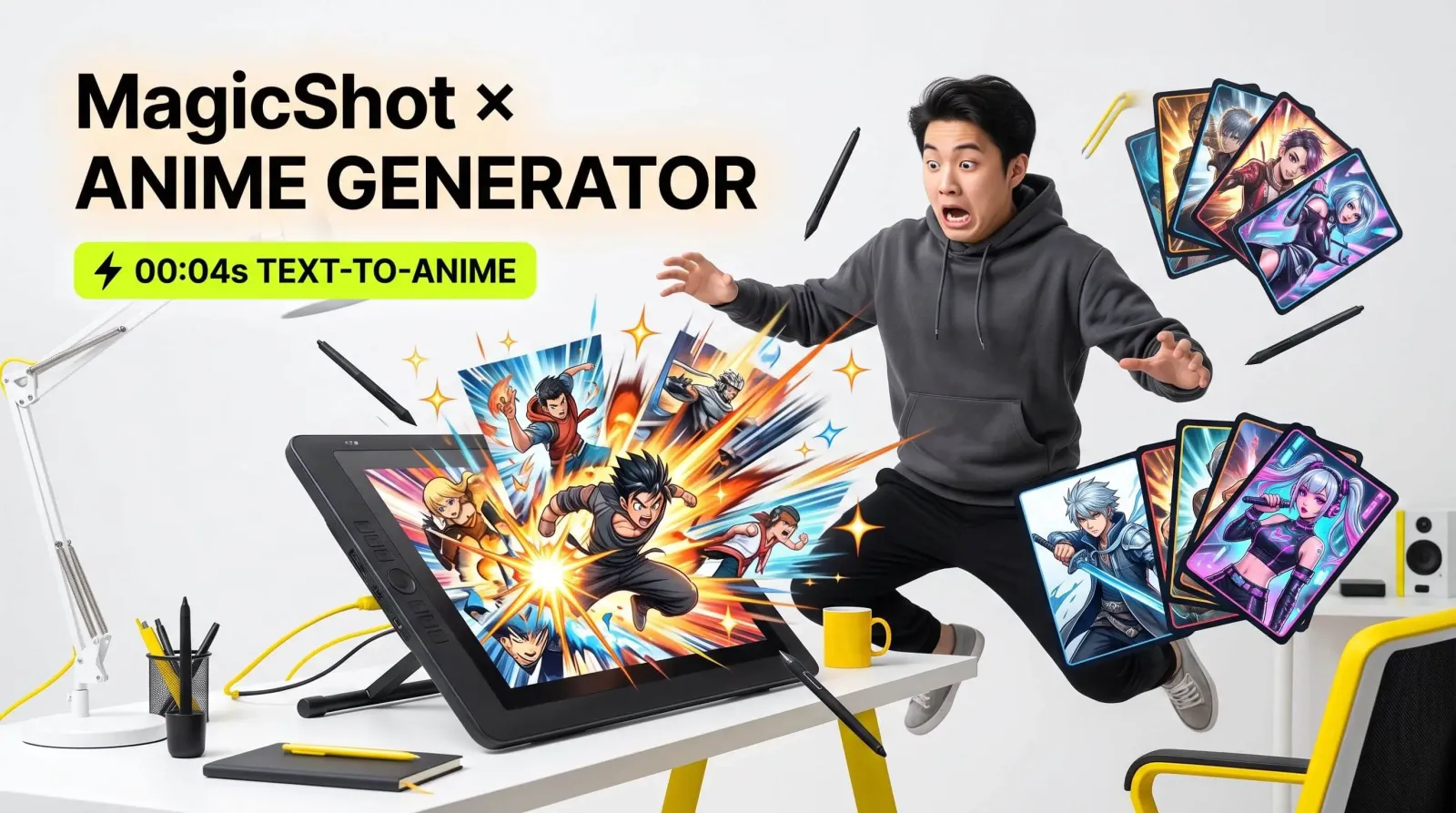
An anime AI generator is a tool that turns a text description, a selfie, or a rough idea into polished anime-style artwork in seconds. Instead of spending hours sketching, inking, and coloring, you type what you want, a silver-haired swordsman under cherry blossoms, a cyberpunk idol in neon rain, and the model renders it for you. That single shift, from manual drawing to guided generation, is why anime creators, cosplayers, VTubers, and hobbyists have flocked to these tools over the past two years.
If you have ever stared at a blank canvas wishing you could draw like your favorite manga artist, this guide is for you. I have tested dozens of prompts and styles, and below I break down exactly how an anime AI generator works, which styles you can reach, how to write prompts that actually land, and how to take your character from a still image to a moving, speaking creation.
What Is an Anime AI Generator?
An anime AI generator is an image model trained on huge collections of illustration data so it understands the visual language of anime: large expressive eyes, clean line art, cel shading, dramatic hair, and stylized proportions. You give it a prompt or a reference photo, and it produces original artwork in that aesthetic. The best AI anime generator tools let you steer the result, choosing art style, mood, camera angle, and even the color palette, so the output feels intentional rather than random.
There are two common ways people use these tools. The first is text-to-anime, where you describe a scene or character from scratch. The second is photo-to-anime, where you upload a real photo and the generator reinterprets it as an anime character while keeping recognizable features like hairstyle, pose, or expression. MagicShot's Anime Generator handles both, so you can start with words or with a face you already love.
How an AI Anime Character Generator Works
Under the hood, an AI anime character generator uses a diffusion model. It starts with random visual noise and, guided by your prompt, gradually refines that noise into a coherent image that matches your description. Each pass sharpens the details until the swordsman, idol, or mech pilot you asked for appears fully rendered.
What matters to you as a creator is control. A strong generator gives you levers for:
Style: shonen action, soft shojo, chibi, 90s retro cel, dark seinen, or modern webtoon.
Character details: hair color and length, eye shape, outfit, accessories, age, and expression.
Composition: close-up portrait, full body, dynamic action pose, or wide establishing shot.
Lighting and mood: golden-hour warmth, moody rim light, or bright everyday scenes.
The tighter your prompt, the more predictable your result. That is the single biggest difference between a lucky output and a repeatable creative workflow.
Anime Styles You Can Create
A good anime generator is not locked to one look. Here are the styles most people reach for, with quick notes on when to use each.
Classic shonen and action
Bold outlines, high contrast, and energetic poses. Ideal for hero characters, fight scenes, and cover-art-style illustrations that need to feel powerful and kinetic.
Soft shojo and slice-of-life
Delicate lines, pastel palettes, and gentle lighting. Perfect for romance scenes, cozy everyday moments, and dreamy portraits with lots of atmosphere.
Chibi and sticker-friendly art
Oversized heads, tiny bodies, and exaggerated emotions. Great for cute mascots, reaction art, and messaging packs, pair it with a Sticker Maker to turn your character into a full set you can actually use in chats.
Cyberpunk and fantasy
Neon cities, glowing effects, elaborate armor, and magical settings. This is where prompt detail pays off, because the environment is doing as much storytelling as the character.
How to Write Prompts That Actually Work
The prompt is your brush. A vague prompt like "anime girl" gives the model too much room to guess, so results wander. A layered prompt gives it direction. I structure prompts in four parts: subject, style, setting, and finish.
Subject: "A young female archer with long crimson hair tied in a high ponytail and green eyes."
Style: "detailed shonen anime illustration, clean line art, cel shading."
Setting: "standing on a cliff at sunset, wind blowing her cloak."
Finish: "dramatic rim lighting, vibrant colors, dynamic full-body pose."
Stack those together and you get a specific, art-directed request instead of a coin flip. A few extra tips from experience:
Name emotions directly, "confident smirk" beats hoping the model guesses the mood.
Specify the shot, "close-up portrait" or "full body" changes composition dramatically.
Iterate in small steps, change one variable at a time so you learn what each word does.
If you want to push beyond anime into painterly and mixed styles, the same prompting habits carry over to a broader AI Art Generator, which is handy when a project needs concept art alongside your characters.
From Selfie to Anime Character
Photo-to-anime is the feature most first-timers fall in love with. You upload a clear, well-lit photo, front-facing works best, and the generator translates your features into an anime portrait. To get the most flattering results:
Use a sharp photo with even lighting and minimal background clutter.
Pick a style that suits the vibe you want, then adjust hair or outfit through the prompt.
Generate several variations and cherry-pick the strongest, rather than expecting the first try to be perfect.
This is how people build profile pictures, D&D-style character portraits, and custom anime wallpapers that actually look like them. Once you have a character you love, you do not have to stop at a still image.
Bring Your Anime Character to Life
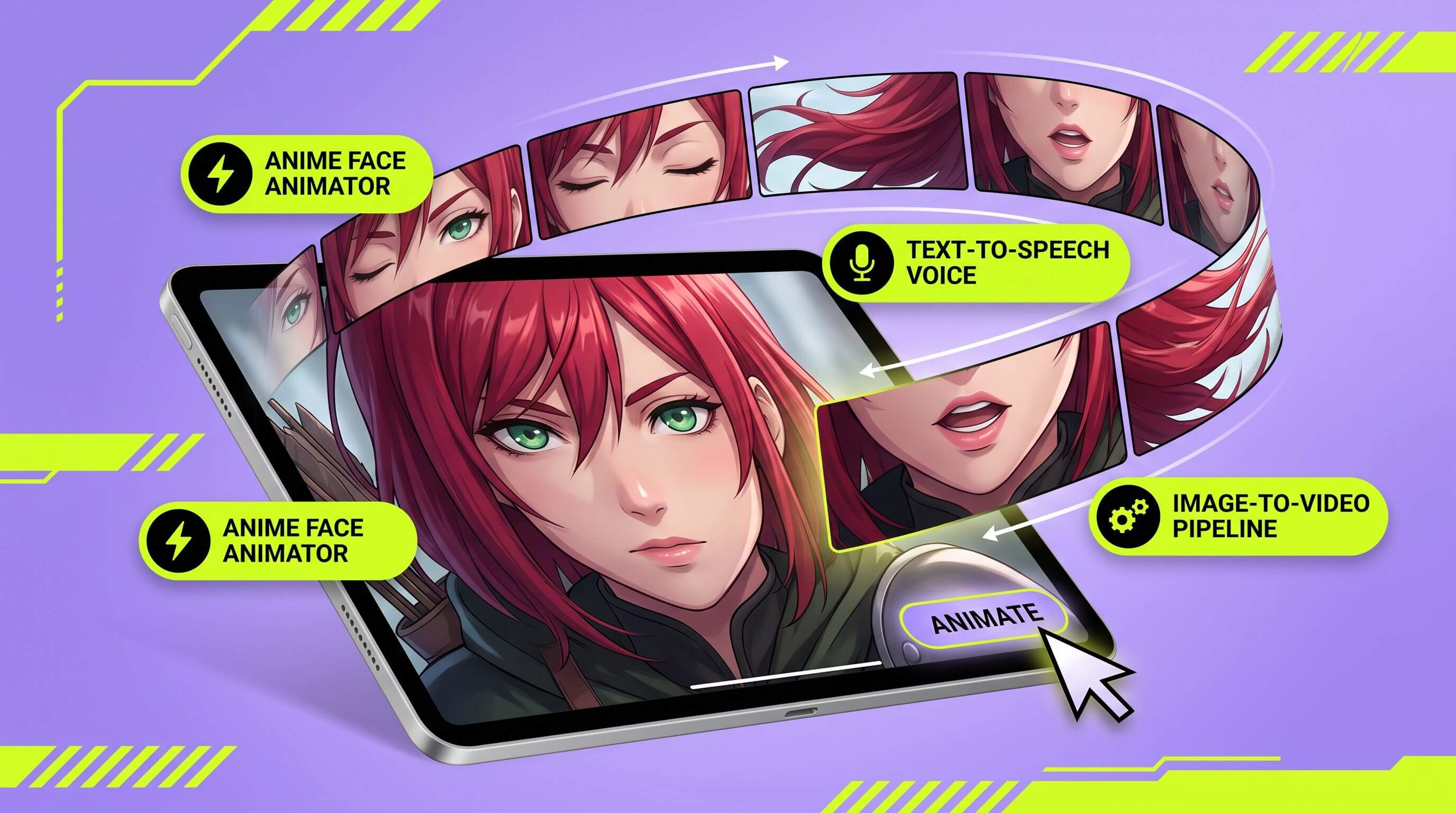
A static illustration is a great start, but motion is what makes a character feel alive. After you generate a face you like, you can animate it, add blinking, head movement, and expression, using the Anime Face Animator. This is the fastest path from "nice art" to a VTuber-style avatar or a short reel for social media.
From there, the creative chain keeps going:
Turn your finished artwork into a moving clip with Image to Video, adding camera pans and subtle motion.
Give your character a voice using Text to Speech so it can narrate or introduce itself.
Score the whole thing with an AI Music Generator for a soundtrack that matches the mood.
Stack those steps and a single prompt becomes a fully produced short, art, animation, voice, and music, without a studio.
Keeping One Character Consistent Across Scenes
The hardest part of any anime project is not making one great image, it is making the same character look right across a dozen images. If your protagonist has emerald eyes and a scar on the left cheek in panel one, those details need to survive into panel twelve. A few practices keep a character on-model.
Lock a reference sheet. Generate a clean front-facing portrait you love, then use it as the anchor image for later scenes so the face stays recognizable.
Freeze the descriptor block. Keep the exact same subject description, hair, eyes, outfit, distinguishing marks, and only change the action or setting between generations.
Change one thing at a time. Swap the background or pose while holding everything else steady, so drift stays small and correctable.
This discipline is what separates a random gallery of pretty pictures from an actual cast you can build a story, comic, or channel around. It is the same mindset professional character designers use, just accelerated.
A Simple Start-to-Finish Workflow
Here is a workflow I come back to whenever I want a shareable result fast, from idea to a finished short clip.
Draft the concept. Write a one-sentence pitch for your character, who they are, their vibe, and their signature detail.
Generate the hero portrait. Use a layered prompt to create a strong front-facing image, then run a few variations.
Build supporting shots. Reuse the descriptor block to create action poses, alternate outfits, or new environments.
Add motion. Animate the face or turn a still into a moving clip so the character stops feeling frozen.
Layer sound. Add a voice line and a short soundtrack, then export for your platform of choice.
Each step takes minutes, and the whole chain fits inside a single afternoon, something that used to require a small team.
Who Uses an Anime AI Generator?
The audience is wider than you might expect, and each group uses it a little differently.
Content creators and VTubers
They build consistent character designs and turn them into avatars, thumbnails, and animated intros. Consistency is the goal, so they lean on repeatable prompts and reference images.
Writers and worldbuilders
Novelists and tabletop players visualize their casts, finally seeing the hero they have described in a hundred pages. It makes the story feel real and helps keep character details consistent.
Small brands and marketers
Anime mascots grab attention on social feeds. Pair a character with a punchy Logo Generator design and short UGC-style videos, and you have a memorable brand identity for a fraction of a traditional design budget.
Common Mistakes and How to Avoid Them
Most disappointing results come down to a handful of fixable habits.
Prompts that are too short. Add style, setting, and lighting instead of one or two words.
Fighting the tool with one prompt. Generate a batch, then refine the best candidate rather than expecting perfection instantly.
Ignoring composition. Always state the shot type, portrait, full body, action, so the framing matches your intent.
Low-quality reference photos. For photo-to-anime, blur and harsh shadows carry over. Start clean.
Treat the first output as a draft, not a verdict. The creators who get the best art are the ones who iterate.
Wrap-Up
An anime AI generator collapses the distance between an idea in your head and a finished illustration on your screen. Whether you are designing an original hero, turning a selfie into a portrait, or producing an animated character with voice and music, the workflow is the same: describe clearly, iterate deliberately, and layer the right tools. Start with a prompt, refine your favorite result, and then bring it to life, that is how a single sentence becomes art worth sharing.