
A Christmas PFP is a festive profile picture you use through December. Most galleries offer pictures of strangers. These seven are made from your own photo with MagicShot's Avatar Generator, so the face in the circle is yours.
How to make a Christmas PFP from your own photo
Open the Avatar Generator and add a few clear photos of yourself from different angles.
Pick a Christmas style. You can select several styles in one run.
Add a custom prompt if you want a change, such as a different sweater color.
Choose an aspect ratio, generate, and download.
The cost shows on the Generate button before you commit. The Avatar Generator needs a MagicShot plan.
7 Christmas PFP ideas
1. Santa Hat PFP
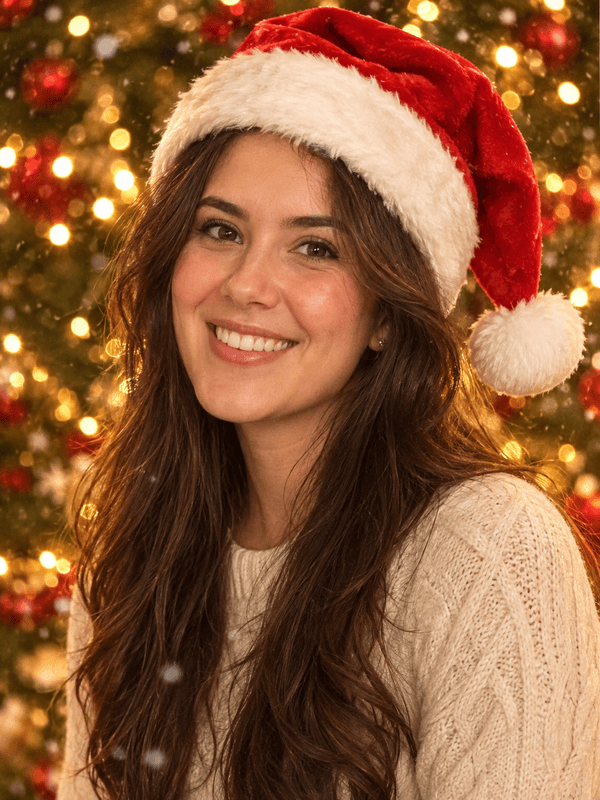
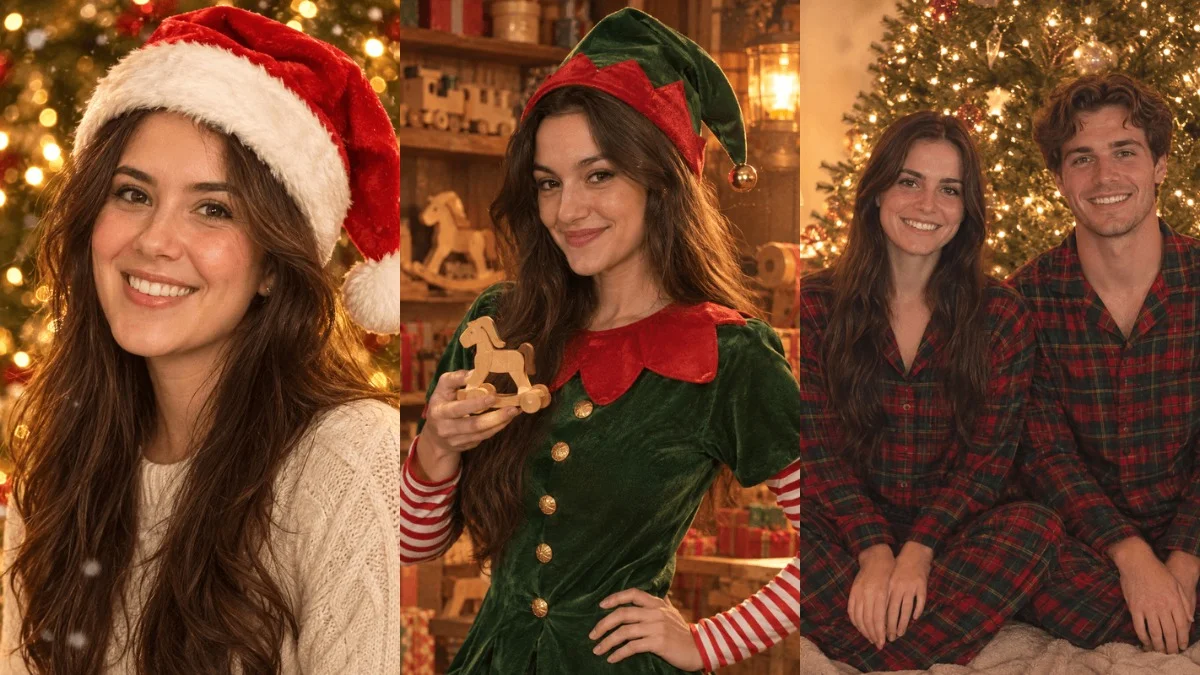
A close portrait in a Santa hat and cream sweater, with tree lights behind. The face fills the frame, so it holds up best at small sizes. Try Santa Hat PFP.
2. Workshop Elf
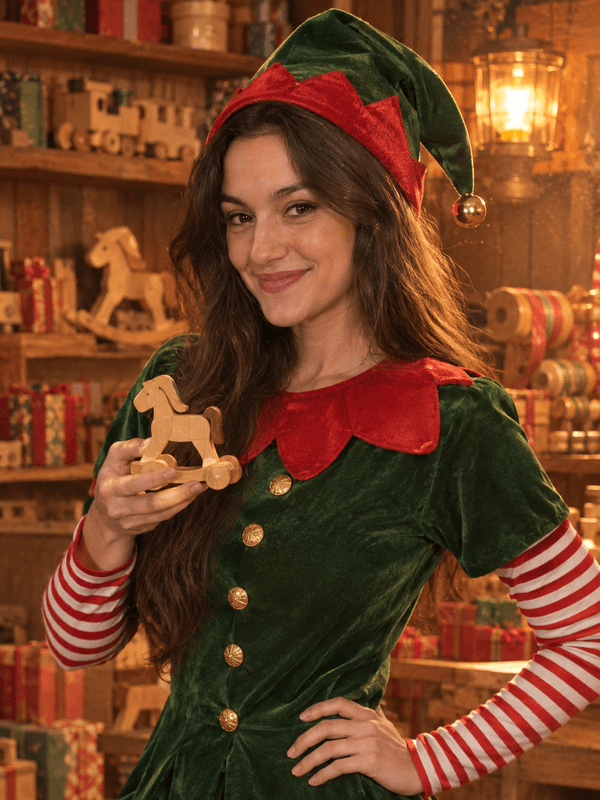
A full elf costume in a toy workshop. It is a waist-up shot, so crop in toward the face. Try Workshop Elf.
3. Christmas Photobooth Strip
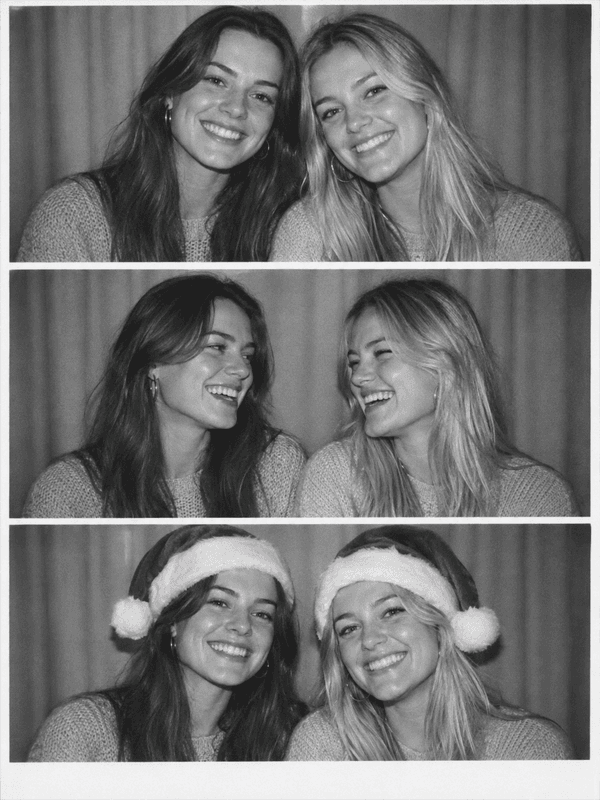
A black-and-white strip of two friends, with Santa hats in the last frame. Post the strip whole, or crop one frame for a PFP. Try Christmas Photobooth Strip.
4. Plaid Pajamas Duo
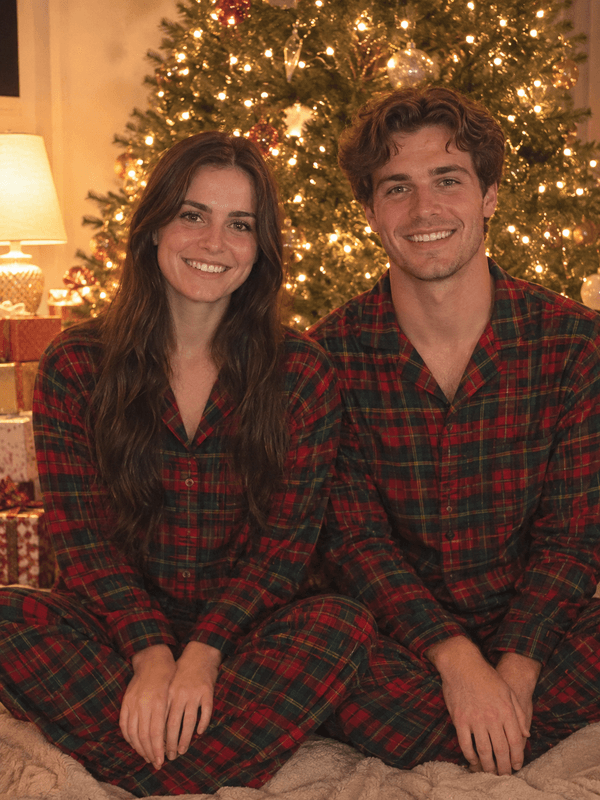
A couple in matching plaid pajamas by the tree. Each person can crop their own half for a matching pair. Try Plaid Pajamas Duo.
5. Matching Pajamas Staircase
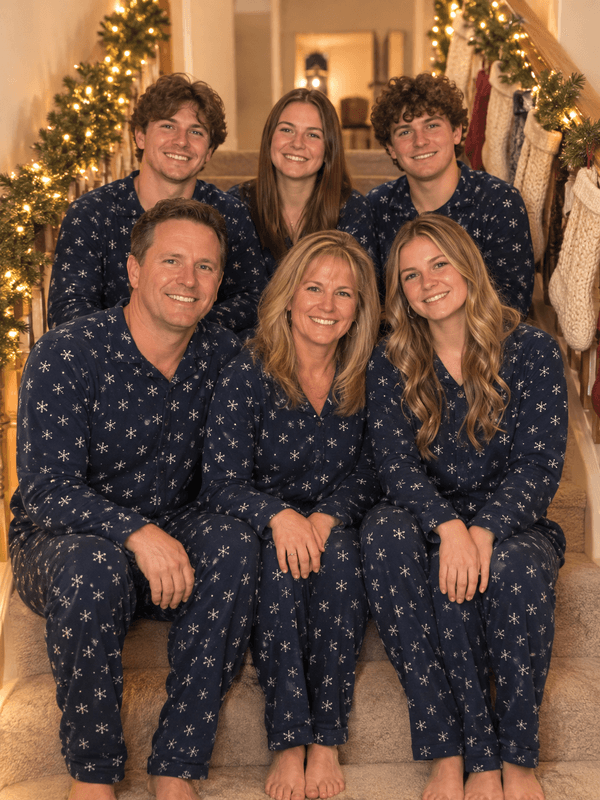
A family on the stairs in matching pajamas. Faces are small, so use it for a family group chat, not a personal PFP. Try Matching Pajamas Staircase.
6. 1970s Christmas Snapshot
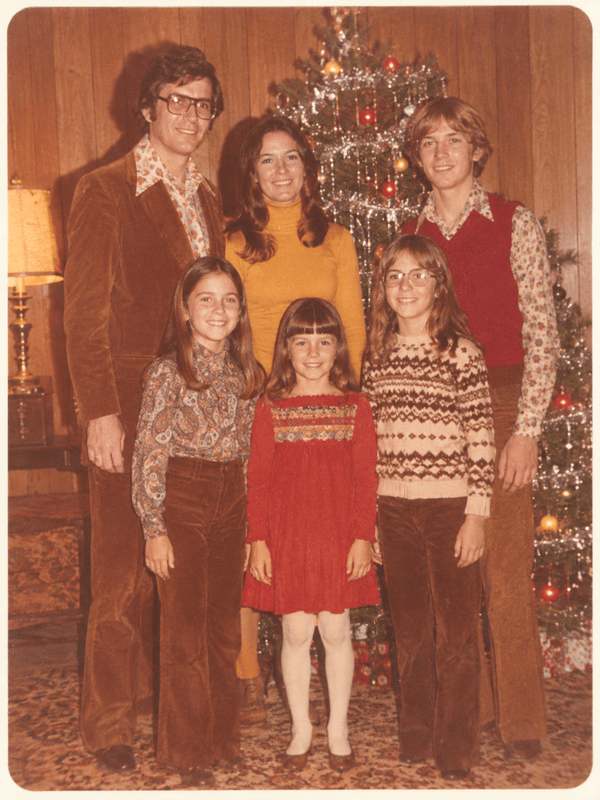
A faded family photo with wood paneling and a tinsel tree. It works as a joke group icon. Try 1970s Christmas Snapshot.
7. Family Christmas Card
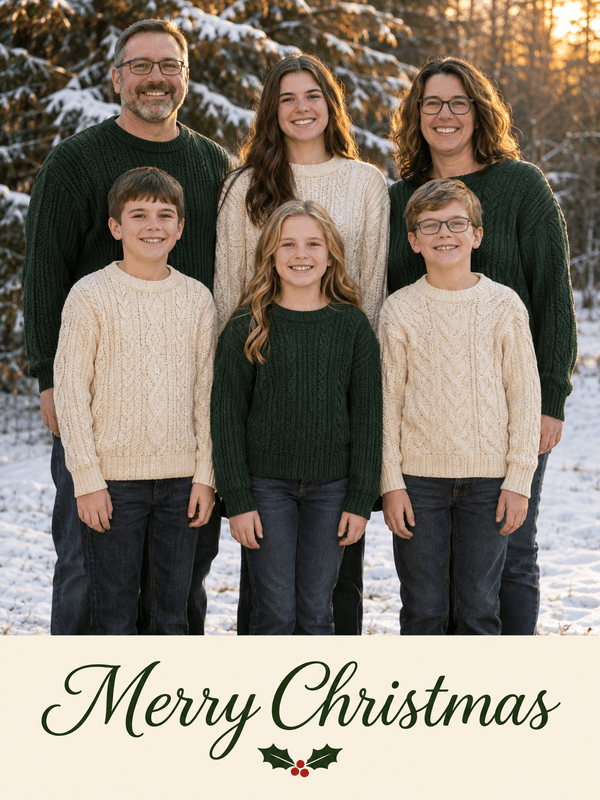
A snowy family portrait with "Merry Christmas" lettering. The text gets cut off in a circle, so treat it as a card. For a full card, see how to make an AI Christmas card. Try Family Christmas Card.
All images generated with MagicShot.
Matching Christmas PFPs
There are two ways to match. Each person can make their own avatar in the same style, such as Santa Hat PFP. Or pick a duo style, such as Plaid Pajamas Duo, and each crop your side of the picture.
Make it crop well
Most apps show your picture as a small circle. Keep your face centered, leave space above the hat, and shrink the image on your screen before you post. If you cannot recognize yourself at thumbnail size, crop tighter. Our guide on why most PFPs break when you shrink them covers this in detail.
For pets
Pet Dress Up has its own Christmas looks, including Santa Paws Sweater and Howlidays Card.
Before you upload
Only use photos of people who have agreed to be in the picture. A generated portrait shows how you could look in a style. It is not a real photo of an event.