An AI headshot that doesn't look like you often has one of three explanations. You may be judging it against your mirror image, the photos you gave the model may have been too thin, or the tool may push every face toward the same look. The first needs a simple check, and the second needs a better photo set.
First, check whether it's the headshot or your eye
You know your face from the mirror, and a mirror flips it left to right. A camera normally shows the version everyone else sees, and a headshot built from unmirrored photos does too. Some phone front cameras save selfies mirrored, so check that setting before you upload.
In a 1977 study by Mita, Dermer, and Knight, people preferred the mirror-reversed print of their own face, while their friends preferred the true print.
Selfies add a second distortion. Rutgers and Stanford researchers built a model of this effect and published it in JAMA Facial Plastic Surgery in 2018. It estimates that an average selfie, taken about 12 inches from the face, makes the base of the nose look roughly 30 percent wider than it does in a photo taken from 5 feet. If most pictures of you are selfies, a headshot drawn with portrait proportions can look like a stranger even when it is accurate.
Two checks to run before you blame the tool:
Flip the headshot horizontally in your phone's photo editor. If it suddenly looks right, the headshot was fine. You were missing your mirror image.
Ask someone who sees you every day. A coworker or partner knows the unflipped you better than you do.
Six photo problems and how to fix them
Photo-set problems tend to fall into six groups: too few photos, filters, old photos, arm's-length selfies, covered faces, and hard light. These fixes apply in any headshot tool.
Problem | What can go wrong | Fix |
|---|---|---|
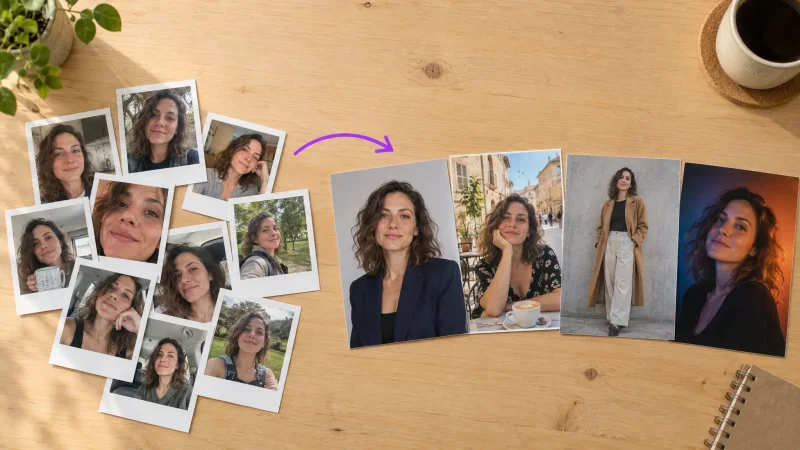
Too few photos | The model has to guess the angles it never saw | Upload several photos from different angles |
Filtered or beauty-mode selfies | The result can inherit smoothed skin and reshaped features | Use unfiltered photos straight from the camera |
Old photos, or mixed hair, beard, and glasses | The result can blend several versions of you | Use recent photos that match how you look this month |
Arm's-length selfies only | Close-range distortion can carry into the headshot | Prop the phone a few feet away and use the timer, or ask someone to take the shot |
Covered or cropped faces | The model fills in whatever it could not see | Use photos without sunglasses, hats, or heavy shadow, and skip faces cropped from group photos |
Hard light or low resolution | Shadows can read as lines, so you may look older | Use sharp photos taken in soft, even light |
When it really is the tool
If you have fixed the photo set and still see these signs across a run of several styles, they point to the generator:
Every result shares one idealized face, whatever style you pick.
Your skin tone, eye color, or facial hair changes when you didn't ask for it.
You still look clearly older or younger than your photos in every output.
Try a different style, or a different model if the tool offers one. MagicShot's AI Headshot Generator has a model selector under the style list. If nothing changes, a different tool is the honest answer.
How to set up MagicShot for a closer match
MagicShot's AI Headshot Generator runs on credits, and the Generate button shows the cost of your run before you start.
Open the Headshot Generator and select "Add a photo of yourself." It accepted up to 9 reference photos when we checked on November 25, 2026. Its own upload note explains why more is better: different angles and lighting help the model learn your actual features instead of guessing from one flattering shot.
Pick your setups from the style grid. Warm Studio, Classic Corporate, and Coffee Shop Candid are three of them. You can queue several in one run. Each setup changes the wardrobe and backdrop.
Use "Add a custom prompt" if something must stay. The field is optional. It is a good place to say "keep my glasses" or "keep my beard as it is."
Select Generate.
Judge the results next to a recent, unedited photo. Run the flip check and the coworker check from above.
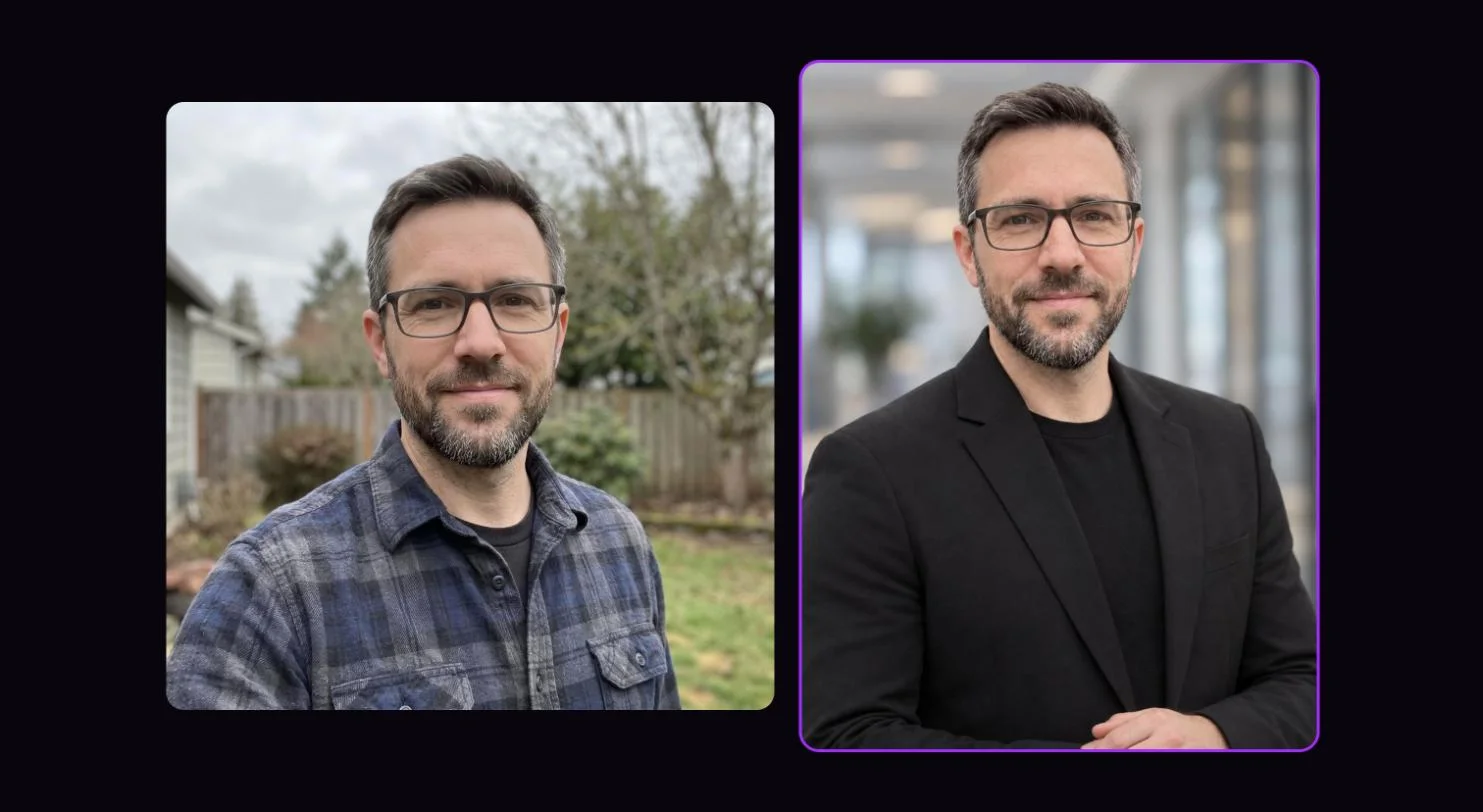
We ran one test on November 25, 2026: a single AI-generated, front-facing portrait, the Classic Corporate setup, and the default MagicPlus 7.5 model. The result kept the glasses, beard, and graying temples, and it was clearly the same face. It also tidied the hair and slimmed the jaw slightly, which is the kind of polish to compare against a recent photo before you use a headshot. We did not test angled poses. The upload note says reference photos from different angles and in different lighting help the model understand your actual features, so add more photos before you try them.
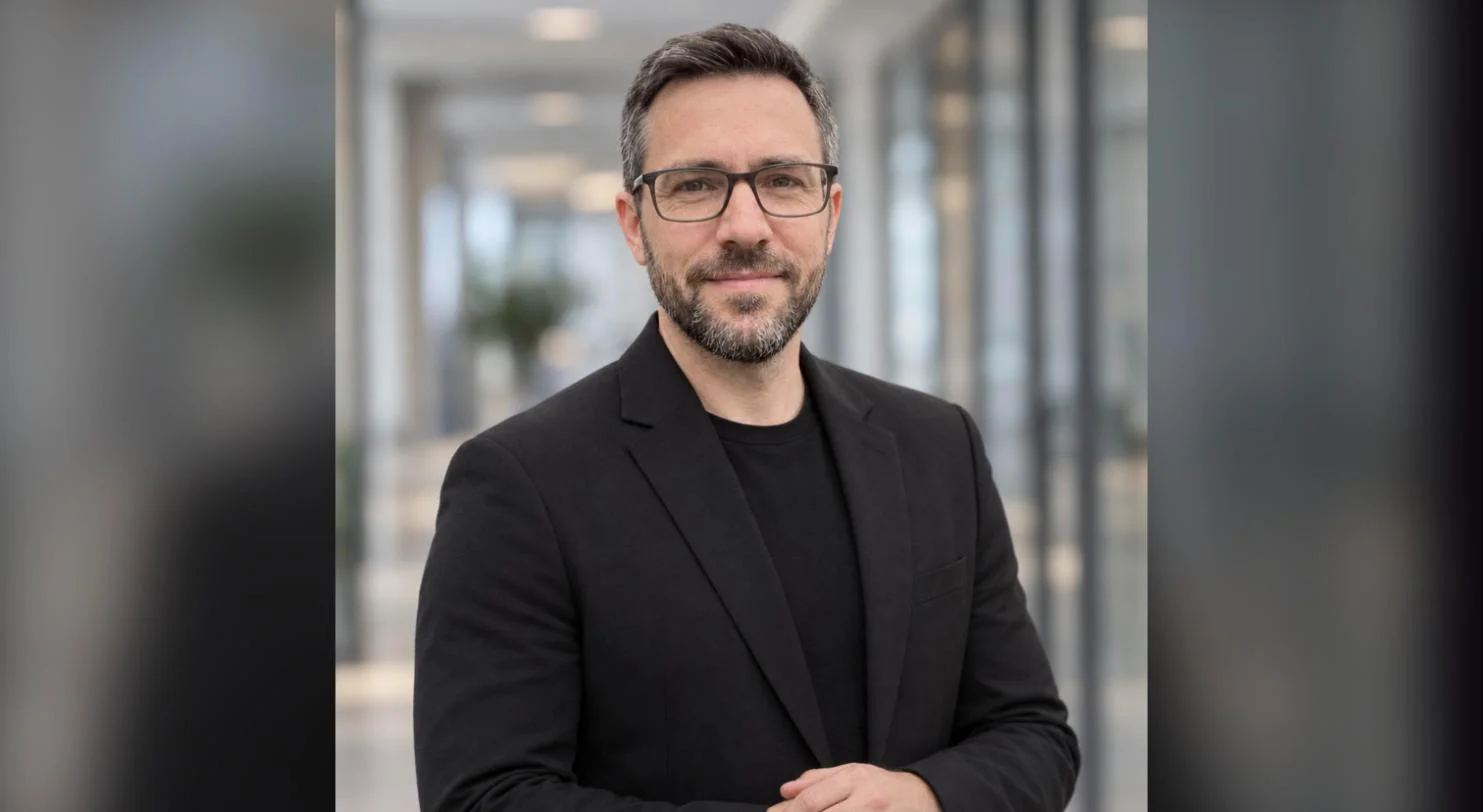
If one headshot is close but the blazer or background is wrong, you can try a single edit instead of rerunning the set. Open AI Image Editing, add the headshot, and leave "Maintain face consistency" on. Then describe the one change you want, such as "change the blazer to navy" or "replace the background with plain gray."
Before you use the headshot
An AI headshot is a generated image, not a photograph. Don't use one where an actual photo is required, such as a passport or government ID.
Results vary from run to run. Expect to discard some.
Light retouching is normal for a headshot. If a coworker wouldn't recognize you from it, pick another one.
Upload only photos of yourself, or photos of someone who has agreed to it.
Related reading
Professional Headshot Examples: What "Good" Actually Looks Like, for a benchmark to compare your results against.
The LinkedIn Headshot: What Recruiters Actually Notice First, if the photo is for a job search.