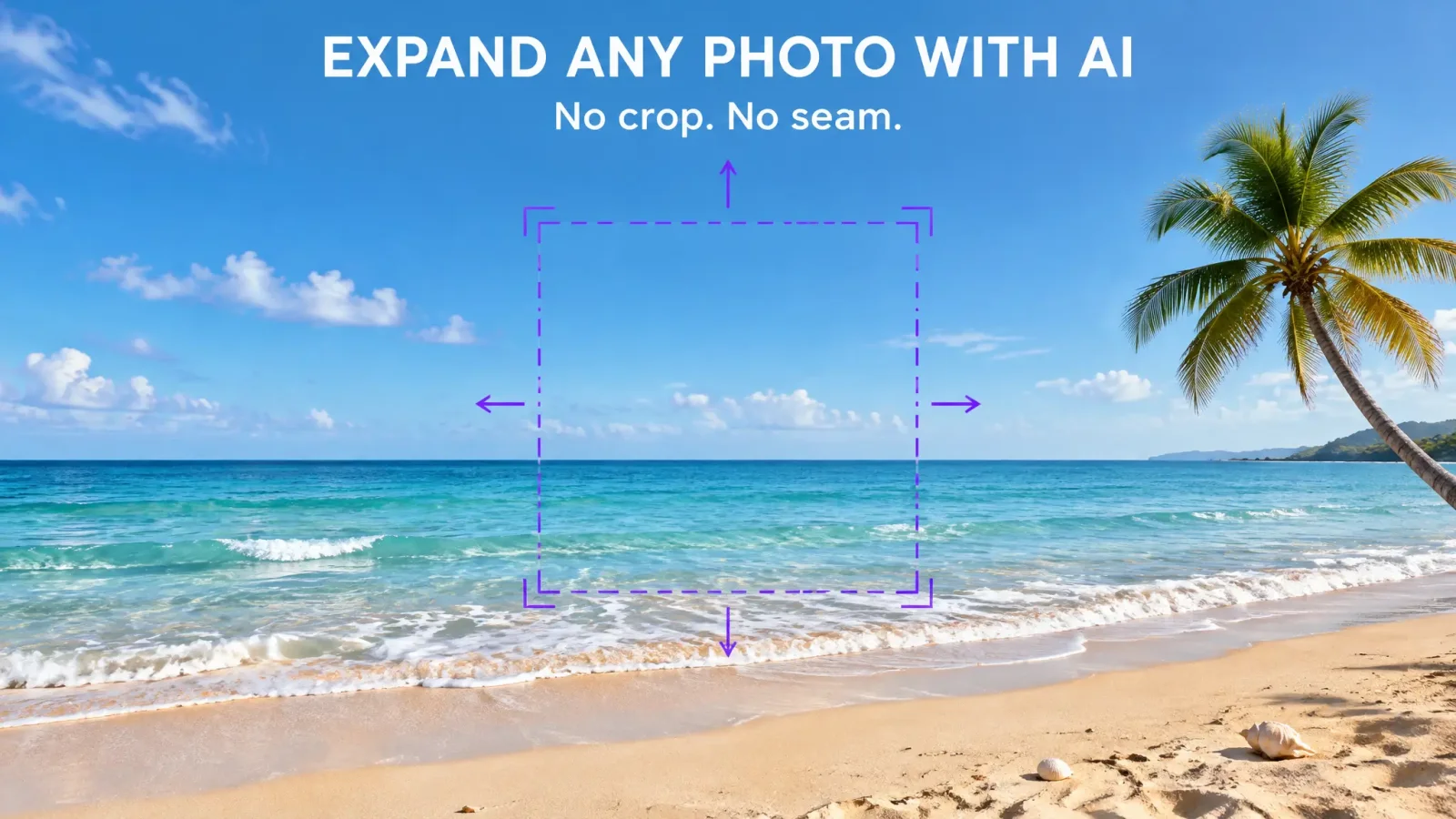
To expand an image using AI, you add empty space around the picture and let the model paint new content that matches what is already there. This is called outpainting. It is useful when a photo is cropped too tight, when you need a different aspect ratio, or when you want more sky, floor or background. Here is how to do it with the AI image extender, and how to avoid visible seams.
How to expand an image with AI in five steps
Open the extender and upload your image: the extend image tool.
Choose the new size or ratio. Pick the shape you need, such as 16:9 for a banner or 9:16 for a story, or drag the canvas outward.
Add a short prompt if the tool allows it. Describe what should appear in the new area, for example more sandy beach or more blue sky.
Generate. Wait for the result and zoom in on the join between old and new.
Download or retry. If you see a visible line, regenerate or extend in smaller steps.
When outpainting works well
It works best on scenes with natural, repetitive texture: sky, water, grass, walls, floors, blurred backgrounds. The model can easily continue a pattern. It struggles when it has to invent specific, detailed objects at the edge, such as a half-visible person or a sign with text.
Tips for seamless results
Extend in steps. Add a modest amount at a time rather than doubling the canvas at once.
Match the lighting. Mention the time of day or light direction in the prompt.
Keep prompts simple. Describe the surroundings, not new subjects.
Start with a sharp image. Blurry sources give blurry extensions.
Common problems and fixes
A visible seam: regenerate, or crop a few pixels inside the join.
Repeated objects: add a short prompt that names what should be there, or extend a smaller area.
Odd colour shift: pick a source with even lighting, or adjust colour afterwards.
Good uses
Turning a square photo into a wide banner, adding headroom to a portrait, extending the background of a product shot for a layout, or making a vertical photo fit a landscape slide.
Try it on your own image
Pick a photo with plenty of sky or background and open the AI image extender. A first extension takes a minute.