Learning how to create AI generated images takes about ten minutes: type what you want to see, pick a model, generate, then refine. This beginner guide covers what AI image generation actually is, how to write a prompt that works, how to choose settings, and how to fix the usual problems. You can follow along with the MagicShot AI image generator or any similar tool.
What is AI image generation?
AI image generation turns a text description into a picture. A model trained on huge numbers of images learns how objects, styles and lighting look, then builds a new image that matches your words. It does not copy a single picture. It builds something new from patterns it learned, which is why the same prompt can give different results each time.
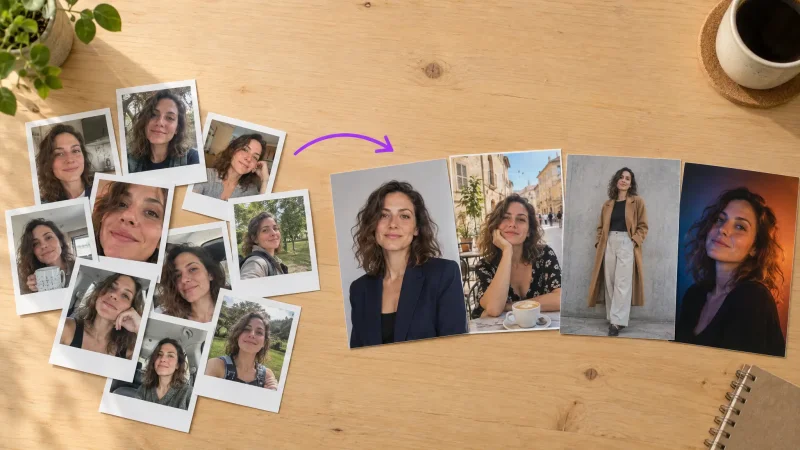
Most tools work in one of two ways. Text-to-image starts from your words only. Image-to-image starts from a photo or sketch and changes it according to your instructions.
How to create AI generated images, step by step
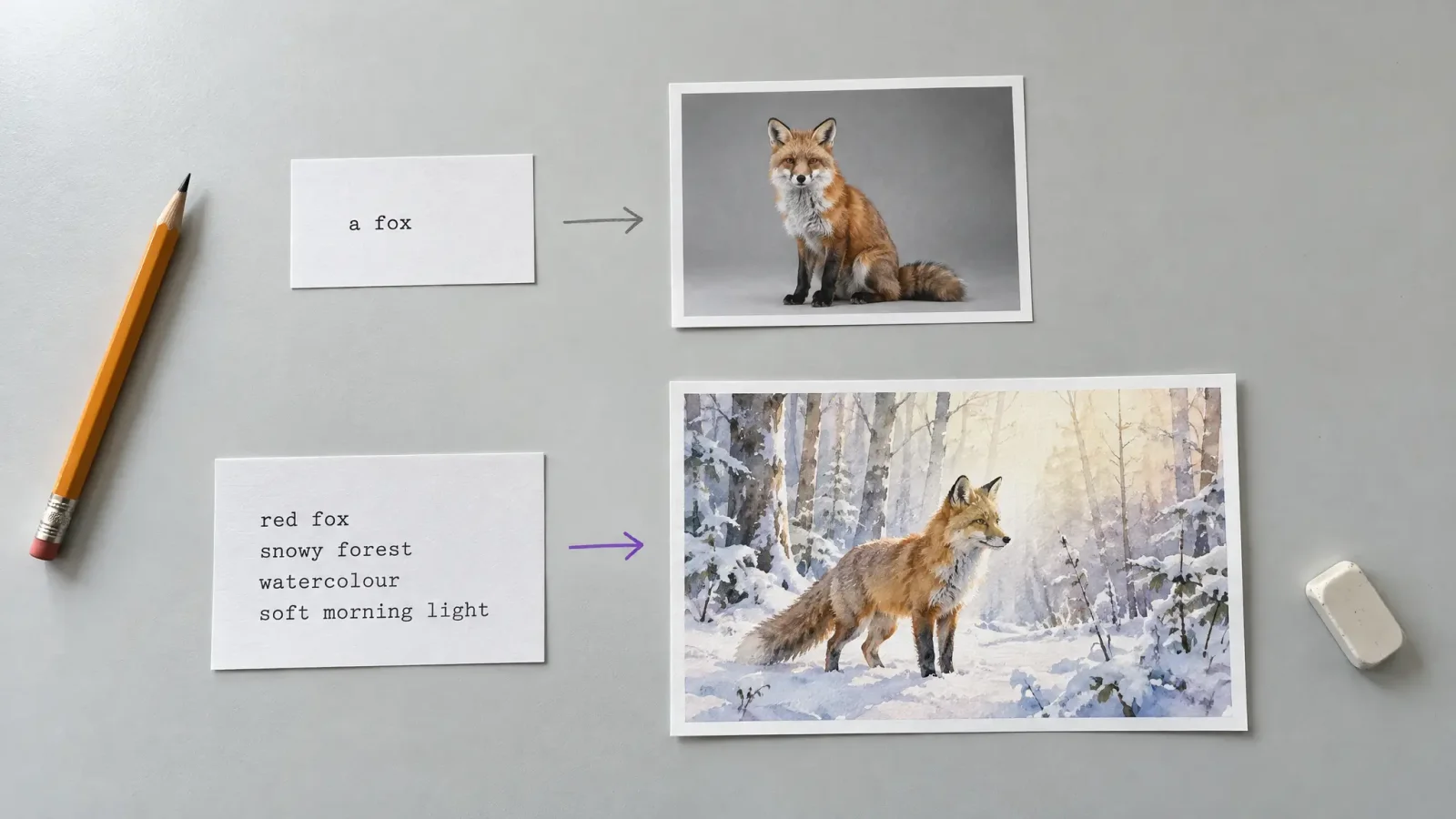
Decide what you want. A subject, a style and a mood. For example: a red fox in a snowy forest, watercolour, soft morning light.
Open the generator. Go to the AI art generator and find the prompt box.
Write your prompt. Start simple, then add detail. The next section shows how.
Choose a model and a shape. Pick a model that suits the style and a ratio that fits where the image will be used.
Generate. Most images take under a minute.
Refine. Change one thing at a time: the subject, the style or the lighting. Generate again and compare.
Download the version you like.
How to write a good prompt
A good prompt answers five questions in plain language.
Subject: what is in the picture?
Setting: where is it?
Style: photo, watercolour, 3D render, pencil sketch, cinematic?
Light and colour: golden hour, soft studio light, muted tones, bright colours?
Framing: close-up, wide shot, from above?
Weak: a dog. Better: a golden retriever sitting on a wooden porch, soft evening light, shallow depth of field, realistic photo. The second prompt gives the model something to work with.
Choosing a model
Different models are good at different things. Some produce very realistic photos, some are better with text inside the image, and others excel at illustration or anime. If your first results look wrong, switching the model is often a faster fix than rewriting the prompt. Try the same prompt in two or three models and keep the one that matches your idea.
Picking the right shape
Choose the aspect ratio before you generate. 16:9 suits blog headers and YouTube thumbnails, 1:1 suits profile pictures and posts, and 9:16 suits stories and reels. Changing it afterwards usually means cropping or regenerating.
Common problems and how to fix them
Hands or fingers look wrong: ask for a different pose, crop the hands out, or regenerate. Hands are still a weak spot in many models.
Text in the image is garbled: use a model known for text, keep the text short, or add the text later in an editor.
The style is not what you pictured: name the style directly (for example, 35mm film photo or flat vector illustration).
Everything looks generic: add specifics such as materials, time of day, colours and camera angle.
Faces look uncanny: try a more realistic model, lower the detail requested or choose a different angle.
Ideas to try as a beginner
A product shot of an everyday object on a clean background
A fantasy landscape for a phone wallpaper
A cartoon version of your pet
A logo concept or poster draft
A blog header for your next post
Using AI images responsibly
Check the licence and terms of the tool for commercial use, avoid generating images of real people without their consent, and label AI images where it matters, such as news or product claims. If you post them on social platforms, check the platform's rules about AI content.
Make your first image
Write one sentence, hit generate and see what comes back. The AI image generator is the quickest way to learn: three or four tries teaches more than reading about it.