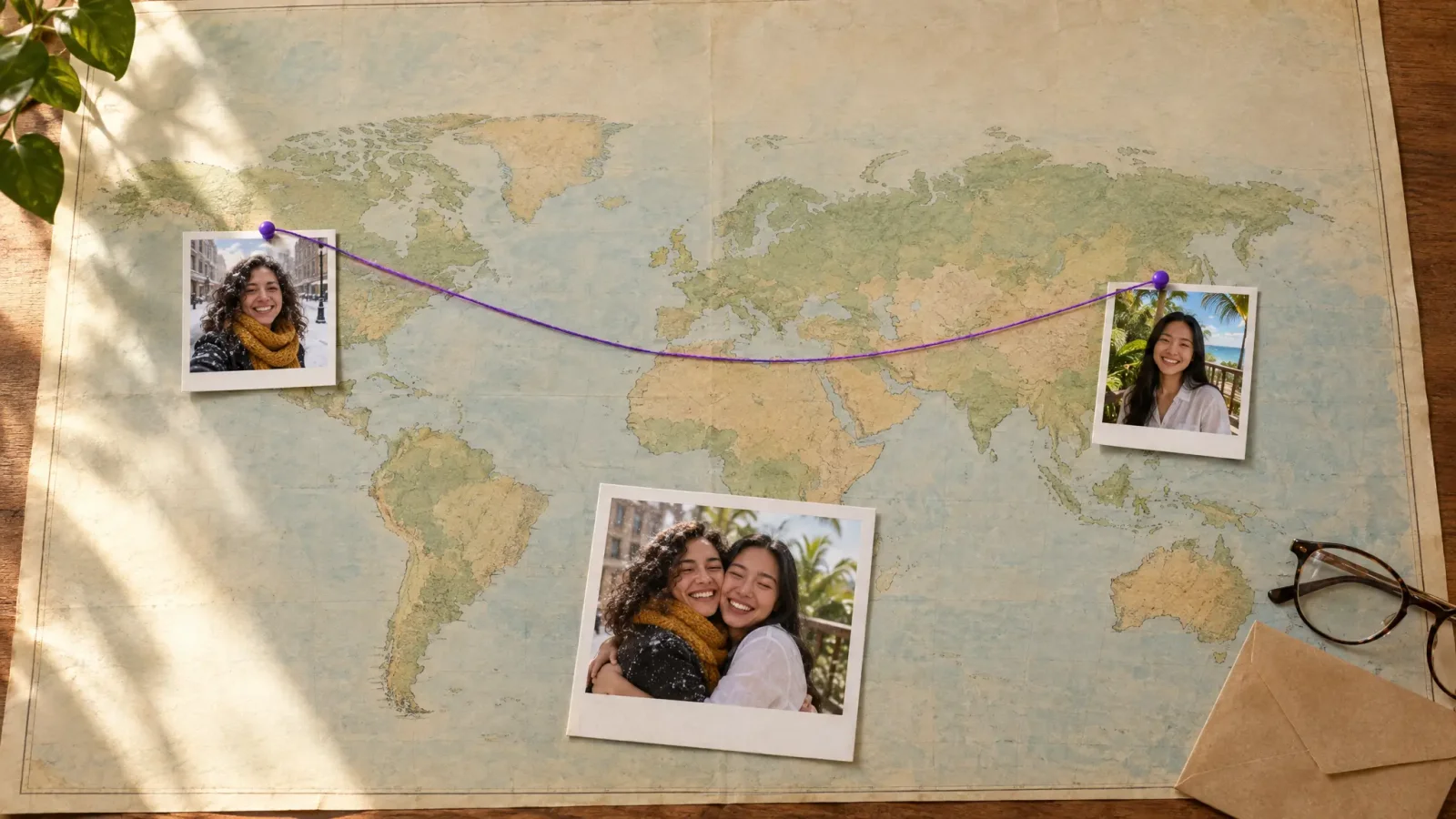
You've got two photos. Maybe a friend who lives in another country, a parent you don't see enough, or a couple of old pictures that were never taken together. An AI hugging video puts those two people in the same frame and has them embrace, and it takes a couple of minutes. This guide walks you through how to make an AI hugging video from photos, which pictures give the best result, and what to do when a clip comes out a little off.
How to Make an AI Hugging Video From Two Photos
I use the Hugging Booth tool for this. The process is short:
Upload two photos. One for each person. Clear, front-facing pictures work best.
Pick a hug style. There are 12 to choose from, from a warm bear hug to a gentle side embrace.
Generate and download. Wait for the clip to render, watch it through once, then save it as an MP4 or GIF.
That's really all there is to it. The rest of this post is about getting a better result on the first try.
Which Photos Work Best for a Hugging Video
The photos matter more than anything else you do. A few things I'd check before uploading:
Faces should be clear and well lit, with no heavy shadows across the eyes.
Pick pictures where the person is facing the camera or close to it.
Avoid sunglasses, big hats and anything covering the face.
Use a sharp, reasonably high-resolution image. A blurry screenshot gives you a blurry hug.
Choose one person per photo. Group shots confuse the result.
If you're mixing an old scanned photo with a recent phone picture, the lighting won't match perfectly. That's normal. Pick the best-lit version of each person and you'll be fine.
Choosing the Right Hug Style
With 12 styles, it helps to match the style to the moment. A bear hug suits a reunion or a birthday. A softer side embrace fits a friendship clip or a quiet thank you. For a family photo, go gentle and avoid anything that looks too intense. If you're not sure, generate two versions and keep the one that feels natural.
Ideas for Using an AI Hugging Video
Long-distance family and friends. A hug video is a nice way to say you're thinking of someone.
Birthdays and anniversaries. Add it to a message instead of a plain card.
Graduations and milestones. Bring a relative who couldn't be there into the moment.
Remembering someone who has passed. Some people make a hug video with a lost relative. If you do, treat it gently and think about how the person receiving it will feel.
If you like this idea, you might also enjoy my guide on how to make 2 pictures kiss with AI, which uses a similar upload-two-photos flow.
How to Fix a Hugging Video That Looks Off
Sometimes the first clip isn't right. Here's what usually fixes it:
Faces look distorted. Swap in a clearer, more front-facing photo.
The hug looks stiff. Try a different hug style. Some suit certain photo angles better.
Lighting looks mismatched. Choose photos taken in similar light.
Something small is wrong. Regenerate. Each run can come out slightly different.
MP4 or GIF: Which Should You Download?
Download the MP4 if you're sending it in a chat, posting it to Instagram or TikTok, or keeping it as a memory. Pick the GIF for short loops in messages or comments. When in doubt, grab both.
A Quick Note on Consent
Only use photos of people who are fine with it, and don't post a hug video of someone without asking first. It takes ten seconds and avoids awkward conversations later.