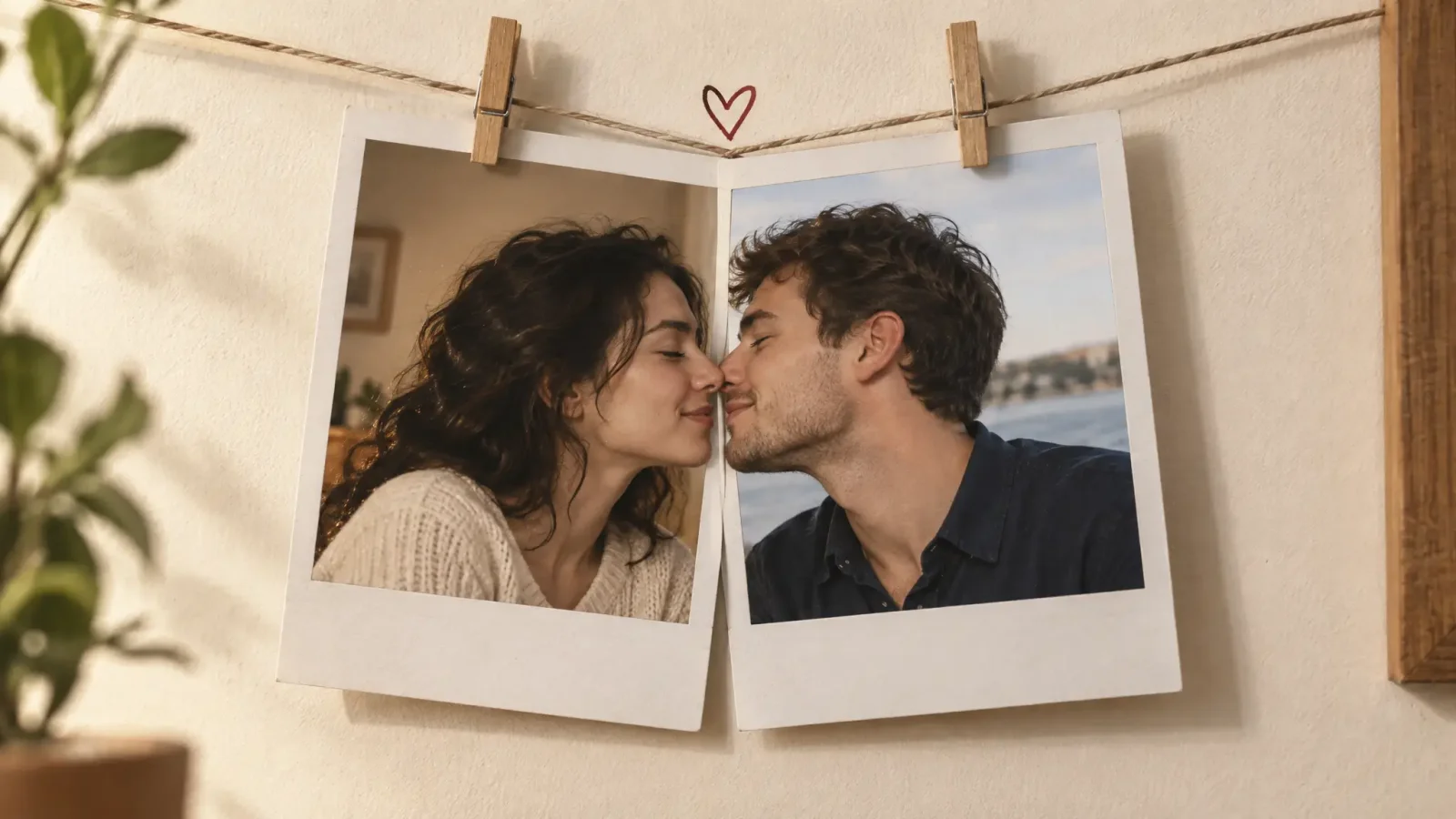
You have one photo of her and one of him. Different years, different cities, different lighting. And you want them to kiss. Not in a collage with a heart on it, but in a short video where the two faces turn toward each other and actually meet.
That's what people are after when they search how to make 2 pictures kiss, and it's far easier than it sounds. You upload two photos, pick a kiss style, and an AI video model animates the lean-in, the contact and the pull-back. The generating part takes seconds. What takes a bit of thought is choosing the two photos, and that's the step most guides rush past.
Below is the whole process, what to check before you hit generate, a second method for awkward photo pairs, and how to fix a clip that comes out strange.
How to make 2 pictures kiss with AI: the quick version
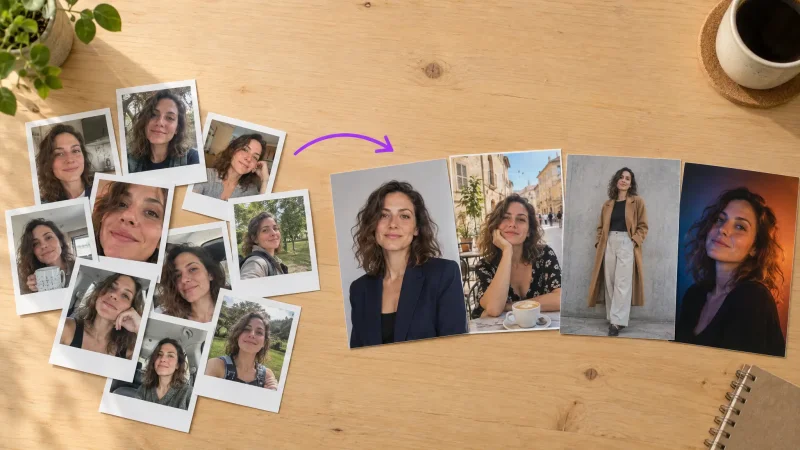
Pick two photos. One clear face in each, front-facing, cropped shoulders up if you can.
Open the AI Kissing Video Generator and upload one photo for each person.
Choose a style. There are presets such as Kiss Cam, Rain Kiss, Paris Balcony and Fireworks Kiss, plus a French kiss option. Start with something soft.
Pick your format. Portrait for Reels, TikTok and Stories, landscape for YouTube.
Generate and check the moment of contact. If it looks right, download it as an MP4 or GIF. If not, run it again.
That's the whole thing. No timeline, no masking, no editing software. When the first take is off, the fix is almost always the photos, which is what the next section covers.
Choose the two photos before anything else
Most failed kissing clips fail before anyone presses generate. Two photos taken under very different conditions look like two different weather systems in one frame, and the model can't fully hide that. Run through this checklist first:
Front-facing. If a face is turned well off to the side, the model has to invent the far cheek and jaw, and that's where the wobble starts.
Both eyes visible. Sunglasses, a heavy fringe or a hand on the chin gives it less to hold onto.
Similar light. Warm indoor light next to cold daylight looks pasted together. Pick a pair with a similar direction and colour.
Similar size in frame. Crop both to shoulders up so the two heads sit at about the same scale.
One person per photo. Group shots confuse face detection, so crop everyone else out.
A neutral mouth. Big open laughs, straws and food in the shot make the kiss motion awkward.
A quick test: put both photos side by side on your phone screen. If one looks like noon and the other looks like a dim restaurant, swap one out before you spend a credit.
Two ways to make people kiss with AI
Method 1: Two photos straight into a kissing generator
This is the one most people want, and it's the route in the steps above. You give the tool a photo of each person, it works out head position and lighting, then animates the two faces toward each other. It's fast, it needs no prompt, and it works well when both photos are reasonably alike.
Method 2: Merge the photos first, then animate
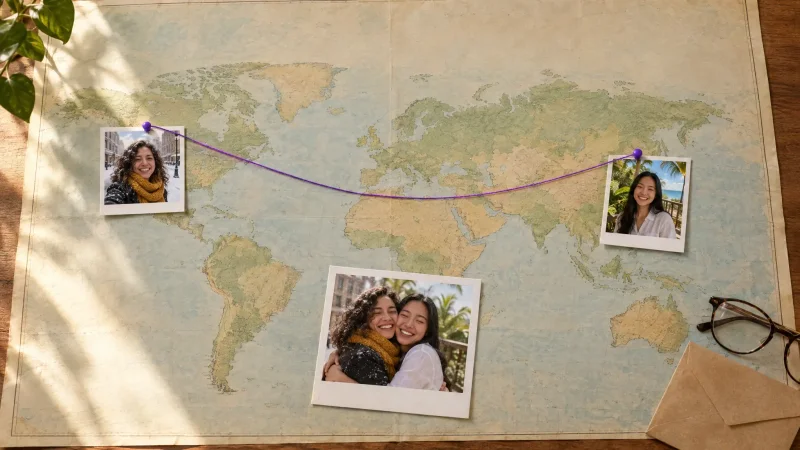
If your two photos are very different (one shot from above, one from the side, lighting that clashes), the straight route can look stitched together. In that case, build one shared frame first. Put both people into a single image with image merge, check that it looks believable as a still, then animate it with image to video.
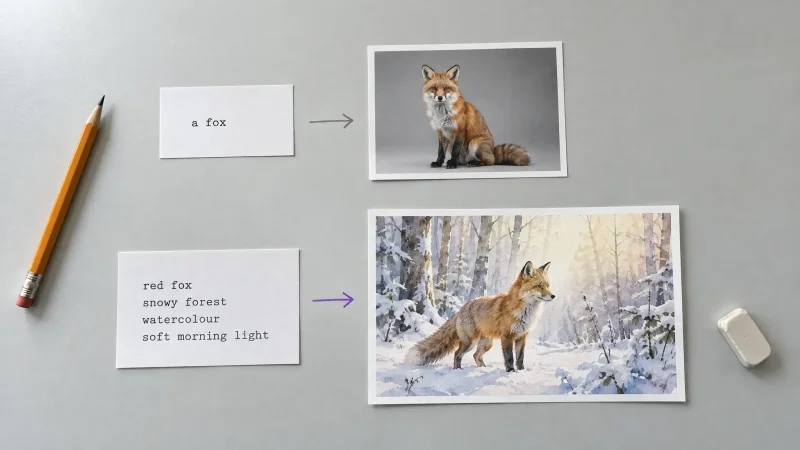
For the animation prompt, keep it short and physical. Something like this works:
The two people slowly turn toward each other and share a soft kiss. Camera stays still. Natural lighting, no sudden movement.
It's a longer route with more tries, so I'd only use it when method one keeps looking off.
Which kiss style should you pick?
The style changes how far the heads travel and how long the contact holds, so it matters more than any other choice you make.
Soft kiss. The safest first try. It looks most natural even when the two photos were taken at slightly different angles.
Cheek kiss. Right for family photos, friends, and anything going to a group chat your mum is in.
French kiss. Longer and slower, so there are more frames where hair, glasses or a hand can drift. Use it only with sharp, front-facing, well-lit photos.
Named scenes. Styles like Rooftop Kiss, Rain Kiss and Paris Balcony give the clip a mood. They're fun for anniversary posts, but they won't rescue a bad photo.
Why the clip looks off, and how to fix it
When a kissing video comes out strange, it's usually one of these:
The faces drift or stop looking like the people. Use a sharper, larger face. A crisp shoulders-up crop beats a huge photo where the head is the size of a thumbnail.
Lips lose definition at the moment of contact. Switch to a softer style and run it again. That's the hardest frame for any model.
One head looks bigger than the other. Re-crop both photos to the same framing.
Glasses warp. Use a photo without them if you can.
Hair or a hand sweeps across the face. Pick another photo. Anything crossing the face tends to smear in motion.
My rule: change the photo before you change the tool. Two renders from two better photos beat ten renders from the same bad pair.
Can you make 2 pictures kiss for free?
Partly, depending on the tool. Plenty of generators give new users a few free tries, though those clips are often watermarked or capped in quality. MagicShot's AI Kissing Video Generator runs on credits from your plan, shared across every tool on the site, and exports up to 1080p as MP4 or GIF. Whatever you use, the cheapest way to save tries is to fix the photos first, because every re-run costs something.
Make the clip land on social
Keep it vertical and under ten seconds, and add a sound, because a silent clip feels unfinished in a feed. If a kiss feels like too much for the person you're sending it to, the AI hugging video generator works the same way and is the safer pick for family. For a deeper look at photo prep and presets, there's a longer guide on the AI kiss generator.
Consent, quickly
Only use photos of yourself and people who've said yes. Don't upload photos of minors, and don't make clips of real public figures or use them to suggest a relationship that doesn't exist. If you wouldn't show the person the clip before posting it, don't make it.