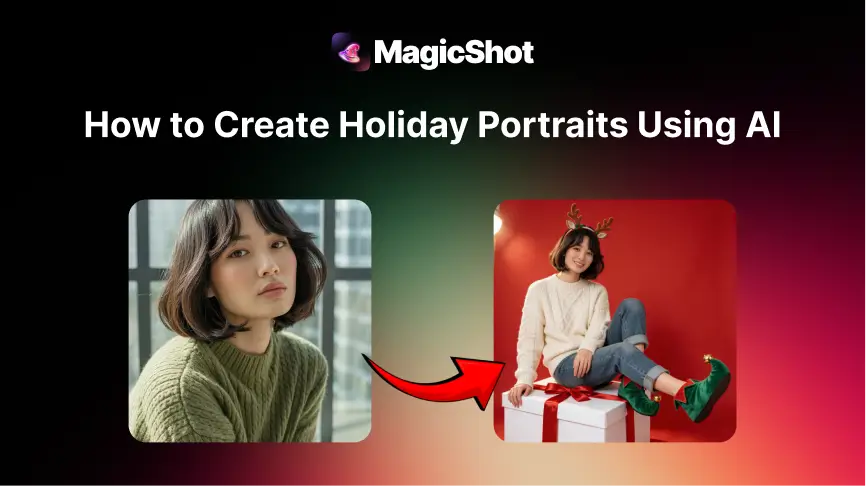
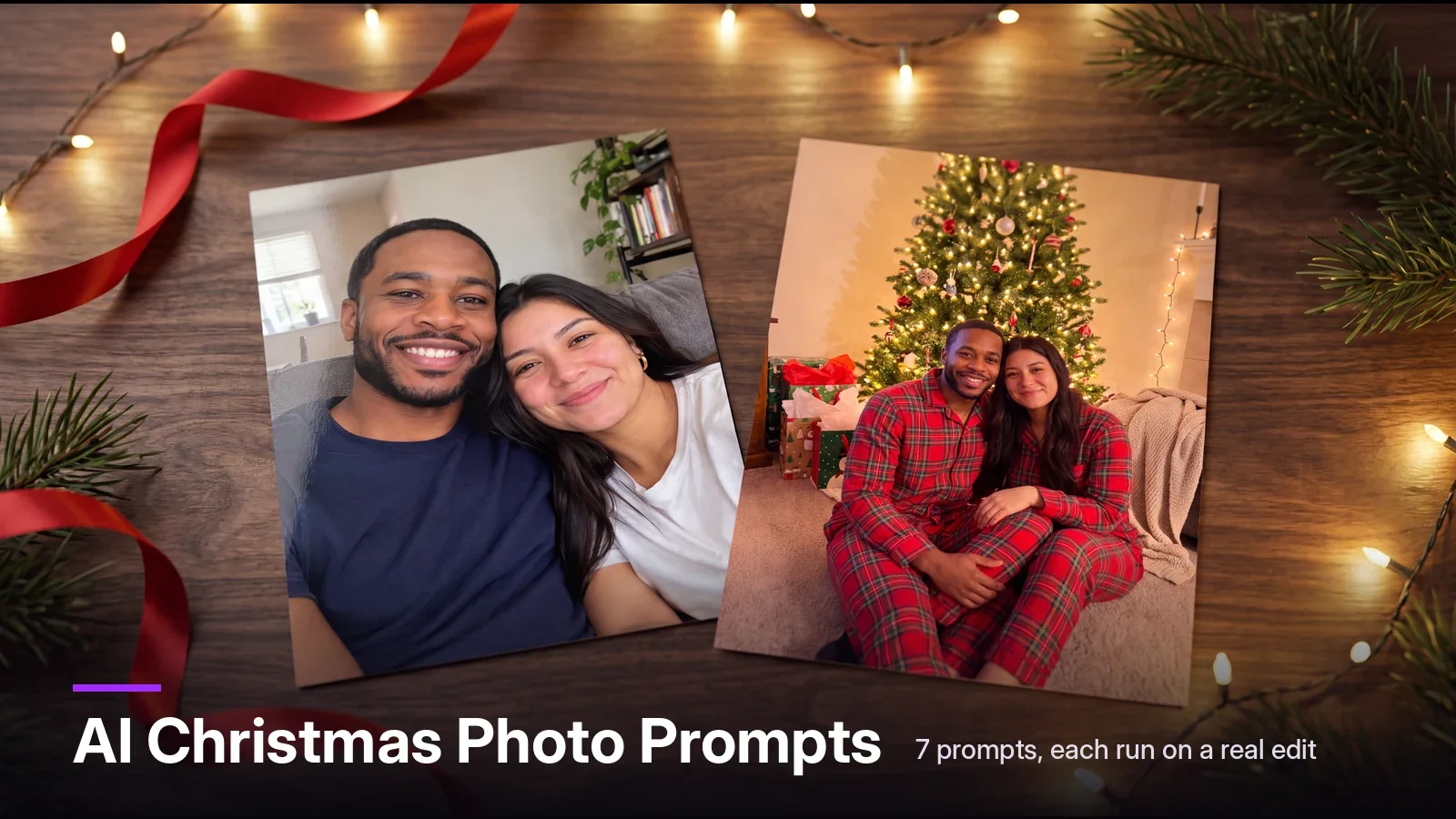
An AI Christmas photo prompt is a short instruction that tells an image model what to change in your photo: the outfit, the setting, and the light, while your face stays the same. Below are seven you can copy. We ran each one in MagicShot's AI Image Editing on November 23, 2026, and we show what came back, including what went wrong.
How we tested these prompts
Every edit ran in AI Image Editing with GPT Image 2.6 Sunburst. "Maintain face consistency" stayed on, and the aspect ratio stayed on Auto unless noted. Every person and pet in this post is AI-generated, made in MagicShot's Photo Generator for this test, so no real person's photo was used.
Each prompt got one run with no retries, so treat these as worked examples and not a benchmark. OpenAI describes Sunburst as the detail-focused model of its two 2.6 image models, with steadier results across edits at medium or high quality. We did not compare it with other models here.
How to use a Christmas photo prompt in MagicShot
Open AI Image Editing and add your photo.
Pick a model. We used GPT Image 2.6 Sunburst, one of the higher-cost models in the list. Lower-cost models sit in the same menu.
Paste a prompt, swap in your own details, and select Generate. The credit cost shows on the Generate button before you run it.
To try a second prompt on the same photo, select "Edit another". Your photo and prompt stay loaded.
The 7 AI Christmas photo prompts
1. Fireside portrait (one person)
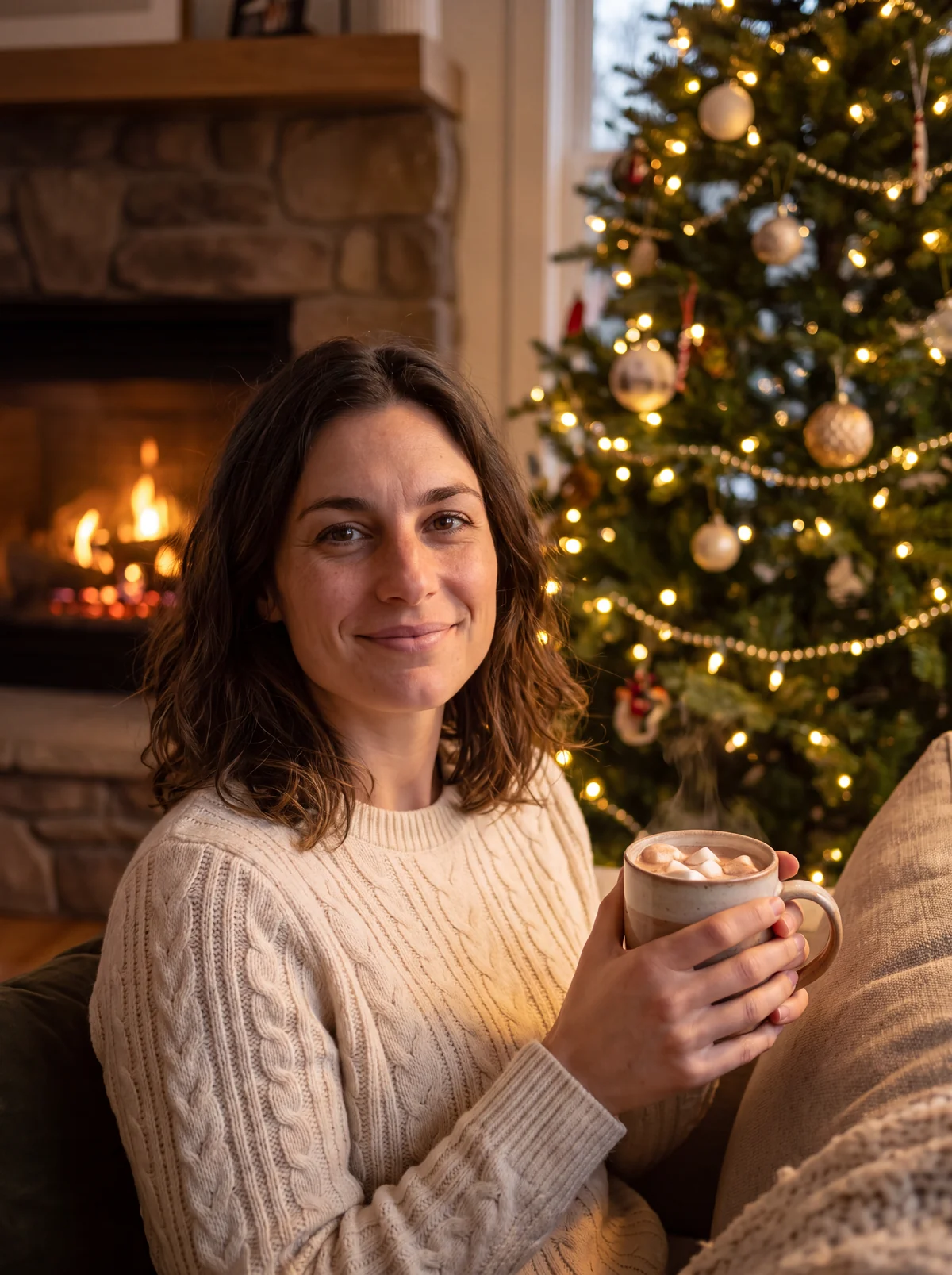
Keep this woman's face, hair, and expression exactly as they are. Change only her outfit and the setting. Dress her in a cream cable-knit sweater. Seat her on a sofa beside a decorated Christmas tree with warm white string lights, a lit fireplace behind her, and a mug of hot cocoa in her hands. Warm evening light from the fire and the tree, shallow depth of field, natural skin texture, candid photo look. No text, no watermark.
Generated with MagicShot. The people and pets shown are AI-generated.
Her face, freckles, and smile carried over, and the sweater, tree, fireplace, and cocoa were all there. The miss was her hair, which came back shorter and less wavy than in the source photo.
2. Anime Christmas street (one person)
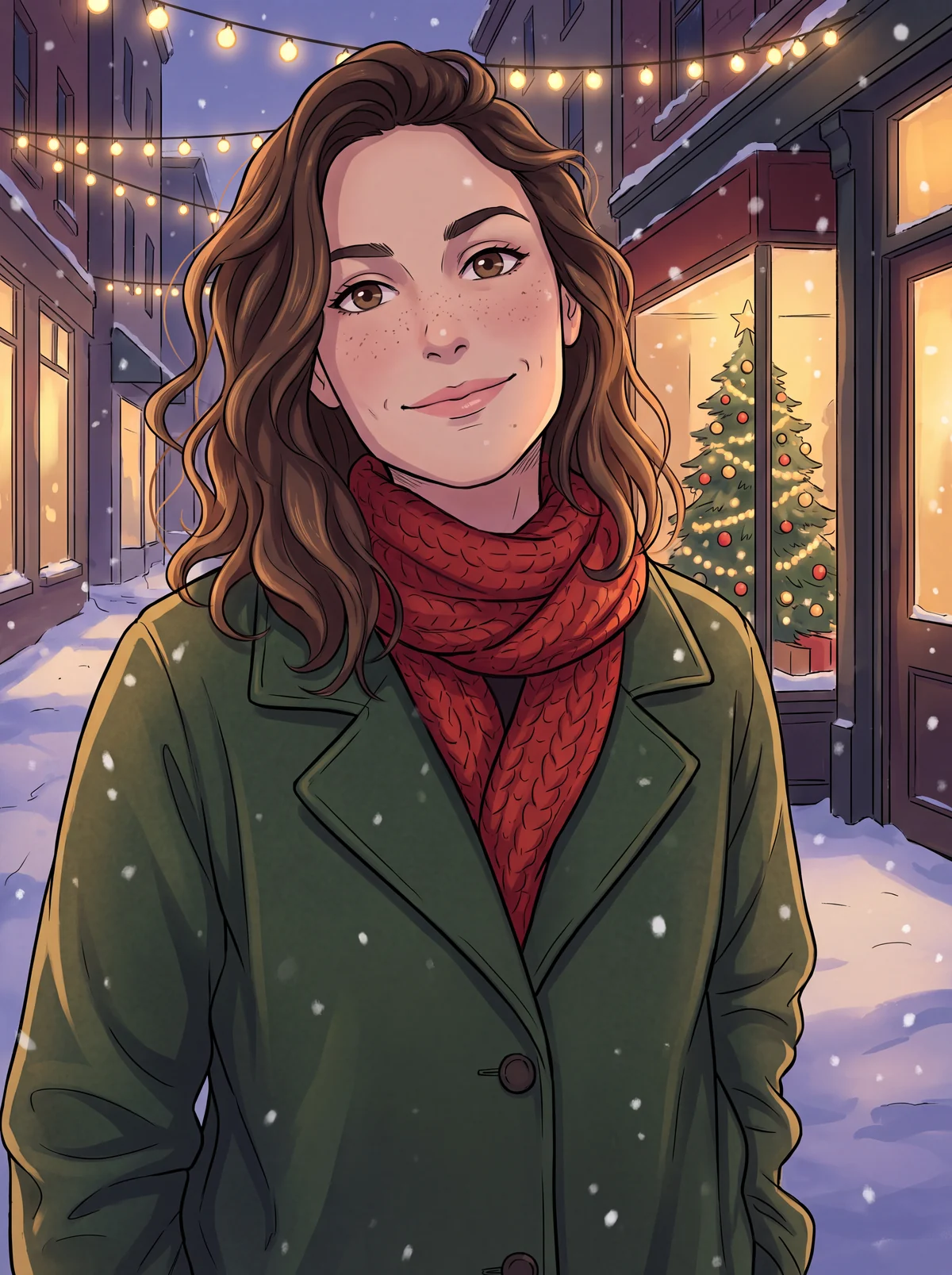
Redraw this photo as a hand-drawn anime illustration. Keep her face shape, freckles, wavy brown hair, and smile recognizable. Dress her in a red scarf and a dark green coat, standing on a snowy town street at dusk with string lights overhead and a Christmas tree in a shop window behind her. Soft cel shading, clean line art, warm window glow against cool blue snow. No text, no watermark.
Generated with MagicShot. The people and pets shown are AI-generated.
We got a clean illustration with the scarf, coat, lights, and tree, and her freckles and wavy hair came through. This is a drawn likeness, so expect "looks like her" and not a photo match.
3. Matching pajamas by the tree (couple)
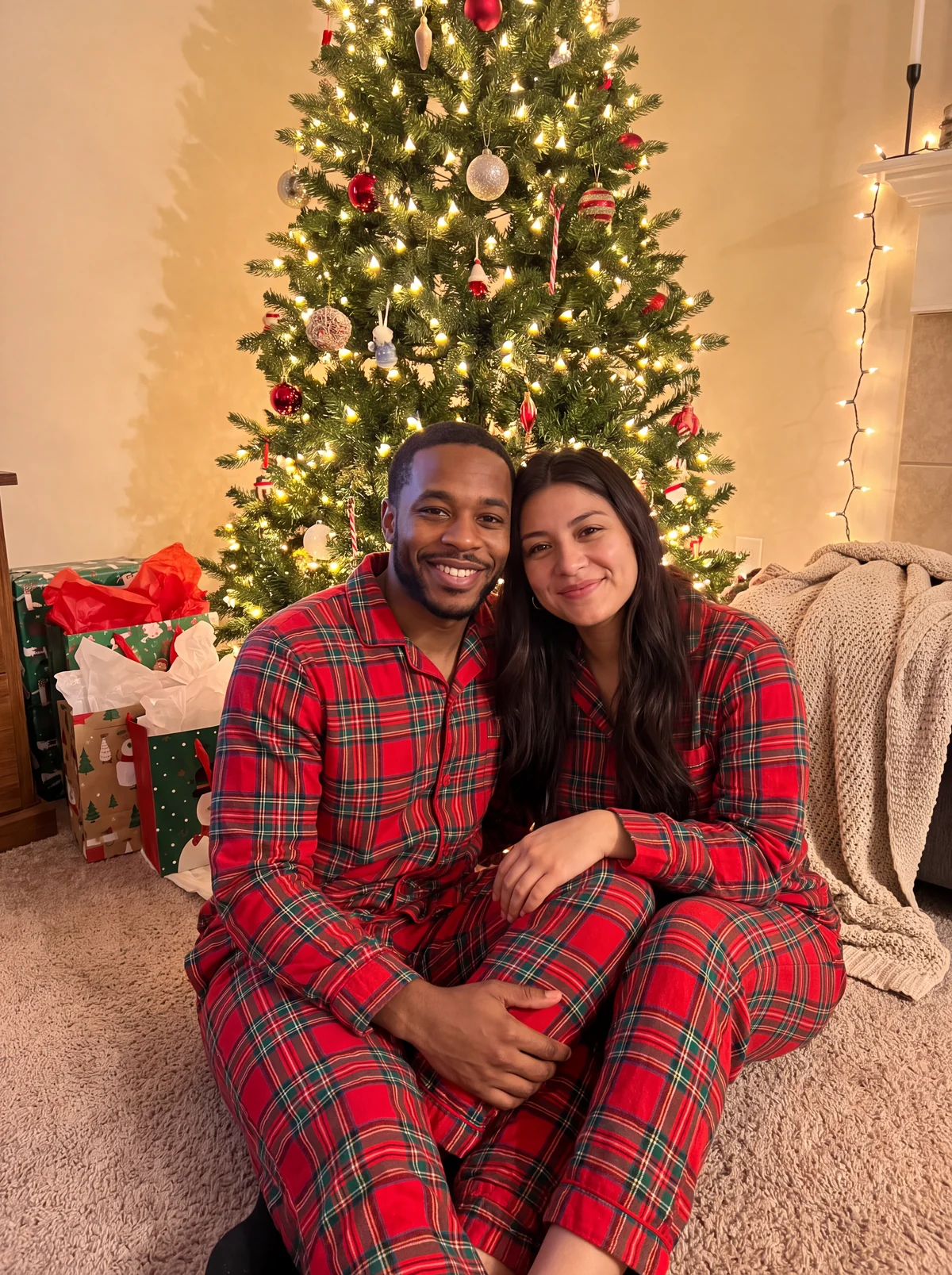
Keep both people's faces, skin tones, hair, and smiles exactly as they are. Change only their clothes and the setting. Dress them in matching red and green plaid flannel pajamas. Seat them on the floor in front of a decorated Christmas tree with wrapped gifts beside them, warm string lights, and a soft blanket. Cozy evening light, natural skin texture, candid photo look. No text, no watermark.
Generated with MagicShot. The people and pets shown are AI-generated.
Both faces and skin tones held, the pajamas matched, and the gifts and blanket were in place. Hands and the plaid pattern looked right in the preview.
4. Matching pajamas on the stairs (family)
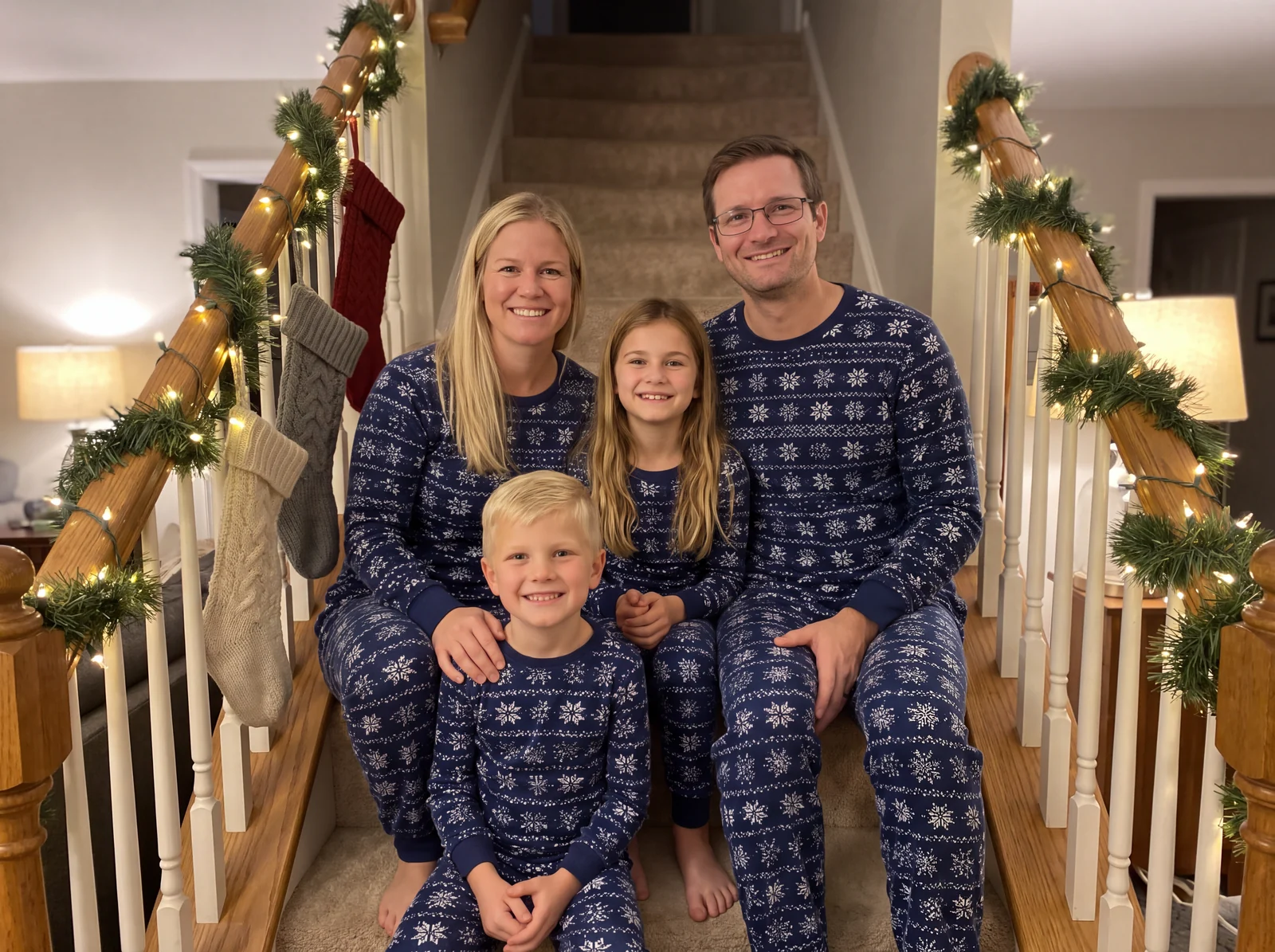
Keep all four faces, hair, and the father's glasses exactly as they are, and keep everyone's relative height. Change only their clothes and the setting. Dress the whole family in matching navy pajamas with a white snowflake pattern. Seat them together on a carpeted staircase wrapped in pine garland and warm string lights, with stockings hanging on the banister. Soft indoor evening light, natural skin texture, candid family photo look. No text, no watermark.
Generated with MagicShot. The people and pets shown are AI-generated.
All four faces were recognizable, with the glasses and the right heights, plus garland, lights, and stockings. The mother's ponytail and the daughter's braids both turned into loose hair, even though the prompt said to keep hair as it was.
5. 1970s Christmas snapshot (family)
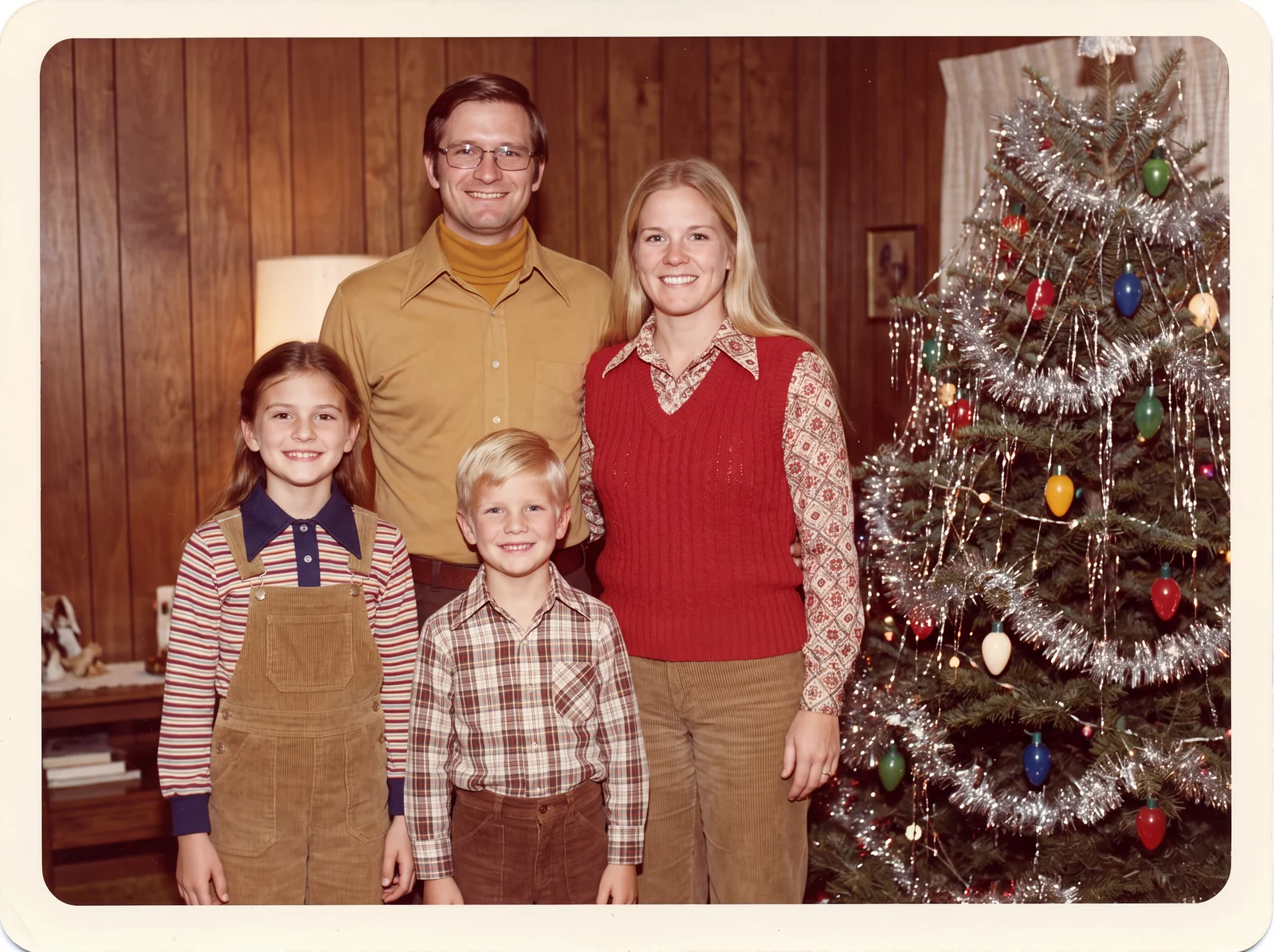
Turn this into a faded 1970s Christmas family snapshot. Keep all four faces and the father's glasses recognizable. Dress them in 1970s holiday clothes: wide collars, a mustard turtleneck, a red knit vest, corduroy. Stand them in a wood-paneled living room beside a tree with tinsel and large colored bulbs. On-camera flash, warm color cast, soft focus, visible film grain, rounded white photo border. No text, no watermark.
Generated with MagicShot. The people and pets shown are AI-generated.
The period look landed: wood paneling, tinsel, big bulbs, grain, and the white border. The model also gave the father 1970s frames and hair. If you want glasses left alone, add "do not restyle the glasses".
6. Santa hat and sweater (pet)
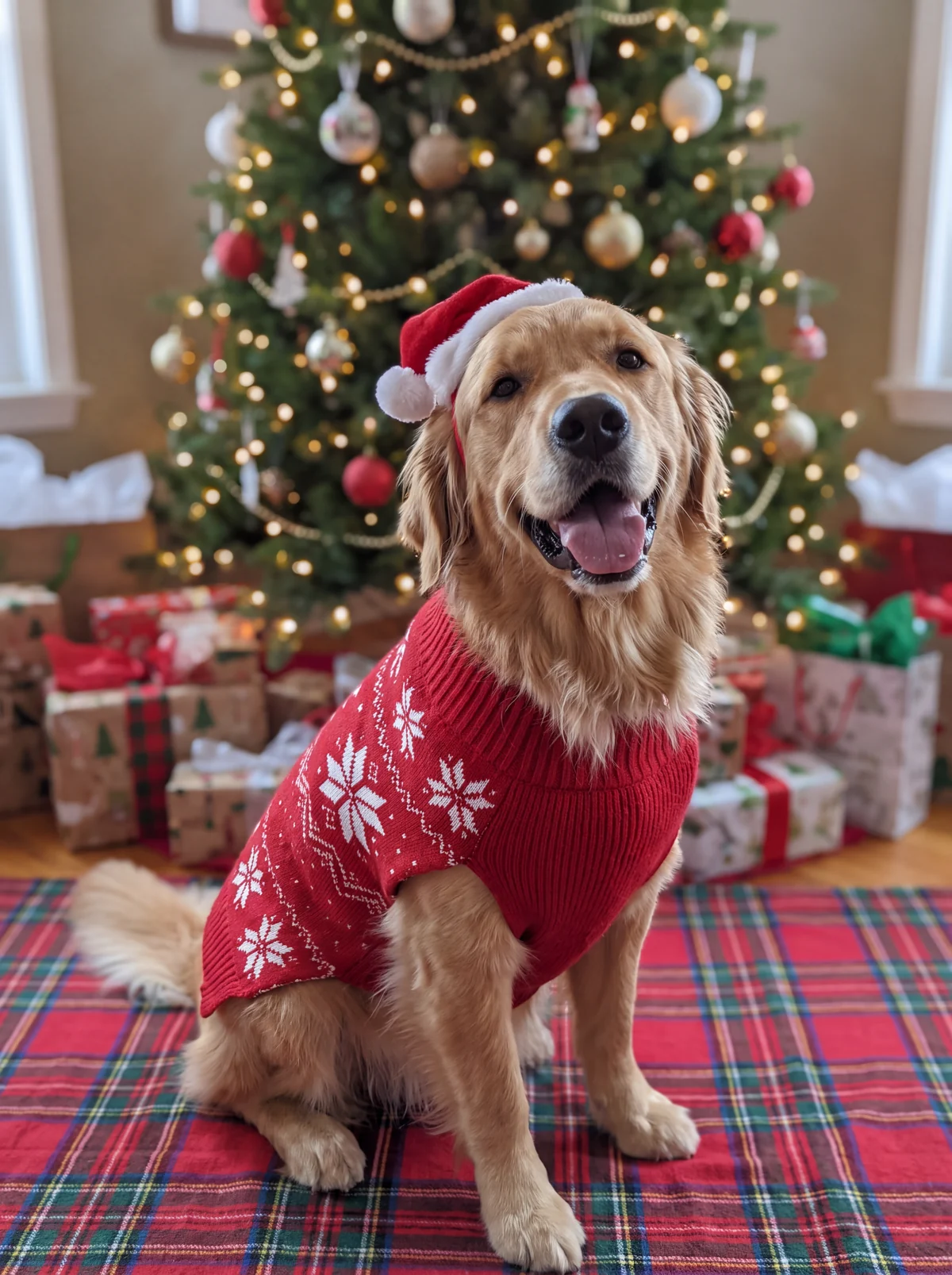
Keep this dog's face, fur color, and expression exactly as they are. Add a red knit Christmas sweater with white snowflakes and a small Santa hat sitting slightly crooked on its head. Place the dog on a plaid blanket in front of a decorated Christmas tree with wrapped gifts and warm string lights. Eye-level framing, shallow depth of field, real fur texture. No text, no watermark.
Generated with MagicShot. The people and pets shown are AI-generated.
It was the same dog, with the same coat and expression, now in the sweater and hat on the blanket by the tree.
7. Add your pet to the family photo (two photos)
Add both photos to the edit. The first one is labeled "Editing this one" and the other becomes a reference, so tell the prompt which is which. We set the aspect ratio to 4:3 for this one.
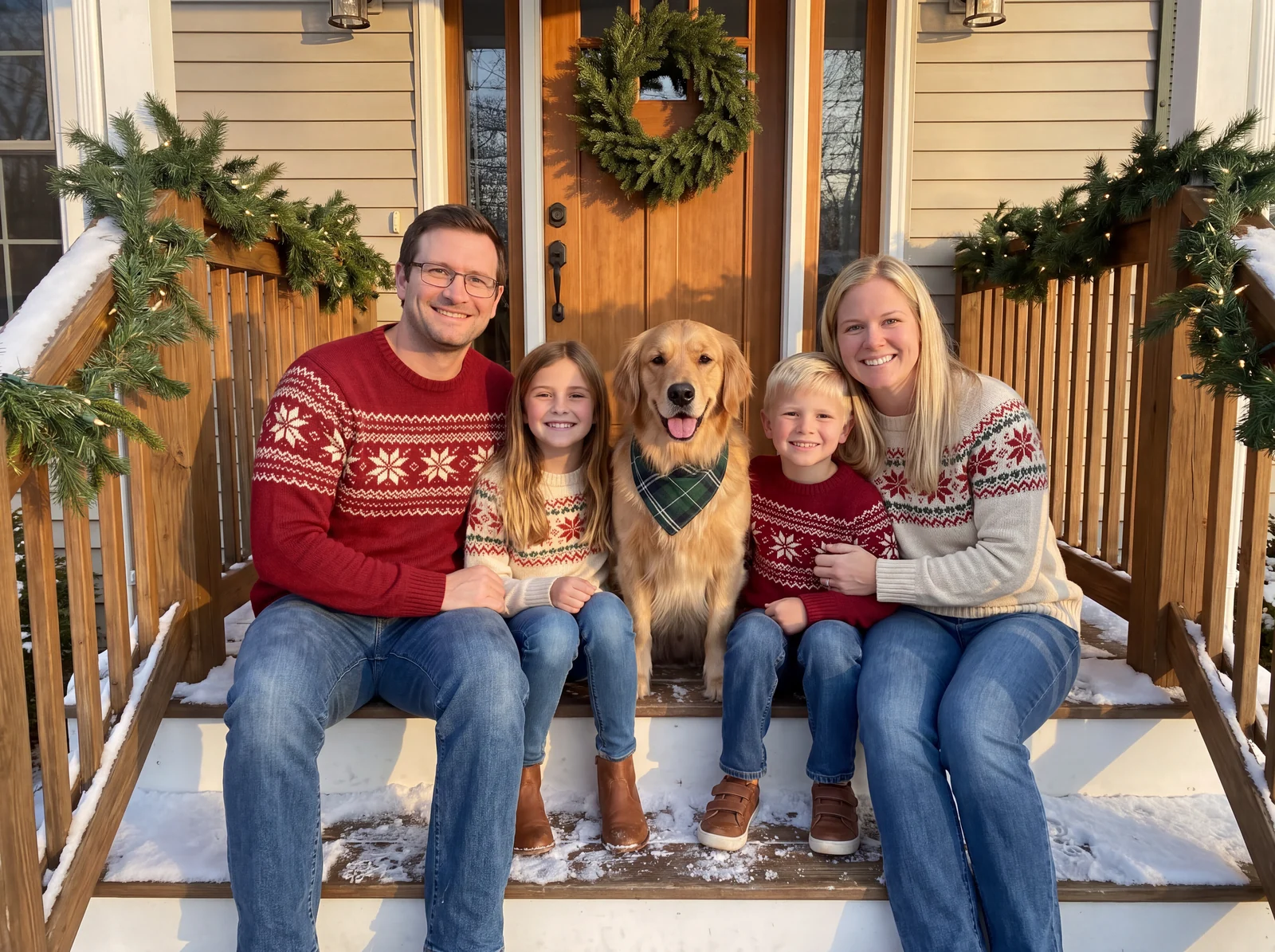
Photo 1 is the dog. Photo 2 is the family. Create one Christmas photo with all four family members from photo 2 and the dog from photo 1 together. Keep every face, the father's glasses, and the dog's face and fur exactly as they are. The family wears red and cream sweaters, and the dog wears a green plaid bandana. They sit together on front porch steps with a wreath on the door, pine garland on the railing, and light snow. Late afternoon light, candid family photo look. No text, no watermark.
Generated with MagicShot. The people and pets shown are AI-generated.
All four people and the dog ended up in one scene, with the sweaters, bandana, wreath, garland, and snow. The dog's size looked right next to the kids.
How to write your own Christmas photo prompt
Each prompt above follows the same order:
A keep line that names what must not change, such as faces, glasses, or fur color.
A change-only line: "Change only their clothes and the setting."
One specific outfit, with its color.
One setting and a few props.
The light and the finish: time of day, light source, photo style.
What to leave out: "No text, no watermark."
Keep [who]'s face, hair, and [detail] exactly as they are. Change only the clothes and the setting. Dress [who] in [outfit]. Place them [where], with [prop], [prop], and [prop]. [Light], natural skin texture, candid photo look. No text, no watermark.
What went wrong in our test
Hair changed in two of the seven prompts. Faces held every time, but hairstyles did not always follow. One idea we have not tested yet is naming the hairstyle in the keep line, such as "keep her braids".
Period styling spreads. Asking for a 1970s look restyled glasses and hair too.
Edits ran longer than the app's estimate. The one edit we timed took just under a minute, and your time will vary.
We judged results in the app preview. We did not print them.
Prefer one tap over a prompt?
Two MagicShot tools have ready-made Christmas styles, so you pick a look and skip the prompt. Pet Dress Up has a Holiday Special category, and Baby Photoshoot has a Merry & Bright category.
Limits to know before you post
An AI Christmas photo shows how a moment could look. It is not a record of a real event, so label it that way if you share it.
Only use photos of people who are happy to be in your picture.
We tested up to four people and one dog. Larger groups are untested.
These prompts are plain language, so you can paste them into other apps, but we only ran them in MagicShot.
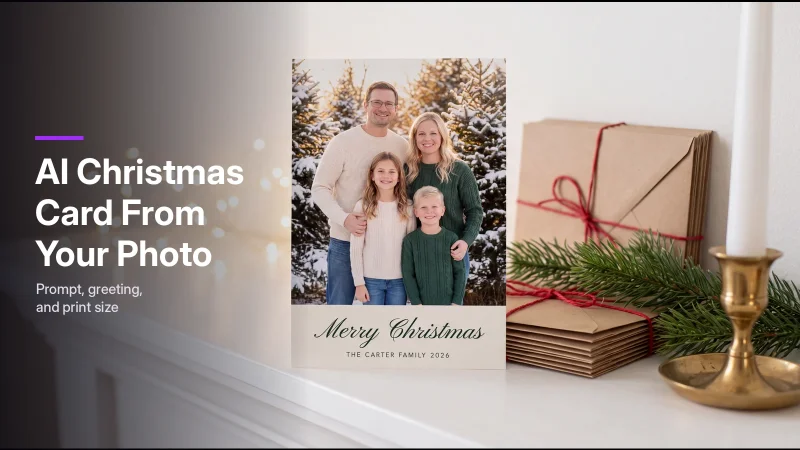
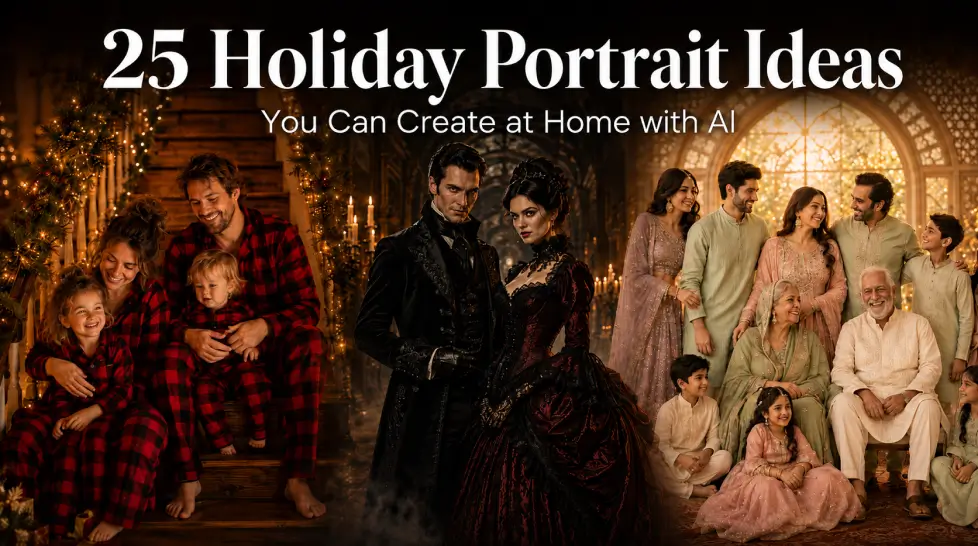
Want the photo on a card with your greeting? See How to Make an AI Christmas Card From Your Photo. For more looks, try AI Photo Prompts or Holiday Portrait Ideas.
Open AI Image Editing and try the first prompt on your own photo.