
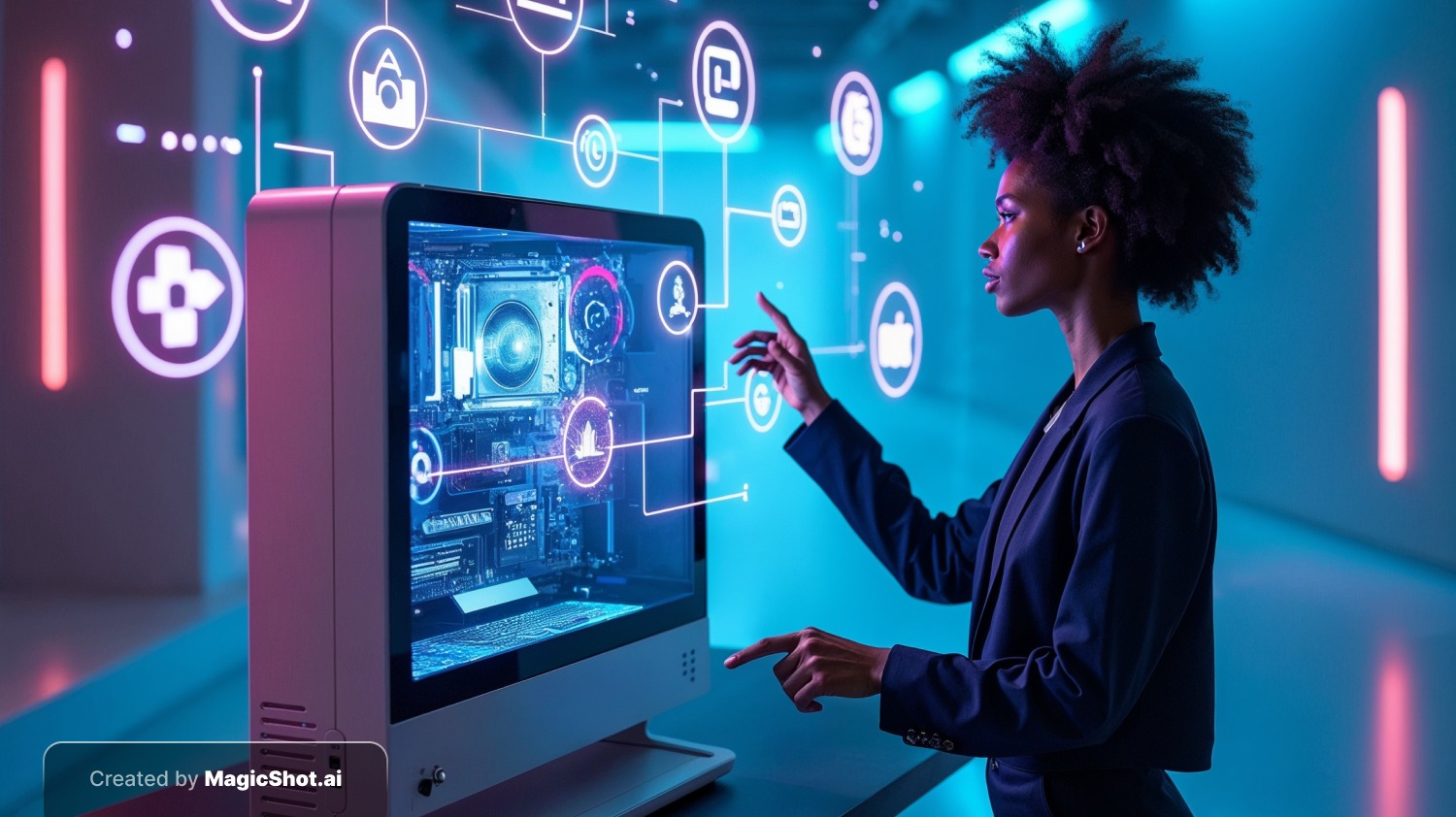
AI image generation rarely works alone anymore. The most useful applications pair it with other technology: language models that write the prompts, 3D engines that place the results in a scene, design software that turns concepts into products. This article looks at where those combinations already work, where they are still experimental, and what to watch for. If you want the basics first, try MagicShot's AI image generator and come back.
AI Image Generation and Language Models
Text-to-image systems already rely on language models to understand a prompt. The combination goes further when a language model drafts or improves prompts for you, or when images are generated automatically from an article, product description or script. Practical uses:
Illustrating blog posts, newsletters and social posts from the text itself.
Producing visuals tailored to different audiences or regions.
Creating illustrations for people who learn better visually.
With Virtual Reality (VR)
VR needs huge amounts of visual content, which is expensive to build by hand. AI-generated textures, skyboxes and concept art let small teams fill worlds faster. Real-time generation from user input is still limited by speed and consistency, so most use today is during design, not live play. Common uses are gaming environments, training simulations and virtual tourism mock-ups.
With Augmented Reality (AR)
AR overlays digital content on the real world, and AI images can supply that content: product visualizations that show how a sofa might look in your room, learning aids and lightweight game assets. Here again, 3D models usually matter more than flat images, so image generation often supports concept and texture work.
With Computer-Aided Design (CAD)
In design, AI image tools are best for the early stage. A designer can generate dozens of concept directions for a chair, building facade or package, choose the strongest and then rebuild it properly in CAD. The images are inspiration and communication, not engineering drawings, because they do not carry dimensions or tolerances.
With Video Editing
Generated images can be animated, extended and combined with real footage. Typical uses include background replacement, custom inserts and transitions, and concept frames before filming. MagicShot's AI video tools turn stills into short clips.
With Healthcare
Be careful here. Image generation is different from medical image analysis. Diagnostic tools that detect disease in scans are analysis models, not generators. Generative models do have a role in healthcare research, such as creating synthetic training images to protect patient privacy, but generated images must never be treated as real patient data or used for diagnosis.
Ethical Considerations
Bias: models can reproduce stereotypes from their training data.
Intellectual property: artists whose work trained the models have raised objections and legal challenges.
Privacy and security: treat uploaded images and generated faces carefully.
Misinformation: realistic fake images can mislead, so label AI content.
For a deeper look, read our guide to ethical challenges in AI-generated images.
What to Take Away
The strongest combinations use AI images for speed in the early, creative stages and rely on specialist tools and human review for the final result. As models get faster and more consistent, expect more live generation inside games and AR apps.

Download the MagicShot app to try AI image and video tools on your phone.


