I run the tech side of MagicShot. I have bought several other AI platforms to see what they offer. Each one has a design team and a real budget behind it, and their video and image effects are very good. I am not going to pretend otherwise.
What bothered me was how they sell it.
If I wanted to use a bigger model, I had to buy another plan. If I wanted a certain tool, it came on a different plan or as an add-on.
I come at this from the engineering side, so I kept asking the engineer's question. If everything runs on the same platform behind the same login, why does it sit behind different doors?
MagicShot comes from that question. This post is the long version of my answer, and it includes numbers from our own catalog, because I did not want to write an opinion piece without checking whether the opinion holds up.
What "every model on every plan" means, and what it does not
Let me be straight about this first, because the phrase gets abused.
It does not mean unlimited. We have three paid plans: Essential at $9 a month with 8,000 credits, Premium at $19 a month with 19,000 credits, and Premium+ at $35 a month with 40,000 credits. Every generation costs credits, and a bigger model costs more credits than a small one. A Veo 3.1 clip costs more than a Seedance Pro clip, because it costs more to run.
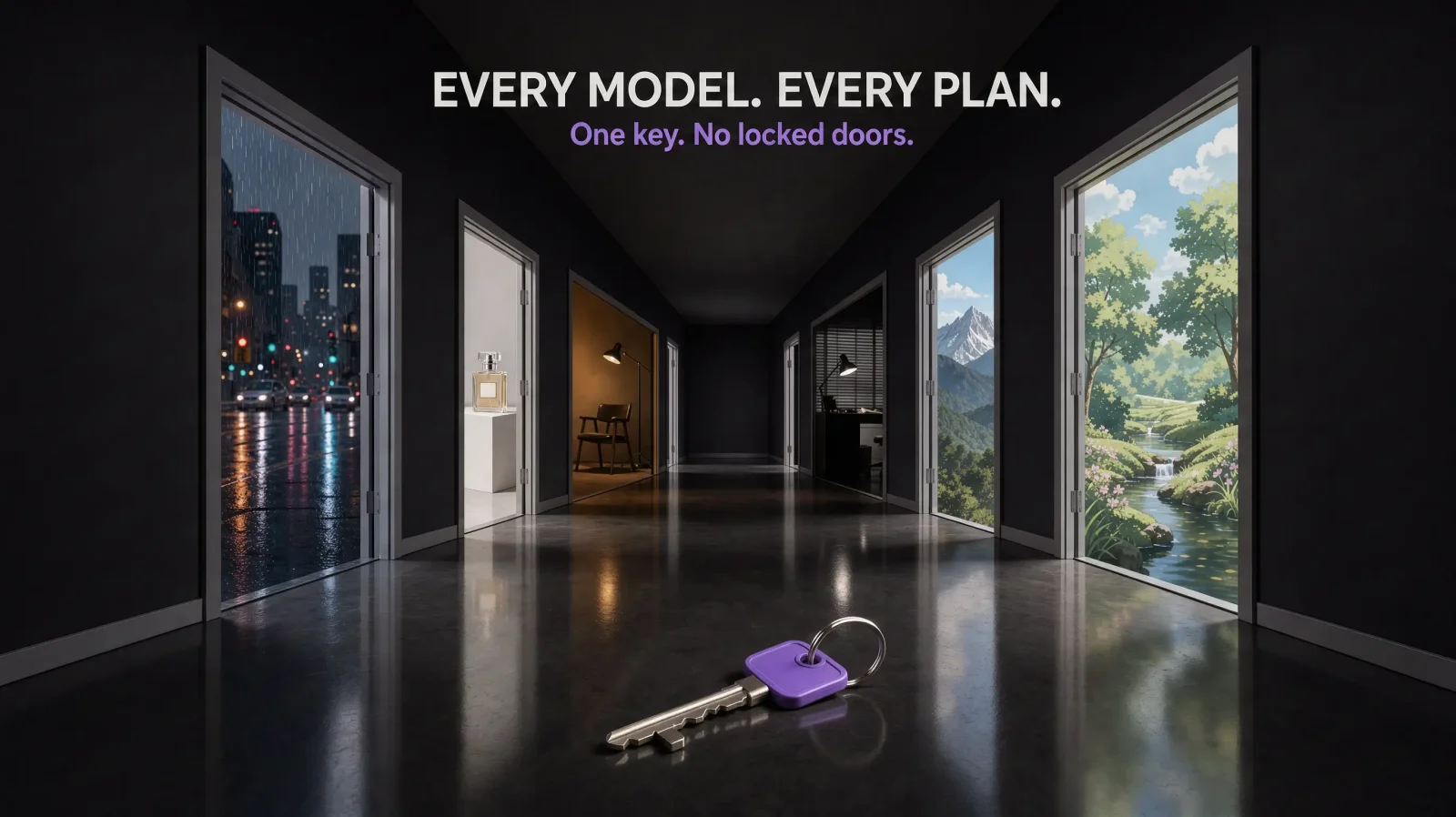
What it does mean is this: the plans differ in how many credits you get and how much you can generate in a month, not in which models you can use. Every model is on every paid plan, and one pool of credits covers every tool. You do not need a higher plan to touch a premium model.
There is also a free tier. Three tools are free to use: text to video, text to speech and the AI photo generator (text to image). Everything beyond those runs on a paid plan.
That is the whole idea. The price of a generation is the price of that generation, not the price of your membership level.
(Content policy still applies, of course. Some things are blocked on any platform that takes safety seriously, and ours is no exception.)
I audited our own catalog
I wanted real numbers, so on October 5, 2026 I pulled our live catalog and counted. This covers four of our main tools: text to video, image to video, text to image, and image editing. The rest of the catalog adds more tools and models on top of this.
How I priced things:
Every price is the entry price for that model, meaning the shortest clip at the lowest resolution it offers.
Money amounts use the Premium plan rate: $19 for 19,000 credits, so one credit is $0.001.
Here is what came back.
Tool | Models | Cheapest | Priciest | Median |
|---|---|---|---|---|
Text to video | 39 | 200 credits | 5,107 credits | 1,075 credits |
Image to video | 34 | 300 credits | 3,967 credits | about 1,444 credits |
Text to image | 48 | 3 credits | 850 credits | about 107 credits |
Image editing | 23 | 71 credits | 850 credits | 152 credits |
That is 144 model options across four tools. Some models appear in more than one tool, so it is not 144 different models, but it is 144 things you can choose from.
Finding 1: the gap inside a single tool is enormous
In text to image, the cheapest model costs 3 credits and the most expensive costs 850. That is a 283x spread inside one tool. In text to video it is about 26x, from 200 credits to 5,107.
In money terms, a 3-credit image costs about a third of a cent. The 850-credit image costs $0.85. A 200-credit video costs $0.20, and the priciest video model costs about $5.11 for a 5 second clip.
Now think about what a tier system has to do with that spread. It has to decide which of those models goes on which plan. In my view that grouping is a pricing decision more than a technical one, because to the product all of these are the same kind of thing. You pick one, you type a prompt, you wait.
Finding 2: your median generation is cheap
People look at the top of the price range and panic. The middle is where you actually live.
On Premium, 19,000 credits buys roughly:
About 178 images at the median image price, around $0.11 each
About 17 clips at the median text to video price, around $1.08 each
Only 3 clips on the most expensive video model
On the cheapest video model you would hit the plan's monthly video limit before you ran out of credits. More on those limits below.
Fifteen of our 39 text to video models cost more than 1,500 credits at entry level. Eight cost under 500. Most people will do most of their work in the middle and spend on a top-end model when a shot really needs it.
Finding 3: length and settings move the price
The entry price is a floor. Clip length raises it, and so does resolution.
Take Kling 3.0. A 5 second clip is 3,862 credits, about $3.86. A 10 second clip is 7,724, about $7.72. A 15 second clip is 11,586, about $11.59, which is roughly 61% of a Premium month's credits for a single clip. On this model the catalog also lists 1080p at twice the 720p price and 4K at three times.
I think you should see the cost before you hit generate, not after. In our All-in-One studio, the cost panel updates as you change duration and resolution. Whatever platform you use, check the cost before you push the long, high-resolution button.
Finding 4: draft cheap, finish expensive
This one changed how I work.
MagicShot Flash is our fast video model. It costs 200 credits for a 5 second clip and usually returns in about 10 seconds. Kling 3.0 costs 3,862 credits for a 5 second clip and usually takes about 2 minutes. These are entry prices, so Flash is $0.20 against $3.86 for Kling.
That is roughly a 19x price difference, and about a 12x difference in waiting time.
So I test the idea on the cheap model first. Does the motion make sense? Is the framing right? Is the prompt doing what I thought? Once I am happy, I run the same idea on the expensive model for the final.
If models are split across plans, this workflow gets awkward. The cheap model might sit on one plan and the premium model on another, and you end up paying twice to draft and finish the same shot.
Finding 5: running one prompt on everything is not as scary as it sounds
This is a test I would never do in real life, but it shows the size of the catalog in money.
If you ran one prompt on all 48 text to image models at entry price, it would cost 9,858 credits, about $9.86. That is a bit over half of a Premium month's credits.
If you ran one prompt on all 39 text to video models at entry price, it would cost 57,506 credits, about $57.51. That is a little over three Premium months' worth of credits.
Nobody needs to do this. The point is that a person who wants to compare models, which is a very normal thing to want, can do it on one pool of credits in one place. Across several platforms, the same comparison means several accounts and several invoices.
A real workflow, with the math
Here is a workflow I would actually run for a product ad. This is a worked example, not a measurement.
Generate 6 concept stills with Grok Imagine 2.0 at 120 credits each. That is 720 credits.
Pick the best 2 and refine them with the Nano Banana 2 editing model at 480 credits each. That is 960 credits.
Animate the best result with Seedance 2.5 image to video, 5 seconds at 1,552 credits, and run 3 takes. That is 4,656 credits.
Total: 6,336 credits, about $6.34, or roughly a third of a Premium month's credits. Three different model families, one pool of credits, no plan changes.
So why do platforms split models across plans?
I can only tell you what I see from the inside, and I want to be fair to everyone doing this work.
Running these models costs real money, and that cost changes by model. Platforms need a way to protect their margin, and tiers are one common way to do it. They also make revenue predictable.
My read, as someone who has looked at our own numbers, is that the per-generation cost already shows up in a credit price. If a model costs us more, it costs you more credits. Locking the model behind a plan on top of that adds a second layer of pricing that the user has to work out.
I could be missing something, and other teams have constraints I do not know about. But when I laid out our catalog, I could not find a reason the cheap, fast models and the expensive, slow ones needed different membership levels.
What this does not fix
I do not want to oversell this.
Credits run out. If you generate a lot of long, high-resolution video on premium models, you will burn through a plan fast. The math above shows how fast.
Plans have monthly limits. On top of credits, each plan caps how much you can generate in a month. On Premium that is up to 6,000 images and 70 videos.
The free tier is limited. It covers three tools: text to video, text to speech and the AI photo generator. Everything else needs a paid plan.
More models means more decisions. A big menu is only useful if you know what to order.
Results vary by job. The model that suits a portrait is not necessarily the one that suits a product shot or a cinematic clip. Having every model available does not pick one for you.
Who this is for
It is a good fit if you:
Use more than one AI tool and are tired of tracking several bills
Want to compare models on your own prompts before committing to one
Switch between images, video and editing in the same project
Like to draft cheap and finish on a premium model
It is probably not for you if you only ever use one model on one platform and you are happy with the price.
The short version
I bought other platforms to see what they did well, and they do a lot well. What I could not get past was needing a different plan for a bigger model or a different tool, when it all lives in one product.
So we built the version I wanted as a user. Every model on every plan, one pool of credits, each model priced by what it costs to run. You choose what to spend them on.
If you want to see how the numbers play out on your own prompts, try the same idea on a cheap model and a premium one and compare. That one test teaches you more than any pricing page does.