You've seen the astrology memes: Geminis text in paragraphs, Capricorns never use punctuation, Scorpios reply "k." Swap the star sign for a chatbot, and the pattern holds up disturbingly well. The way you talk to an AI model, whether you write a novel or a single noun, says a lot about how your brain works, and it says even more about the results you're getting. That's the real story behind ai prompt styles: they're not just quirky habits, they're a preview of your output quality.
This isn't a horoscope. It's a field guide. Below are the most common types of AI users we see, based on actual prompting behavior, plus the fixes that turn a weak prompt into a strong one. Find yourself in here. Most people recognize themselves in the first three.
What Are AI Prompt Styles, Really?
An AI prompt style is simply the pattern in how someone writes instructions for a generative tool, whether that's an image generator, a video tool, or a chatbot. It covers word count, tone, structure, and how much context gets included. Prompt personality is the informal way of describing that pattern: are you a planner, a minimalist, a perfectionist, a rambler? Understanding your own type of AI user is useful because prompt style directly affects output quality. Vague prompts produce vague, generic results. Overloaded prompts confuse the model. The sweet spot is specific but readable, and almost nobody hits it by accident the first time.
The Nine AI Prompt Personality Types
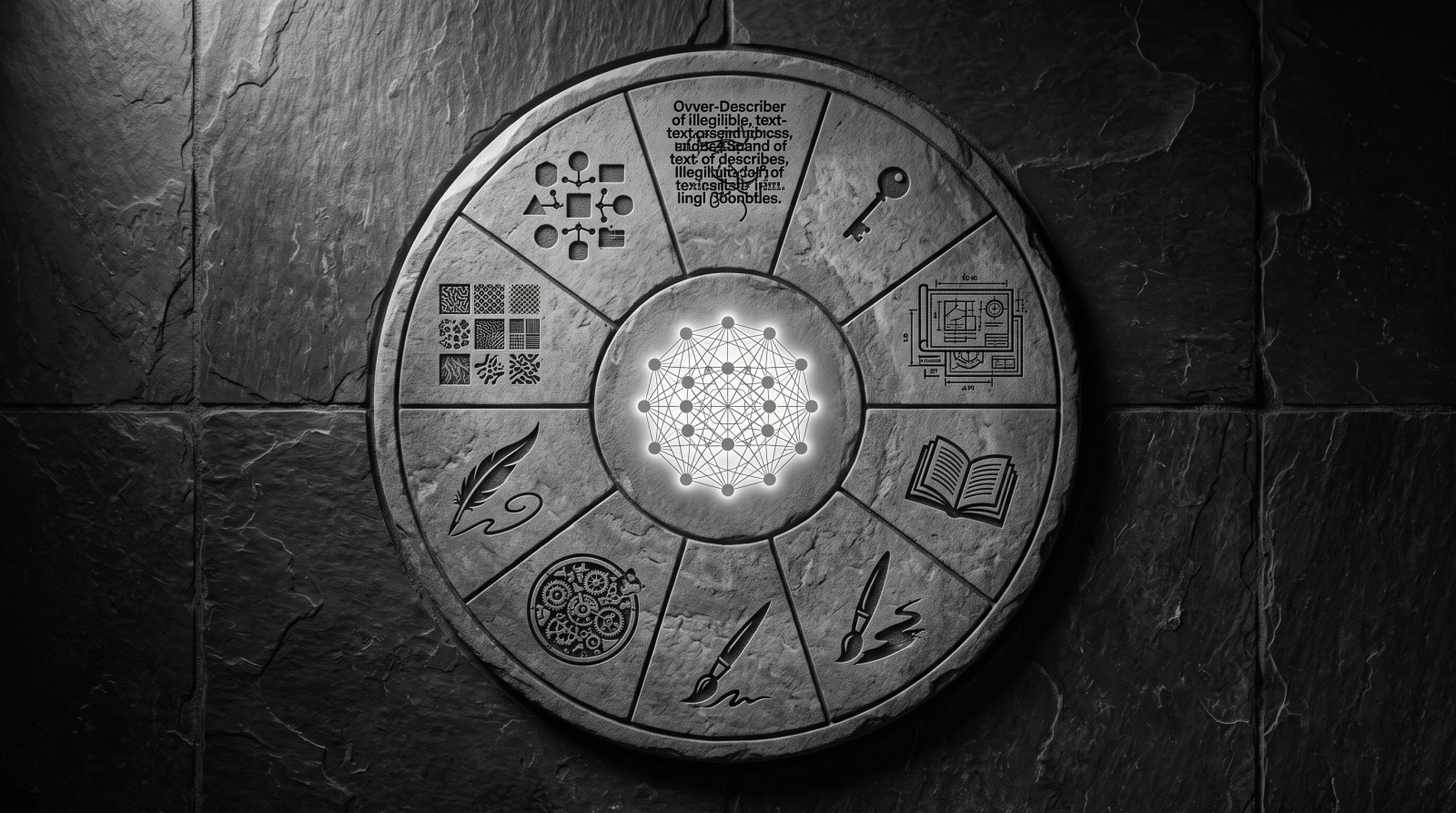
1. The Over-Describer
This person writes prompts like ransom notes assembled from a thesaurus: "a hyper-realistic, cinematic, ultra-detailed portrait of a woman with flowing auburn hair in golden hour lighting with bokeh background, 8k, trending on art-station, moody yet warm atmosphere." They're not wrong to be specific, specificity is good, but they've mistaken volume for clarity. Half those adjectives contradict each other, and the model has to guess which ones actually matter.
The fix: keep the details that change the image (hair color, lighting, mood) and cut the ones that don't (redundant quality tags, style words stacked five deep). If you're building portraits this way, a tool like the AI Art Generator rewards a tight, well-ordered prompt far more than a long one.
2. The One-Word Optimist
Types "dog." Hits enter. Expects magic. When the result is generic, they type "dog" again, slightly annoyed. This is the most common type of AI user, and also the easiest to level up, because the gap between "dog" and "golden retriever puppy running through autumn leaves, soft afternoon light" is enormous for almost zero extra effort.
The fix: add one subject detail, one setting detail, and one lighting or mood detail. Three additions, dramatically better output. For product shots specifically, the Product Photo Generator works best when you name the surface, background, and light source instead of just the product.
3. The Person Who Types "Please"
Polite to a fault. Their prompts read like emails to a very important stranger: "Could you please generate an image of a sunset if that's alright? Thank you so much." The AI doesn't have feelings to manage, but this habit isn't wrong exactly, it's just wasted words that could be doing descriptive work instead.
The fix: redirect that politeness into precision. Instead of "please make it look professional," specify what "professional" means for this exact shot: neutral background, soft studio lighting, sharp focus. That's the difference a tool like Professional Headshots can actually use.
4. The Perfectionist Re-Roller
Generates the same prompt fifteen times hoping for a different outcome, tweaking a single word each time and treating every regeneration like a slot machine. There's a method buried in here, iteration genuinely improves results, but it works better with intention than with luck.
The fix: change one variable at a time and note what shifts. Swap "sitting" for "leaning," or "daylight" for "neon," and actually compare. Random re-rolling wastes credits; controlled iteration builds a mental model of what the tool responds to. Use an image editing tool to iterate until you land on the perfect fit.
5. The Copy-Paste Artist
Found a prompt on Reddit or Pinterest, pastes it in unedited, gets confused when it doesn't match their vision. The prompt was tuned for someone else's subject, someone else's outfit, someone else's lighting. It was never going to be a perfect fit.
The fix: treat found prompts as templates, not scripts. Keep the structure, swap in your own subject and setting. This matters a lot for anything built around a specific look, like the AI Fashion Model tool, where the outfit and pose details need to match your actual product, not the stranger's.
6. The Emoji Enthusiast
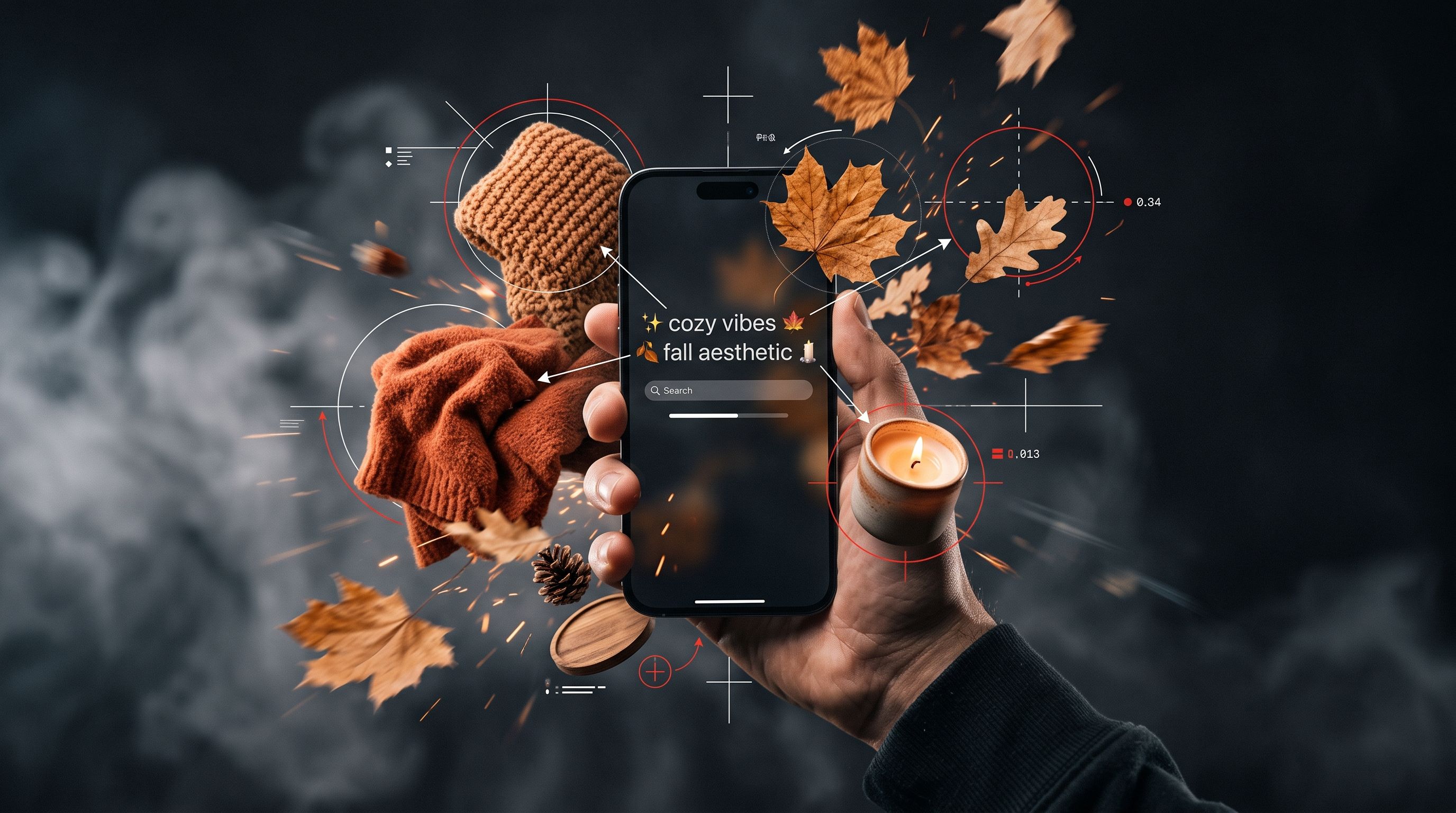
Communicates almost entirely in vibes and symbols: "✨ cozy vibes 🍂 fall aesthetic 🕯️." Charming, and honestly not useless, mood language does carry information. But emojis and vibe-words are ambiguous to a model in ways a human friend would instantly understand from context.
The fix: translate the vibe into concrete nouns and adjectives. "Cozy fall aesthetic" becomes "warm knit blanket, amber lighting, ceramic mug, wooden table." Same feeling, far more usable instruction.
7. The Technical Spec Writer
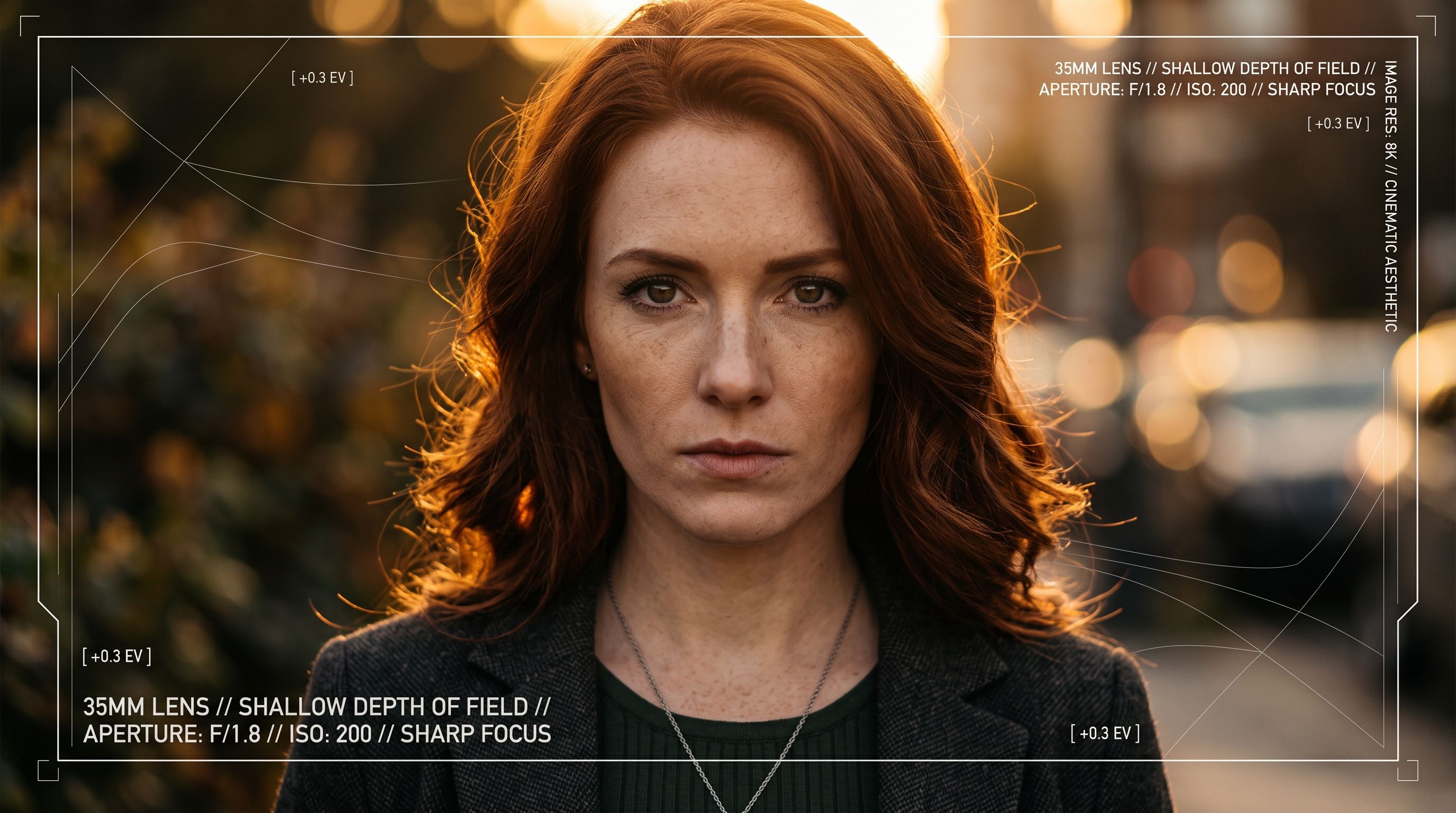
Prompts read like camera settings: focal length, aperture, ISO, color grade, lens type. This type of AI user usually gets strong, consistent results, because they're giving the model unambiguous, non-contradictory instructions. If there's a downside, it's that the technical language sometimes crowds out the creative direction, like mood or story.
The fix: keep the technical layer, but add one emotional or narrative anchor. "35mm lens, shallow depth of field, golden hour" is good. "35mm lens, shallow depth of field, golden hour, subject looking away mid-laugh" is better.
8. The Storyteller
Writes a whole scene: who the person is, what happened five minutes ago, what they're thinking about. It reads like the opening of a short story. Oddly enough, this often works, because narrative context gives the model a coherent world to render instead of a pile of disconnected traits.
The fix: keep the story short and make sure the visual details are still explicit somewhere in it. A great backstory with no mention of lighting, color, or framing still leaves the model guessing on the parts that matter most for the image itself.
Bonus Type: The Editor
Doesn't write long prompts at all. Generates something rough, then fixes it piece by piece: swaps the background, removes an object, sharpens the resolution. This type of AI user treats prompting as the first draft, not the final word, and leans on editing tools to finish the job. It's a legitimate workflow, arguably the most efficient one, because it splits the work between generation (fast, broad strokes) and editing (precise, targeted fixes).
If this sounds like you, tools like the Background Remover, the Object Remover, and the Image Upscaler are basically your prompt style in tool form. You're not trying to nail everything in one instruction. You're iterating visually instead of iterating in text, which is a perfectly valid way to work.
Why Your Prompt Personality Affects Your Results
None of these types are "wrong." They're just different starting points, and each one has a natural blind spot. Over-Describers drown the signal in noise. One-Word Optimists starve it. Please-Sayers spend words on tone instead of substance. Once you know your default pattern, you can correct for it deliberately instead of repeating the same mediocre prompt structure across every tool you touch, whether that's an image generator, a Text to Video tool, or a voice generator like Text to Speech.
This is also why two people can use the same AI model and get wildly different quality out of it. The model didn't change. The prompt personality behind the keyboard did.
What Prompt Style Reveals Across Different AI Tools
Prompt personality doesn't stay locked to one tool. It follows you around. The One-Word Optimist who types "logo" into an image generator is the same person who'll type "cool video" into a video tool and wonder why the output feels flat. The pattern repeats because it's a habit, not a one-off mistake.
Take video generation. Someone building an AI avatar video needs to describe tone, pacing, and delivery, not just "make it engaging." The Over-Describer will pile on adjectives about the avatar's appearance while forgetting to say anything about pacing or camera movement, which is often the part that actually determines whether a video feels professional or amateur. Meanwhile, someone generating UGC Videos for a product launch needs prompts closer to a script: who's talking, what they're holding, what emotion they're projecting. Vibe words don't translate well into believable performance.
Audio tools expose prompt style just as clearly. A one-word prompt into a music generator like the AI Music Generator produces something technically fine but forgettable, while naming a genre, tempo, and mood gives it direction. The same logic applies to branding work. Someone using the Logo Generator with a vague prompt like "modern logo" will get something generic; naming the industry, a color direction, and a feeling ("minimal, geometric, confident") gets closer to something usable on the first try.
How to Prompt Better, No Matter Your Type
Lead with the subject, then the setting, then the style. That order tends to match how most generative models weight information.
Name specifics instead of adjectives. "Terracotta wall" beats "aesthetic background." "Golden retriever" beats "cute dog."
Cut contradictions. "Minimalist and maximalist" or "bright and moody" forces the model to average two opposing ideas into something mushy.
Iterate on purpose. Change one element per regeneration so you actually learn what moved the needle.
Match the prompt to the tool. A prompt for the Interior Designer tool should describe room, furniture, and light, not camera jargon meant for portrait work.
Quick Self-Check: Which Type Are You?
Ask yourself three questions. First, when you open a prompt box, do you type instantly or think for ten seconds first? Instant typers skew toward One-Word Optimist or Emoji Enthusiast. Second, do you re-read your prompt before hitting generate? Editors skew toward Technical Spec Writer or Storyteller. Third, when a result disappoints you, do you rewrite the whole prompt or tweak one word? Full rewrites suggest Perfectionist Re-Roller tendencies; single-word tweaks suggest you're closer to a Copy-Paste Artist working off borrowed structure.
Whichever type you landed on, the goal is the same: specific, readable, non-contradictory instructions. That's true whether you're generating art, swapping a new hairstyle on a selfie, or building out a full Instagram Lifestyle shoot from a single photo.
The Real Takeaway
Star signs are fun because they let you project a personality onto twelve broad categories with zero evidence. Prompt styles are more useful because the evidence is right there in your generation history. You can actually see which habits produce good results and which ones don't, then adjust. That feedback loop is the whole advantage of learning your own ai prompt styles instead of just accepting whatever comes out the first time.
Next time you sit down to write a prompt, notice which type shows up. Then borrow one habit from a different type on this list. The Over-Describer could use some of the One-Word Optimist's restraint. The One-Word Optimist could use some of the Technical Spec Writer's precision. Mixing habits, on purpose, is how a prompt personality actually grows.