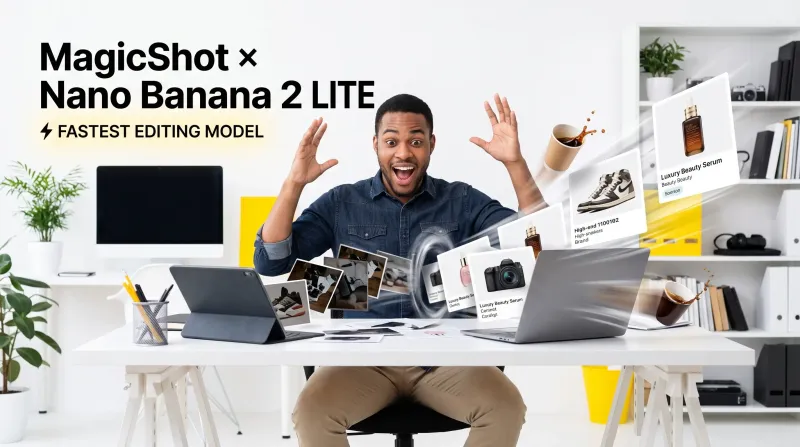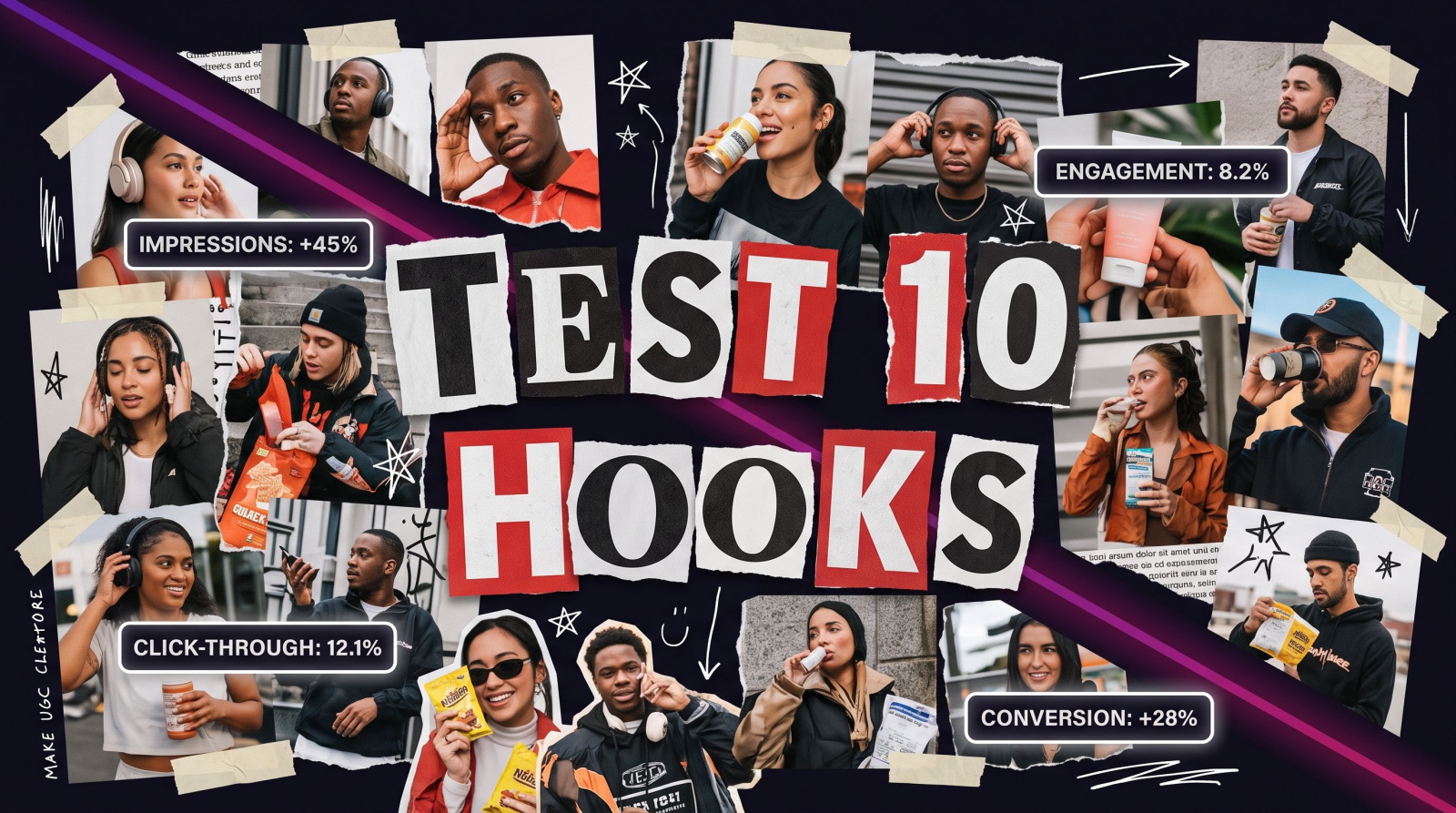
An AI video ad generator takes a product photo, a short brief, or a script and turns it into a finished video ad you can post to TikTok, Reels, or a Facebook feed. No film crew. No $400 shoot day. No waiting a week for an editor to send back a first cut. You upload what you have, pick a format, and walk away with a video that is ready to run. That is the whole pitch, and for most sellers and small teams it is enough to change how they market.
Here is the honest version of the problem it solves. Video is the format that sells right now, but producing it the old way is slow and expensive. You need a location, a phone gimbal, a person on camera, decent lighting, and someone who knows how to cut B-roll to a beat. Miss any of those and the ad looks cheap. An AI video ad generator collapses that whole pipeline into a few clicks, which means you can test ten ad angles in the time it used to take to book one shoot.
What an AI video ad generator actually does
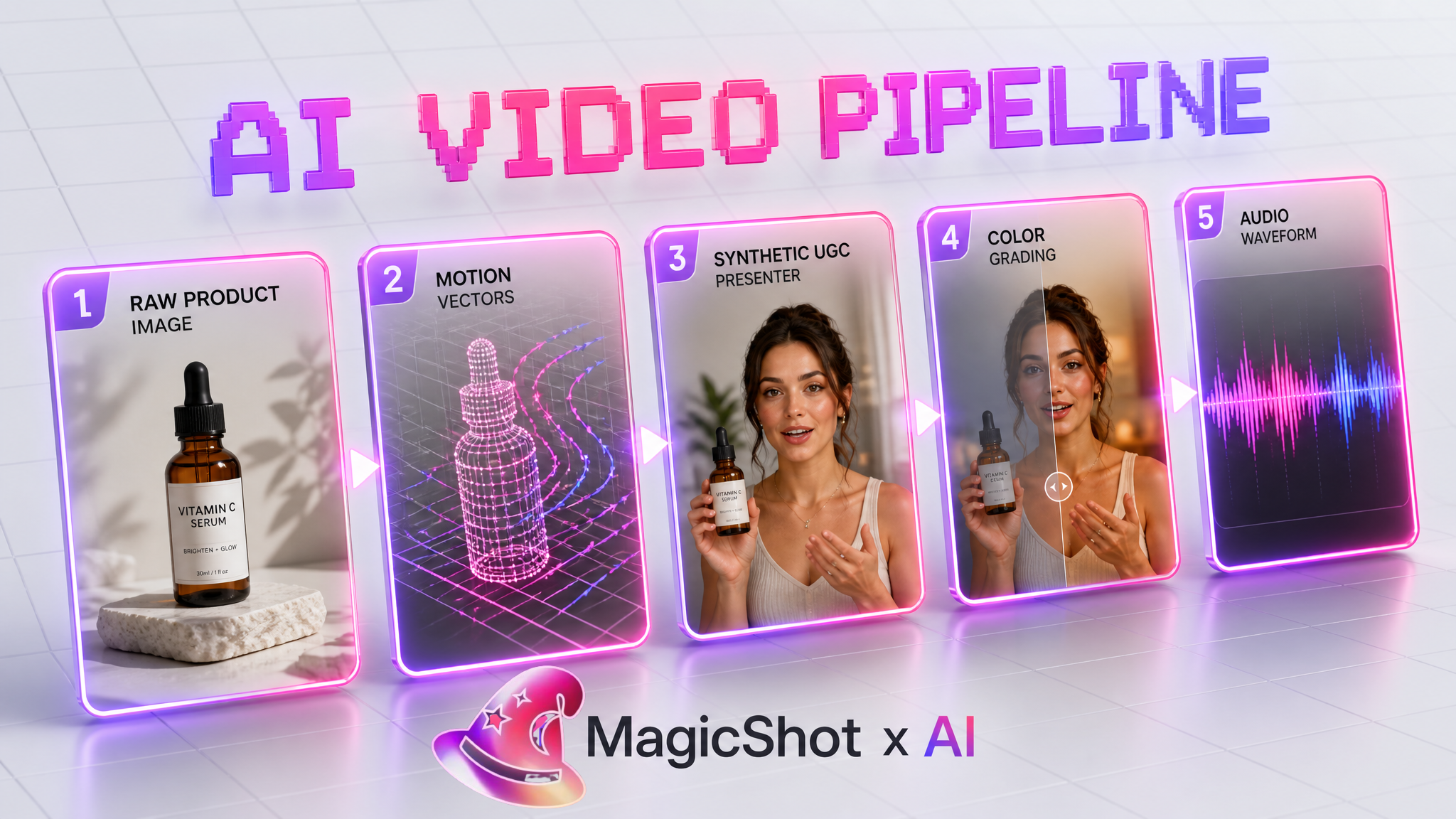
Strip away the marketing and the job is simple: it converts assets you already own into motion. Feed it a product still and it animates the scene, adds camera movement, and drops in your hook text. Feed it a script and it can build a talking-head style ad with a synthetic presenter. The input is usually a photo, a prompt, or both. The output is a short vertical or square video sized for the platform you care about.
Most of the value sits in three workflows that cover the ads people actually run:
Product to video. One catalog image becomes a moving ad with camera pans, lighting shifts, and on-screen copy. This is the fastest way to give a static product listing a pulse.
UGC-style video. The lo-fi, phone-shot look that outperforms polished commercials on social. A synthetic creator holds or reacts to your product, and it reads as a real person talking to camera.
Image to video. Any still, a mockup, a lifestyle shot, a screenshot, gets turned into a clip with motion so it earns attention in a fast-scrolling feed.
You do not have to choose one and commit. The smart play is to generate all three from the same product and let the platform tell you which angle wins.
Why sellers are switching to an AI video ad generator
The reason is not novelty. It is math. A single ad concept used to be a bet you placed once because reshooting was painful. When the cost of a new video drops to minutes, testing stops being a luxury and becomes the default. You run five hooks against the same product, kill the four that flop, and pour budget into the one that works.
There is also the reshoot tax to consider. Change your packaging, run a seasonal promo, or update a price, and traditional video means starting over. With an AI video ad generator you regenerate the clip with the new detail and keep moving. The asset stays alive instead of expiring the moment something changes.
The old constraint was production capacity. The new constraint is how many good angles you can think of. That is a much better problem to have.
How to make a video ad that converts, step by step
Speed is worthless if the ad does not sell. Here is the workflow I use to get from a product photo to a running ad without wasting generations.
1. Start with the hook, not the visual
The first two seconds decide everything. Write the on-screen line before you touch any tool: a problem, a bold claim, or a question your buyer is already asking. The visual exists to keep them watching long enough to read it.
2. Pick the format that matches the placement
A feed ad, a Story, and an in-stream spot want different pacing and aspect ratios. Generate vertical 9:16 for TikTok and Reels, square or vertical for Facebook and Instagram feeds. Match the native look of the platform and the ad stops feeling like an ad.
3. Choose your engine: product, UGC, or image to video
For a clean catalog look, use Product to Video to turn a single product shot into a moving spot. For the authentic creator angle, UGC Videos gives you the phone-shot feel that reads as real. If you just want any still to move, Image to Video adds motion to whatever you upload.
4. Compose the full ad in one place
When you need scenes, text, and product shots stitched into a complete spot rather than a single clip, the Visual Composer Video tool lets you build the whole ad as a sequence. This is where a raw clip becomes an actual ad with a beginning, a middle, and a call to action.
5. Add sound, then export
Silent ads lose. Layer a voiceover or a music bed so the video works with the sound on. When it is right, export at the resolution your ad platform wants and ship it.
Product to video vs UGC: which one should you run?
This is the question I get most, so here is the plain answer. Product-to-video ads win when the product is the star: jewelry, gadgets, skincare, anything where a clean, well-lit hero shot does the selling. UGC-style ads win when trust is the barrier: supplements, apparel, tools, anything a buyer wants to see a real person use before they believe it.
You do not need a rule. Run both. A product spot and a UGC clip from the same catalog image cost you a fraction of one traditional shoot, and the winner is obvious within a few days of spend. That is the entire advantage of an AI video ad generator: testing is cheap, so opinions matter less than data.
Beyond the basic ad: tools that extend the workflow
Once the core ad works, the same studio has pieces that push it further. If you want a spokesperson without hiring one, an AI Avatar Video puts a synthetic presenter on camera reading your script. If you want to write the ad as text and let the model build the scenes, Text to Video turns a prompt into a clip. And when you want a specific look or motion style for a campaign, tools like Film Studio and Motion Control give you more direction over the shot.
The point is not to use everything. It is that when a campaign needs a new angle, you already have the piece for it, and you are not opening a new subscription or briefing an outside editor to get it.
Common mistakes that kill AI video ads
Leading with the logo. Nobody scrolls to see your brand mark. Open on the hook or the product in motion, and save the logo for the end card.
Making it too polished. On social, glossy reads as an ad and gets skipped. The UGC look often outperforms the clean spot for exactly this reason.
Ignoring the first frame. That frame is your thumbnail. If it does not stop the thumb, the rest of the video never gets seen.
Generating once and running it. The whole reason to use an AI video ad generator is volume. Make five, run all five, keep the one that converts.
Where AI video ads pay off fastest
Some use cases return your time faster than others. Here is where I see the biggest wins from an AI video ad generator, based on what actually moves numbers for small teams and sellers.
Ecommerce product launches
A new SKU has no ad history and no proof it sells. Instead of shooting one video and hoping, generate a product spot, a UGC clip, and an image-to-video teaser from your launch photos. Run all three from day one and you learn which message lands before you scale spend. That is a real edge when a launch window is only a few weeks wide.
Seasonal and promo refreshes
Black Friday, a flash sale, a holiday bundle: each needs its own creative, and each expires fast. Traditional video makes these a scramble. Regenerating a clip with the new price or seasonal framing takes minutes, so your promo ads stay current instead of running stale.
Marketplace and DTC sellers with big catalogs
If you sell fifty products, you cannot film fifty videos. You can, however, turn fifty product photos into fifty moving ads. That is the difference between a handful of listings with video and a whole catalog that moves, which matters on platforms where video listings convert better than static ones.
Real estate and local services
Property listings and local businesses live on visual attention. A moving walkthrough or a short promo clip stops the scroll where a static photo does not. Tools like the Real Estate Video Generator are built for exactly this kind of listing content.
How much does it really save you?
Let us put rough numbers on it. A modest UGC-style shoot with one creator, a product, and a basic edit often runs a few hundred dollars and takes a week from brief to delivery. Book a small studio for a product spot and you are looking at a $400 session before editing. Multiply that by the three or four angles you should be testing and the traditional route is out of reach for most small teams.
An AI video ad generator changes the unit economics. The cost of the next variation is a few minutes of your time instead of another booking. That is what makes testing viable. You are not choosing between one good ad and no ad; you are choosing which of five to keep. Over a quarter, that compounding of small tests is where the real return shows up, not in any single clip.
Getting the most out of your first few generations
A few practical habits will save you regenerations and get you to a running ad faster:
Use your best product photo. The generator works from what you give it. A sharp, well-lit source image produces a cleaner video than a dark or cluttered one.
Write three hooks, not one. Keep the visual constant and swap the opening line. This isolates what is actually driving the result.
Keep it short. For feed ads, aim for the six-to-fifteen-second range. The goal is the click, not the whole story.
End on a clear next step. Tell the viewer what to do. A quiet end card with your offer beats trailing off.
The bottom line
An AI video ad generator does not replace great marketing. It removes the excuse that video is too slow or too expensive to test. Turn your product photos into moving ads, run the product spot against the UGC cut, and let the numbers decide. The team that ships ten ad variations this week will out-learn the team still waiting on one edit. Start with what you already have, a single product image, and let it become a video worth running.