You need a good headshot by Friday. There's no photographer booked, no time for a $200 session, and the last decent photo of you is three haircuts old. An AI profile picture generator solves exactly this: you upload a handful of selfies, pick the look you want, and get back a clean, well-lit photo you can use on LinkedIn, a dating app, or your Instagram bio. No studio. No reshoot. No waiting on an editor.
This guide covers what an AI profile picture generator actually does, when to use one, and how to get results that look like you on a good day rather than a plastic stranger. It's written for people who need a photo now and don't want to become photographers to get one.
What an AI profile picture generator does
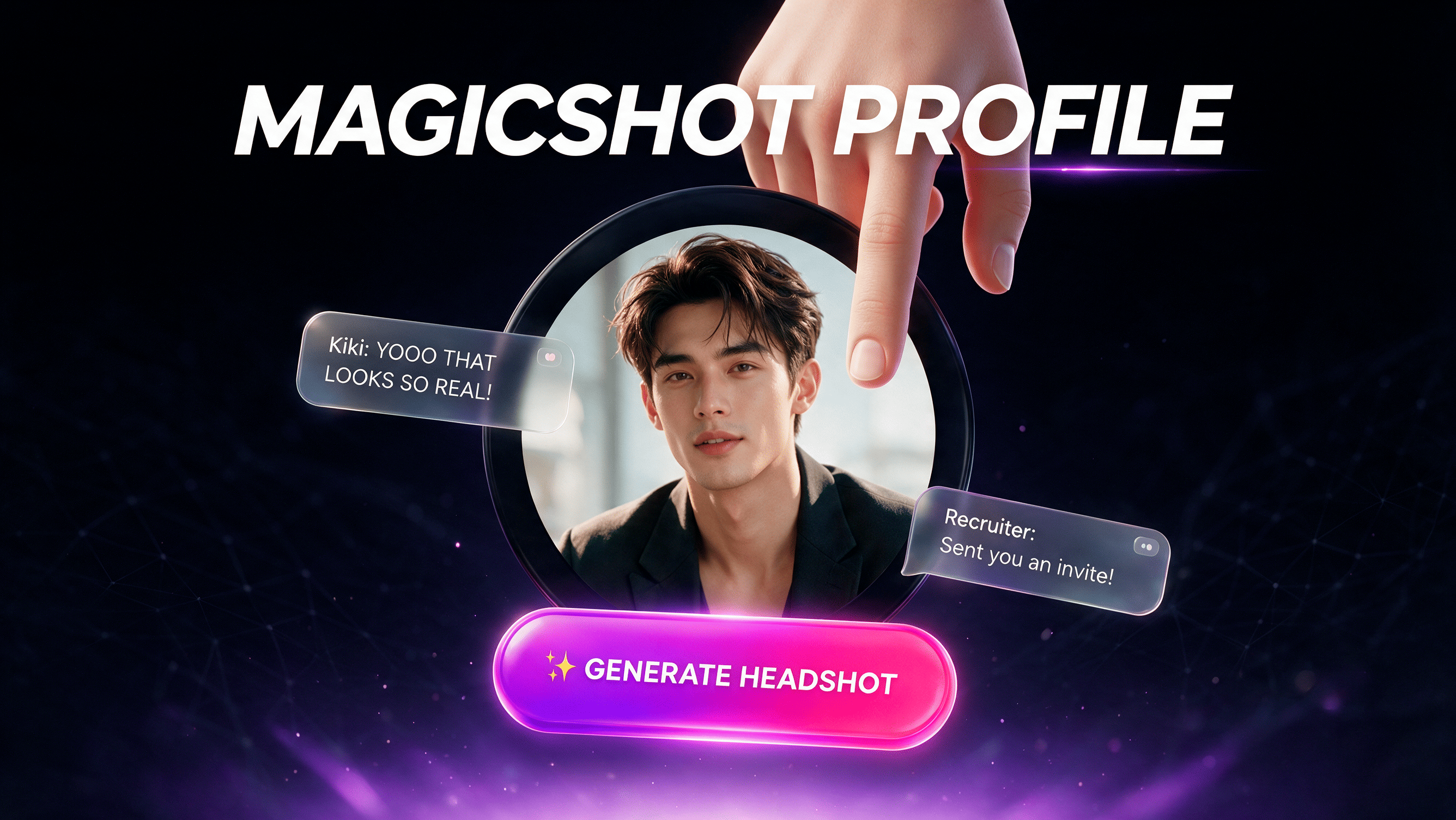
An AI profile picture generator takes photos you already have, usually a set of selfies or casual shots, and produces new portraits of the same face in different settings, outfits, and lighting. You give it images; it gives you a gallery of polished pictures to choose from. The input is your photos. The output is a batch of finished profile shots, sized and framed for wherever you plan to post them.
That's the whole trade. Instead of booking a photographer, standing in front of a lens, and paying for edits, you hand over selfies and let the model do the lighting and styling. For most people, the result is the difference between a blurry bathroom-mirror shot and a photo that reads as "this person is worth replying to."
Why people reach for one
The old path to a decent profile photo was slow and expensive. A studio session runs a few hundred dollars, needs a booking, and still hands you back a stiff smile if the photographer rushed. A friend with a real camera costs nothing but is rarely available on the day you need it. Most people end up cropping a group photo and hoping nobody notices the arm on their shoulder.
An AI approach kills the scheduling and the bill. You're not paying for a room and an hour of someone's time; you're generating options in a few minutes and keeping the ones that work. That matters most when the stakes are practical: a new job hunt, a dating profile that isn't getting matches, a personal brand that needs a consistent face across five platforms.
The right MagicShot tool for the job
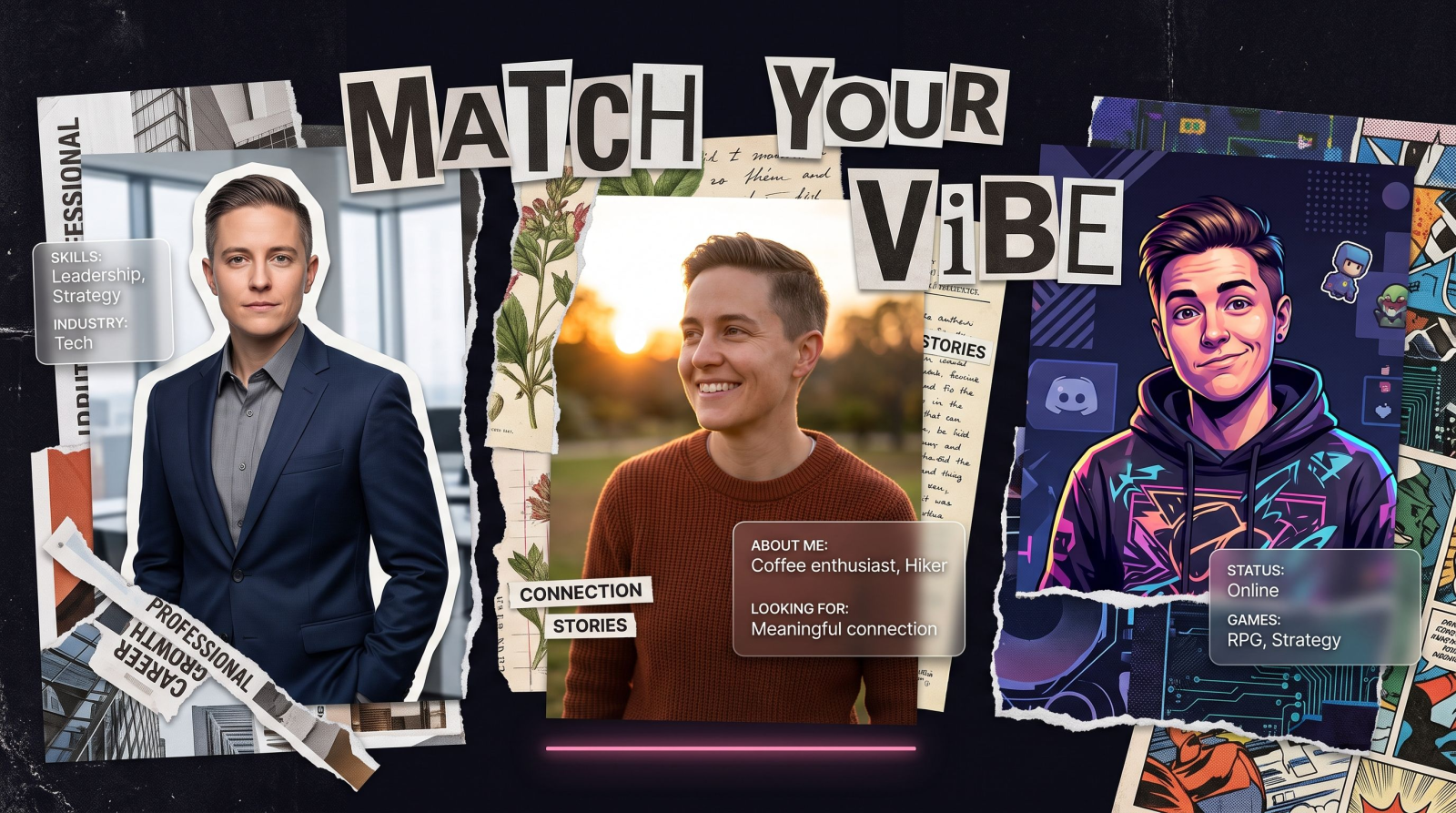
"Profile picture" means different things depending on where it lives. A recruiter wants something different from a dating app, and a gamer wants something different from a founder. MagicShot splits the job into tools built for each of those intents, so you're not forcing one generic filter onto every use.
Headshot generator for work
When the audience is a hiring manager or a client, you want calm, credible, and clearly you. A headshot generator focuses on flattering business lighting, a clean background, and a natural expression, the kind of photo that belongs at the top of a LinkedIn page or a company team roster. This is the tool to use when the photo has to signal competence in under a second.
Dating profile photos that get replies
Dating apps reward warmth and personality over corporate polish. MagicShot's dating profile photos tool leans into approachable lighting and relaxed settings, so your first photo looks like a real evening out rather than a badge photo. If your current pictures are all group shots and sunglasses, this is where you fix the first impression.
Instagram and social profiles
Instagram, TikTok, and a personal site want a face that matches your feed. Here you're after a shot with a bit more style and mood, something that sits comfortably next to your other posts. A profile picture tuned for social keeps the vibe consistent so your grid and your avatar feel like the same person made them.
Avatars for gaming, forums, and Discord
Not every profile picture needs to be photorealistic. For Discord, gaming handles, and forum accounts, an avatar generator turns your face into a stylized character you can actually enjoy using. It's the fun end of the same idea: recognizable as you, but with room to play. If you want more stylized looks for banners and wallpapers to match, MagicShot's AI art generator pairs well with an avatar.
Model shoot for a full range
When one photo isn't enough and you want a set, a model shoot generates you across multiple outfits, poses, and backdrops in a single run. This is the choice for anyone building a portfolio, a personal brand kit, or a batch of content where you need ten usable shots, not one.
Matching the photo to the platform
The same face needs to say slightly different things depending on where it lands. A profile picture that wins on LinkedIn can flop on Hinge, and a shot that reads as fun on Instagram can look unserious on a company page. Knowing what each platform rewards is half the work.
LinkedIn and professional networks
Recruiters and clients scan fast. On LinkedIn you want your face filling most of the frame, direct eye contact, a plain or softly blurred background, and lighting that doesn't cast harsh shadows. Skip the sunglasses and the busy scenery. A headshot-focused generation gives you that within a few tries, and because you can regenerate, you're not stuck with the one awkward blink a photographer happened to capture.
Instagram, TikTok, and personal brands
Social profiles have more room for personality. Here a little color, a location, or a candid angle helps you stand out in a sea of centered corporate portraits. The trick is consistency: your profile picture should feel like it came from the same person who made your posts. If your feed leans warm and casual, your avatar should too. Generating a few options lets you test which one gets recognized at thumbnail size, which is all anyone sees in a feed.
Dating apps
On dating apps, your first photo carries most of the weight, and warmth beats polish every time. A clear face, a genuine smile, and a setting that hints at a real life do more than a glossy studio look. This is exactly what a purpose-built dating tool aims for, and it's why a generic corporate headshot rarely performs there.
Gaming, Discord, and forums
These spaces don't ask for realism at all. A stylized avatar that captures your vibe often fits better than a photo. You can lean into a character, a mood, or an art style and still keep the picture recognizable across servers and handles.
How to use an AI profile picture generator
The process is short, but the quality of what you upload decides the quality of what you get back. Here's the reliable path.
Upload varied selfies. Feed it several photos in different lighting and angles, not five copies of the same pose. The model learns your face better from variety.
Pick the intent. Choose the tool that matches where the photo will live: headshot for work, dating for apps, avatar for gaming. The setting shapes the whole result.
Generate and compare. Run a batch, then judge the options side by side. Keep the ones where the eyes and expression look like you, and discard the uncanny ones.
Download the sizes you need. Grab a square crop for avatars and a wider frame for banners so one session covers every platform.
Getting photos that look like you, not a stranger
The most common complaint about AI portraits is that they look almost right and slightly off. A few habits fix most of it.
Use clear source photos. Blurry, dark, or heavily filtered inputs give the model bad information. Sharp, well-lit selfies produce sharper results.
Show your real range. Include a couple of smiles and a couple of neutral expressions so the output has your actual face to work from, not one frozen pose.
Match the outfit to the audience. A collar reads as professional; a t-shirt reads as approachable. Pick source photos dressed roughly for the outcome you want.
Generate more than you think you need. The best profile photo is usually the eighth one you look at, not the first. Volume is cheap here, so use it.
When a single photo isn't the whole job
Plenty of people don't need one profile picture; they need a refresh across their entire presence in one sitting. A founder relaunching a site wants the same face on the about page, the LinkedIn header, the podcast cover, and the newsletter footer. A creator switching niches wants a consistent look across every channel before the first new post goes up. Doing that with a photographer means one shoot, one outfit, and a lot of cropping. Doing it with a model shoot means generating a spread of looks in a single pass and pulling the right frame for each spot.
The best profile picture isn't the fanciest one. It's the one a stranger can recognize as you at the size of a thumbnail, in half a second, on the platform where it lives.
That's the standard worth holding your results to. Fancy lighting and dramatic backgrounds are easy to generate and easy to overdo. The photo that actually works is the one that stays clearly, unmistakably you when it's an inch wide next to your name.
Beyond the still photo
A profile picture is often the first piece of a bigger content set. Once you've got a face you like, the same approach extends into motion and voice. You can turn a portrait into a talking clip with an AI avatar video for intros and updates, or add narration to your content with text to speech so your reels and explainers have a clear voice. The photo is the anchor; the rest of your presence can build from it.
What it costs you
The point of an AI profile picture generator is what it removes. No booking a photographer weeks out. No sitting for an hour to get three keepers. No paying separately for retouching. You trade a professional shoot for a few minutes and a folder of selfies, and you walk away with a photo set you own. For a job seeker refreshing a LinkedIn page, a dater tired of no matches, or a founder who needs one consistent face across every channel, that trade is hard to beat.
The short version
An AI profile picture generator takes selfies you already have and hands back clean, purpose-built portraits for wherever you post. Match the tool to the audience, feed it varied and sharp source photos, generate plenty, and keep the shots that look like you. The result is a photo that does its job, minus the studio, the schedule, and the bill.