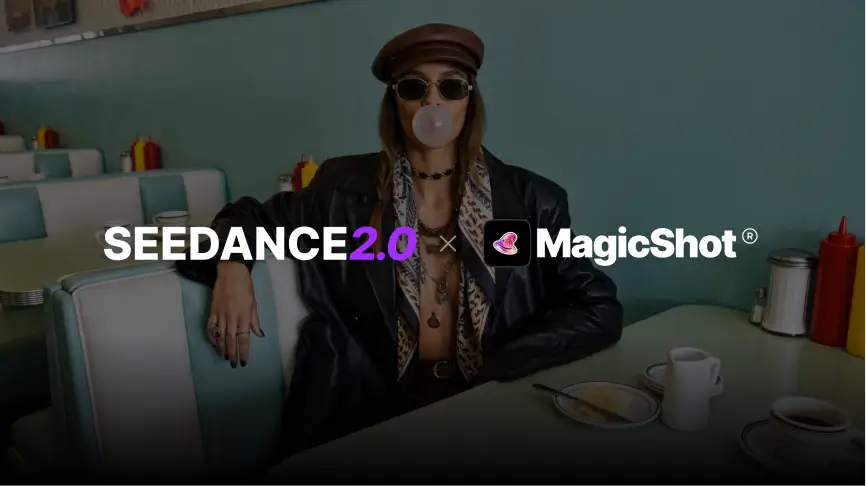
Most AI video models can produce one impressive clip. The harder question is whether you can get a second and third clip that matches the first. That is the question to ask about Seedance 2.0, ByteDance's video model for text-to-video and image-to-video, and it is how this guide is organised: what the model is good at, where it still needs a careful prompt, and which jobs it suits.
What Seedance 2.0 is
Seedance is ByteDance's video generation model family. Version 2.0 takes either a written prompt or a starting image and returns a short clip. Video is harder than still images because the model has to keep proportions, lighting, perspective and motion believable from frame to frame. Faces that drift, hands that change shape and backgrounds that wobble are the usual failures, and they are what newer models are judged on.
You can run it from MagicShot's video generator, and if you already have a still you like, the image-to-video tool animates it.
What changed from Seedance 1.5
The differences people notice first are about movement rather than sharpness.
Steadier subjects. Characters and objects are less likely to change shape mid-clip. - Smoother motion. Transitions and body movement look less jerky, especially in busy scenes. - More deliberate camera work. Tracking shots, slow zooms and rotations read as chosen, not random. - Better prompt following. Longer prompts with several characters and actions get followed more often, so you rerun less.
Treat these as general tendencies, not guarantees. Results still vary by prompt, and the honest way to judge is to run the same prompt on both versions and compare.
Features worth using
Text-to-video and image-to-video
Text-to-video suits exploring an idea. Image-to-video suits cases where the look is already decided, such as a product shot or a brand illustration, and you only want it to move. Starting from an image is usually the safer route when consistency matters.
Multi-reference guidance
Giving the model more than one reference helps keep a character or product recognisable across shots. If you are building a short sequence, this is the feature that saves the most rerolls.
Camera direction
Name the camera move in the prompt. "Slow push-in", "handheld tracking shot" or "static wide shot" give the model something concrete, where "cinematic" alone gives it very little.
Example clips
These clips were made with Seedance 2.0 on MagicShot.
Product ad
[video width="1280" height="720" mp4="https://d2q9lphzn5ioni.cloudfront.net/uploads/uploads_img/Product-Ad.mp4"][/video]
Fashion campaign
[video width="1280" height="720" mp4="https://d2q9lphzn5ioni.cloudfront.net/uploads/uploads_img/Fashion-Campaign.mp4"][/video]
Anime action scene
[video width="1280" height="720" mp4="https://d2q9lphzn5ioni.cloudfront.net/uploads/uploads_img/Anime-Action-Scene.mp4"][/video]
Sports clip
[video width="1280" height="720" mp4="https://d2q9lphzn5ioni.cloudfront.net/uploads/uploads_img/Sports-Clip.mp4"][/video]
Prompting tips that help
Describe one subject doing one main action per clip. Extra actions raise the chance of errors. - Put the camera move and the lighting in the prompt, in plain words. - Keep clips short and join them in an editor, rather than asking for a long scene in one go. - When a result is close, change one detail and rerun instead of rewriting the whole prompt.
Where it fits best
Product ads: controlled motion around a clean product. - Fashion and lifestyle clips: mood and camera movement matter more than literal accuracy. - Story scenes: short shots that need the same character across a few cuts. - Social content: quick vertical or square clips for feeds.
Seedance 2.0 compared with other video models
Video models change quickly, and each has strengths that shift with every release, so a fixed ranking goes stale fast. A better method is to pick one prompt that matches your real job, run it on two or three models, and judge motion, consistency and how many tries it took. MagicShot lists several models in one place, which makes that comparison easy to run yourself.
Bottom line
Seedance 2.0 is worth trying if your clips need to hold together: the same character, steady camera, motion that looks intended. Start from an image when consistency matters, keep prompts focused, and judge it on your own use case rather than on demo reels.