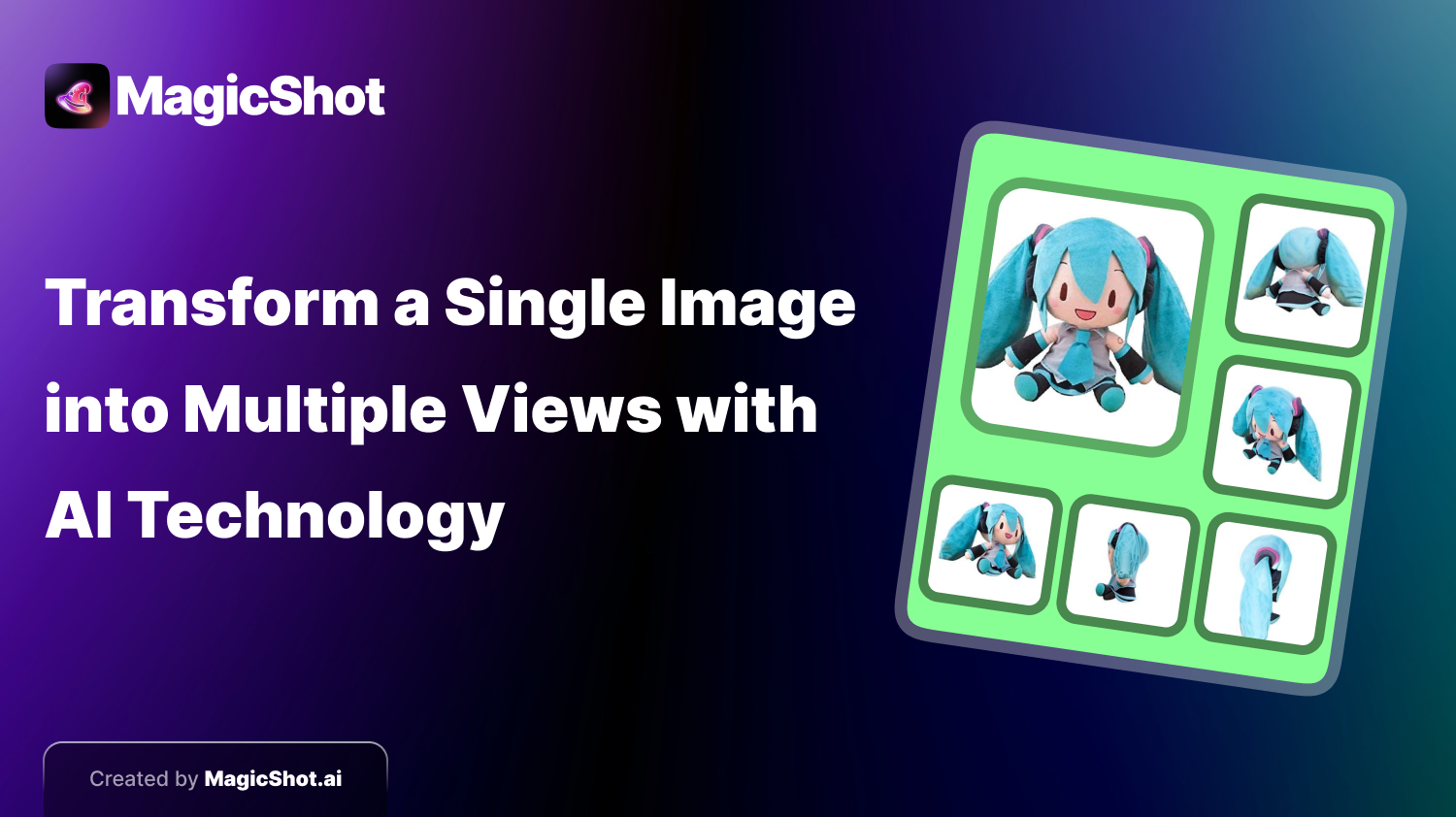
You have one good photo of a product, a character or a room, and you need it from another angle. Going back to reshoot is slow or impossible. A multi-view generator tries to solve this: give it one image and it produces new views of the same subject. It is a useful shortcut with a clear catch, which is that the AI is inventing the sides it cannot see. This post explains how it works in practice, how to get good results, and when not to rely on it.
What multi-view generation does
The model reads your picture, works out what the subject probably looks like in three dimensions, and renders it from other angles. Front, three-quarter, side, back and so on. With MagicShot's multi-view image tool the flow is short:
1. Upload your image.
2. Optionally remove the background first, so the model focuses on the subject.
3. Click generate. The tool returns six variations from different angles.
4. Add a short instruction if you want specific angles or a particular style.
The honest limit: invented detail
The visible side is real. Everything else is a prediction. A model can guess that a shoe has a heel counter and a sole, but not what the printed text on the back looks like, how many buttons are on a hidden panel or the exact shape of the unseen side of a sofa. For concept work, that is fine. For anything where accuracy matters, such as product pages, instruction sheets or legal descriptions, treat generated views as illustrations and verify against the real item.
Getting better results
Use a clean, sharp source. Blurry or cluttered input leads to muddled new angles.
Choose a neutral starting angle. Front or three-quarter views give the model the most information.
Remove the background first when the subject has a clear outline.
Keep a single subject. Groups of objects confuse the geometry.
Describe the angles you need rather than leaving it fully open.
Generate more than once. Pick the best views and discard the odd ones.
Where it helps most
Product mockups and listings. Show an item from several sides before you have a full photo set. Read about AI-generated product photos for e-commerce for related workflows.
Character and concept design. Quickly explore a character from front, side and back as a turnaround sheet to brief an artist or modeller.
Real estate and interiors. Illustrative alternative perspectives of a space. Label them clearly as AI-generated.
Social and ad creative. Several visual variants from one hero image.
Where it is a poor fit
Technical or engineering drawings.
Products where a regulator or marketplace requires real photos of the actual item.
Faces of real people, where subtle changes in identity are noticeable.
Anything that could mislead a buyer about what they will receive.
How this differs from 3D generation
Multi-view output is still a set of flat images. If you need a model you can rotate freely or use in a 3D engine, look at image-to-3D tools instead. Many creators combine the two: generate several views to check the design, then produce a 3D model from the best one.
Related reading
For the underlying technology, read how an AI image generator works. For more tools, see our guide to the top AI image generators, or try MagicShot directly.