
Every AI model.
One plan.
Endless content.
Headshots, product shots, video ads and more, made in seconds from a single prompt or photo. Trusted by 500,000+ creators.
- 500K+
- Creators
- 50M+
- Images generated
- 8M+
- Videos generated
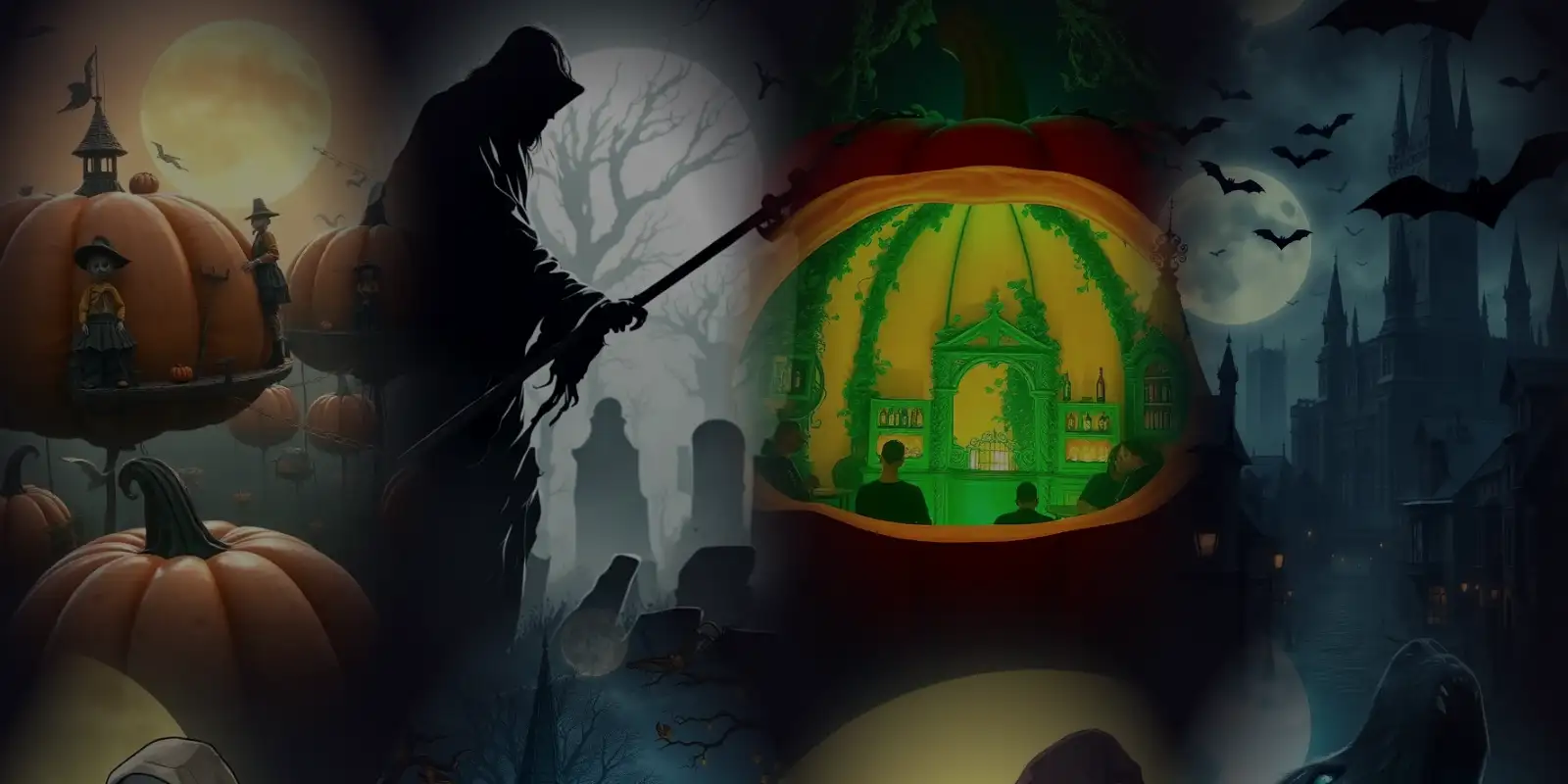
Halloween Glow-Up is on
Turn a real photo into a Victorian ghost, a neon zombie or a witch under a blood moon with Image Editing, then enter it. The top 3 share 100,000 credits.
Entries close in
Images, video, photoshoots, edits and audio. One studio.
MagicShot is an all-in-one AI studio that brings your creative ideas to life. Turn a simple text prompt or photo into stunning images, videos, professional photoshoots, creative edits, voiceovers, and music. Access the world's leading AI models and tools with one account and one shared credit balance, making it easy to create whatever you imagine, all in one place.
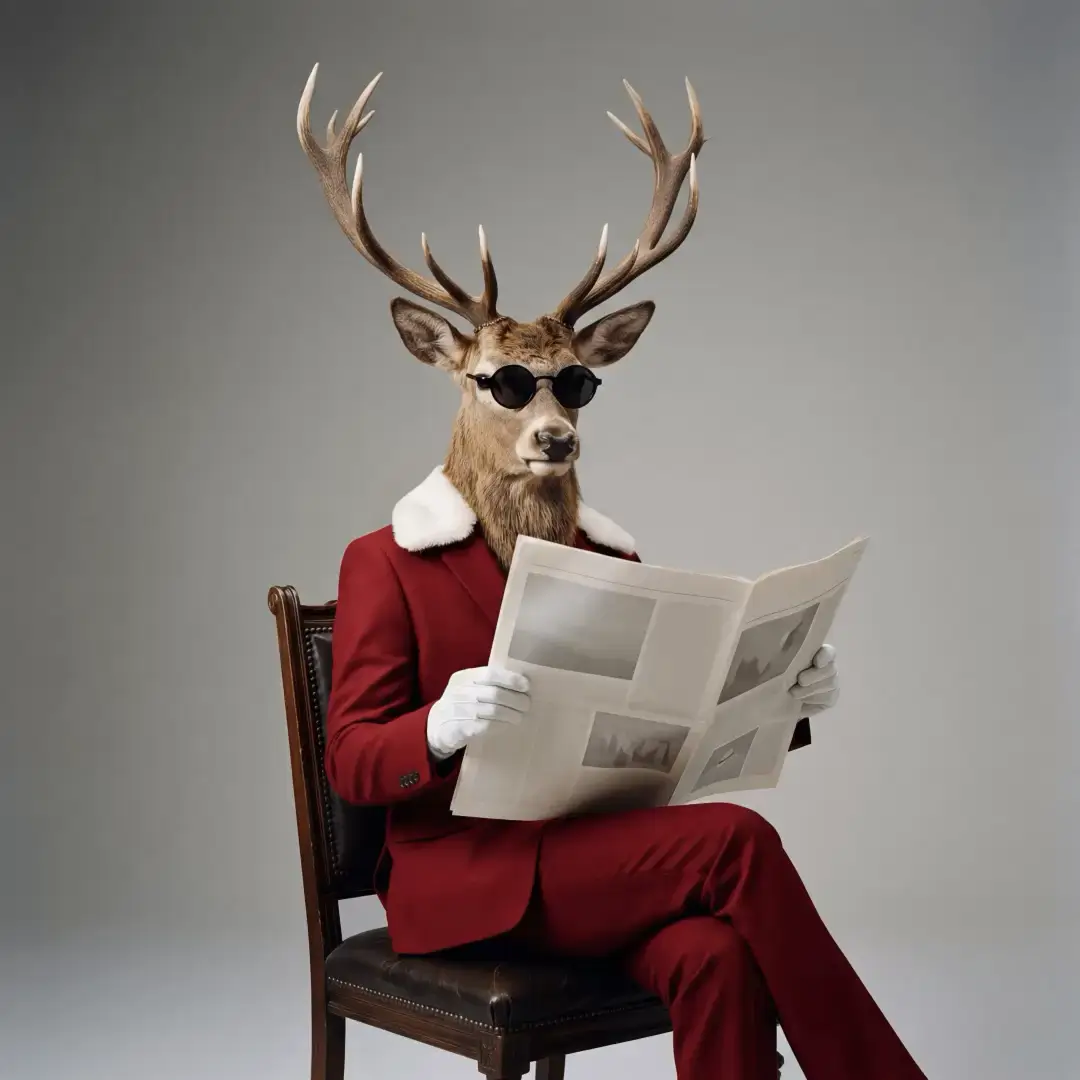
01 AI Image Generator
Generate stunning images from a single prompt
Describe anything and watch MagicShot render it in seconds. Choose from hundreds of styles, photorealistic, anime, 3D and product shots, all powered by the latest text-to-image models.
- Text-to-image in 100+ styles
- Upscale to crisp, print-ready resolution
- Full commercial rights on paid plans

02 AI Video Generator
Bring images and ideas to life as video
Animate a still photo or generate clips straight from text. Create scroll-stopping social videos, product demos and cinematic shots, no camera, crew or editor required.
- Image-to-video and text-to-video
- Export MP4 up to 4K
- Built on cutting-edge models like Seedance

03 AI Photoshoot
Studio-quality photoshoots from your selfies
Upload a few photos and get professional headshots, fashion looks and branded portraits in minutes, no studio, lighting or photographer needed.
- Professional headshots in minutes
- Dozens of outfits and backdrops
- Consistent, true-to-you results

04 AI Photo Editor
Edit photos with a tap, not a timeline
Remove backgrounds, retouch portraits, restore old photos and upscale details automatically. Pro-level edits without the learning curve.
- One-click background removal
- Retouch, restore and enhance
- AI upscaling for crisp detail
05 AI Audio Generator
Natural AI voiceovers and audio
Turn scripts into lifelike voiceovers for videos, ads and podcasts. Pick a voice, paste your text and export studio-ready audio in seconds.
- Realistic text-to-speech voices
- Perfect for reels, ads and narration
- Export ready-to-use audio files
The tools creators love most
Product Photo Generator
Listing-ready Product Photos. Skip Studios and Reshoots.
AI Headshot Generator
Professional Headshots from Selfies. No Photographer or Studio Required.
One sentence in. A whole brand out.
Describe your business in a sentence. Brand Studio designs multiple complete looks, lets you tune the one you love, and hands you every file.
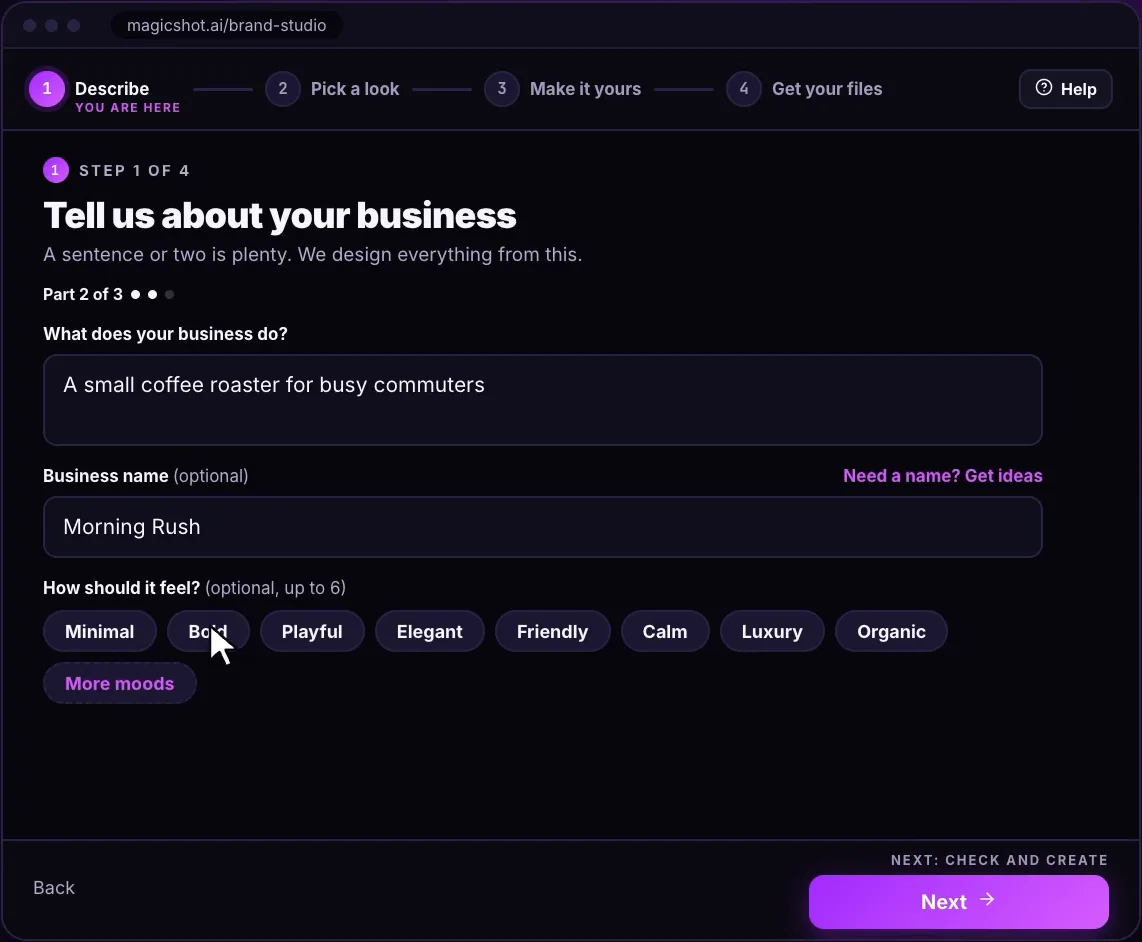
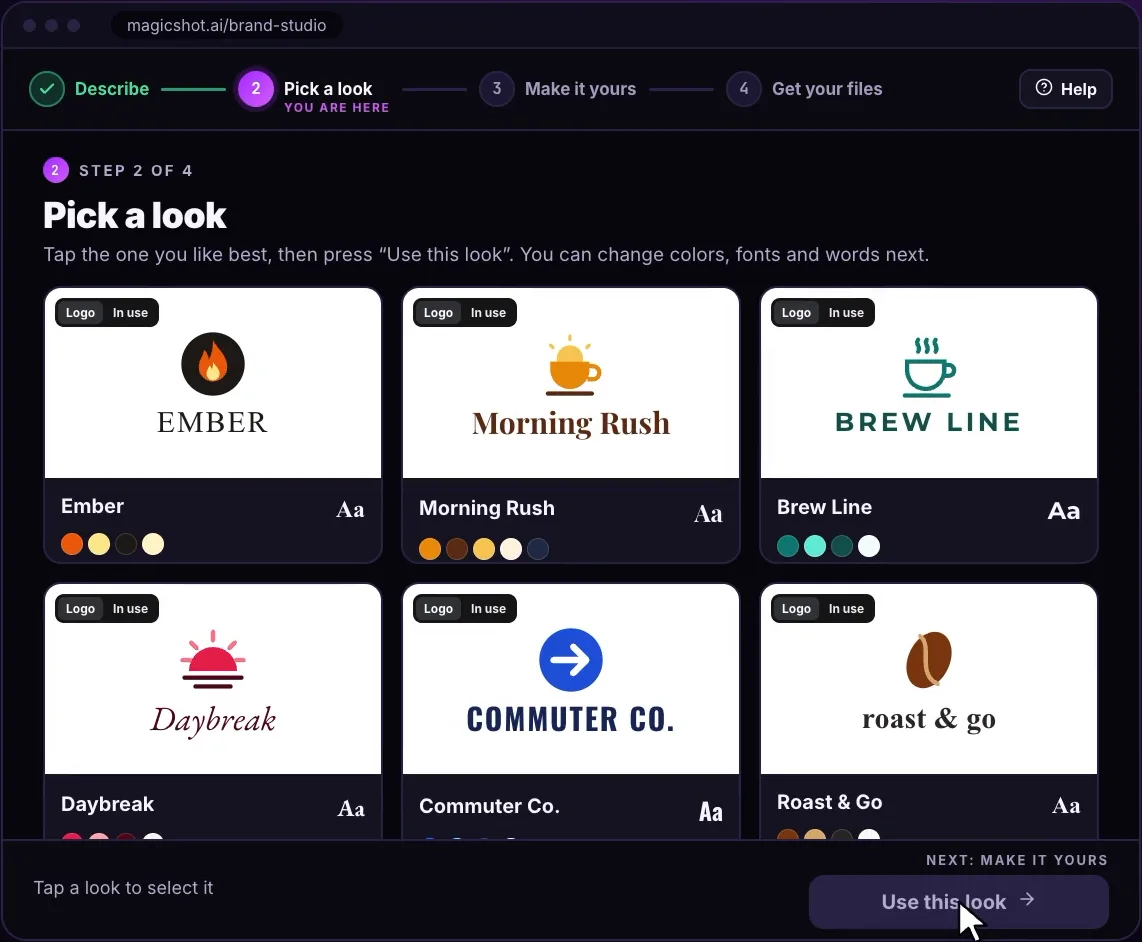
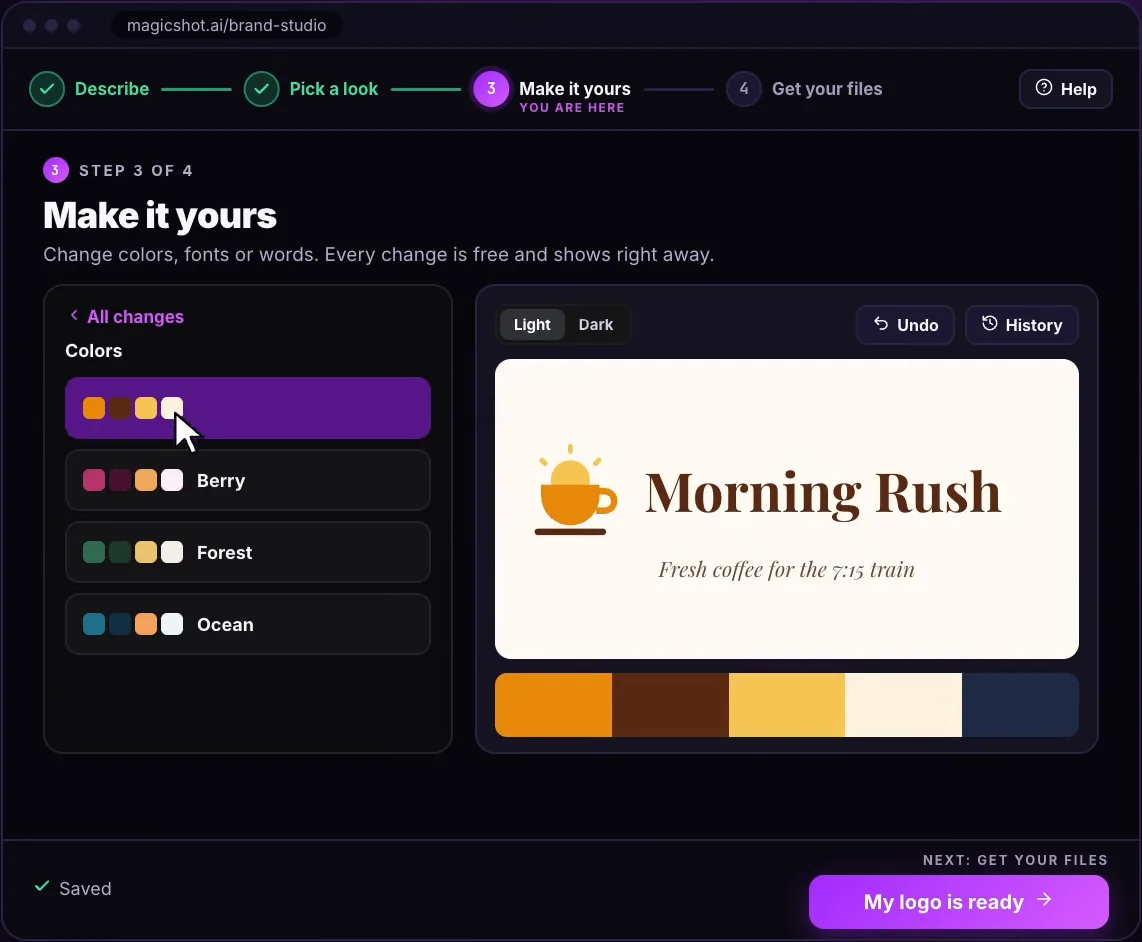
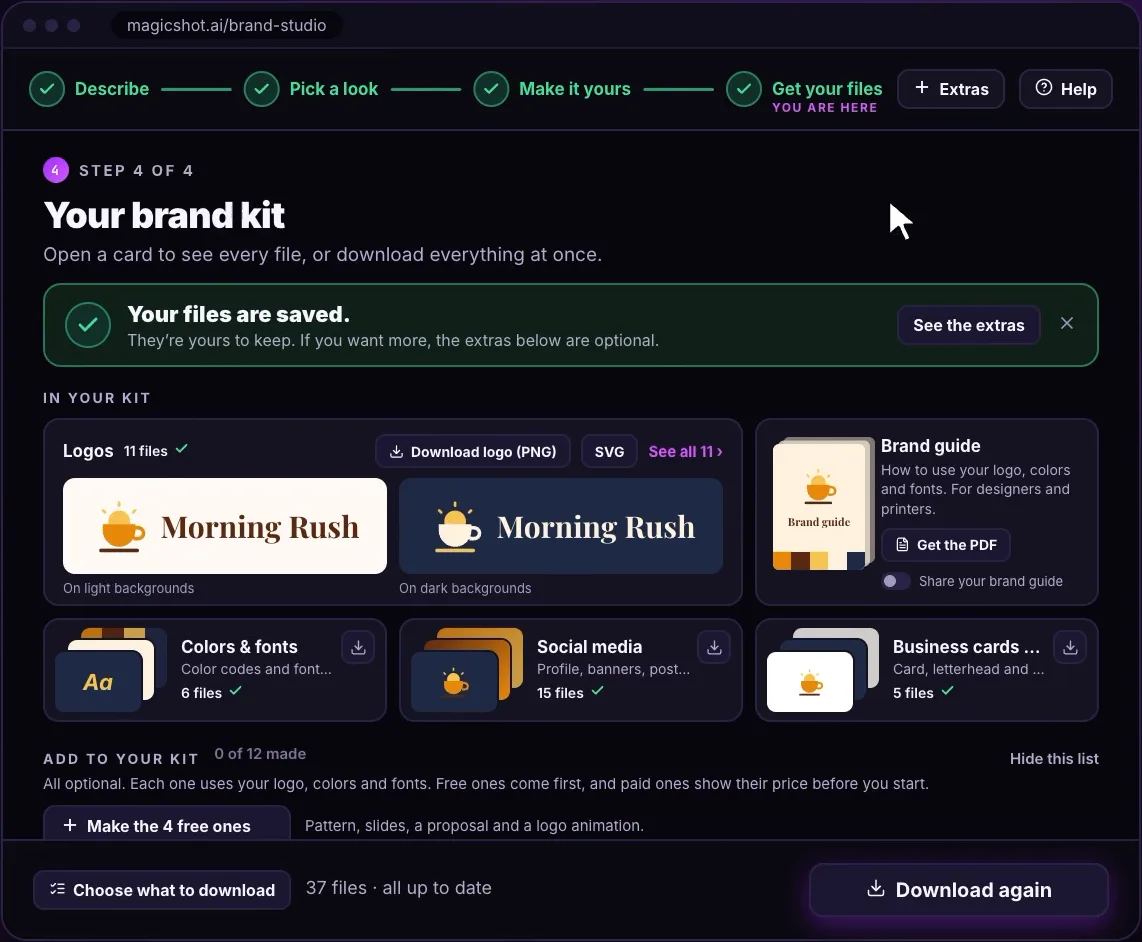
Morning Rush, a small coffee roaster, built start to finish in Brand Studio.
- Logo system
- Colors
- Fonts
- Social media
- Business cards and print
- Brand guide
You always see the price before anything is charged.
Type it. Watch it render.
Example prompts and the real output of the tool each one opens. Pick a tool key, then make your own.
Prompt
A dog skateboarding through Times Square.
Example prompts. Each result is that tool's real output, not a mockup.


See what's possible
Browse thousands of AI creations from the MagicShot community, then make your own.
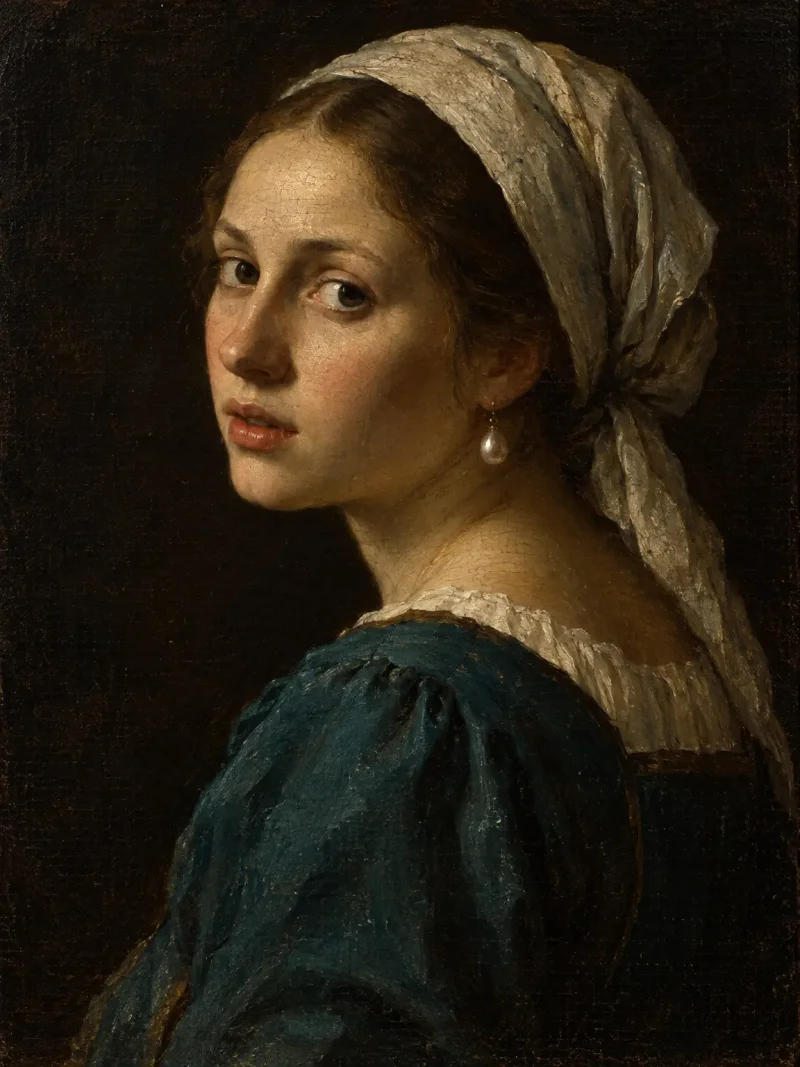
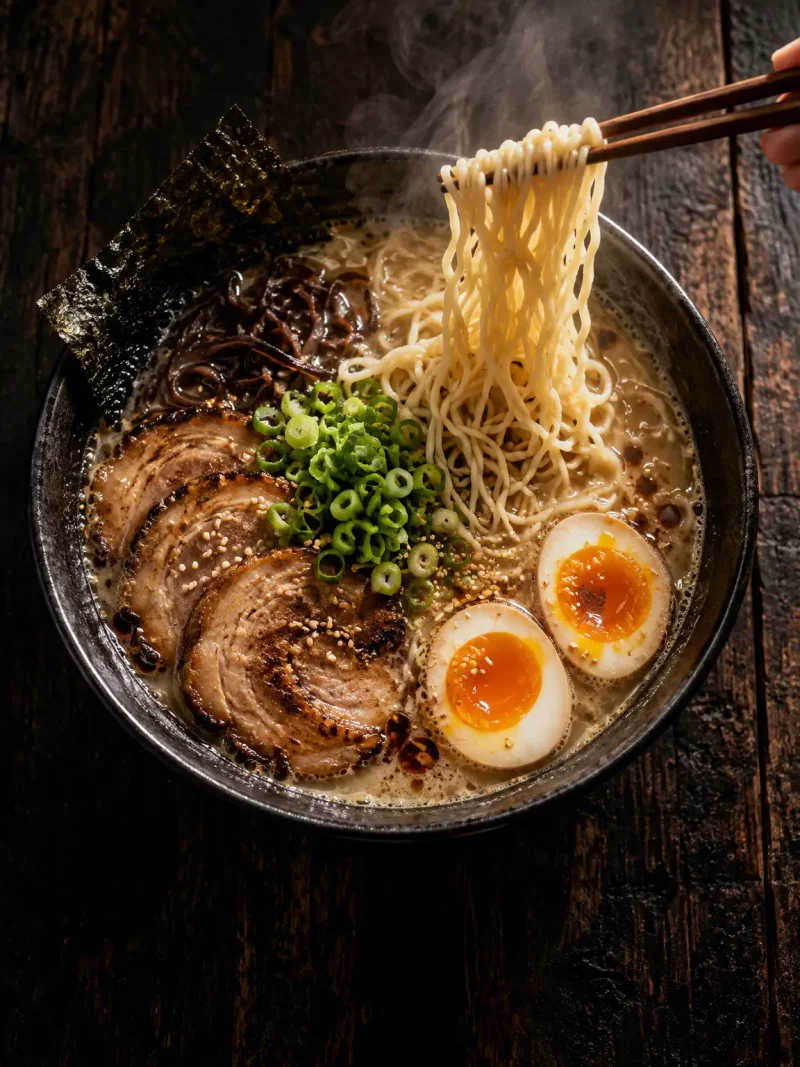
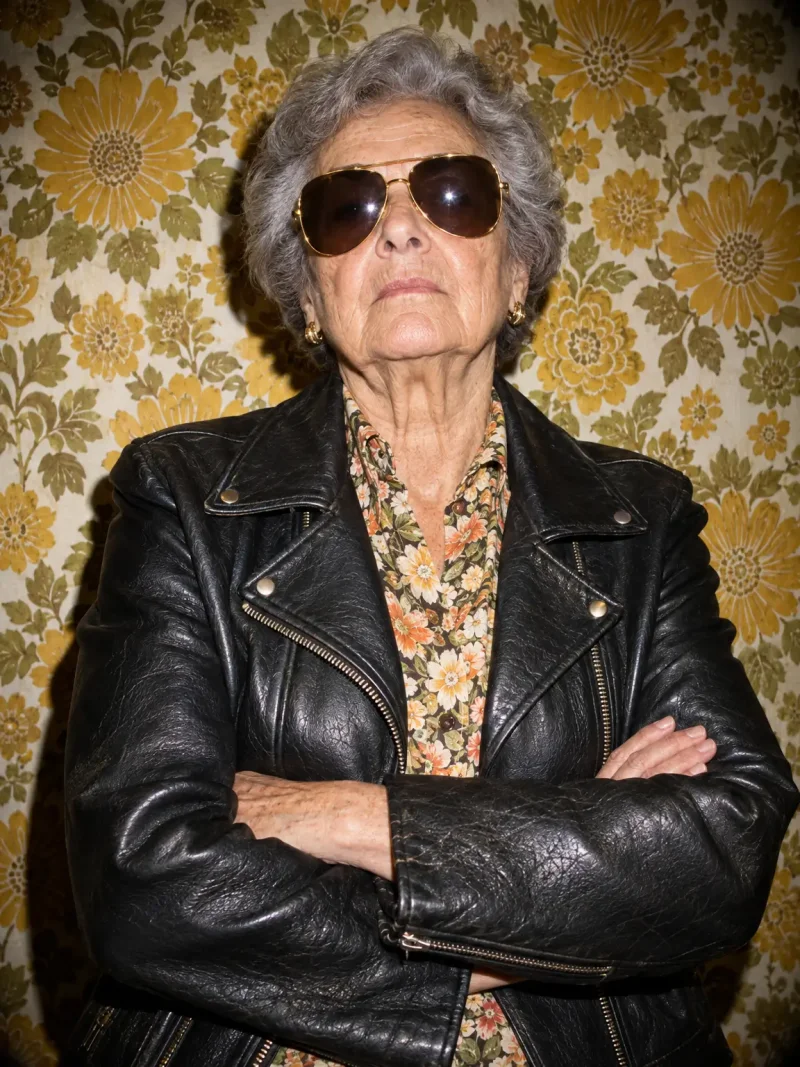
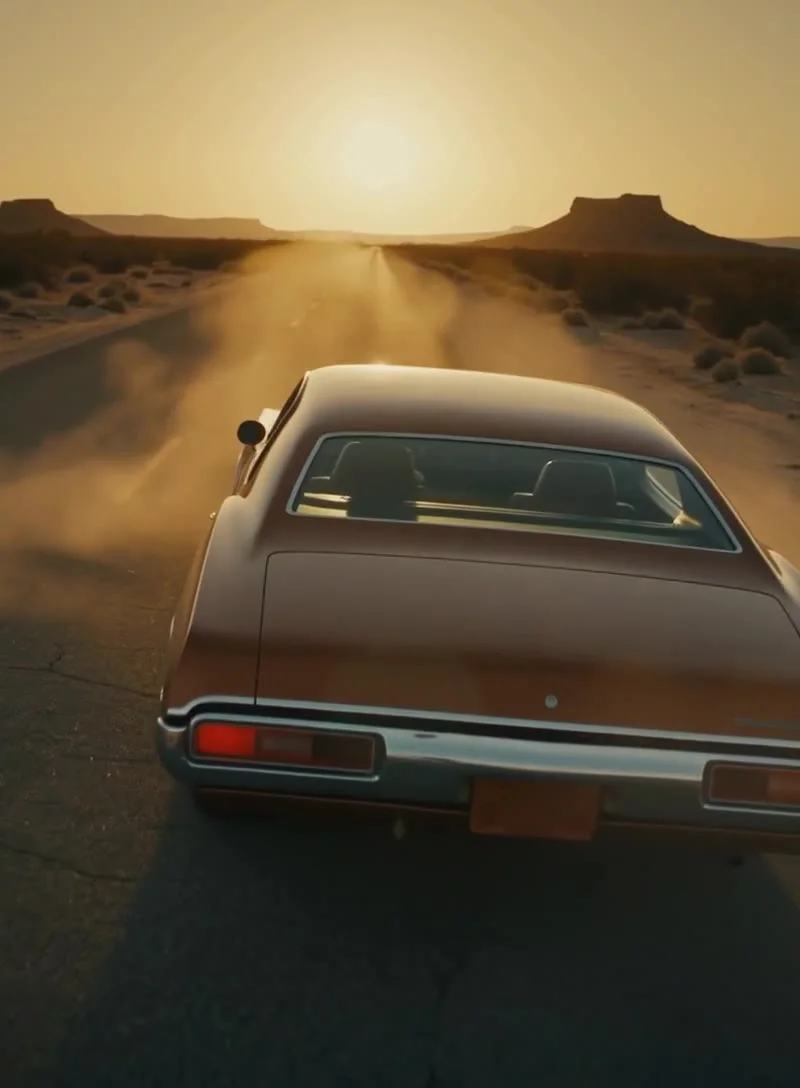
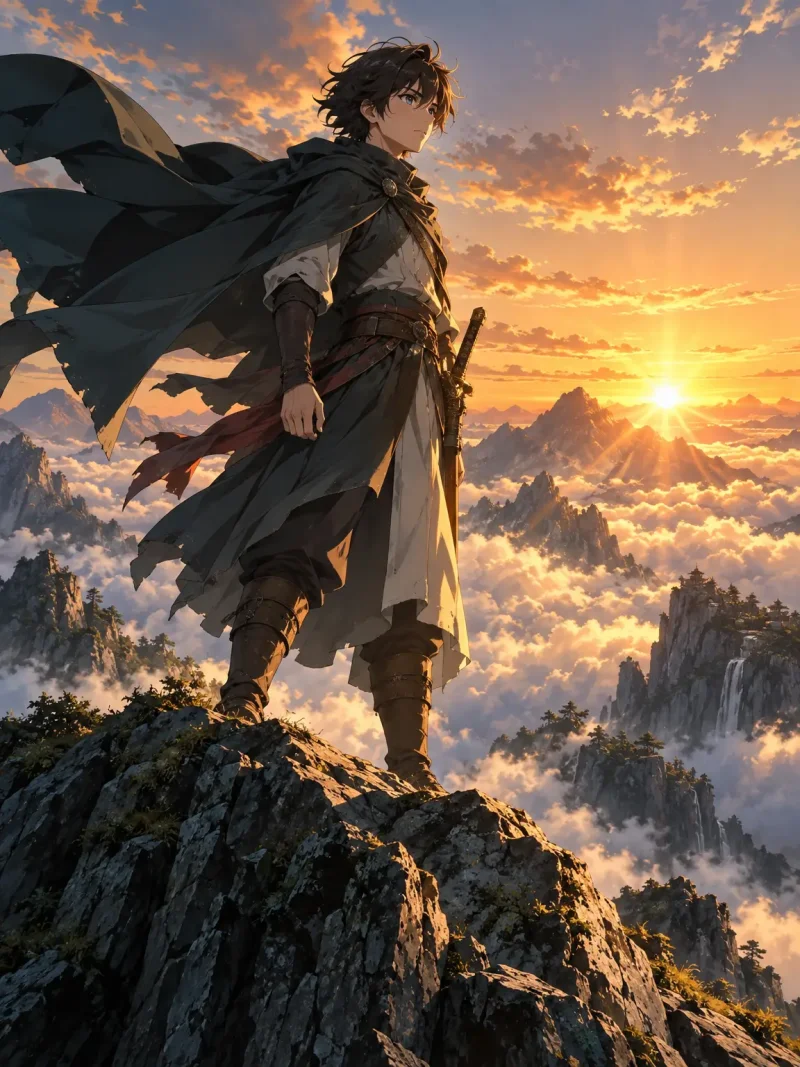
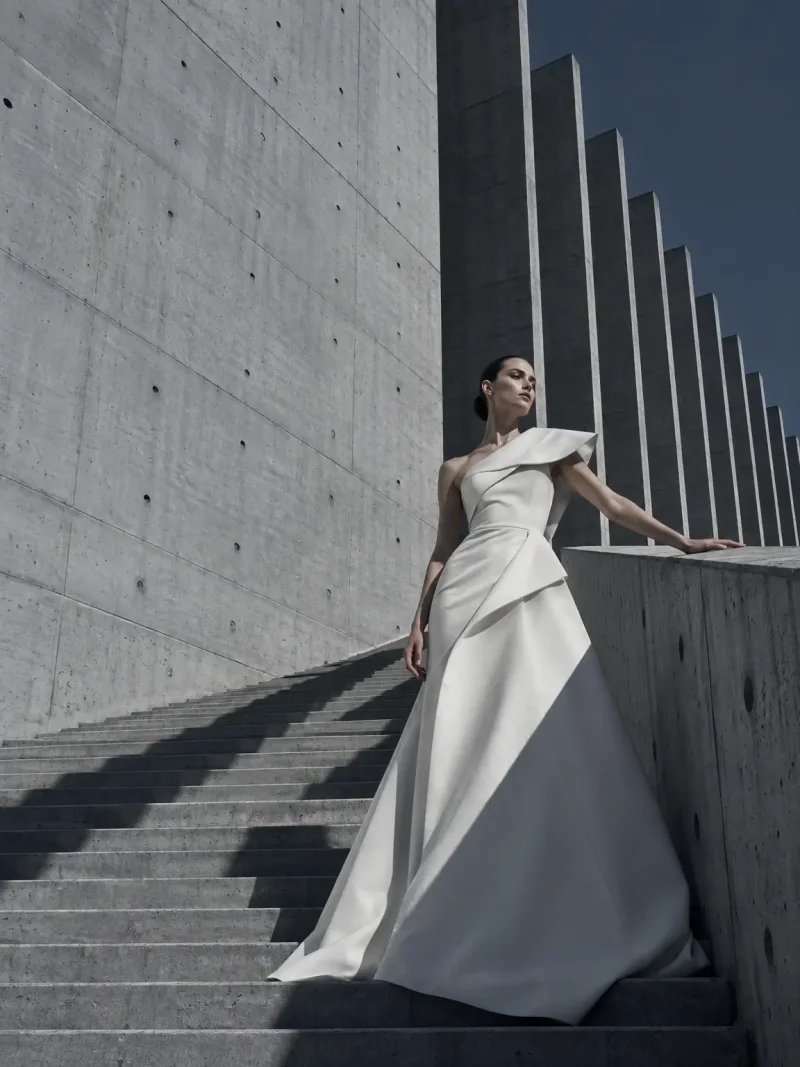
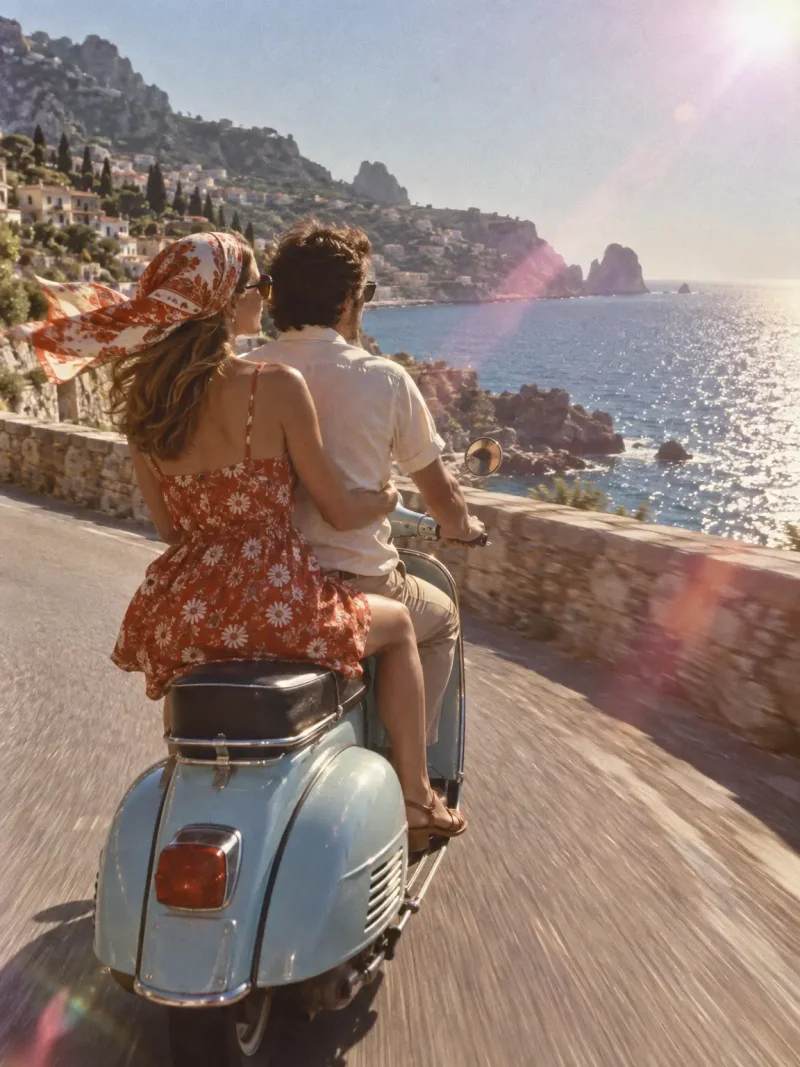
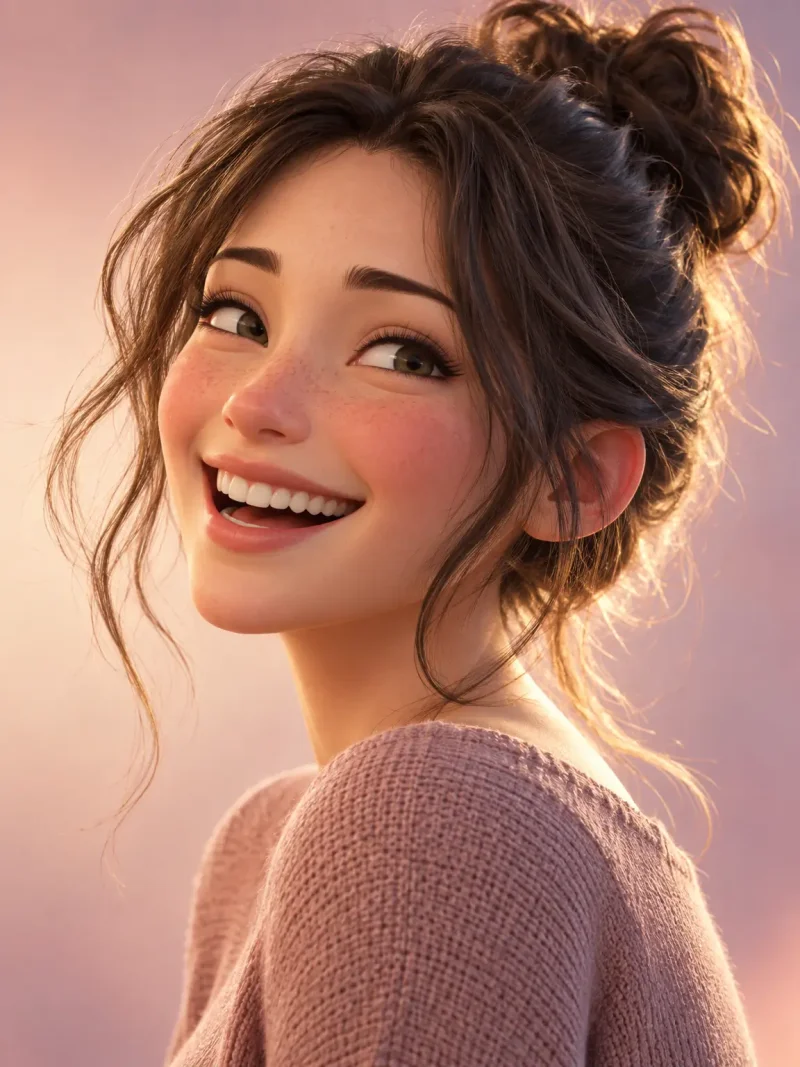
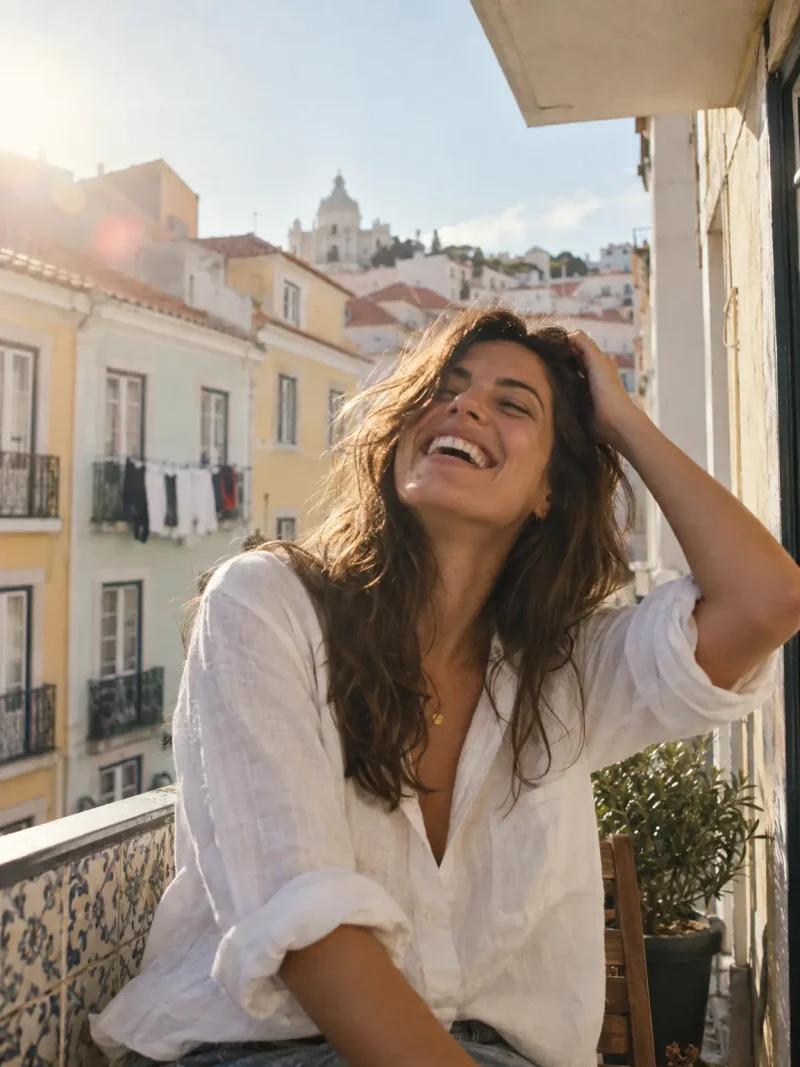

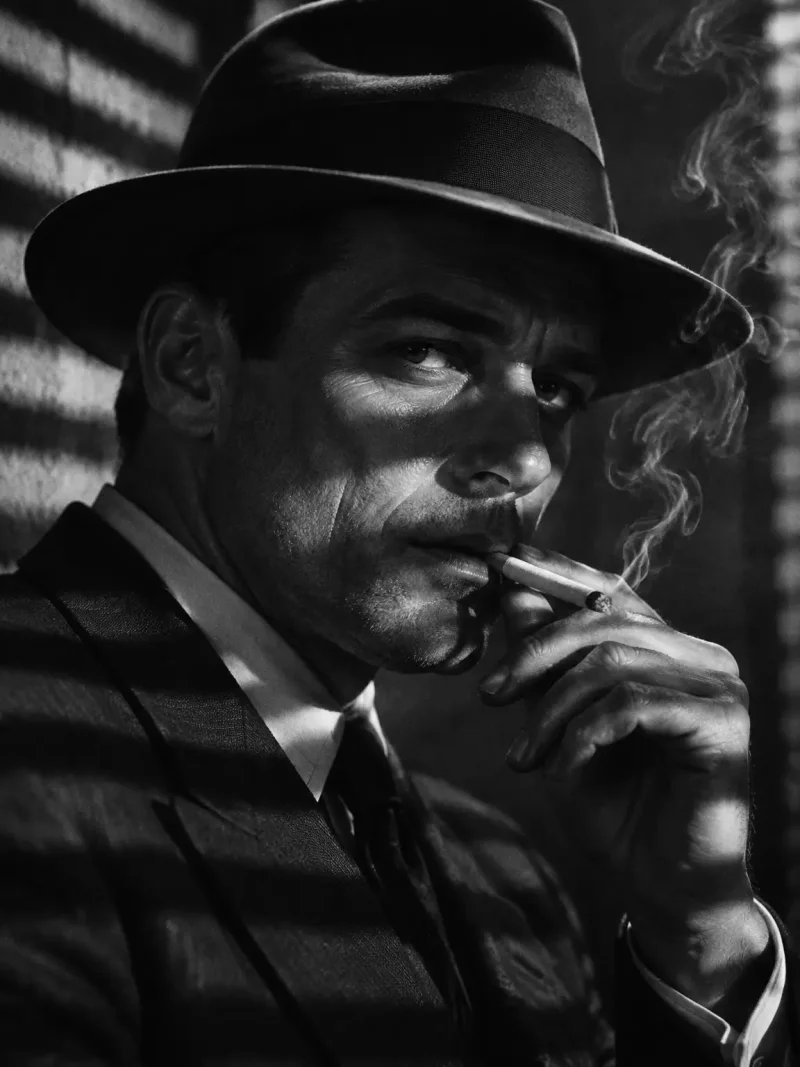
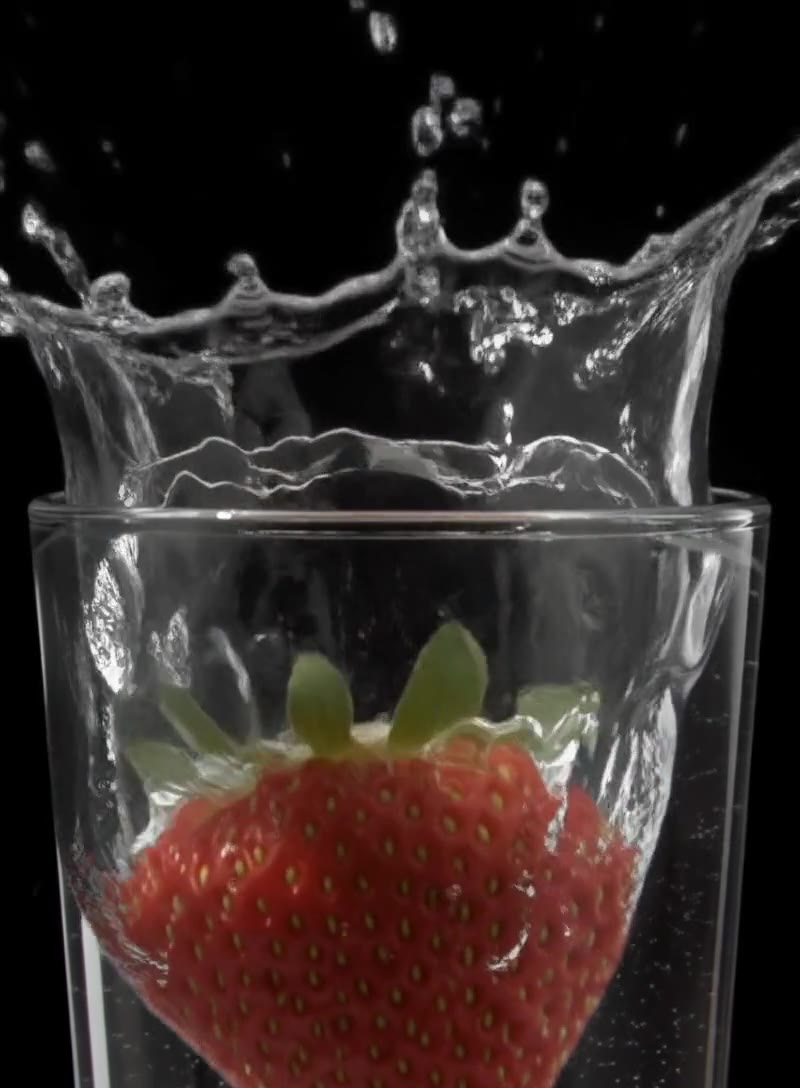
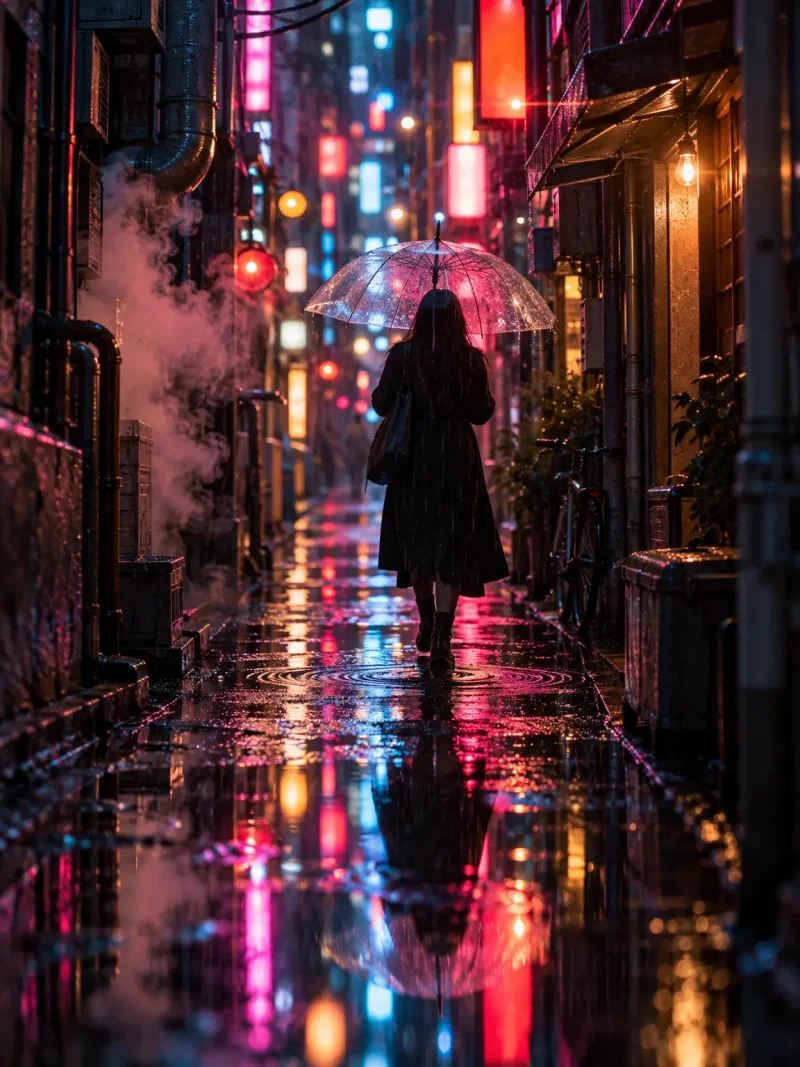
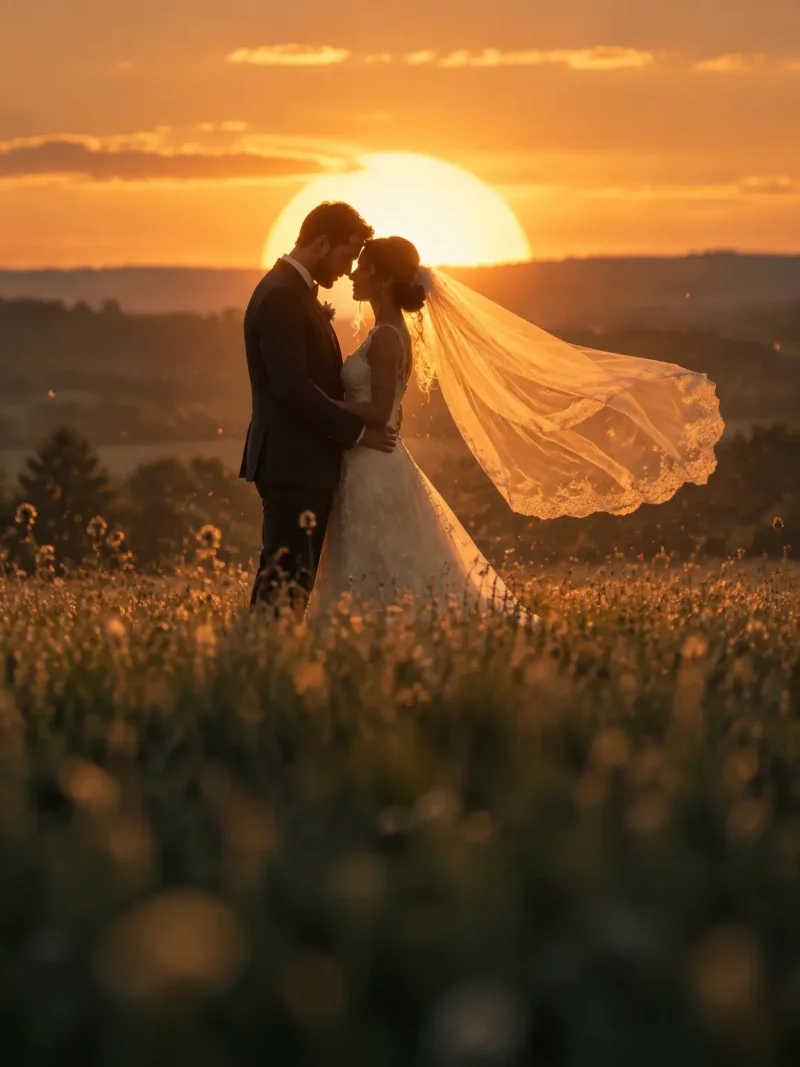
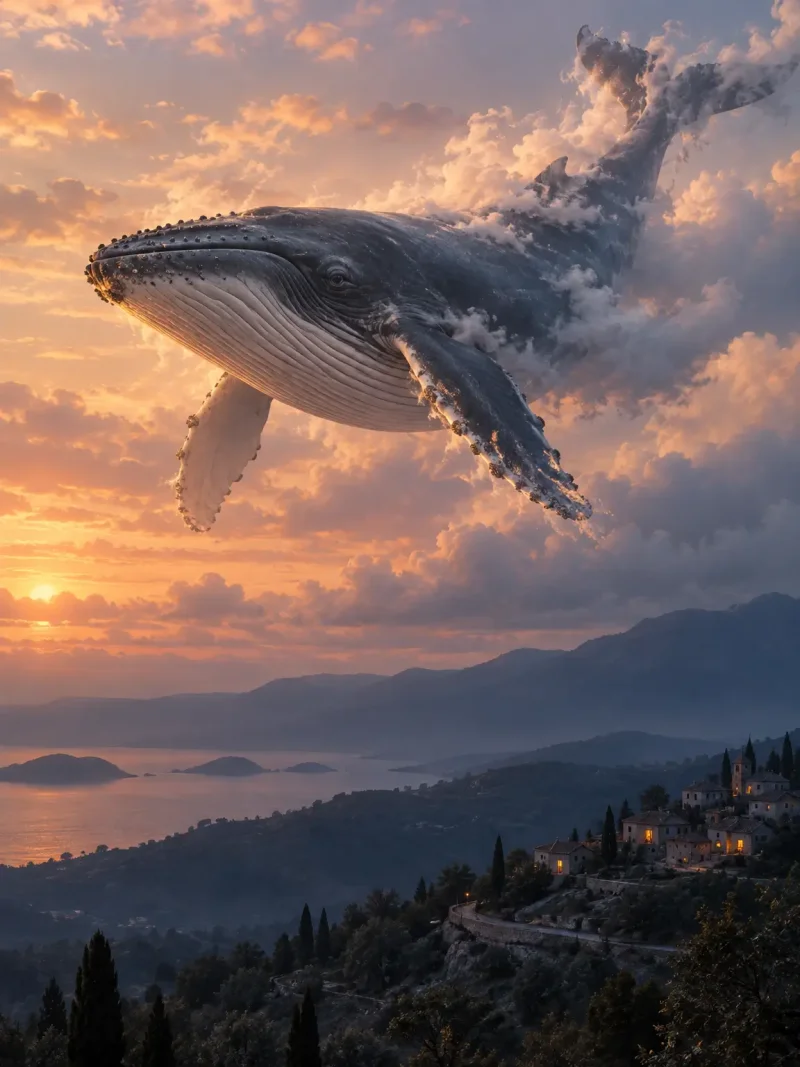
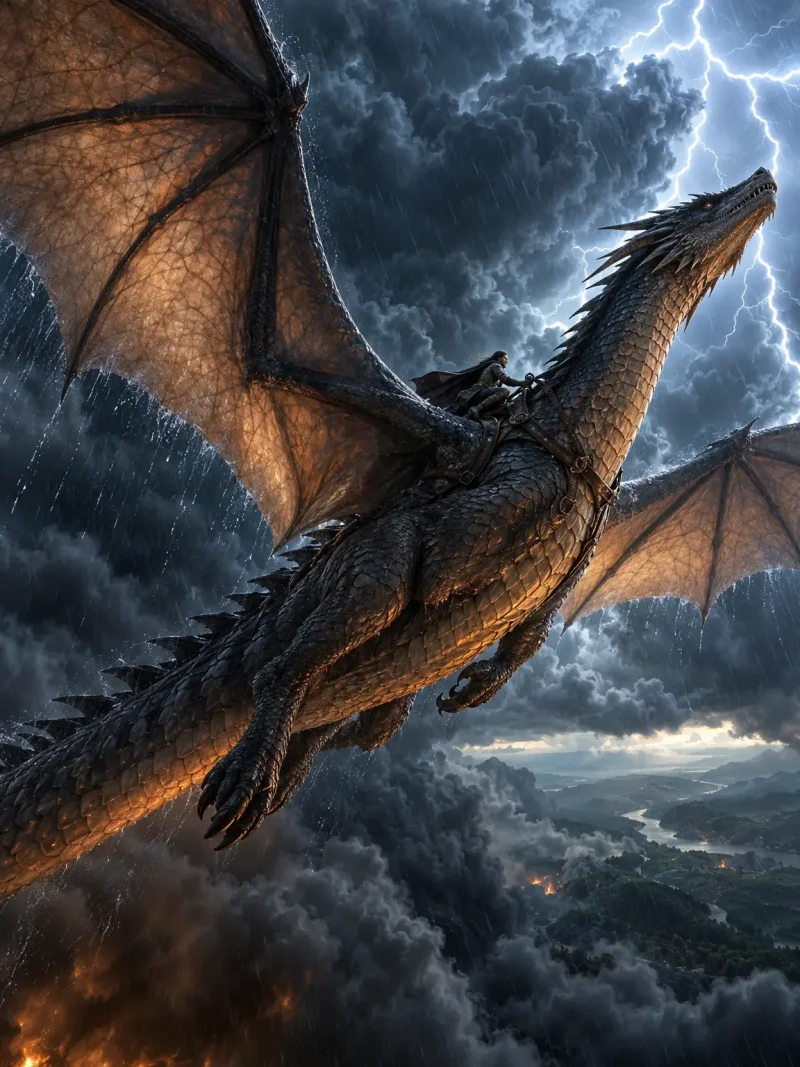
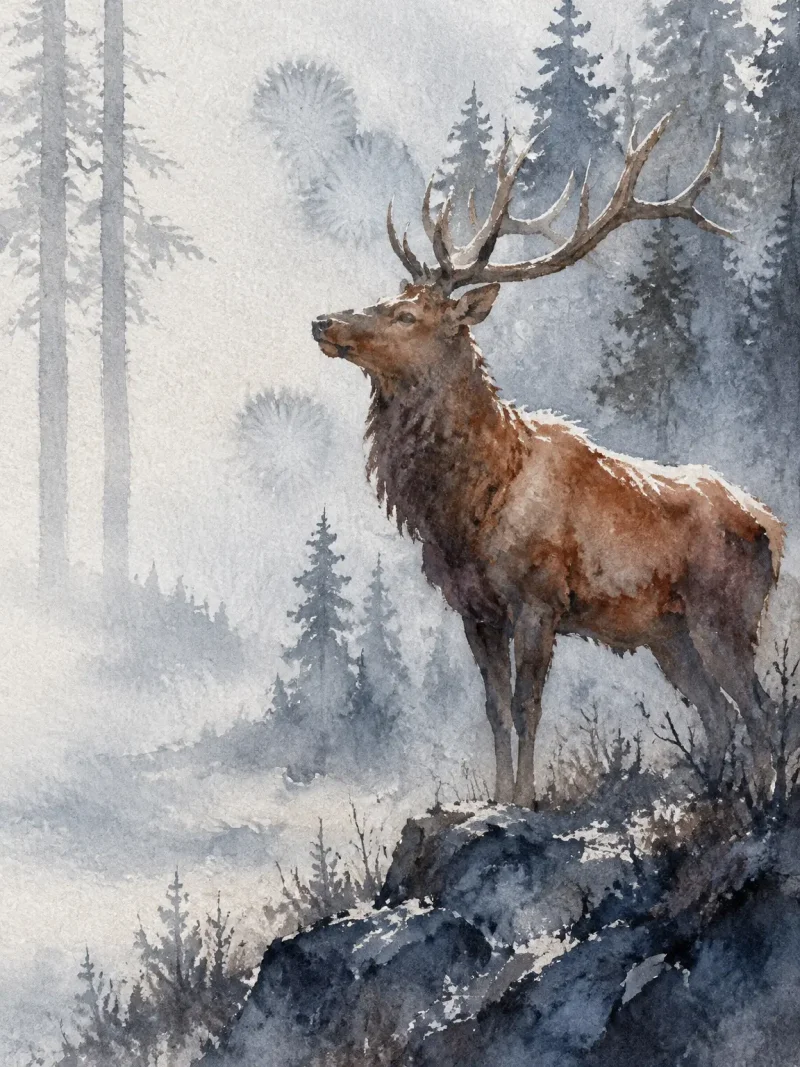
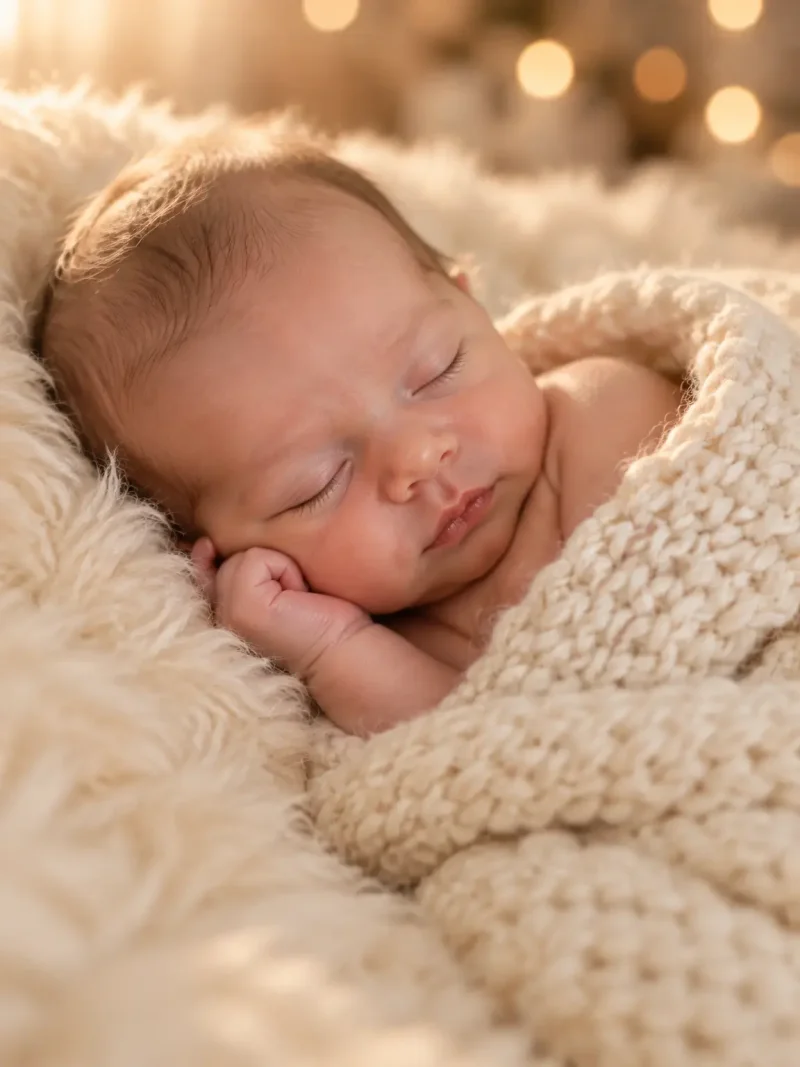
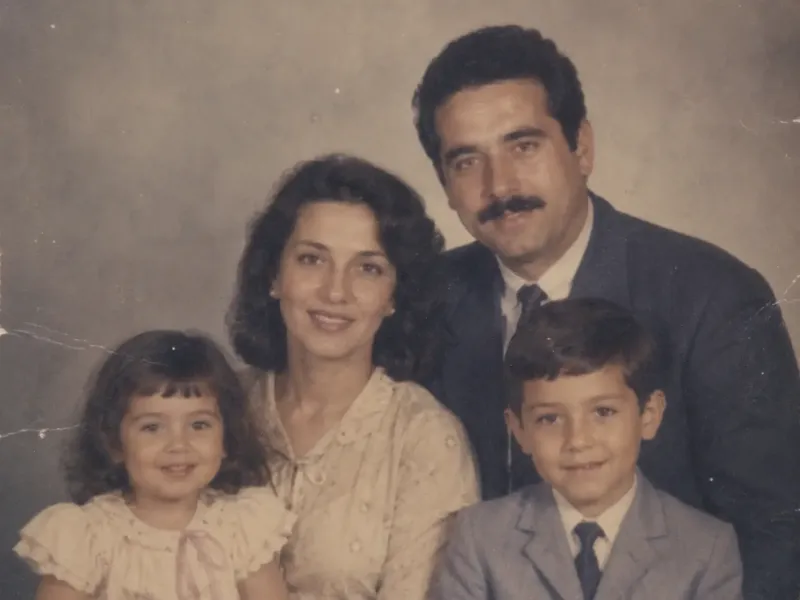
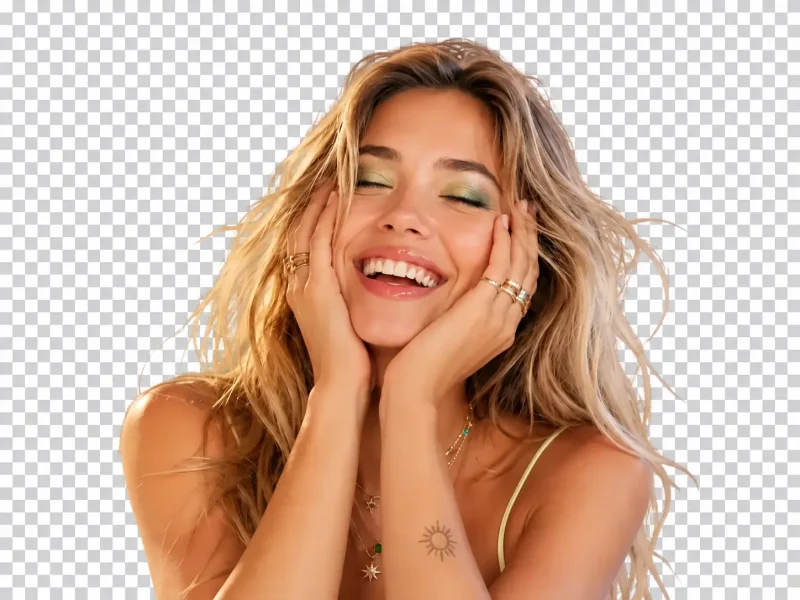
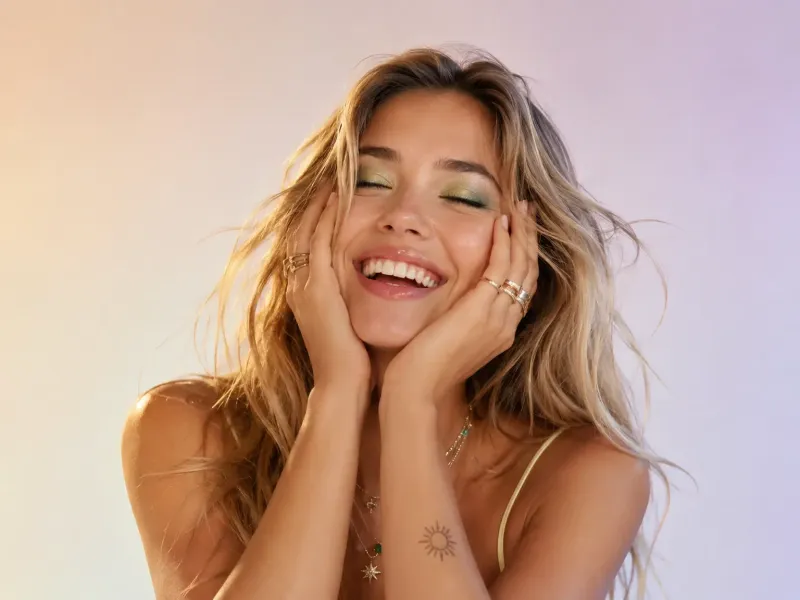
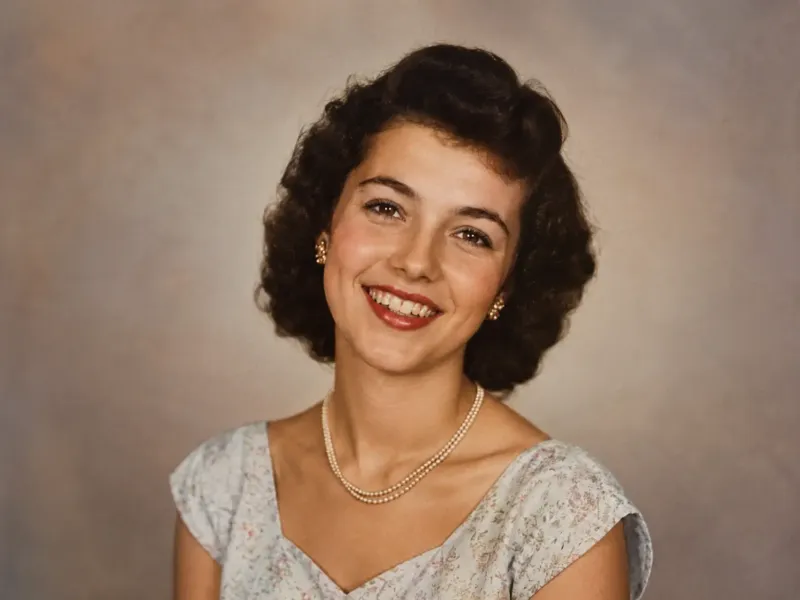
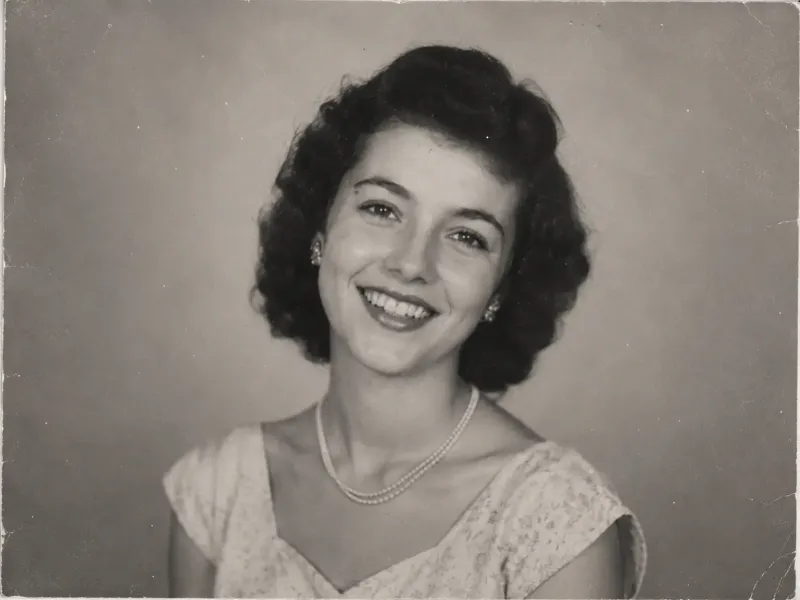
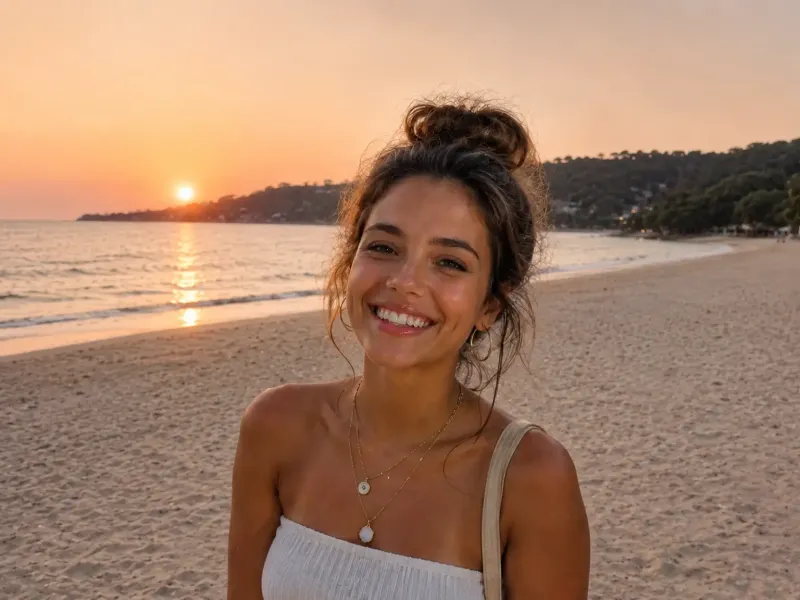
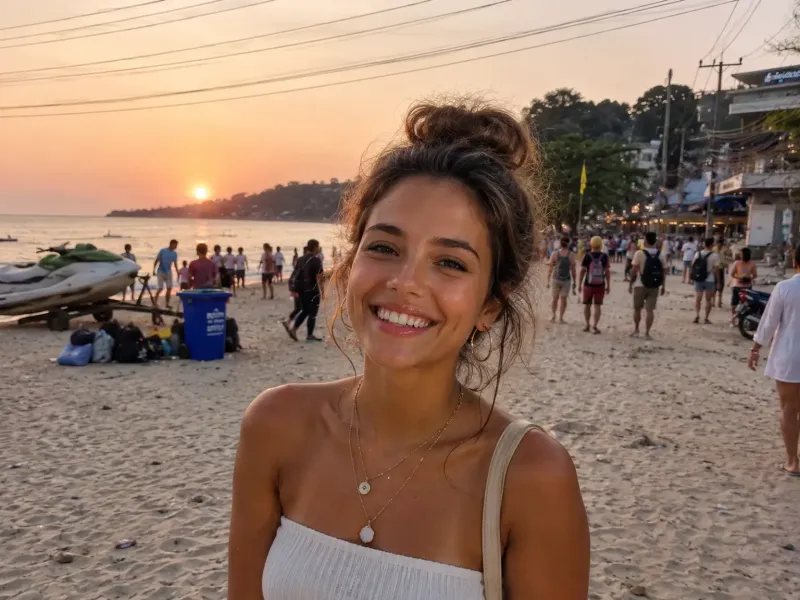
Drag the handle. This is the actual output.
Each pair is a real result from the tool it names, made from one upload.
Drag the handle to compare.
Try Photo Restorer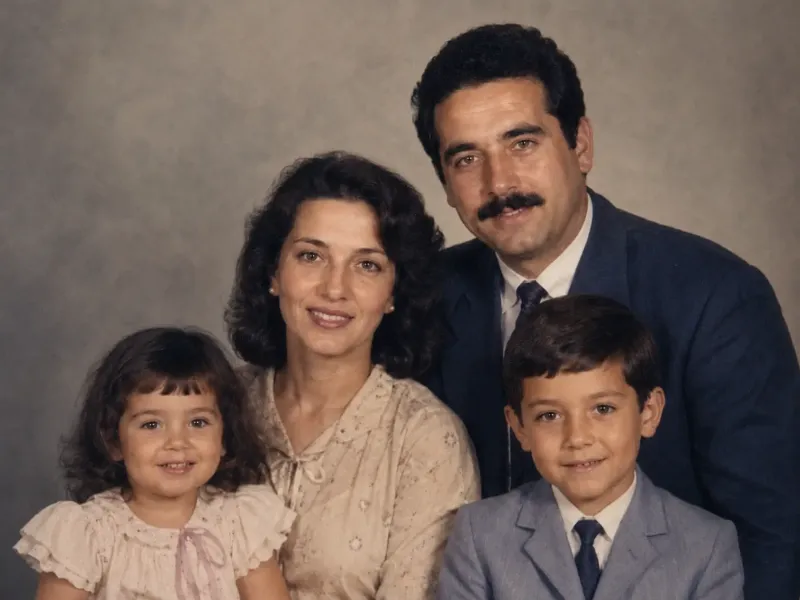
One tab. Every tool.
This is MagicShot, pick a tool, type an idea, and watch it render. No timeline, no layers, no learning curve.
Pick a tool
Choose from the full catalog of image, video, photoshoot, editing and audio tools. Same credits, same login.
Type an idea or upload a photo
Describe what you want, or start from a picture you already have. Presets fill in the rest.
Download in HD
Results land in seconds. Save them, share them, or send them straight into another tool.
The latest AI models, all in one place
 FLUX 3 Image Black Forest Labs
  GPT Image 2.5 Sunburst Open AI
  Ideogram 4.5 Ideogram
  Nano Banana 2.1 Google
  Gemini Omni 1.1 Google
  Seedance 2.5 Bytedance
  Grok Imagine Image 2.0 xAI
  Flux 3 Black Forest Labs
  HappyHorse 1.1 Alibaba
  Seedream 5.0 Pro ByteDance
  GPT Image 2 OpenAI
  Nano Banana 2 Google
  Kling v3 Kuaishou
  Seedance 2.0 ByteDance
  Happy Horse 1.0 Alibaba
  Kling 3.0 Omni Kuaishou
The same studio, tuned to your work
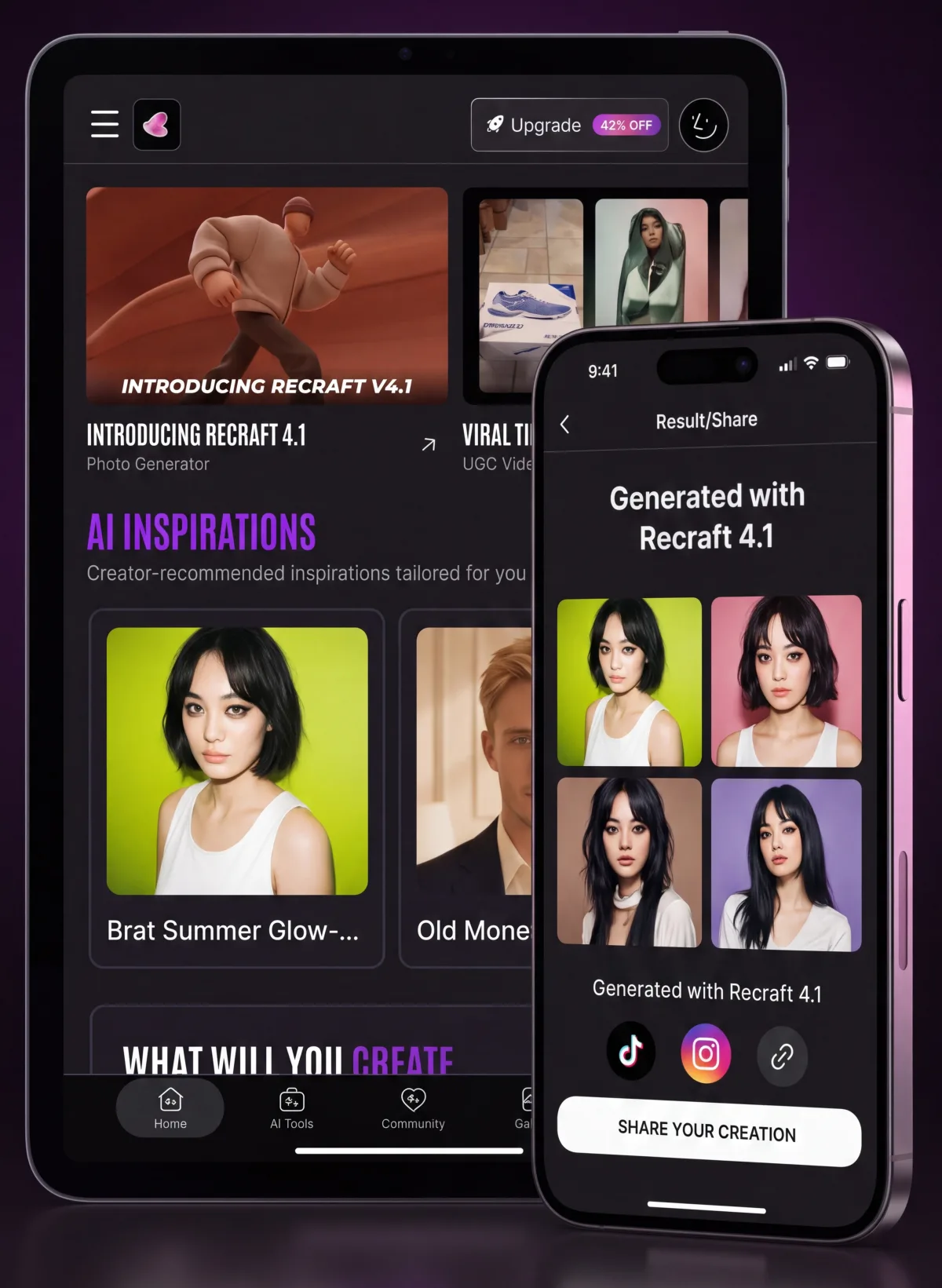
Your AI studio, in your pocket
MagicShot for iPhone & iPad
Generate photos, headshots and videos anywhere. Snap, prompt and share scroll-stopping content straight from your phone.
- AI photoshoots & headshots
- Image & video generation
- 100+ styles & effects
- Export in 4K, watermark-free
Free to download on iPhone & iPad.
Plans for every creator
Free
Free to useTry MagicShot with the tools that are free to use, before you pick a plan.
Selected tools, free to use
- Text to Video, free to use
- Text to Speech, free to use
- AI Photo Generator, free to use
- No plan or card needed
- Upgrade any time for every other tool
Essential
$63 billed once a year, 42% off
8,000 credits a month
- Create AI content with any MagicShot tool
- Access all AI models without restrictions
- Create up to 2,000 images monthly
- Create up to 25 videos monthly
Secure checkout, cancel anytime
Premium
Most popular 30% OFF$138 billed once a year, 39% off
19,000 credits a month
- Create AI content with any MagicShot tool
- Access all AI models without restrictions
- Create up to 6,000 images monthly
- Create up to 70 videos monthly
Secure checkout, cancel anytime
Premium+
$270 billed once a year, 36% off
40,000 credits a month
- Create AI content with any MagicShot tool
- Access all AI models without restrictions
- Create up to 10,000 images monthly
- Create up to 120 videos monthly
Secure checkout, cancel anytime
What creators say about MagicShot
4.7/ 5 from 39 reviews on Trustpilot
“MagicShot AI has completely transformed my workflow. Having over 50+ tools, from high-quality text-to-image generation to background removal and AI video tools, all in one place is incredibly convenient. The user interface is clean, intuitive, and lightning-fast. I used to jump between three different apps to edit photos and create graphics, but now I can do it all in seconds here. Highly recommend it to anyone looking to level up their social media or branding game”
“The app is great! I love it. It has everything you need so no having to go to 2 or 3 different apps . It made things so much easier!”
“Honestly, MagicShot is pretty fun to use. It makes editing and creating AI photos way easier than messing with a bunch of complicated apps. Most of the results come out surprisingly good, and the app is simple enough to figure out fast. It's not perfect and can be a little glitchy at times, but overall it does what it's supposed to do and makes the whole process quick and easy.”
“I was surprised in the quality of pics it produced. The platform is super beginner friendly, this AI tool doesn't do just one thing, but multiple. It will save people money because you got everything you need pretty much in this one app. Love It!”
“Honestly, I was really shocked at how many options this app has. I'm not really a seasoned AI user but when I saw how well made the avatars look and how many ideas it could create for my brand marketing, I was pretty hooked! It was pretty easy to use and didn't do a sloppy job like most do!!”
“I had a great experience using magicshot.ai. The platform is super easy to use, even for someone who isn't very tech savvy. What I liked most was how quickly everything was processed. I definitely recommend this platform to anyone looking for quick, high quality AI generated images.”
Questions, answered
Start with a sentence.
Type what you want to make. MagicShot opens the right tool with your prompt already in place.