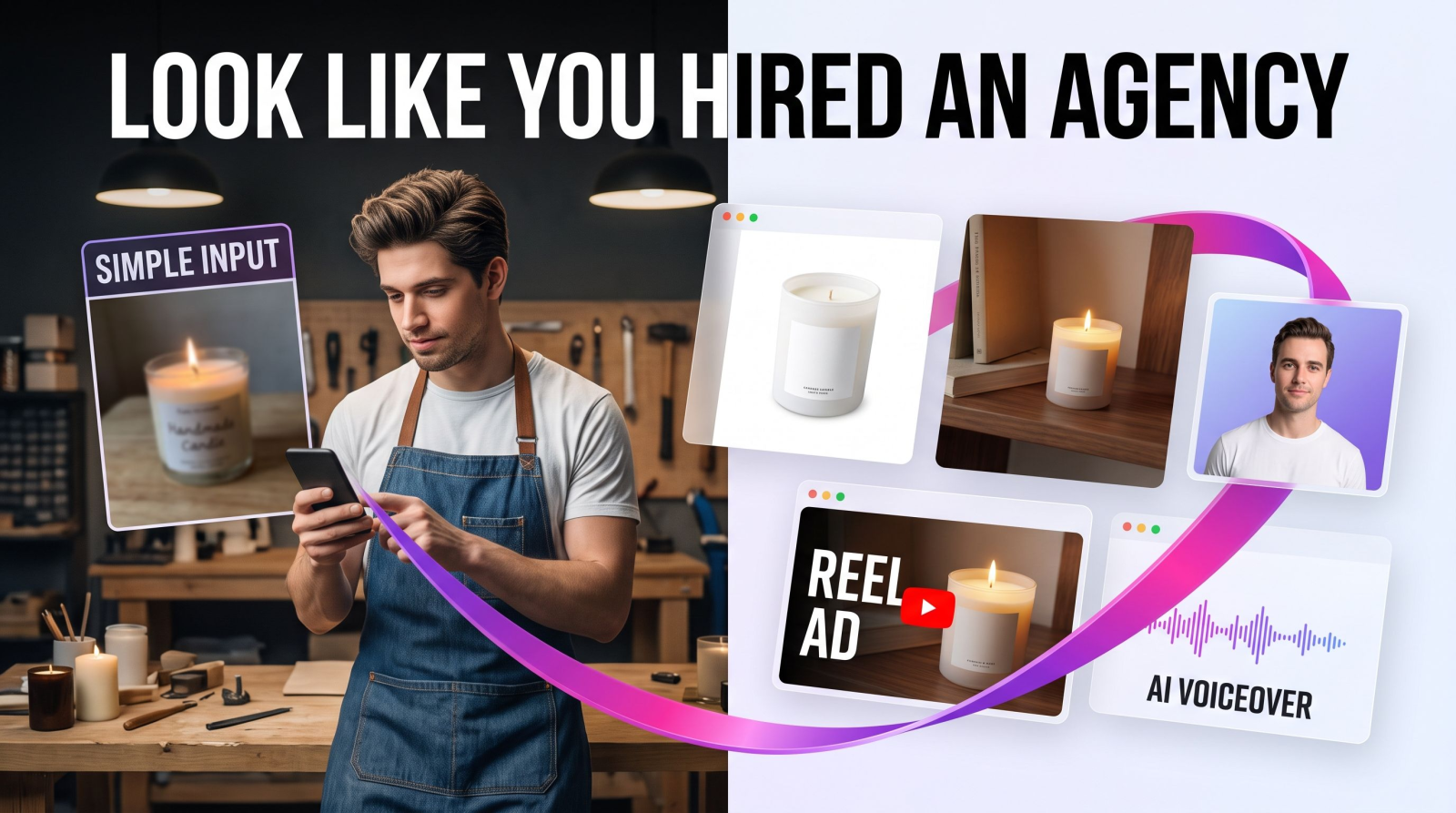
You don't need a $3,000 monthly agency retainer to look like you have one. Small business marketing lives or dies on the visuals: the product shots on your listing, the headshot on your About page, the 15-second clip in someone's feed. Get those right and a two-person shop reads as a real brand. Get them wrong and no ad budget will save you. This guide shows how to produce agency-grade photos, video, and audio yourself, without a photographer, a studio day, or five separate subscriptions.
The old path was slow and expensive. Book a shoot, wait a week for edits, pay a freelancer for the logo, hire someone else for the video, then stitch it all together and hope it matches. AI collapses that into an afternoon. Here's the workflow that actually holds up in front of customers.
What "looking like an agency" actually means
Customers can't see your headcount. They see consistency. A brand looks hired-out when the photos share a look, the type and color repeat everywhere, the headshots aren't blurry phone selfies, and the video doesn't shake. None of that requires an agency. It requires a system and a few good tools you can run again and again.
Three things separate amateur from professional in small business marketing:
Clean product images with even lighting and a background that doesn't fight the product.
Real faces done well, so the team page builds trust instead of raising doubts.
Motion, because a still image gets scrolled past and a short clip gets watched.
Nail those and the rest is repetition. Let's build each one, in the order that gets you the biggest jump for the least effort.
Step 1: Product photos that sell without a studio
Your listing photo is the whole pitch on Etsy, Amazon, and Instagram Shop. A phone snap on a cluttered kitchen counter tells a shopper you're small in the bad way. The fix is faster than booking a photographer, and you can redo it every time you launch something new.
Shoot once, then clean up
Take one decent phone photo in daylight, near a window, product roughly centered. Then drop the background with a background remover and place your product on white, a brand color, or a lifestyle scene. If there's a stray cable, a price sticker, or a coffee ring in frame, an object remover wipes it in seconds. That single cleanup is the difference between "homemade" and "brand."
Generate scenes you could never afford to stage
Want your candle on a marble bathroom shelf, your skincare bottle on a sunlit windowsill, your tote bag on a city street at golden hour? A product photo generator builds those settings around your item, so you get a dozen backdrops without renting a single prop or booking a location. Selling apparel? An AI fashion model shows the garment on a person, no model booking, no reshoot when you add a new color to the line.
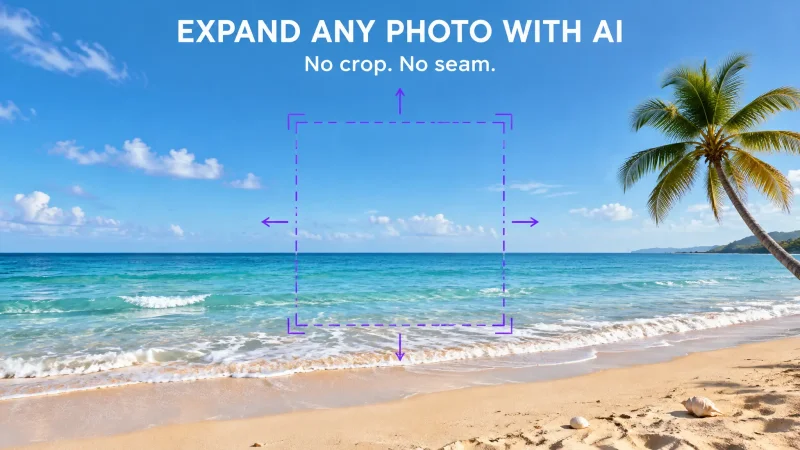
One more thing sellers forget: resolution. If your best shot is small or a little soft, run it through an image upscaler before it goes on a product page. Sharp beats big every time a shopper zooms in to check the stitching or the label.
Step 2: Headshots and a face for the brand
People buy from people. Your team page, your LinkedIn, your local Google Business listing: they all lean on faces. A cropped party photo with someone's arm still in frame undercuts everything else you've built. This is the cheapest trust you'll ever buy.
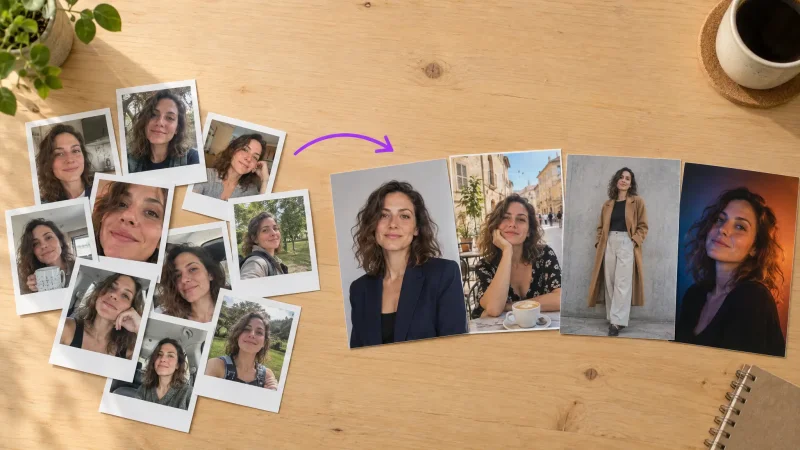
Upload a few clear selfies and generate professional headshots with consistent lighting and a clean background for the whole team. Everyone matches, nobody sat through a studio session, and you're not paying $150 a head for a photographer plus travel. Match the backdrop and crop across every team member and the About page suddenly reads like a company instead of a hobby.
Founders who also want a polished profile shot for cold outreach or a conference bio can reuse the same approach for personal profile photos from the same batch of selfies. And if you've got an old brand photo or a scanned print you want back in rotation, a photo restorer pulls detail out of it so your history looks intentional, not neglected.
Step 3: A logo and a look you can repeat
Consistency is what agencies quietly charge the most for, and it's the part you can own for good. Start with the mark. A logo generator gives you a usable logo in minutes instead of a two-week freelancer round with three revision emails. Once you have it, lock two brand colors and one font, then keep them across every post. That repetition is what makes a feed look designed instead of assembled.
Fill the gaps with matching assets. Need branded extras for packaging inserts, Instagram Stories, or a loyalty card? A sticker maker and an AI art generator let you produce on-brand graphics that all belong to the same visual family. Small touches, big signal. A shopper can't name why your packaging feels finished, but they feel it, and they trust the order more because of it.
Step 4: Video, because the feed rewards motion
Reels, TikTok, and YouTube Shorts push video harder than stills, and most small businesses skip it because it feels like a production with a crew and a call sheet. It isn't anymore.
Turn one photo into a moving ad
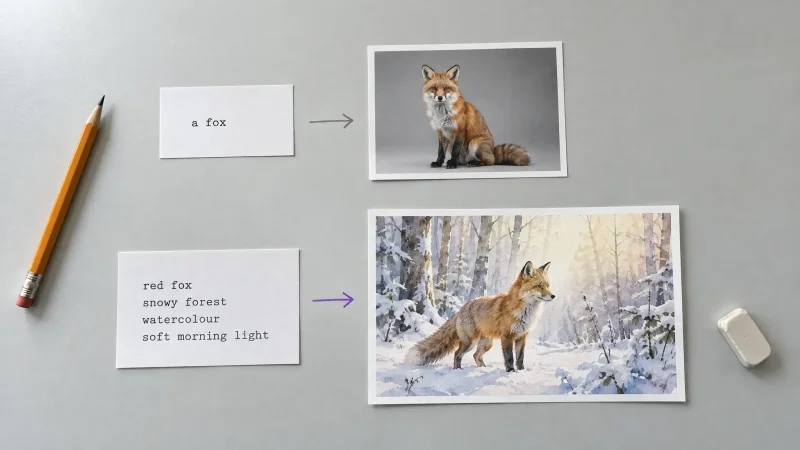
Take a product shot you already have and use an image to video tool to add a slow push-in or a subtle pan. That single move is often enough to stop a thumb mid-scroll. Want something you can describe from scratch? Text to video builds a short clip from a written scene, so you can test a hook idea in the morning and know by lunch whether it's worth filming for real.
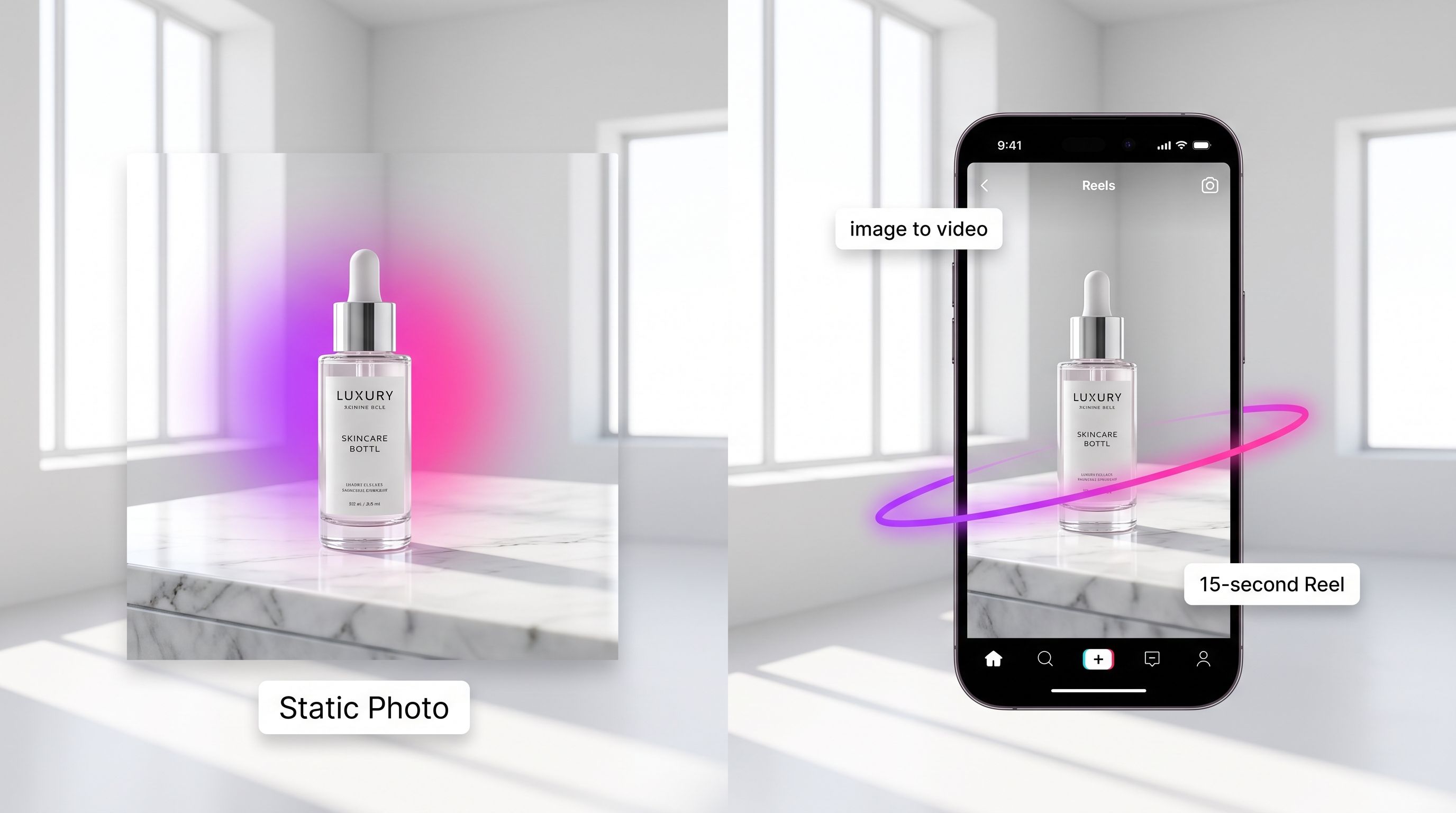
Creator-style clips and a face to front them
UGC videos give you the casual, hand-held look that tends to outperform polished ads on social, without hiring five different creators and waiting on their schedules. Need a presenter to explain a feature or read a promo line? An AI avatar video puts a talking spokesperson on screen for you. And when a trend is peaking and you want to jump on it fast, the AI video effects generator adds effects that match what's already circulating, so your clip fits the moment instead of arriving a week late.
Step 5: Sound, so your video doesn't feel half-finished
Muted video gets muted results, and borrowed music gets your reach throttled or your account flagged. Two tools close the gap. Use text to speech to voice a product explainer or an ad script without recording yourself in a quiet room at midnight, and add a track with the AI music generator so you're not risking a copyright strike on someone else's song. Now the clip feels finished instead of like a rough draft you posted anyway.
Putting it together: a one-day brand refresh
Here's the sequence I'd run for a small business marketing overhaul in a single afternoon:
Photograph your top three products once, then clean and restage each one.
Generate matching headshots for everyone on the team from a handful of selfies.
Lock a logo, two brand colors, and one font, then apply them everywhere.
Turn your two best product photos into short video clips with a push-in or pan.
Add voiceover and a music track, then export for Reels, TikTok, and your product listings.
By the end you have a coordinated set of assets: product shots, headshots, a logo, and video with sound, all sharing one look. That's the exact deliverable an agency would bill you weeks and thousands of dollars for, and you can rerun the whole thing next month when you ship a new product.
What to skip on day one
Don't chase completeness. You don't need 40 product angles or a five-minute brand film to start. Ship the six assets that show up most often in front of buyers: the hero product shot, the founder headshot, the logo, one Reel, one Story graphic, and one voiced explainer. Then repeat the system as you launch. The goal isn't to out-spend the big players. It's to look like you belong on the shelf next to them.
The brands that win at small business marketing aren't the ones with the biggest budgets. They're the ones whose visuals are consistent, current, and easy to reproduce.
Every step above is something you can run yourself, no crew and no reshoot. See the full stack of tools built for solo sellers and small teams on the MagicShot for small business page, and start with whichever asset is weakest right now. Fix the worst one first, and the whole brand jumps a level.