

Here's a strange thing for an AI photo company to admit: telling a real photo from a generated one is getting harder every month. If you want to know how to spot AI images, the honest answer is that the old tricks are fading fast. Six fingers and melted ears used to give the game away. Today's models fixed most of that. So this guide skips the myths and gives you checks that still work, plus a clear-eyed look at why "is this image AI" is becoming a harder question to answer with confidence.
We build these tools. We also think people should understand them. Knowing what generated images look like under the hood makes you a smarter viewer, a safer buyer, and a better creator.
The quick answer: how to spot AI images in 2026
Start with a fast triage before you zoom into pixels. Most AI images still trip on the same categories, even when the overall picture looks convincing. Run through this list first:
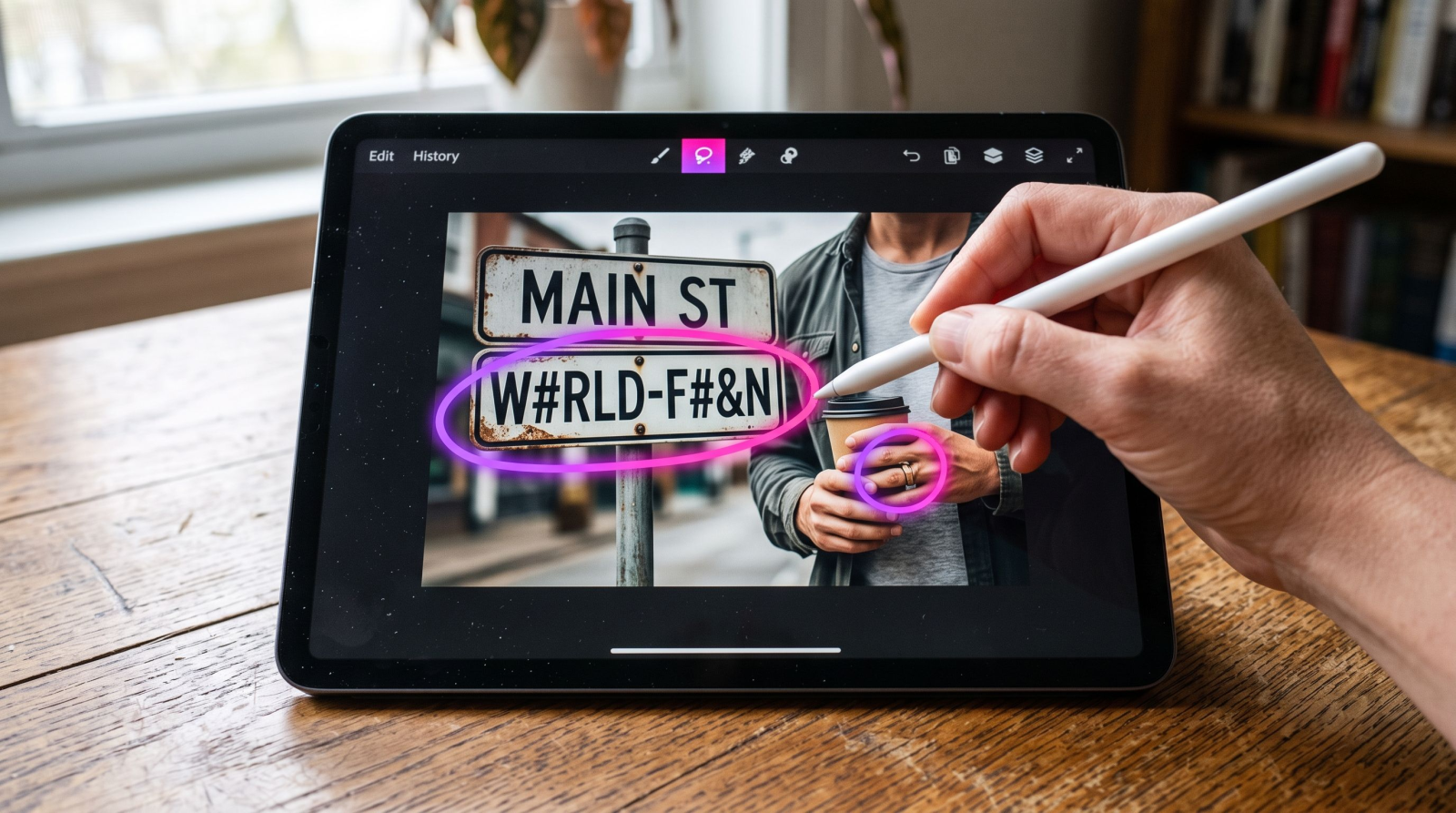
Text and typography. Signs, labels, book spines, and logos are still a weak spot. Look for letters that almost spell a word, warped kerning, or a shop sign that reads like nonsense at a glance.
Hands, teeth, and jewelry. Not always six fingers anymore. More often it's a knuckle that bends the wrong way, a ring that fuses into skin, or a necklace chain that changes thickness halfway.
Backgrounds and crowds. The subject looks sharp; the background falls apart. Watch for people who blur into each other, railings that don't line up, and windows with impossible geometry.
Reflections and shadows. Check mirrors, sunglasses, puddles, and glossy floors. A reflection that doesn't match the subject, or a shadow pointing the wrong way, is a strong tell.
Repeating patterns. Tiles, bricks, foliage, and fabric weaves sometimes repeat in ways real materials never do, or dissolve into mush where detail should be.
If two or more of these feel off, you're probably looking at a generated or heavily edited image. If none do, that's not proof it's real, which is the uncomfortable part we get to below.
Deeper checks that still catch generated images
When the fast pass isn't conclusive, slow down and inspect the physics of the scene. Generated images are built from patterns, not from light bouncing around a real room, so they break physical rules in subtle ways.
Look at the edges where things meet
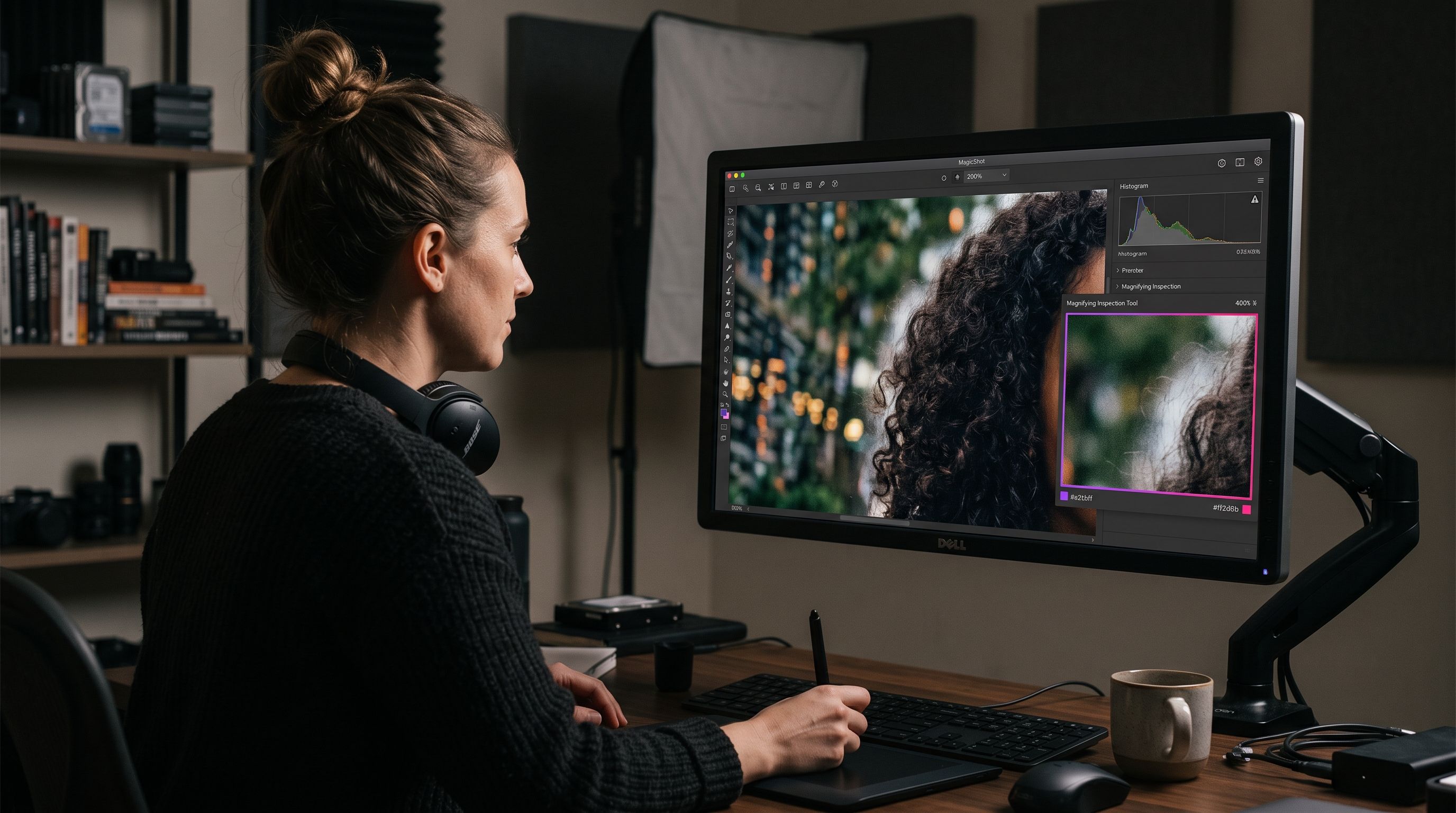
Zoom into the boundary between hair and background, between glasses and cheek, between a coffee cup and the hand holding it. Real cameras produce consistent edge behavior. Generated images often show a faint halo, a smeared transition, or hair strands that end in a soft blur instead of fine tips.
Follow the light source
Pick the brightest light in the frame and ask whether every shadow agrees with it. Faces lit from the left should cast shadows to the right. When one shadow disagrees, or a subject is lit from a direction with no visible light, that inconsistency is hard for models to keep straight across a whole scene.
Count and compare small repeated objects
Buttons on a shirt, slats in a fence, teeth in a smile, links in a chain. Generated images sometimes lose count or change size across a row. Real objects hold their spacing.
Check the skin at 200 percent
Real skin has pores, fine hair, and uneven tone. A lot of AI portraits render skin that's too even, almost like airbrushed plastic, especially across the forehead and cheeks. If the texture looks smoother than any camera would capture, be suspicious.
Rule of thumb: real photos get messier as you zoom in. Many generated images get smoother or stranger. Detail should reward inspection, not dissolve under it.
Metadata and reverse search: use them, but don't trust them blindly
Two tools outside the pixels can help. Neither is a magic answer.
Metadata (EXIF). A real camera photo usually carries data about the device, lens, exposure, and time. Many generated images have none of that, or carry a tag from a generation tool. The catch: a simple screenshot strips metadata from any image, real or fake, so a missing EXIF block proves nothing on its own. Some generators now write content credentials into the file, which is a genuinely useful signal when it's present.
Reverse image search. Drop the image into a reverse search and see where else it lives. If it only appears on one recent post with no history, that's worth noting. If a "breaking news photo" has no trail across reputable outlets, treat it with care. This won't confirm AI, but it helps you judge the source.
A quick note for creators: if you make images with an AI art generator and plan to share them, keeping any content credentials intact is a good habit. Transparency about how a visual was made builds more trust than hiding it.
Why spotting AI images is getting harder
The tells above still work, but the window is closing, and it's worth being honest about why.
Models learned from their own mistakes. Hands, text, and reflections were the loudest complaints, so those were the first problems teams fixed. Each generation of models cleans up the exact flaws that people were trained to look for.
Resolution and upscaling hide the seams. Many of the giveaways live in fine detail. Push an image through an image upscaler and the soft, smeared regions get sharpened and cleaned, which removes some of the very texture cues you'd rely on.
Hybrids blur the line. The trickiest images aren't fully generated. They're real photos with a generated background, a swapped face, or an extended edge. When 80 percent of the frame came from a camera, most detection instincts fail.
Detectors are in an arms race. Any public ai image detector is guessing based on statistical patterns, and those patterns shift with every model update. That's why detectors return a probability, not a verdict.
Can an AI image detector answer "is this image AI"?
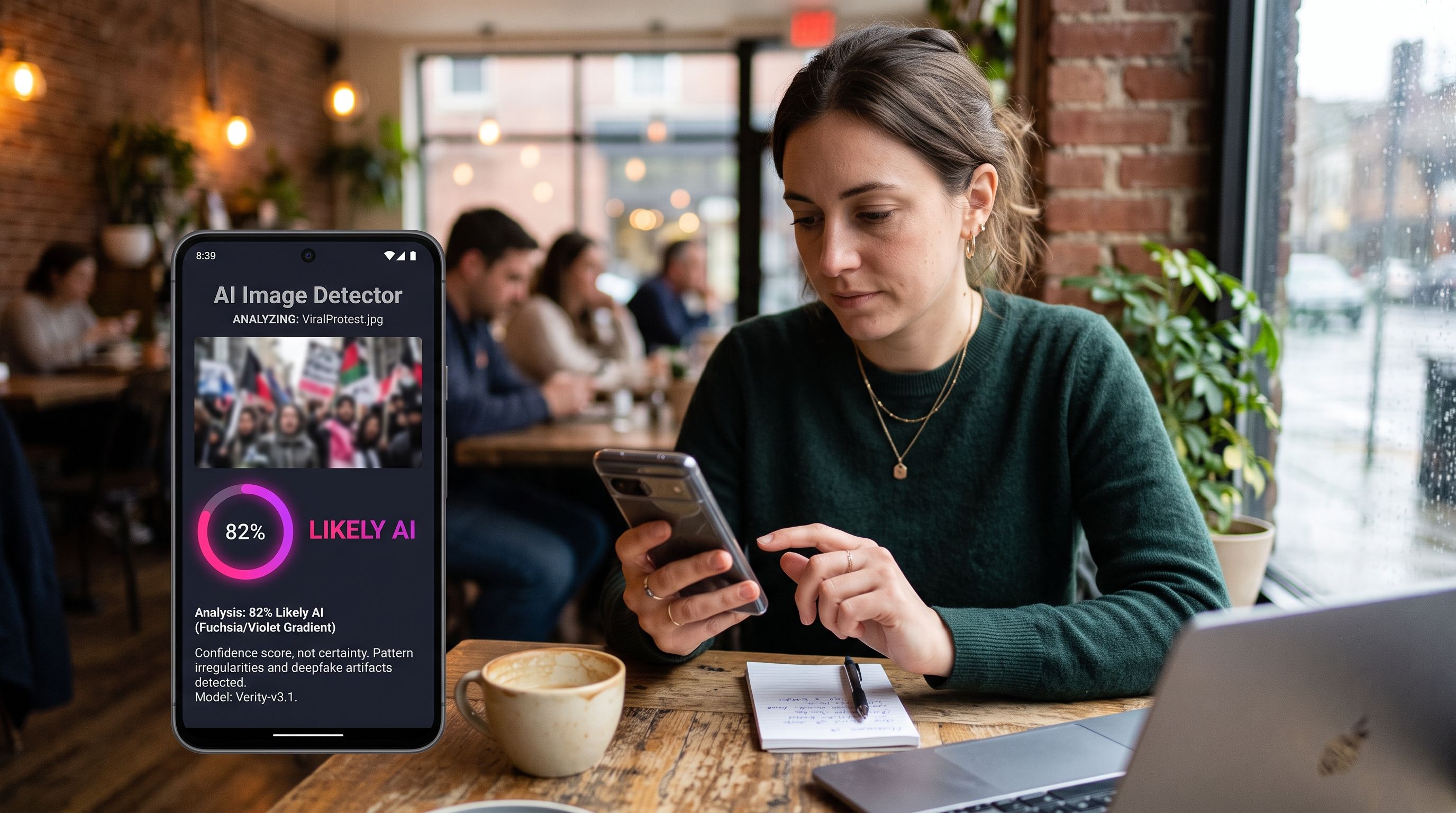
Partly. An ai image detector can be a useful second opinion, but it should never be your only one. Here's the realistic picture:
Detectors give confidence scores, not certainty. A result like "82 percent likely AI" is a lean, not proof. Read it as one input among several.
False positives are common. Heavily edited real photos, HDR shots, and smooth studio portraits can all trip a detector into flagging them as generated.
They lag behind new models. A detector trained on last year's outputs will miss this year's. The gap is permanent by design.
Combine signals. If a detector, a reverse search, and your own edge-and-shadow check all point the same way, you can be reasonably confident. One signal alone isn't enough to answer "is this image AI" with real weight.
Treat detection like a doctor treats a single test result: informative, not final. The strongest read comes from stacking evidence, not from one tool.
What this means if you create images, not just view them
If you're on the making side, the takeaway isn't "hide it better." It's the opposite. Good generated visuals earn their place by being useful and honest about what they are.
For commerce, that means clean, accurate visuals. When you build shots with a product photo generator, the goal is a picture that shows the real product fairly, not one that misleads a buyer about size, color, or finish. That's the difference between saving a $400 studio session and creating a return problem.
The same logic runs through design work. A brand mark from a logo generator should be crisp, legible, and yours to use, without the warped-text problem that outs a lazy generation. Legible, deliberate text is both a mark of quality and, conveniently, the opposite of the tell people scan for.
A repeatable checklist you can run in 30 seconds
Read any text in the frame. Does it actually spell words?
Check hands, teeth, and jewelry for fused or bent detail.
Trace one shadow back to one light source. Do they agree?
Inspect a reflection in glass, water, or a screen.
Zoom to 200 percent on skin, hair edges, and backgrounds.
Run a reverse image search to check the source's history.
If it matters, add an ai image detector as one more data point, not the verdict.
Run those seven, and you'll catch the large majority of generated and manipulated images circulating today. You won't catch everything, and anyone who promises you a perfect method is selling something.
The honest wrap-up
Spotting AI images is a skill, not a checkbox. The visual tells still work often enough to be worth learning, the metadata and reverse-search moves add real context, and a detector gives you a probability to weigh. Stack those signals and you'll be right far more than you're wrong. The reason we, an AI company, want you to know all this is simple: the technology is more trustworthy when the people using it are informed. Knowing how a thing is made is the best defense against being fooled by it.


