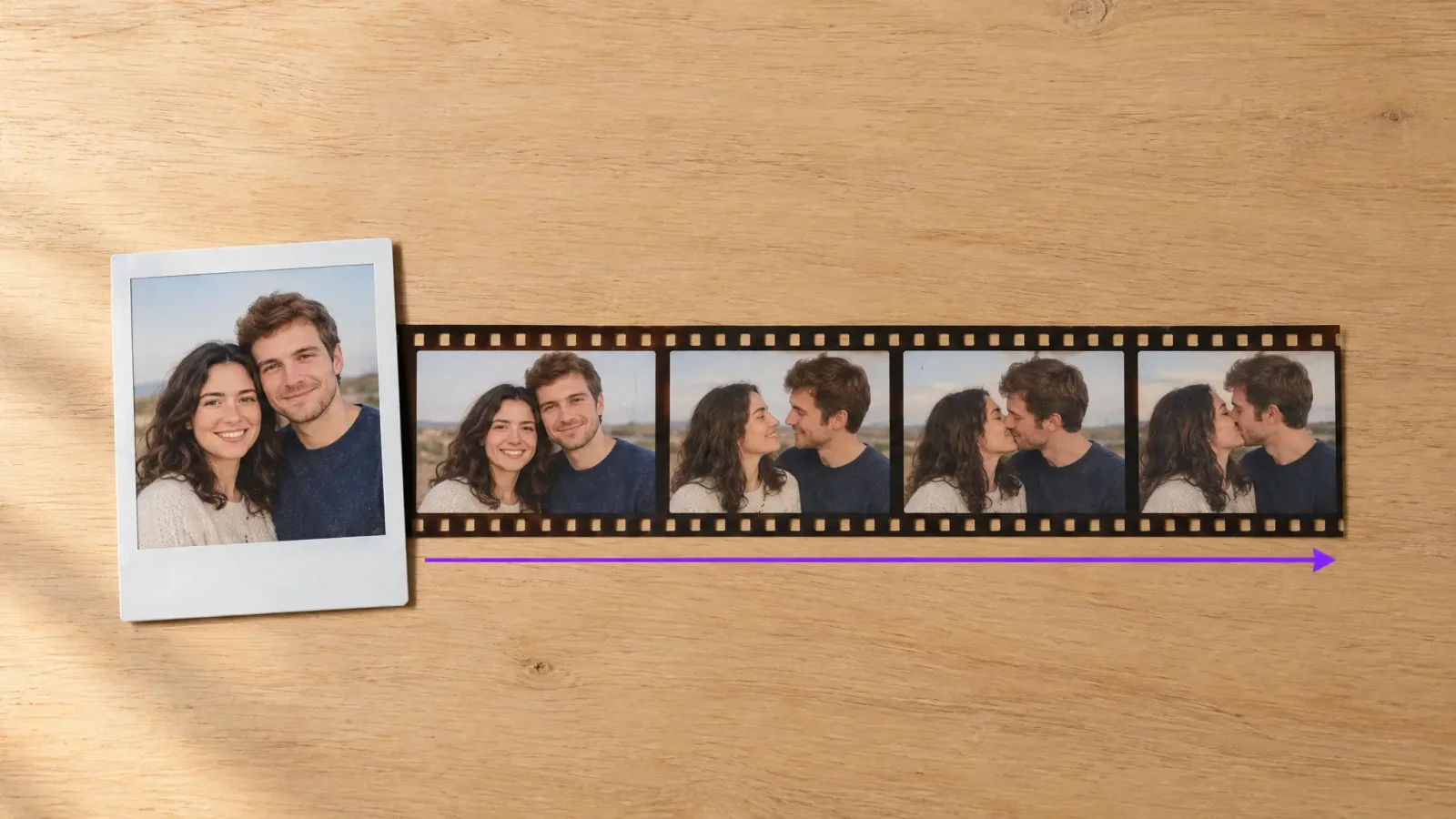
If you want to make people kiss with AI, the job takes about five minutes and one decent photo. You upload the picture, pick how the kiss should look, and the tool animates the two faces moving together into a short video. Below is the full process, what makes a photo work, and the small mistakes that ruin the result.
How to make people kiss with AI in five steps
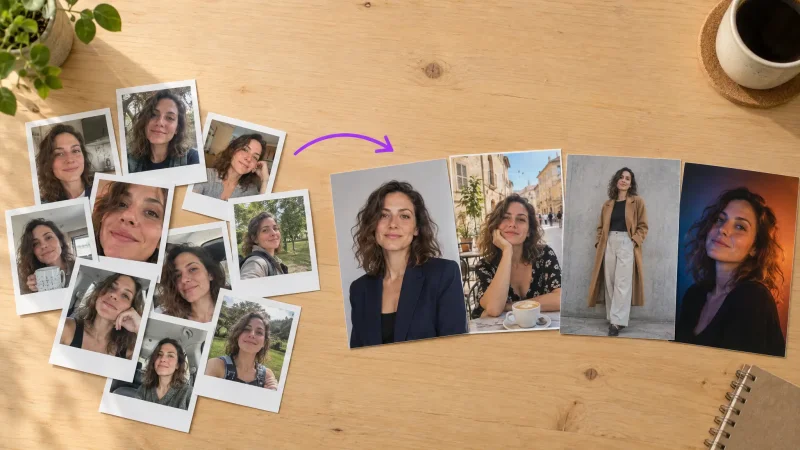
Pick the right photo. Two people facing the camera, or turned slightly toward each other, with both faces fully visible. A couple photo works best, but two friends, a pet and its owner, or two characters from separate shots also work.
Open the kissing booth. Go to the AI kissing video tool and upload your photo. If the two people are in separate pictures, upload both.
Choose the style. Pick a gentle peck, a longer kiss or a romantic movie-style version. Start with the simplest one; you can always run it again.
Generate the clip. Hit generate and wait. Short clips usually finish in a couple of minutes.
Download and check it. Watch the full clip once. If the faces drift or the hands look odd, try a different photo before you change anything else.
What kind of photo works best
The photo matters more than any setting. Aim for even lighting, sharp faces and nothing covering the mouth. Sunglasses, hats pulled low and strong shadows across the face cause most of the failures people complain about.
Distance matters too. If both faces fill a decent part of the frame, the motion looks natural. In a wide group shot where each face is tiny, the animation has little to work with and the result looks flat.
Common mistakes to avoid
Using a heavily filtered photo. Beauty filters smooth detail the tool needs to move the face believably.
Choosing a side-on profile for one person. If one face is in full profile and the other is front-on, the angle mismatch looks strange.
Expecting one try to be perfect. Plan on two or three attempts with slightly different photos.
Where people use these videos
Most people make them for anniversaries, wedding surprises, a joke between friends or a Reels and TikTok post. Whatever the use, keep it respectful: the FAQ below covers permission.
Ready to try it?
Pick a clear photo, open the AI kissing video generator and run your first clip. It takes less time than reading this guide.