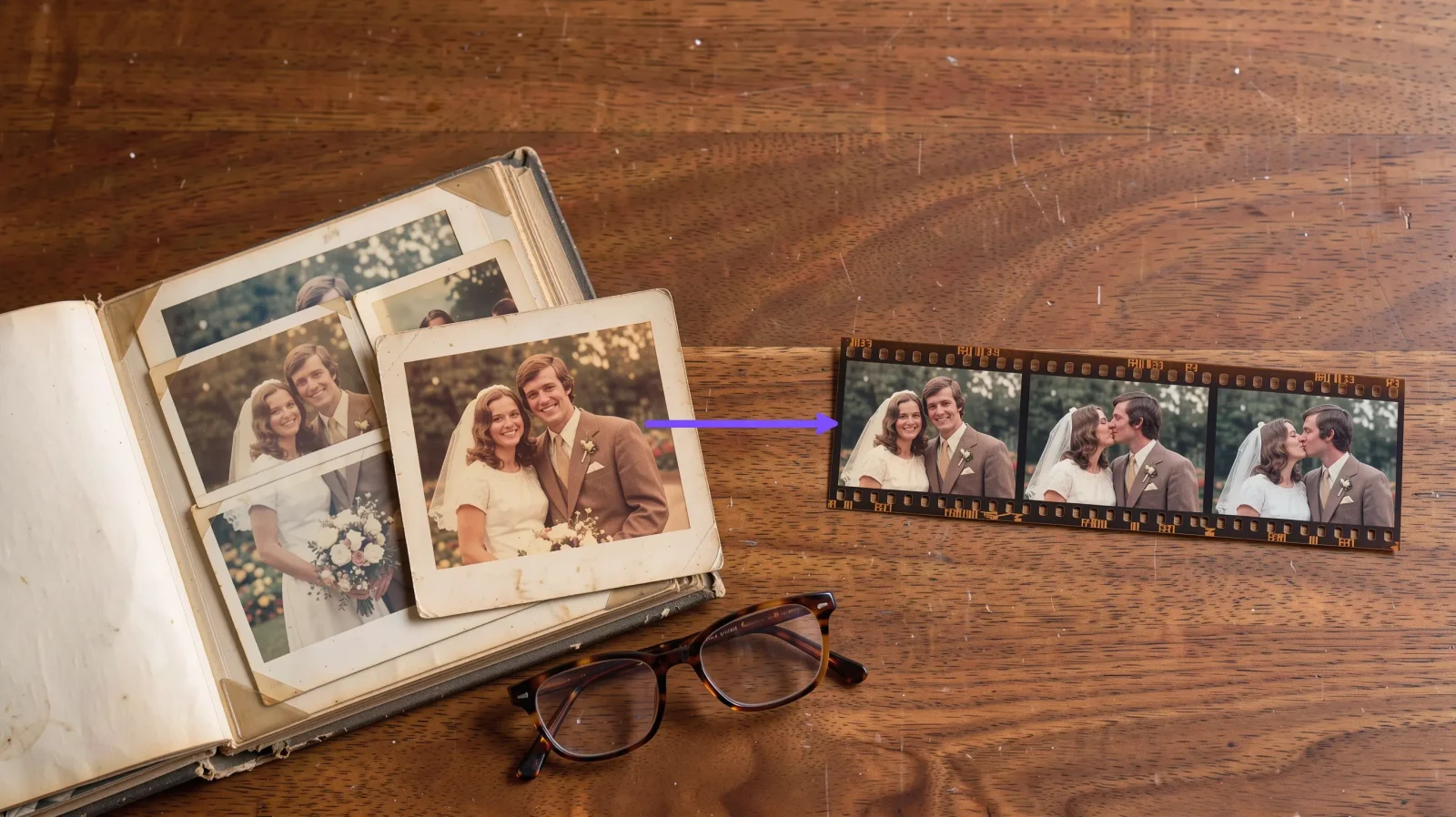
You can make a kissing video from a photo in a few minutes, and the photo you choose decides almost everything. Open the AI kissing video tool, upload a couple picture, pick a style and generate. This guide covers how to prepare the photo first, because that is where most clips are won or lost.
How to make a kissing video from a photo
Find the best frame. Look for a shot where both faces are visible, close together and looking roughly toward the camera.
Prepare the image. Crop out empty space so the faces fill more of the frame. If it is a scan of a printed photo, straighten it and fix the brightness.
Upload it. Add the photo to the photo-to-kissing-video generator.
Choose the kiss style and generate the clip.
Review and save. Watch the whole thing. If the faces drift, go back to step 1 and try a different frame.
Working with old or scanned photos
Older prints often work, but they are usually soft, faded or small. Sharpen and brighten the scan first so the faces have real detail. A grainy 1990s snapshot that has been cleaned up will animate far better than the raw scan.
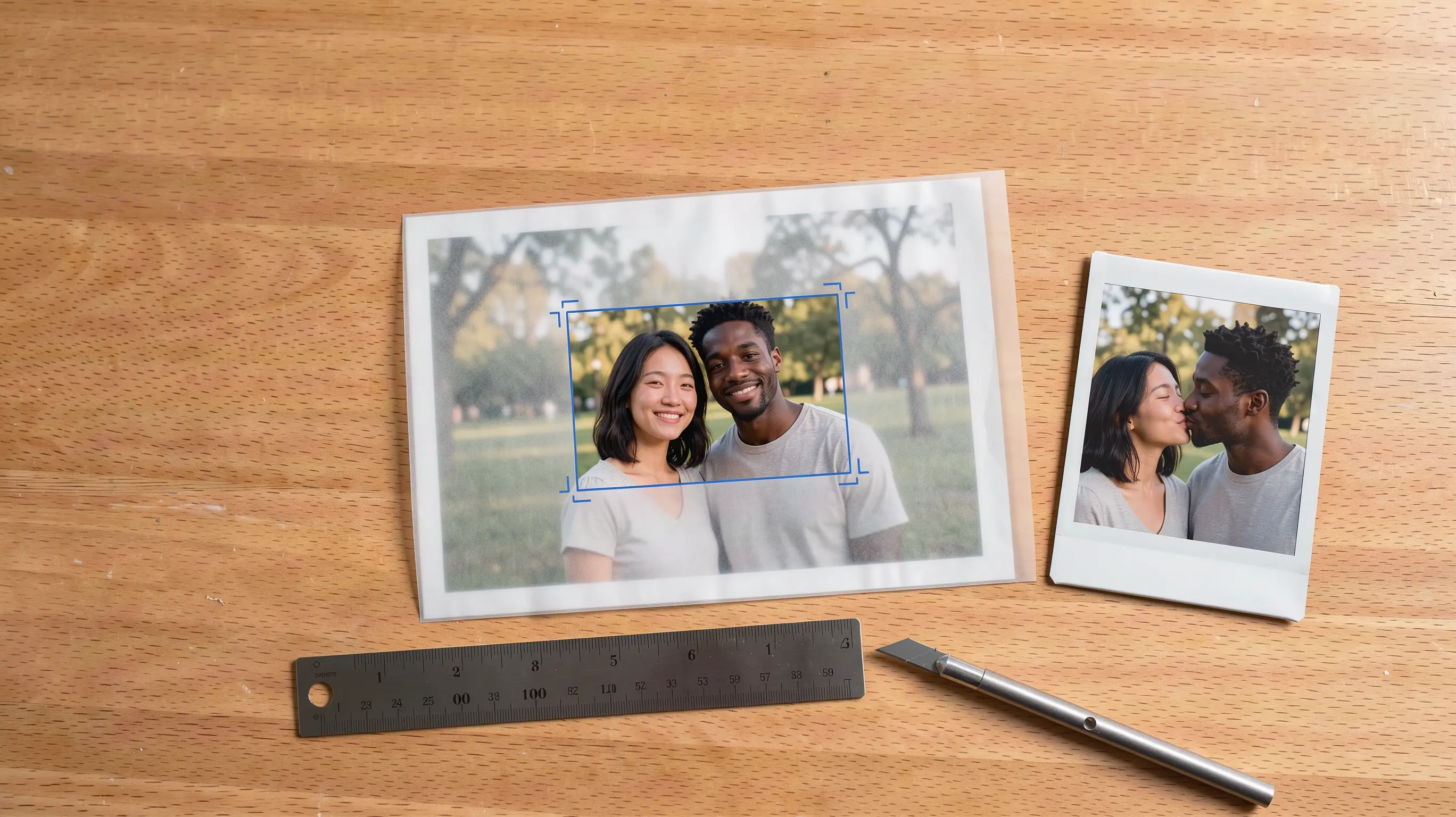
Wedding and engagement photos
These are ideal: faces close, good lighting, a natural pose. Choose an uncropped version so the animation has room around the heads, and avoid frames with veils or bouquets across the face.
When the two people are in separate photos
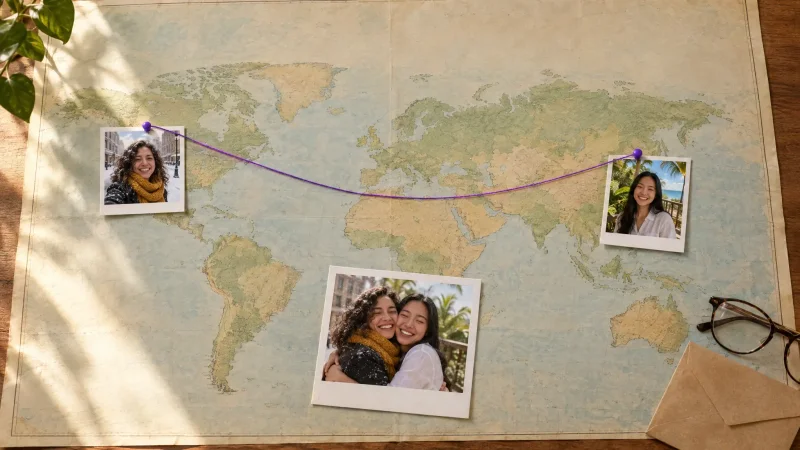
If you do not have a shot of them together, upload two photos instead. Pick pictures taken at the same angle and in similar light, which helps the faces match when they come together.
Try it with your own photo
Pick your best frame and run it through the kissing video generator. If the first result looks off, swap the photo before changing anything else.