
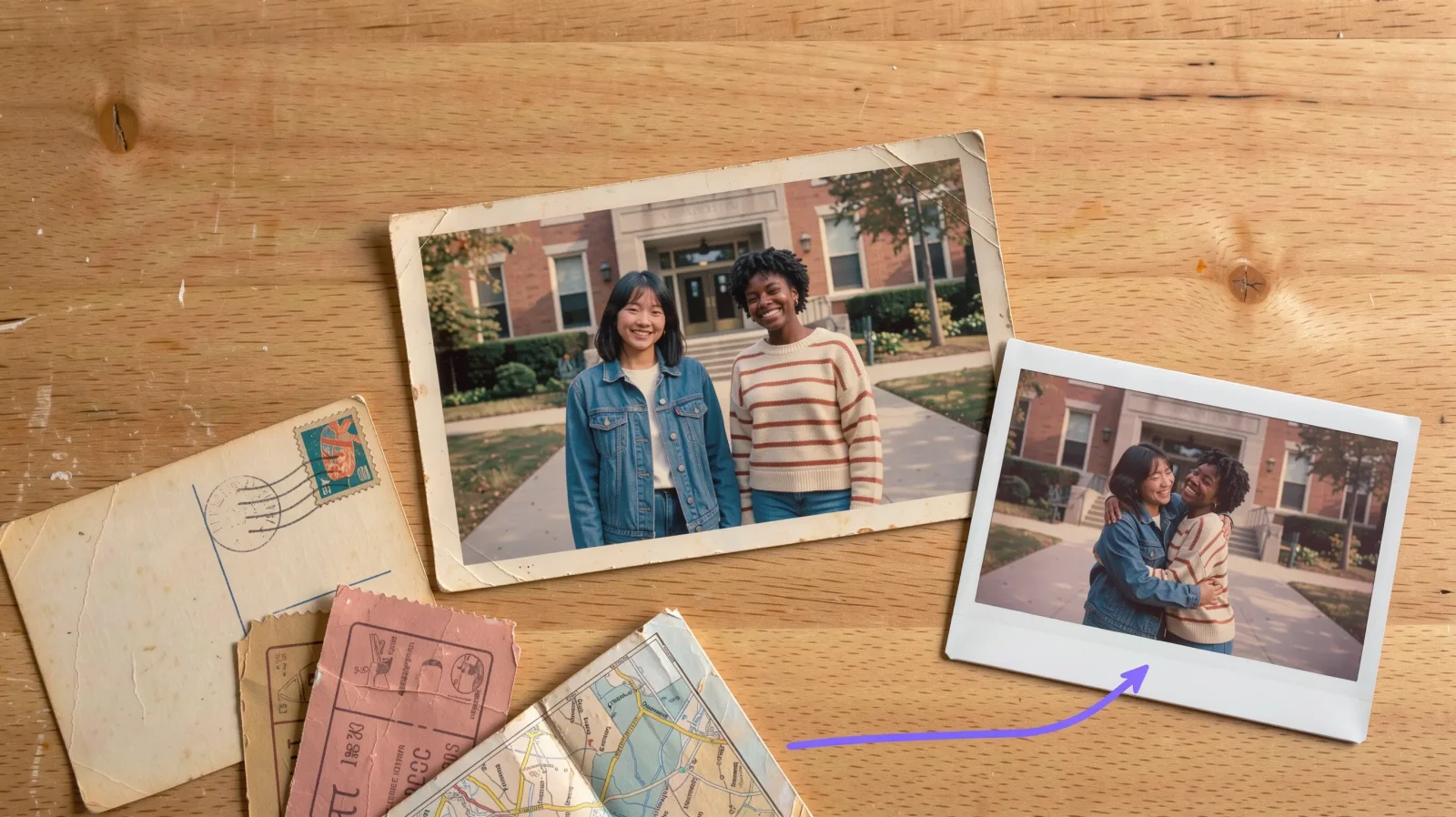
Learning how to make a hugging AI video is mostly about picking the right old photo and treating it gently. With the AI hugging video tool, you upload a picture of two people, choose a hug style and get a short clip of them embracing. People use it for photos of grandparents, friends who live far apart, and loved ones who are no longer around.
How to make a hugging AI video in four steps
Pick the photo. Two people standing close, both faces visible, preferably facing the camera. Group photos work if you crop to the two people you want.
Clean it up if it is old. Scan or photograph the print in even light, straighten it and brighten it if it has faded.
Upload it to the hugging video generator and choose the hug style you like.
Generate, watch, save. Watch the whole clip, then download it or try another photo.
Choosing the right old photo
Old photos vary a lot. The ones that work best have sharp faces, even tone and a bit of space around the bodies so the arms have room to move. Heavily creased, torn or very small prints give weaker results, so repair or enlarge them first.
Making the video feel natural
Keep the expectations realistic. The tool animates what is in the photo, so a simple, calm hug looks more believable than something dramatic. If the clip looks stiff, pick a photo where the two people are already standing close or leaning toward each other.
Photos that tend to go wrong
Faces too small: wide family shots where each face is a few pixels.
One person turned away: the hug needs both faces to anchor the motion.
Heavy damage: missing patches near the faces confuse the animation.
A note on memorial photos
Many people use hug videos to remember someone they have lost. If you are making one for a family member, consider showing it to the family first. For some it is comforting; for others it can be a lot.
Try it with your own photo
Choose your clearest old photo and run it through the AI hugging video tool. If it does not work the first time, a cleaner scan usually fixes it.