Learning how to make an AI kissing video comes down to three things: a clear photo, the right style and a quick check of the result. With the AI kissing video generator, the whole process takes a few minutes and needs no editing skills. Here is how it works from start to finish.
How to make an AI kissing video: the workflow
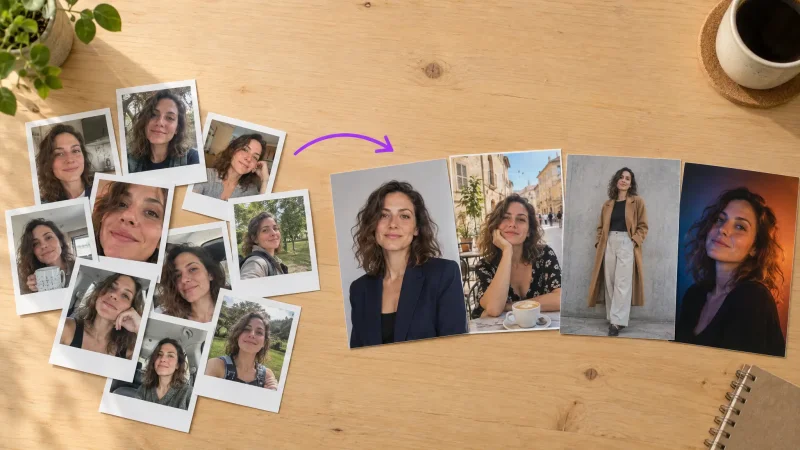
Choose a photo with two clear faces. Front-facing or slightly angled toward each other, evenly lit, nothing across the mouths.
Upload it to the tool. Open the kissing video maker and add your photo, or two separate photos if the people are not in the same frame.
Pick a kiss style. A quick peck, a slow kiss or a cinematic version. Pick the simplest first.
Generate and preview. Watch the whole clip, not just the first second. Faces can drift near the end.
Download or regenerate. If something looks off, change the photo before you change anything else.
What makes an AI kissing video look natural
Natural results come from natural input. A photo taken at eye level with soft daylight will beat a dramatic flash selfie almost every time. Keep both faces about the same size in the frame and avoid heavy filters, because they remove the skin detail the animation relies on.
Fixing the usual problems
Faces melt or warp: the photo is too small or too dark. Use the highest resolution version you have.
Heads collide at odd angles: one person is in profile. Pick a photo where both faces point roughly forward.
Hair or hands cover the mouth: crop the photo or choose another frame.
Ideas for using the finished clip
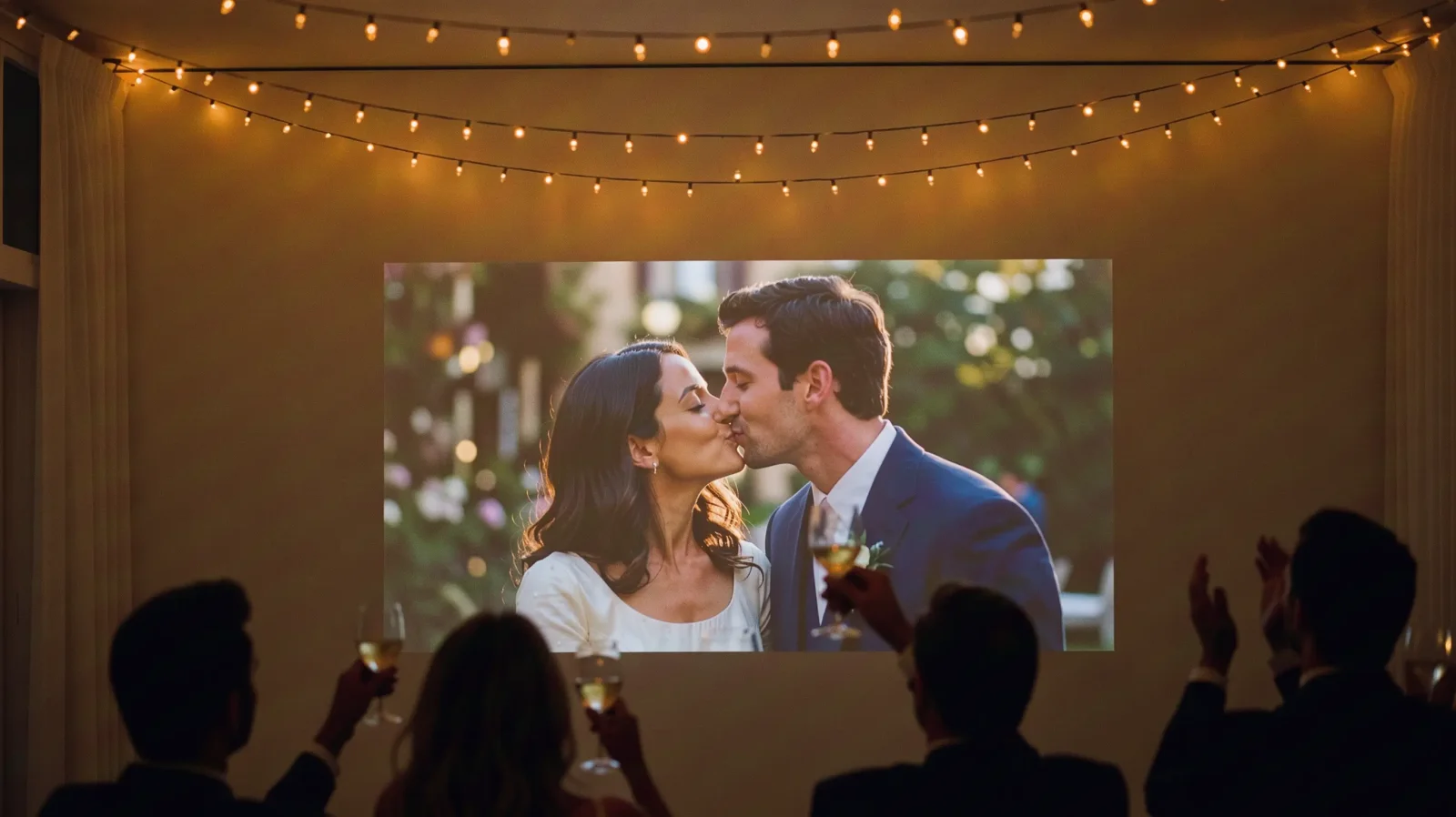
People send them as anniversary surprises, add them to wedding slideshows, or post them as short vertical clips on Instagram and TikTok. For social posts, keep the clip short and let it loop.
Make your own
Have a photo ready? Open the AI kissing video tool and run it once. You will know in a couple of minutes whether the photo works.