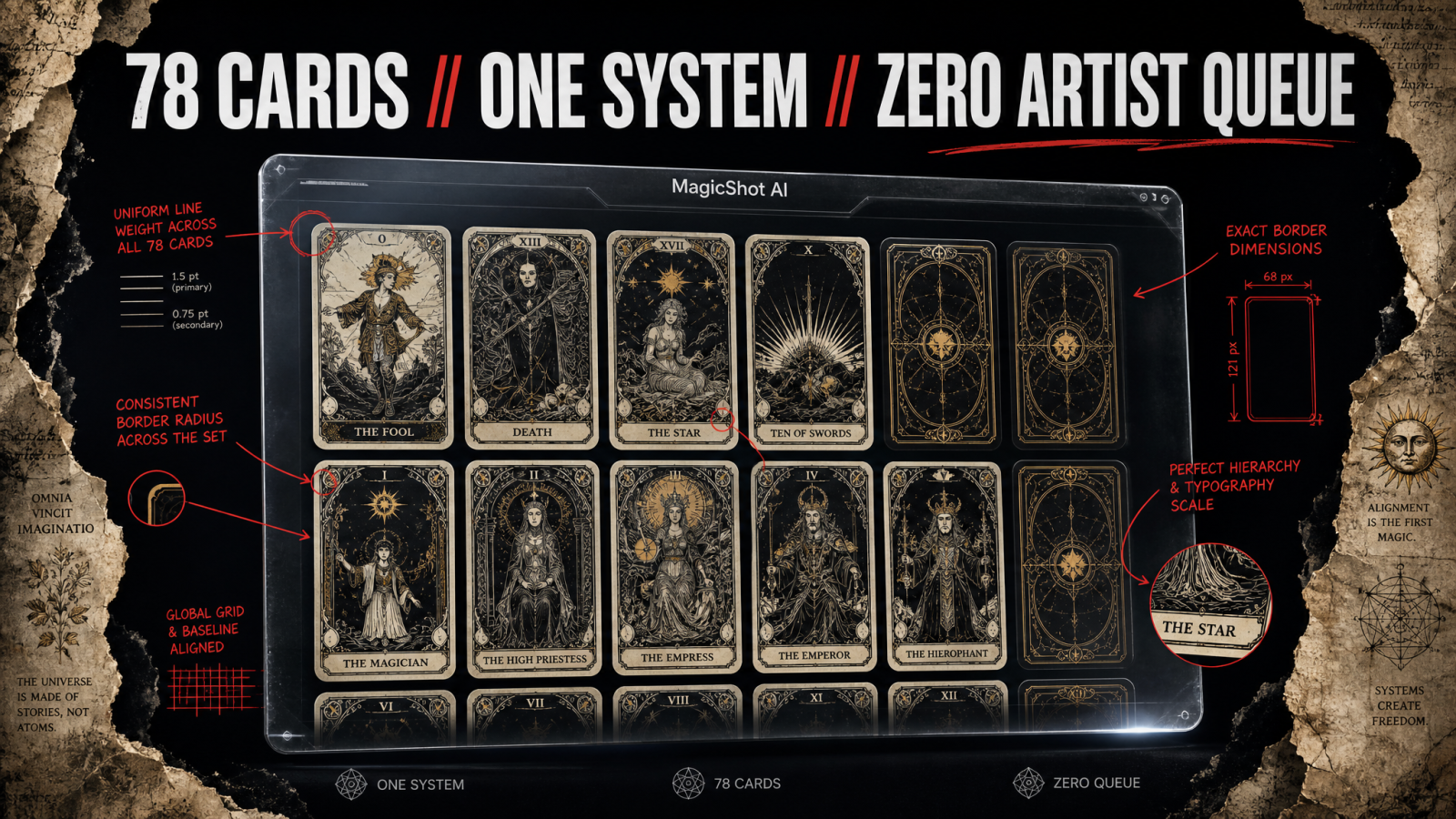
Seventy-eight cards. One art style that has to hold across every single one of them. That is the real challenge of designing custom tarot cards, and it is exactly why so many indie decks stall at card twelve. Learning to create your own tarot deck with AI changes that math. An AI tarot card generator lets you commission the Fool, Death, the Ten of Swords, and every court card without hiring an illustrator, waiting weeks for revisions, or paying per image. You describe the scene, you keep the style locked, and you build the whole deck at your own pace.
This guide walks through the full process: choosing your system, defining a style that survives 78 repetitions, generating the cards, fixing the ones that come out wrong, and getting the deck print-ready for a US print run or an Etsy launch. It is written for the person who wants a finished deck in hand, not a folder of pretty test images.
Can You Design a Full Tarot Deck with an AI Tarot Card Generator?
Yes. A standard tarot deck has 78 cards: 22 Major Arcana and 56 Minor Arcana across four suits. You generate each card from a written prompt with an AI image tool, hold the same visual style across the set, and export high-resolution files ready for a print run.
An oracle deck has no fixed count, which is why many creators start there; a 44 or 52 card oracle deck is a lighter first project. Either way, the work that used to mean a $4,000 illustration contract and a six-month timeline becomes something you can finish over a few focused weekends.
The catch is consistency. Anyone can make one gorgeous card. The skill is making the twelfth card look like it belongs to the same deck as the first. Most of this guide is about that.
Step 1: Pick Your System Before You Make a Single Card
Decide what you are building before you open any tarot card maker. This choice shapes every prompt afterward.
Tarot vs. Oracle
Tarot follows a fixed structure. If you want your deck to be readable by other tarot readers, you commit to the 78-card framework and the traditional meanings. Most American readers learned on the Rider-Waite-Smith system, so decks that keep its core symbolism have the widest audience on Etsy and at metaphysical shops. Oracle decks are open-ended. You set the number of cards, the themes, and the keywords yourself, which makes an oracle card generator project the friendlier starting point for a first release.
Lock Your Themes Early
Write a one-line brief for every card before you generate anything. For the Major Arcana that means a short scene note for each: the Tower as a lightning-struck spire with figures falling, the Star as a kneeling figure pouring water under eight stars. This document is your production bible. It keeps you from inventing scenes on the fly and getting a deck that feels scattered.
Step 2: Define One Style That Survives 78 Cards
Style consistency is where AI decks live or die. Nail this and the rest is assembly.
Build a reusable style block: a fixed chunk of text you paste into every prompt. It should name the medium, palette, line quality, and mood. Something like: art nouveau linework, muted jewel tones, gold leaf accents, symmetrical composition, ornate border, soft matte finish. That block goes on the Fool and on the Nine of Pentacles and on every card between, so the deck reads as one hand.
A few style choices that hold up well across a large set:
Flat illustration or woodcut: forgiving of small inconsistencies and fast to generate.
Limited palette: three to five colors keep the deck feeling cohesive even when scenes vary wildly.
Consistent framing: decide now whether every card is a centered portrait, a full-bleed scene, or a bordered vignette. Do not mix.
If you want to explore looks before you commit, MagicShot's AI Art Generator is where you test palettes and mediums against a few sample cards. Generate the Sun, the Moon, and the Devil in three candidate styles, then pick the one that survives all three moods.
Step 3: Generate the Cards, Major Arcana First
Start with the 22 Major Arcana. They carry the deck's identity and they are the cards buyers judge you on. Once the Majors feel right, the 56 Minors become repetition, which is where an unlimited plan matters. Running 78 cards through several rounds of revision on a per-image credit system gets expensive fast. This is the whole argument for a subscription that lets you generate without counting.
Write Prompts the Tool Can Actually Use
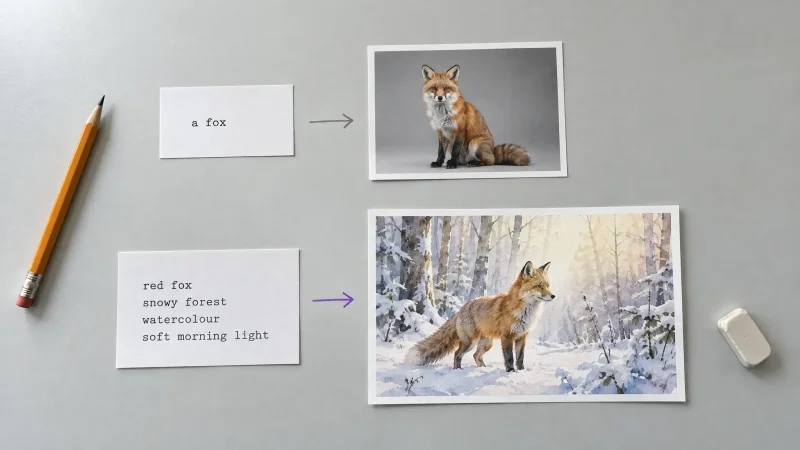
Combine three parts: the scene note, the style block, and the technical spec. For example: [scene] a hooded figure holding a single lantern on a mountain path at night; [style] art nouveau linework, muted jewel tones, gold leaf accents; [spec] vertical composition, ornate border, portrait orientation. Keep the three parts in the same order every time so your outputs stay predictable.
Generate in Batches
Do a suit at a time. All fourteen Cups cards in one session keeps your eye calibrated to the palette and catches drift early. When Cups are done, move to Wands. Batching by suit also makes the Minor Arcana pip cards feel like a series rather than 56 unrelated pictures.
Step 4: Fix, Clean, and Unify the Outputs
No 78-card set comes out clean on the first pass. Budget time for cleanup, and treat it as part of the craft rather than a failure.
Remove backgrounds when you need a uniform frame. If your design calls for figures on a single flat color, the Background Remover lets you cut the subject out and drop it onto your deck's shared background so every card sits in the same frame.
Delete stray artifacts. AI loves to add extra fingers, floating objects, and half-formed symbols. The Image Editing tool lets you clear the junk without regenerating the whole card and losing the parts you liked.
Upscale for print. A card that looks sharp on screen can turn mushy at 300 DPI on cardstock. Run each final image through the Image Upscaler so the linework survives the printer.
This cleanup stage is also where you catch style drift. Lay every finished card in a grid and look for the one that does not belong. Regenerate the outliers with a tighter prompt.
Step 5: Get the Deck Print-Ready for US Vendors
If you plan to print custom tarot cards rather than sell digital files, build to print spec from the start:
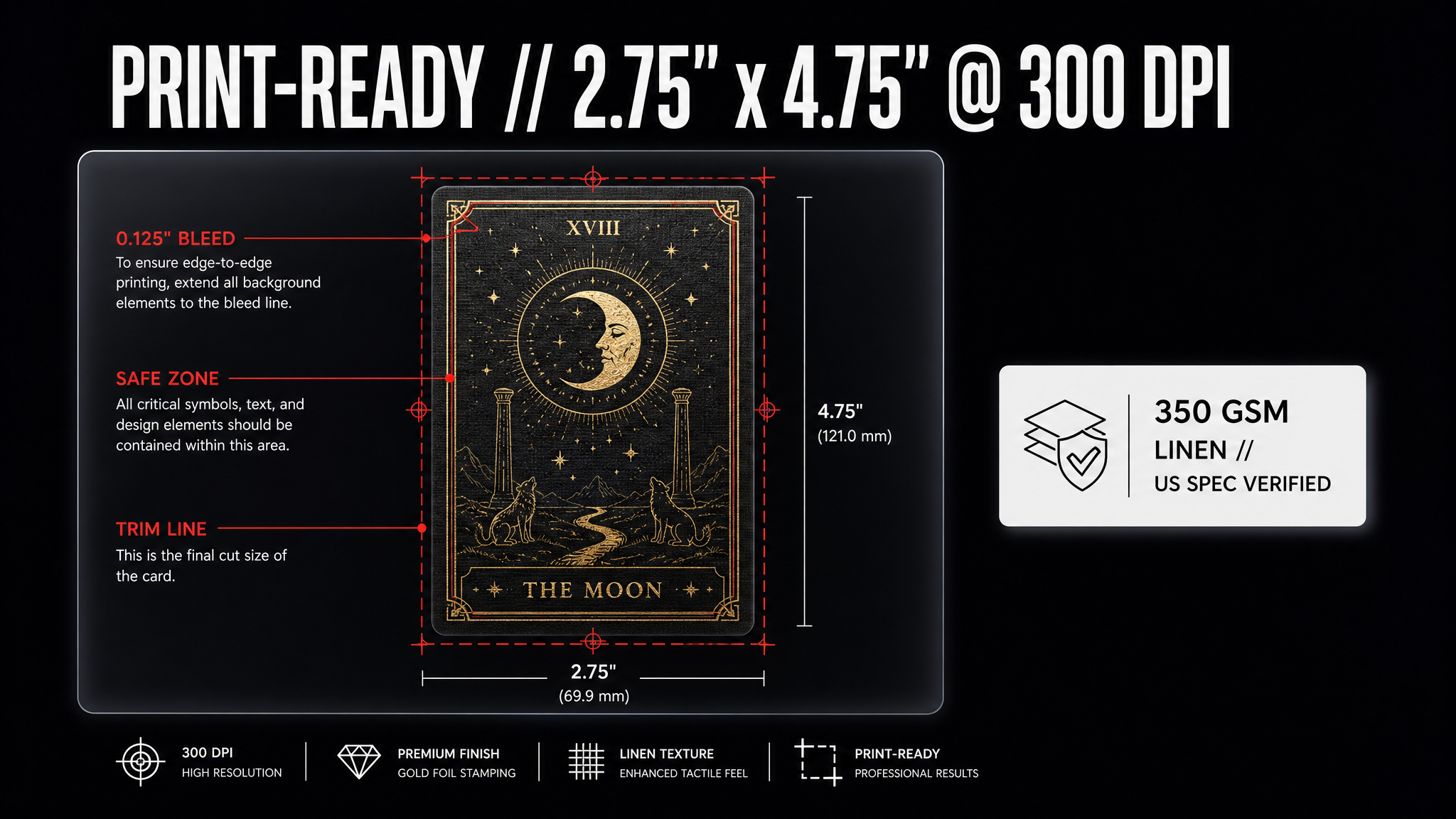
Card size: the standard US tarot size is 2.75" x 4.75". Oracle decks have more freedom, but staying near that size means off-the-shelf boxes, sleeves, and reading cloths fit your deck.
Resolution and bleed: US print-on-demand vendors like MakePlayingCards and The Game Crafter want 300 DPI files with roughly 0.125" of bleed. Keep symbols and borders away from the trim line; printers cut, and centered art that hugs the edge gets clipped.
Order a proof first. A single proof deck costs $15 to $30 and catches color shifts, dark muddy prints, and border misalignment before you commit to a 100-deck run.
Card stock: 300 to 350 gsm with a smooth or linen finish is the standard readers expect. Thinner stock reads as a novelty print, not a working deck.
Step 6: Design the Back, Box, and Guidebook
A deck is more than card faces. The back design has to be identical on all 78 cards or the deck is useless for reading, so pick one back pattern and apply it flat. Your box, logo, and guidebook cover carry the brand.
For the deck's mark, the Logo Generator gives you a wordmark and symbol for the box, the guidebook, and your shop listing. If you plan to sell online, product shots of the physical deck matter as much as the art. A product photo generator stages the boxed deck for your Etsy or Shopify listing without a photo booth.
Step 7: Market the Deck You Just Built
The deck is done. Now people have to find it. American tarot buyers live on TikTok, Instagram, and Pinterest, and they respond to motion.
Turn a card into a short reveal clip. Feeding a finished card into an Image to Video tool gives you the shimmer-and-flip animation that stops the scroll on a card-of-the-day post. For launch teasers and trend-driven clips, the AI Video Effects Generator adds the glow, particle, and transition looks that perform on Reels. And if you want a narrated walkthrough of your deck's meanings without recording your own voice, Text to Speech reads your guidebook copy over the footage.
If you launch on Kickstarter, where indie tarot decks routinely fund five-figure runs, note that Kickstarter requires creators to disclose AI use in their projects. Disclosed AI decks fund all the time; hiding it is what backers punish.
A Realistic Timeline for a Full Deck
Here is what the process actually looks like for a solo creator:
Week 1: Write the card briefs and lock the style block. Test three styles on three sample Majors.
Week 2: Generate all 22 Major Arcana and revise until they feel like one deck.
Weeks 3 to 4: Generate the 56 Minor Arcana in four suit batches.
Week 5: Clean, upscale, and unify every card. Design the back, box, and logo.
Week 6: Order a proof, shoot listings, and cut launch clips.
Six focused weeks for a deck that would have cost thousands in illustration alone. That is the case for building it yourself.
Common Mistakes to Avoid
Chasing one perfect card instead of a consistent set. A deck of 78 good cards in one style beats twenty brilliant ones that clash.
Skipping the upscale. Screen-sharp is not print-sharp. Every card needs the resolution pass.
Forgetting print bleed. Design with margin. Printers trim, and centered symbols that hug the edge get cut.
Mismatched card backs. Generate the back once, apply it flat, never regenerate it per card.
Wrap-Up
Designing custom tarot cards with AI is a production problem, not an art problem. Pick your system, lock one style, generate the Majors first, clean and upscale everything, then build the box and the marketing around it. The 78-card count that used to make a custom deck a years-long, four-figure commitment is now a six-week project. Start with the style block. Everything else follows from there.