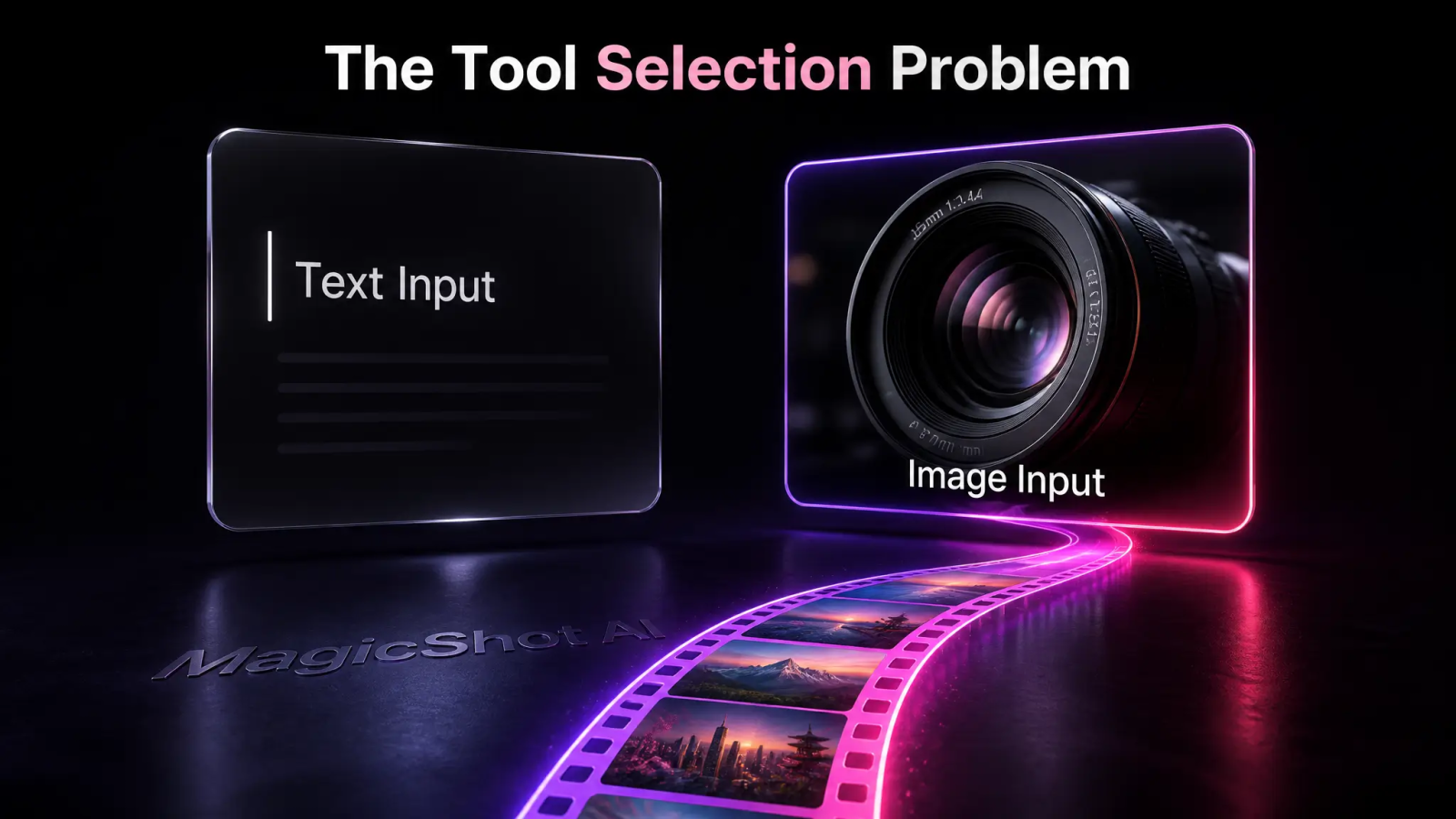
Most bad AI clips aren't a prompting problem. They're a tool-selection problem. Someone tries to create AI video with a text prompt when they should have started from a photo, hits an 8-second wall mid-story, or uploads shaky phone footage and expects the model to fix it on its own. It won't.
This guide covers the actual mechanics: when to generate AI video from text versus an image, how shot length limits work, how to structure a prompt so things actually move, and which model to reach for depending on the job. If you want to skip the theory and just start, the MagicShot AI video generator puts every option below in one place.
What Is the Best AI Video Generator? Depends on the Shot
People ask "what is the best AI video generator" like there's one universal winner. There isn't. The best AI video generator is whichever model matches your input and your shot type, and that changes clip by clip.
A talking-head product review needs a model built for lip sync and human motion. A slow product-hero shot needs a model that respects your original image and just adds subtle camera movement. A stylized fantasy scene needs a model strong on text-to-video that doesn't need a real starting photo at all. Ask "best" without asking "best for what," and you'll pick wrong half the time.
Platforms with a single house model struggle here, since no single model is great at lip sync, product realism, and stylized motion at once. MagicShot sidesteps that with top AI models and every tool under one plan, so the question stops being "which app do I open" and becomes "which model fits this shot."
Text-to-Video vs Image-to-Video: How to Make an AI Video
Before you make an AI video, decide what you're actually starting from. There are two paths, and mixing them up is the single most common mistake.
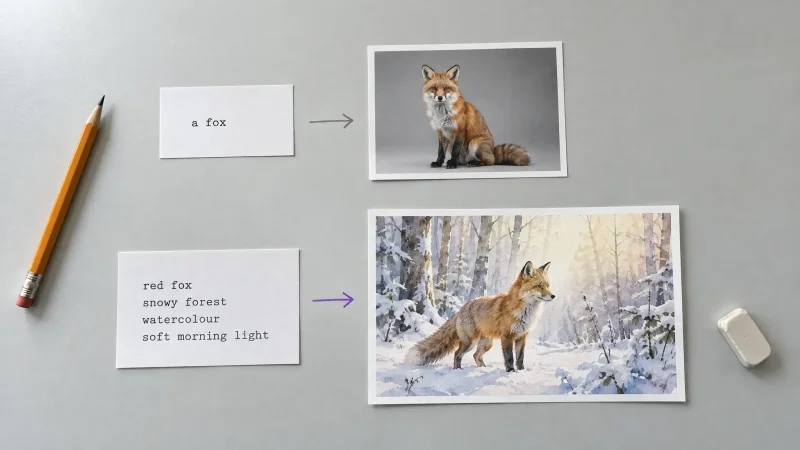
Text-to-video builds a scene from a written description alone. No reference image, no product photo, nothing but your words. It's the right call for concept shots, ambient b-roll, and scenes that don't exist yet, like a coffee cup steaming on a rainy café table you never photographed.
Image-to-video takes a real photo and adds motion to it: a camera push, a hair flutter, a product slowly rotating. It's the right call anytime the subject already exists and has to stay recognizable, a face, a product, a storefront, a piece of jewelry.
The rule of thumb: if the subject must look exactly like something real, start from an image. If the subject is imagined, start from text. Trying to force a real product through text-to-video usually produces something that's almost your product, and "almost" doesn't sell. MagicShot keeps these as separate paths, with a dedicated Image to Video tool built specifically for turning a real photo into motion, instead of forcing one model to guess which mode you meant.
Shot Length Limits and Why You Need an AI Video Extender
Every AI video model has a hard ceiling on clip length, usually somewhere between 4 and 10 seconds per generation. That's a physics-and-compute limit, not a settings toggle. Nobody is generating a 60-second continuous shot in one pass, no matter what the marketing says.
This is where an ai video extender earns its keep. Instead of one long generation, you generate a short clip, feed the final frame back in as the new starting point, and continue the motion from there. Stack three or four of these and a 6-second limit turns into a 20-second sequence that still reads as one shot, as long as camera move and lighting stay consistent between segments.
Watch for drift. If a face or product starts changing after the second extension, cut there and start a fresh sequence instead of forcing a fifth one. A shorter, coherent clip beats a longer one where the product quietly changes color halfway through.
Prompt Structure That Actually Generates AI Video Motion
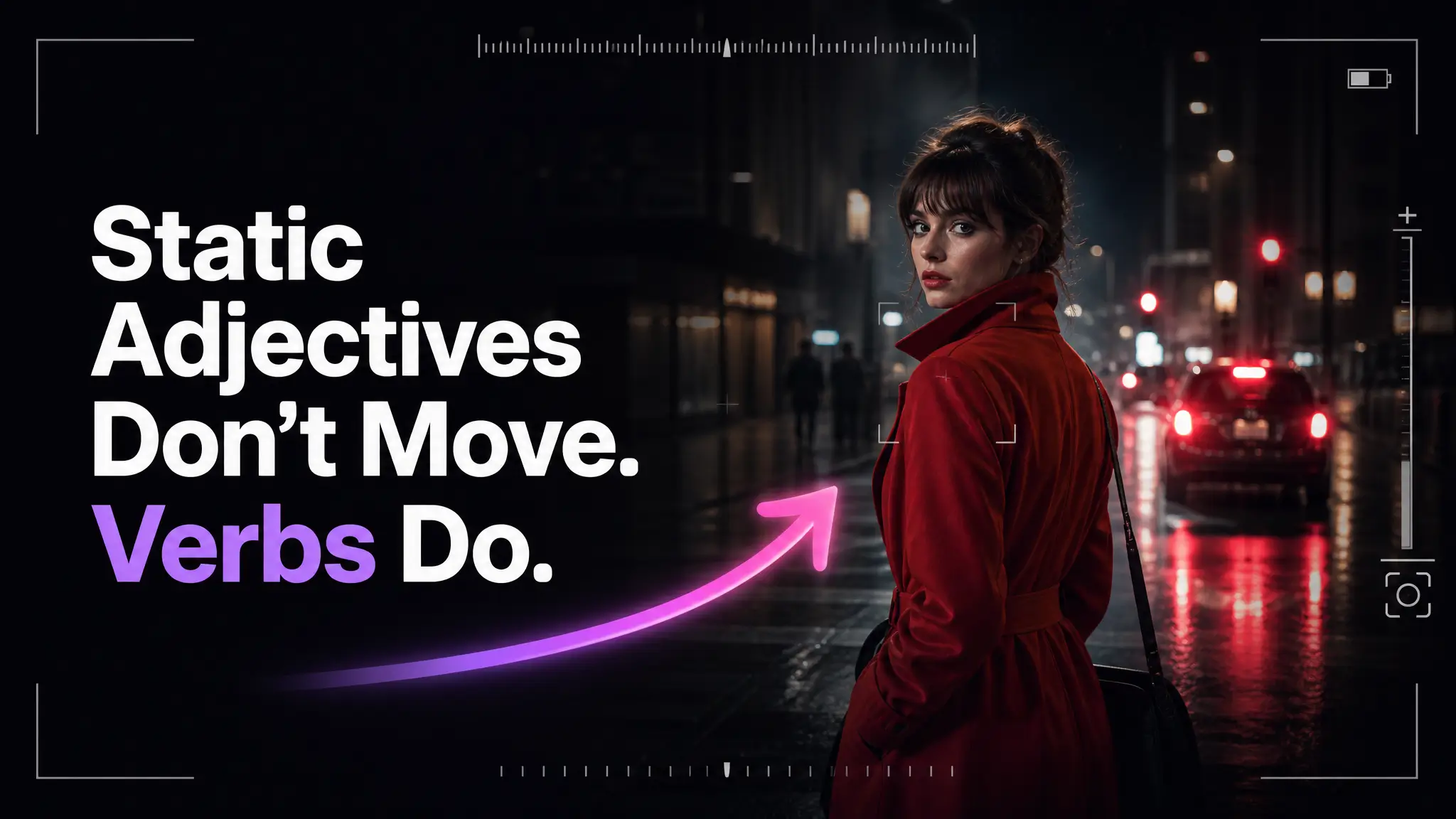
A still-image prompt describes what's in the frame. A prompt built to generate AI video has to describe what changes between frames, and that's the part most people skip.
Structure it in this order:
Subject and setting: who or what is in frame, and where.
Camera move: slow push in, pan left, static shot, handheld drift. Name it explicitly.
Subject motion: what the subject does, hair moving, steam rising, fabric shifting, eyes blinking.
Pace and mood: slow and calm, quick and energetic, one word is often enough.
"A woman in a red coat on a city sidewalk, camera slowly pushes in, wind moves her hair and coat, calm and quiet" outperforms "woman in red coat, cinematic, 4k" every time, because the second version gives the model nothing to animate. Static adjectives don't move. Verbs move.
For talking or performance shots, this matters even more, since the model has to track expression and timing, not just background drift, and a vague prompt won't fix that on its own.
Picking the Best AI Video Generator 2026 for the Job
The best AI video generator 2026 conversation keeps shifting, since new models ship every few months and none stay on top for every task. Rather than betting on one model, pick per job:
Product shots and ecommerce: a model that preserves product detail and adds restrained camera motion, not a model built for wild stylized scenes.
UGC-style ad content: a model tuned for natural human delivery and pacing, since viewers spot fake enthusiasm fast.
Real estate walkthroughs: a model that handles interior lighting and consistent room geometry across a longer sequence.
Avatar or presenter videos: a model built around lip sync and expression, not general motion.
MagicShot bundles the models for each of these use cases instead of asking you to guess. That's the practical answer: stop asking once, start asking per project.
Rescue Footage With an AI Video Enhancer
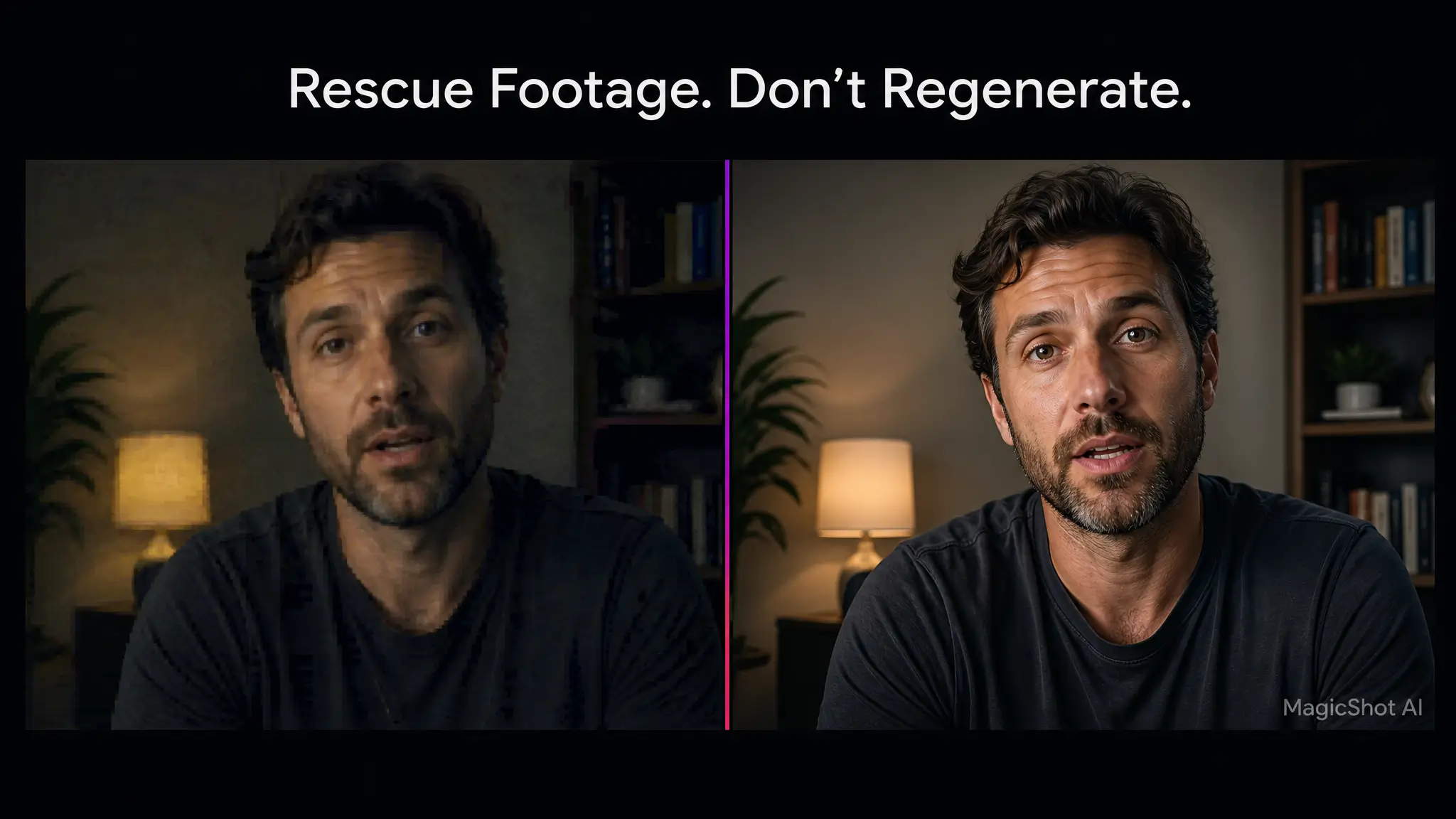
Not every project starts from scratch. Sometimes the job is fixing a clip you already have: a customer testimonial filmed on a phone in bad light, an old product video shot at low resolution, footage with visible compression artifacts from years of re-uploading.
An ai video enhancer sharpens detail, lifts resolution, and stabilizes motion without regenerating the scene from nothing. That distinction matters. Enhancing preserves the real people, real products, and real moments in the footage; generating from text or an image creates something new. If the value is in the authenticity of the original clip, a video enhancer is the correct tool, not a generator.
This is also where a lot of small businesses save real money. Re-shooting a customer testimonial or a discontinued product isn't always possible. Enhancing what already exists gets old footage back into rotation instead of quietly retiring it.
How to Make AI Video Without Burning Your Whole Month's Credits
Every generation costs something, so the fastest way to make AI video badly is to hit "generate" on a vague prompt and hope. A few habits fix most of the waste:
Lock the shot type first. Text-to-video or image-to-video, decided before you write a single word of prompt.
Write the camera move and subject motion explicitly. Vague prompts get re-run three or four times before they land.
Test at short length before extending. Confirm the subject holds up for one segment before you chain three more onto it.
Enhance instead of regenerate when the footage is already usable. Fixing resolution and stability costs less than starting over.
The bigger structural fix is not paying separately for a generator, an extender, and an enhancer as three subscriptions. That's the actual enemy here: juggling several tools, several logins, several monthly charges, just to finish one video. MagicShot's plan covers all three functions, plus top models and every other tool, under one subscription.
The Bottom Line
There's no single best AI video generator, in 2026 or any other year. There's a best model for a talking product review, a different one for a stylized brand film, and a different one again for fixing old testimonial footage. Decide your input, text or image, before you touch a prompt box. Structure prompts around motion, not just description. Extend in short, checked segments instead of one long gamble. And when the footage already exists, enhance it instead of regenerating it from scratch.
Start with the shot you actually need, not the shot the demo reel showed you. The MagicShot AI video generator gives you the text-to-video, image-to-video, extension, and enhancement tools in one place, so switching tools mid-project doesn't mean switching subscriptions.