If you want to combine two pictures to see what a baby will look like, the trick is not the tool but the pictures you feed it. An AI baby face generator merges two parent photos into one young face, and when the two inputs match in angle, light and sharpness, the blend looks natural instead of patchy. This guide walks through the matching process step by step.
How to combine two photos into a baby face
Pick two portraits. One of each parent, both looking at the camera, with a relaxed expression.
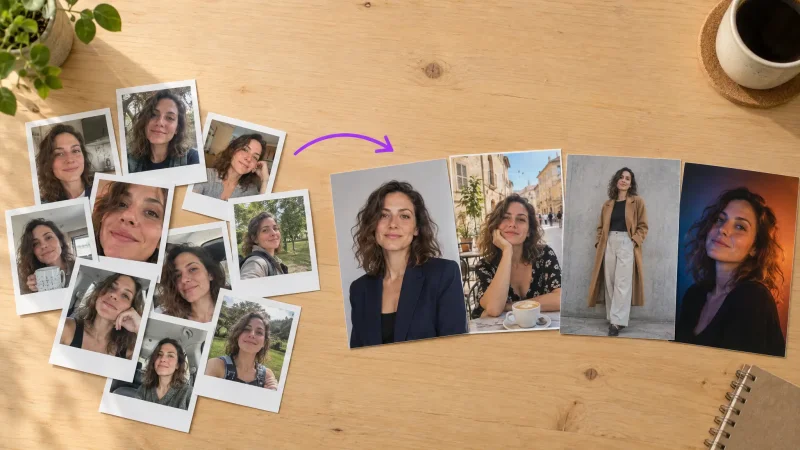
Match them. Similar lighting, similar distance, similar resolution. Crop both so the face fills roughly the same share of the frame.
Upload them to the baby generator and choose the options you want.
Generate several versions. Each run blends the features slightly differently.
Choose the most natural one. Save the best two or three.
Why matching the photos matters
The tool blends the face structure and features it finds in each photo. If one photo is a bright outdoor portrait and the other is a dark indoor selfie, the blend inherits odd skin tones and soft edges. Two similar photos give a cleaner, more believable face.
Using older or childhood photos
Some people blend childhood pictures of both parents to guess how a baby might look. It works if the childhood photos are sharp and front-facing. Remember that facial features change a lot between childhood and adulthood.
Common problems and fixes
The baby looks like only one parent: one photo is clearer or larger. Re-crop to balance them.
Skin tone looks off: the two photos have very different lighting. Pick a more neutral pair.
The face looks blurry: use higher-resolution originals.
Keep it fun
This is a visual blend, not a genetic test. It is best for a laugh, a pregnancy reveal or a conversation starter.
Try it now
Pick two matching portraits and run them through the AI baby generator.