A bad makeup trial costs you time, a wasted product, and sometimes a blotchy selfie you never wanted saved to your camera roll. An AI makeup generator skips all of that. Upload a photo, specify a look, and see foundation, blush, eyeliner, and lipstick applied to your actual face in seconds, no makeup artist, no trial-and-error with shades under bad bathroom lighting, no product you'll only use once.
This guide covers what this kind of tool actually does, how the technology works under the hood, and how to add virtual makeup to any photo for dating profiles, headshots, social posts, or just to see what a bold red lip would look like before you commit to buying it.
What Is an AI Makeup Generator?
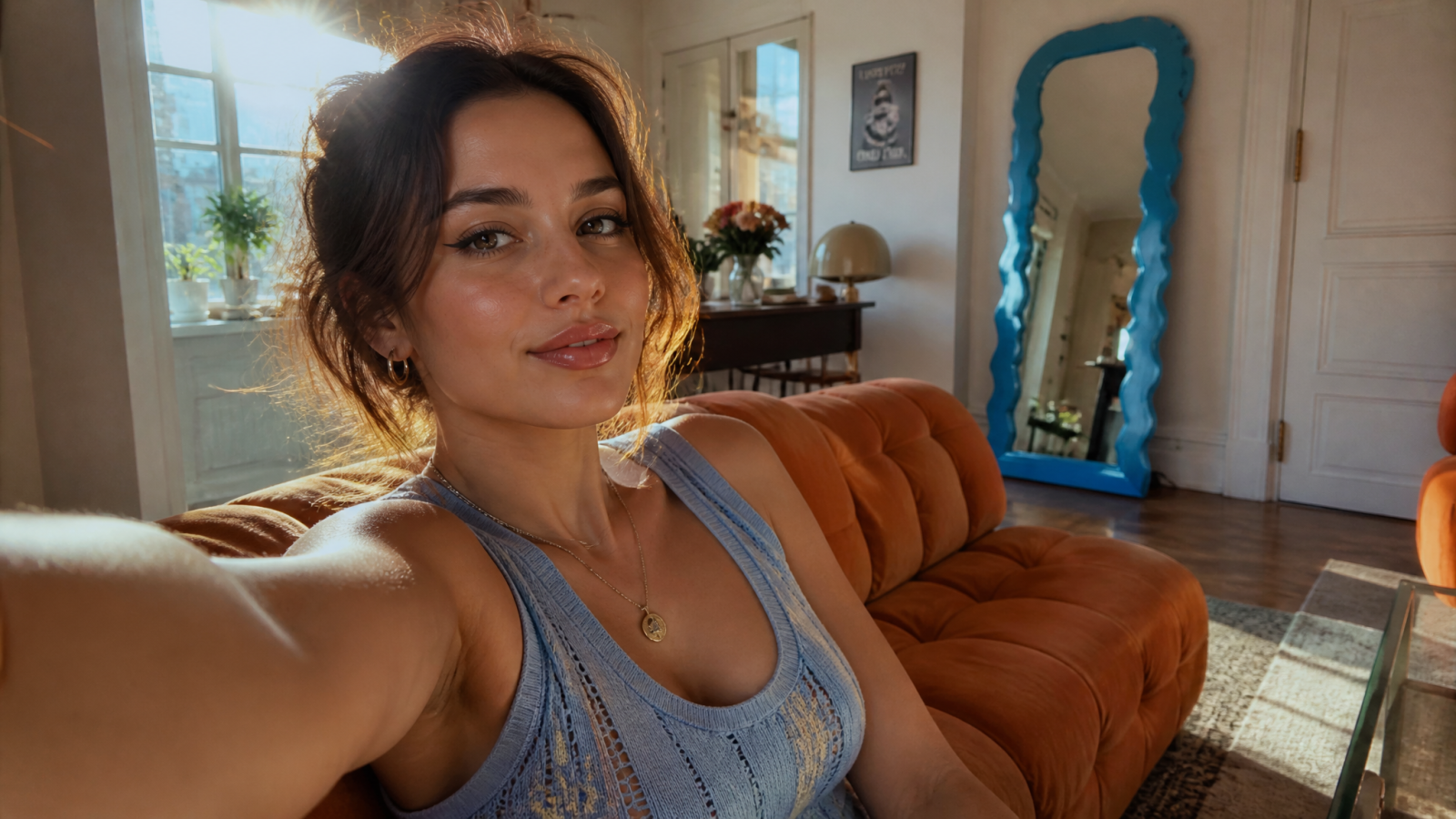
An AI makeup generator is a tool that analyzes a face in an uploaded photo and applies digital makeup, things like foundation, eyeshadow, blush, lip color, and eyeliner, directly onto the image. It's not a sticker or a flat filter sitting on top of your face. The model detects your actual facial structure, lighting, and skin tone, then renders makeup that follows the contours of your face the way real makeup would.
The result is a photo that looks like you actually put the makeup on, not like a cartoon overlay. That distinction matters if you're using the photo for something people will actually see, like a dating app, a LinkedIn headshot, or an Instagram post, rather than a throwaway Snapchat filter.
How Does Virtual Makeup Actually Work?
Most tools follow the same basic pipeline, even if the underlying models differ:
Face mapping: The AI identifies key facial landmarks, eyes, lips, cheekbones, brow line, jaw, so it knows exactly where to place each element.
Skin and lighting analysis: It reads your skin tone and the lighting conditions in the original photo, so the makeup matches instead of sitting on top like a paper cutout.
Style application: Based on the look you specify, whether that's a natural everyday face or a full glam look, the model renders color, texture, and blending in a way that follows your actual bone structure.
Output rendering: The final image is generated at a resolution that holds up to zooming in, not a blurry mess that falls apart the moment someone taps to enlarge it.
The reason this works better than a manual editing app is that you're not dragging sliders and guessing. You select the look you want, and the tool handles the placement and blending for you.
Why Use an AI Makeup Generator Instead of the Real Thing
Nobody is claiming virtual makeup replaces your actual makeup bag. But there's a real use case here that has nothing to do with vanity:
Test before you buy. A new lipstick shade can look completely different under store lighting versus your bathroom mirror versus a camera flash. Testing it on your own photo first means fewer returns and less money spent on a color you'll wear once.
Skip the appointment. A professional makeup trial for an event can run well past $100 once you factor in the artist's time and product cost. If you just need to see how a bold smoky eye photographs before deciding, virtual makeup gets you there without booking anything.
Content without the production. If you post regularly and want variety in your photos without redoing your face five times a week, virtual makeup gives you different looks from a single photoshoot.
Low-pressure experimentation. Want to see yourself with a dramatic cat-eye or a bold red lip you'd never normally wear out? Now you can see it before deciding whether it's worth the risk.
How to Add Virtual Makeup to a Photo With MagicShot
Here's the actual workflow, no guesswork involved:
Upload a clear photo. Front-facing shots with even lighting give the AI the most accurate facial data to work with. Avoid heavy shadows across the face if you want the most realistic result.
Describe the makeup look. Specify style such as a smoky eye or a matte red lip.
Generate and review. The AI applies the makeup and renders the finished photo. Check the blending around the jaw and hairline first, that's usually where you can tell a rushed edit from a clean one.
Refine or export. If the first pass isn't quite right, regenerate with a different style or intensity. Once you're happy with it, download the finished photo.
If the photo still needs a final polish after the makeup is applied, running it through an image upscaler before you post it or send it anywhere sharpens fine detail and keeps the makeup edges crisp at larger sizes.
Best Uses for AI-Generated Makeup Looks
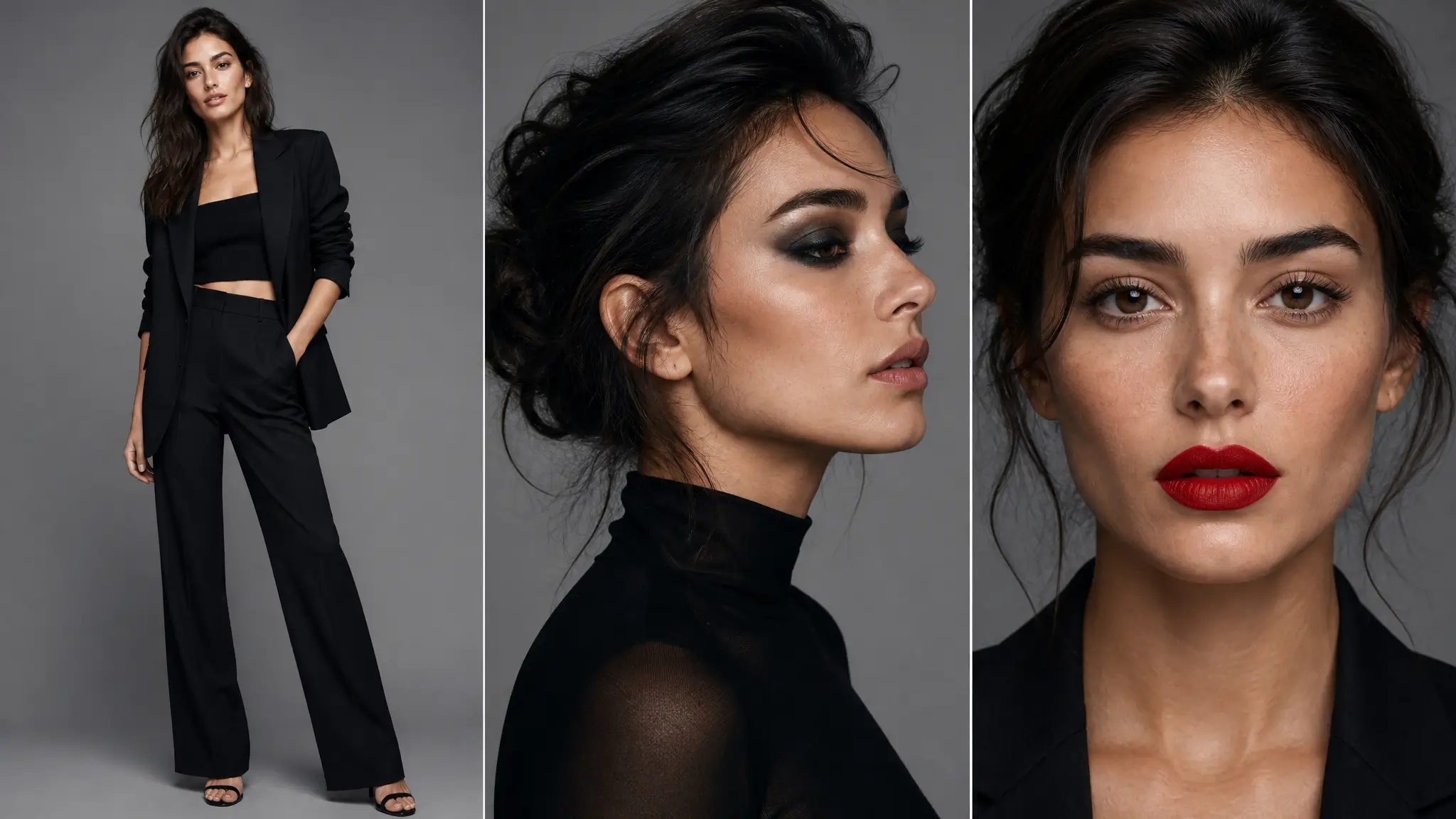
Dating Profile Photos
Dating apps run on first impressions, and a photo where you look confident and well-lit gets more matches than one where you look tired or washed out under bad lighting. Adding a subtle, natural makeup look to an otherwise good photo can be the difference between a profile that gets swiped past and one that gets a second look. If you're building out a full set, MagicShot's dating profile photos tool is built specifically for this, and pairing it with virtual makeup gives you more variety across your profile without a new photoshoot every time.
Professional Headshots
Corporate headshots and LinkedIn photos usually call for a polished, understated look rather than anything dramatic. A light touch of virtual makeup, evened skin tone, subtle definition around the eyes, can make a casual photo look camera-ready without looking overdone. If you're starting from scratch, MagicShot's professional headshots generator handles the full setup, lighting and background included, so the makeup step is just one part of getting a finished, professional image.
Social Media and Everyday Posts
If you post regularly and want your feed to feel varied instead of the same three selfies on rotation, virtual makeup gives you range from a single photo. A bold look for one post, something more understated for the next, all without touching a makeup brush.
Fashion and Styled Shoots
For anyone building out styled content, whether that's a personal brand or product-adjacent photos, combining virtual makeup with a full styled shoot creates a more finished look. MagicShot's AI fashion model tool is worth pairing with this if you're building a cohesive set of images rather than a single photo.
Tips for Natural-Looking Results
A few things separate a convincing edit from one that looks obviously fake:
Start with a good base photo. Even lighting and a front-facing angle give the AI more accurate data than a dim, angled selfie. Garbage in, garbage out still applies here.
Match the intensity to the occasion. A full glam look works for an evening post but will look out of place on a professional headshot. Pick the intensity that fits where the photo is actually going.
Check the edges. Zoom in on the hairline, jaw, and lip line before you call it done. That's where blending mistakes show up first.
Don't stack too many edits. Adding makeup, then heavy filters, then more retouching on top tends to flatten detail and make skin look plastic. One clean pass usually beats three messy ones.
AI Makeup Generator vs Traditional Photo Editing Apps
Manual editing apps ask you to do the work yourself: drag a brush, adjust opacity, blend colors by hand, and hope it looks right at every zoom level. That's a real skill, and most people don't have it, which is exactly why heavy-handed edits are so easy to spot. This kind of tool handles the facial mapping and blending automatically, so you're choosing a look rather than manually painting one on.
It's also faster than filters that sit as a flat layer over your face. Those tend to slide out of place the second you turn your head or the lighting shifts. Because it reads your actual facial structure before applying anything, the result holds up across different angles and doesn't fall apart under a closer look.
Getting Started
Virtual makeup isn't about replacing your real routine. It's a fast way to test a look, fix a photo that's missing a bit of polish, or build out variety in your content without a new shoot every time. The workflow is the same whether you're prepping a dating profile, a headshot, or just a photo for your feed: start with a clear image, pick a look that fits where the photo is going, and check the details before you export.