You need three posts a day across four platforms, and the calendar does not care that you are out of ideas, out of daylight, or out of budget. That is the real job of a modern creator. This guide covers AI content creation for influencers as an actual workflow: what to make, which tools to reach for, and how to keep a consistent look without booking a photographer or paying for a studio day every week.
Everything here assumes one thing. You are time-poor and you are not a production house. So the goal is not fancy. The goal is a repeatable system that turns a few phone photos into a week of posts, then does it again next week.
What AI content creation for influencers actually means
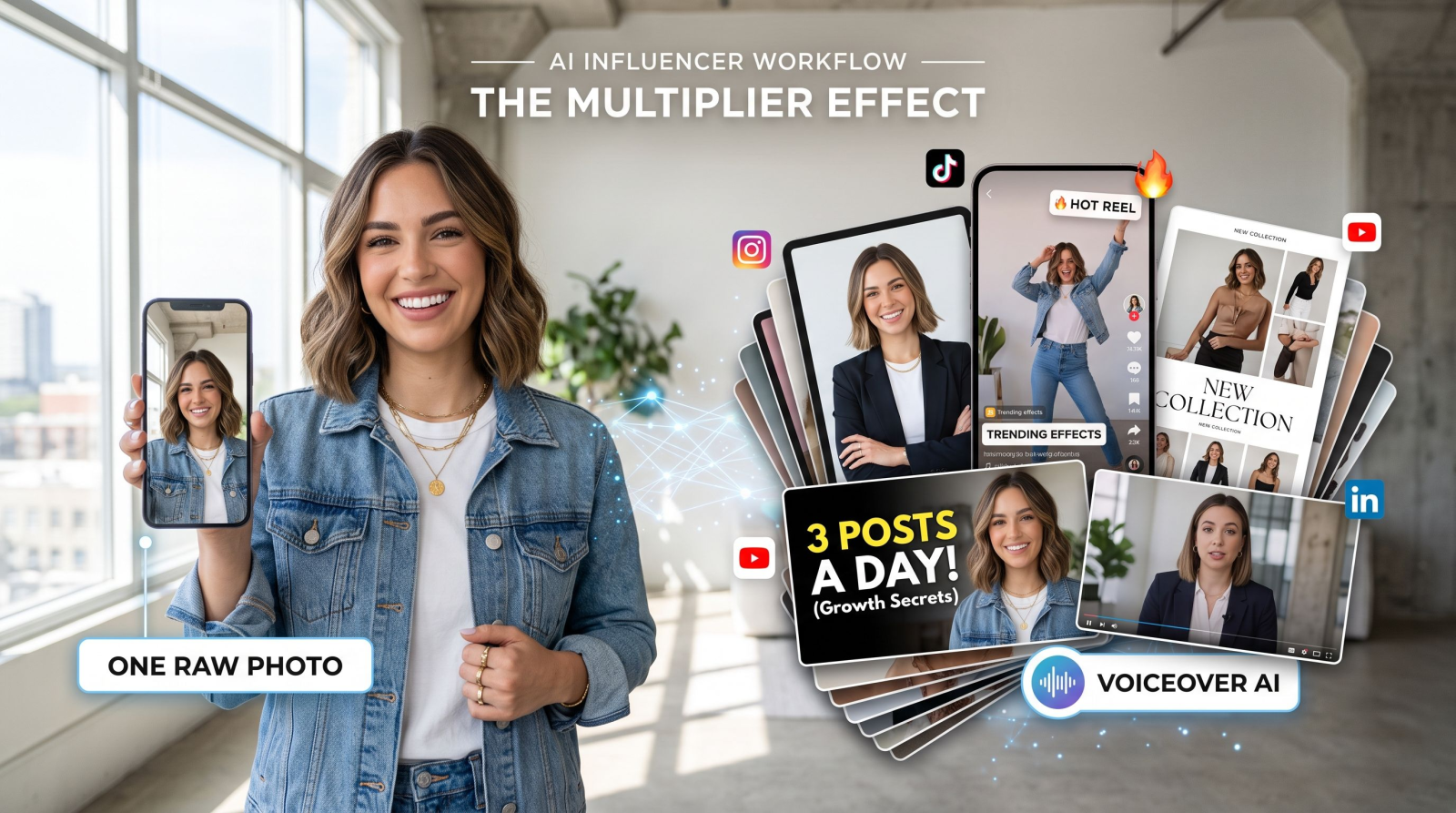
AI content creation for influencers is the practice of using AI photo, video, and voice tools to plan, produce, and vary your posts so you can publish consistently without a shoot, a crew, or a design skill set. In plain terms: you feed the tools a handful of your own images or a short clip, and they hand back headshots, product shots, short-form video, captions read aloud, and platform-sized variants. The input is usually an upload. The output is post-ready content.
The reason this matters is math. A single branded shoot can cost hundreds of dollars and eat a full day, and it still hands you a finite set of frames. Tools like Invideo can help creators produce more UGC-style content without relying on another shoot. Swap that for an AI workflow and you stop rationing content. This is the same kind of loop the creators and small teams on MagicShot already run, working solo, on a phone, between other jobs.
A quick word on expectations. AI does not replace your taste, your voice, or your face. It replaces the slow parts: the reshoot, the studio rental, the hour spent resizing one clip for three feeds. You still decide what goes out. You just stop hitting a wall at 9pm with nothing scheduled.
Build your profile foundation first
Before you chase views, fix the two images every visitor judges you on: your profile photo and the first row of your feed. Those decide whether a new viewer taps follow or scrolls on, and no amount of Reels volume fixes a weak avatar.
A profile shot that reads as credible
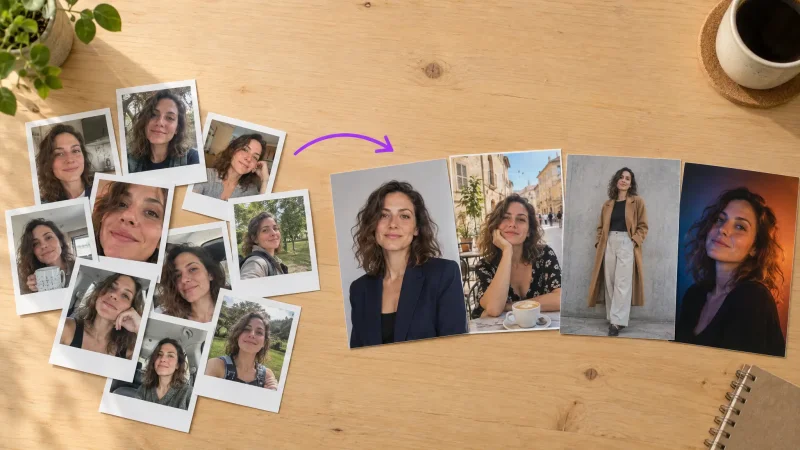
You do not need a photographer for a clean avatar. Upload a few selfies and generate professional headshots in a range of backdrops and outfits, then pick the two that match your niche. A fitness creator wants a different vibe than a finance one, and you can test both in minutes instead of rebooking a session. If you also run a dating presence or a side brand, the same face can feed dating profile photos without another shoot.
Clean up what you already have
Half your best content is already on your camera roll. It just needs a fix. Drop the busy background behind a product using the background remover, cut the stranger who wandered into your golden-hour shot, and sharpen an old favorite so it survives a full-screen crop. That is one salvaged photo becoming three usable posts, and it costs you a couple of minutes instead of a new location.
Turn one photo into a week of posts
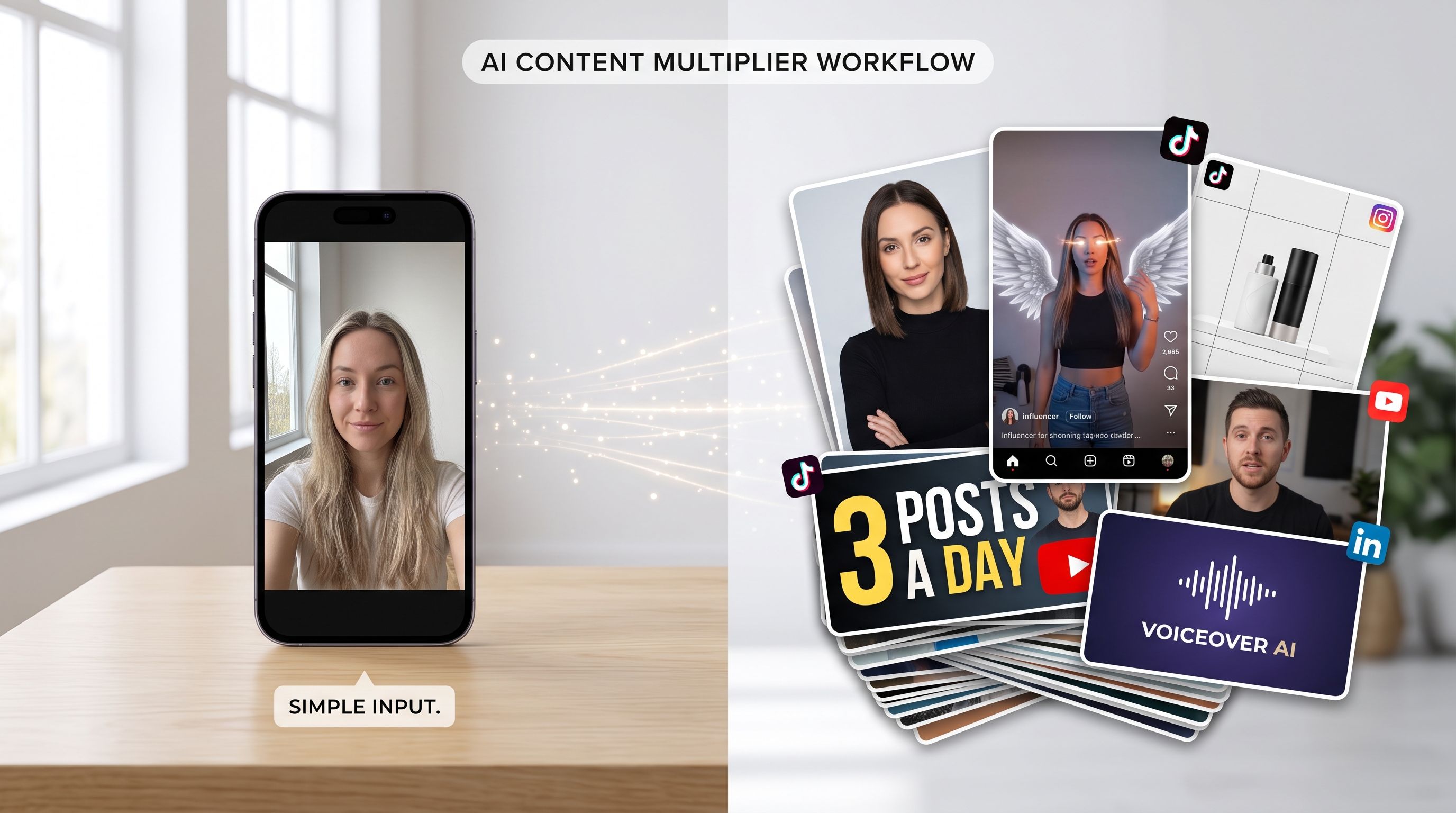
Here is the core loop of AI content creation for influencers. Learn it once and you can run it every Sunday in under an hour.
Shoot once, casually. Take 8 to 12 phone photos of yourself, your product, or your workspace. No lighting rig required, just decent daylight near a window.
Multiply the looks. Feed those into a photoshoot or art tool to get different outfits, seasons, and settings from the same base image.
Animate the winners. Push your two strongest stills into motion for Reels and TikTok, where video reliably out-reaches still images.
Size and schedule. Export vertical for TikTok and Reels, square for the grid, and wide for a YouTube thumbnail.
The animation step is where reach lives, because short video outperforms stills on almost every feed. Take a still and turn it into a clip with image to video, or start from a written idea and build a scene with text to video. When you want the trending scroll-stopper look, the AI video effects generator gives you the effect-driven clips people actually stitch and duet.
The influencer content stack, tool by tool
You do not need every tool every week. You need to know which one kills which problem, so you reach for the right thing under deadline.
Photo and look
For editorial or themed feeds, the AI art generator gives you range without a mood-board budget or a set designer. Selling or promoting a product? Generate clean catalog-style shots with the product photo tools, or model an outfit on a consistent figure with the AI fashion model so you can preview a drop before it ships. When a shot is close but low-res, run it through the image upscaler before it goes full-screen so it does not look soft on a phone.
Video and short-form
Product creators and affiliate partners lean hard on UGC videos, the casual talking-to-camera style that converts on TikTok and Reels. If you want a recurring on-screen presence without filming yourself every day, an AI avatar video keeps a face and voice consistent across a whole series, which is how you turn scattered clips into a recognizable show.
Sound and branding
Not everyone wants to record voiceover at 11pm with a barking dog next door. Convert your script to a clean narration track with text to speech, and give a channel a signature identity with the logo generator so your merch, banners, and watermark all match. Small detail, big difference: a consistent mark on every video reads as a brand, not a hobby.
Match content to each platform
The same idea should not go out identically everywhere. A quick translation step earns you more reach for the same effort.
TikTok and Reels: vertical, fast, hook in the first second. Animate a still, add a trending effect, keep it under 20 seconds for a first test.
Instagram grid: square or 4:5, cohesive palette. This is where your headshots and product shots live and where new visitors decide.
YouTube: a wide thumbnail with a clear face and three words. Upscale the frame so it stays crisp at small sizes.
LinkedIn: if you are a B2B or personal-brand creator, a real headshot plus a short talking-head clip beats a stock graphic every time.
A realistic weekly workflow
Monday you plan five hooks. Tuesday you shoot one batch of phone photos and multiply the looks. Wednesday you animate the two best into short video. Thursday you write scripts and drop them into a narration track. Friday you resize, caption, and schedule. That is a full week of posts from roughly two hours of hands-on time, and none of it required a crew.
The real payoff is not any single output. It is that you never sit staring at an empty grid again, because the raw material is a few uploads and a loop you can repeat on autopilot. When one format takes off, you double down on it the next week instead of starting from zero.
How to scale without losing your voice
The trap with any content system is that speed turns into sameness. Here is how to grow output while keeping a feed that still sounds like you.
Batch by theme, not by task
Instead of making one post start to finish, pick a theme for the week and generate everything around it in one sitting. Ten looks, four clips, two thumbnails, one narration voice. Batching keeps the palette coherent and cuts the mental switching cost that eats an afternoon.
Keep a swipe file of what worked
Save every post that beat your average, along with the hook, the format, and the effect you used. Over a month you will see which angles your audience actually rewards, and AI makes it cheap to produce more of that instead of guessing. This is the difference between posting volume and building a channel.
Repurpose across formats
One strong photo can become a grid post, a Reel intro, a thumbnail, and a story. One script can become a voiceover, a caption, and a carousel. When production is this fast, repurposing is where the compounding happens, because you get five placements from a single good idea.
Common mistakes that flatten your reach
One look, forever. The whole point is variety. If every generated frame looks identical, vary the outfit, the setting, and the crop so the feed feels alive.
Skipping motion. Stills alone underperform on TikTok and Reels. Animate at least your two strongest images each week.
Ignoring resolution. A soft image on a phone screen reads as low effort. Upscale before you post, every time.
No consistent identity. Same avatar, same logo, same narration voice. Recognition is what turns a one-time viewer into a follower.
Over-automating your face. Show up as yourself in your top-of-funnel posts. Save avatars and generated scenes for volume, not for the moments where trust is built.
Wrapping up
Consistency beats perfection on every platform, and consistency is exactly what an AI workflow protects. Shoot casually, multiply the looks, animate the winners, and let the tools handle resizing and narration. Do that weekly and you replace the reshoot, the $400 studio day, and the pile of subscriptions with one repeatable loop you can run from your phone.