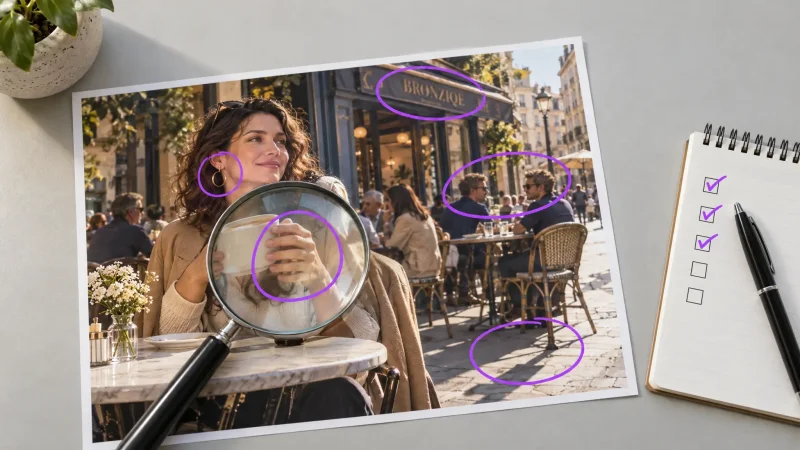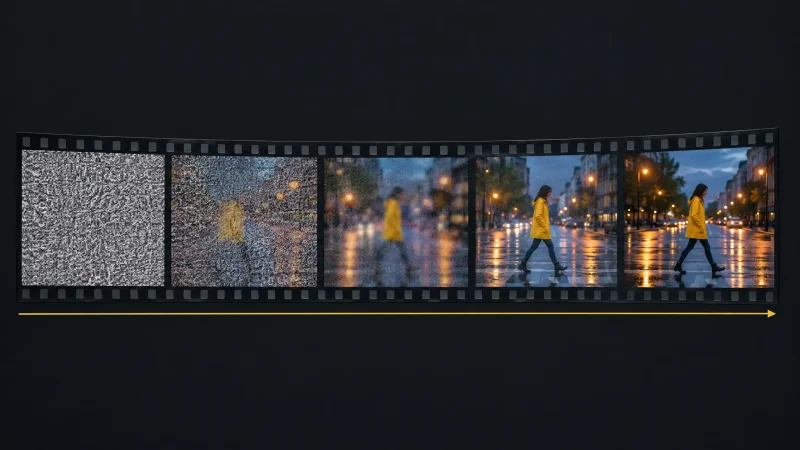
Writing prompts for an AI photo generator
Everyone remembers the early days of AI images: you typed a few words and got something surprising, and sometimes a dog with five legs in a top hat. The tools have improved a lot, but they still cannot read your mind. When a result misses, the cause is nearly always the prompt. These ten habits come from the mistakes people make most often when they use an AI photo generator, and each one is easy to test for yourself.
1. Be specific, not vague
"A beautiful forest" gets you a forest, and not necessarily the one you pictured. Compare it with "a dense, ancient forest at dawn, mist rising from moss-covered ground, giant ferns, shafts of golden light through an emerald canopy". The second version leaves the model far less to guess.

2. Add concrete details
Adjectives help most when they describe something you could see: texture, colour, age, mood and action. "A fluffy golden retriever chasing a red ball across wet grass" gives more to work with than "a happy dog".
3. Name the style
Say whether you want a photograph, an oil painting, a watercolour, a pencil sketch, concept art or anime. Without a style, the model falls back on its default look, which may not match what you imagined.
4. Set the composition and framing
Think like a photographer. Close-up, wide shot, full-body portrait, overhead view and low angle all change the result. If you want text or a logo added later, ask for empty space in a specific corner.
5. Describe the light
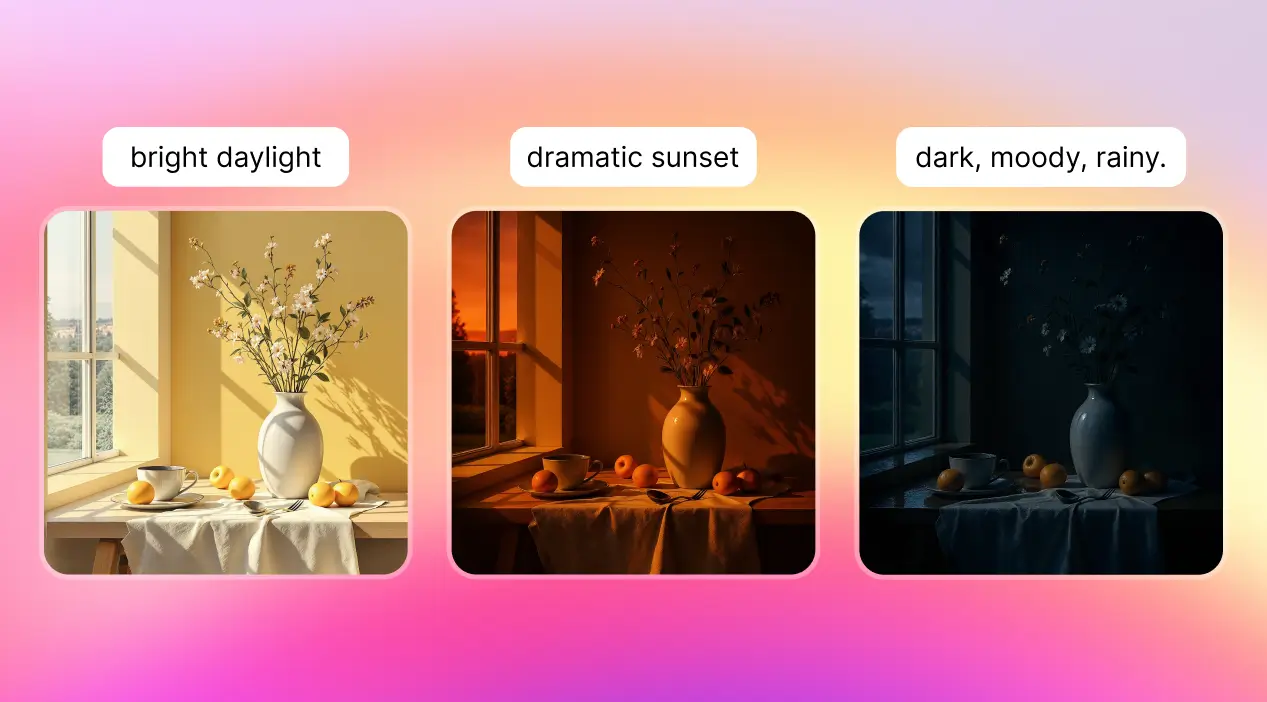
Lighting often sets the mood more than the subject does. Golden hour, soft window light, hard noon sun, neon at night and overcast daylight all produce clearly different images. Add an atmosphere word too, such as quiet, tense or cheerful.
6. Say what to avoid
Some tools have a separate negative prompt field, and others respond to a plain instruction such as "no text, no watermark, no extra fingers". Check how your tool handles it. Syntax differs between tools, so what works in one will not always work in another.
7. Put the key idea first
Most models give more weight to the start of a prompt. Lead with the subject and the most important detail. A few tools also allow explicit weights on parts of a prompt, but the syntax is tool-specific, so read the tool's help page before copying symbols from a guide.
8. Describe a look, and mind the rights
You can steer toward an art movement, such as impressionism or art deco, or describe the qualities of a style: loose brushwork, muted palette, heavy outlines. Avoid naming living artists to copy their style, and check the licence on your plan before using images commercially.
9. Iterate on purpose
Treat each result as feedback. Change one thing per attempt, such as the lighting or the framing, so you learn what each change does. Keep a note of the prompts that worked and reuse their structure.
10. Learn your model's habits
Models differ. Some are better at realistic faces, some at illustration, some at text inside images. If your platform offers several models, run the same prompt on two or three and keep a short note of what each does well. You will write better prompts once you know what each model is likely to get right.
A prompt you can copy
Fill in the blanks: a [subject] [doing something] in [place], [style], [camera framing], [light], [mood], [colour palette]. For example: a street musician playing violin in a rainy city square, cinematic photograph, medium shot, neon reflections on wet pavement, melancholic mood, teal and amber palette.
The creative loop
Good prompting is clear communication plus a willingness to experiment: imagine, prompt, generate, look closely, adjust. The more often you run that loop, the less often you will need it. You can practise with any of the examples above on MagicShot, where generation uses credits.