AI video tools have gone from novelty to a normal part of how marketing teams, educators and solo creators make video. They can turn a script into a talking presenter, a product photo into a short clip, or a long recording into captioned highlights. The catch is that each tool is good at a narrow job. This guide explains the main types of AI video tools, when to use each, how to choose, and how to get a usable result instead of a demo-reel clip. You can start with MagicShot's AI video generator.
What AI Video Tools Actually Do
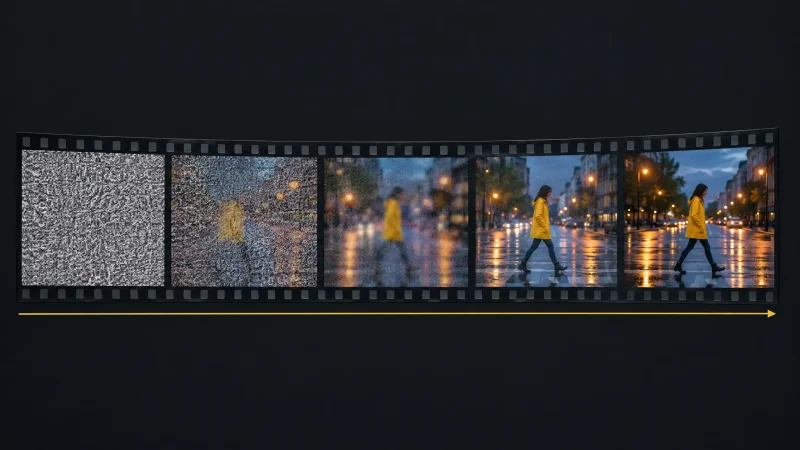
Text to video: you describe a scene or paste a script, and the model generates footage.
Image to video: a still photo is animated into a short clip, useful for product shots and social posts.
Avatar and voiceover video: a synthetic presenter reads your script, often in many languages.
Editing assistance: background replacement, captions, upscaling and scene cleanup.
Product video: turns product photos into promo clips and multi-angle views.
Most generated clips are still short, often only a few seconds each, so longer videos are built by combining several clips and editing them together.
Who Gets the Most Value
E-commerce and marketing teams that need many short product clips without a shoot.
Trainers and educators who update explainer videos often and cannot re-film every time.
Agencies making variations of one concept for different audiences and languages.
Solo creators who want captions, b-roll and clean edits faster.
Platforms at a Glance
This table compares well-known tools by what they are best at. Features change quickly, so check each vendor's current page before you buy.
| Platform | Key Features | Best For | Unique Strengths |
| MagicShot.ai | AI-generated product videos, multi-view image creation, text-to-video, real-time voiceovers | E-commerce, marketing creatives | Converts product photos into engaging videos & multi-angle views, powerful AI Canvas for editing |
| Synthesia | Realistic AI avatars, 230+ avatars, multilingual voiceovers | Training, explainer videos | Industry leader in AI avatar video generation with extensive language support |
| Runway | Text-to-video generation, advanced editing, background removal | Stylized and creative video makers | Cutting-edge generative video AI with creative controls |
| HeyGen | Voice cloning, UGC-style videos, realistic avatars | Marketing demos, influencer content | Easy-to-use with multilingual speech synthesis |
| Adobe Firefly | AI image & visual asset generation, video clip b-roll | Visual storytellers, creators | Integration with Adobe Creative Cloud, safe commercial use AI-generated clips |
| Google Veo | Cinematic and physics-based video generation | High-end video production | High realism and advanced sound integration |
| LTX Studio | AI-assisted storyboarding, scene creation | Story-driven creators | Deep scene control, storyboard-driven video creation |
How to Choose an AI Video Tool
Start from the output you need: an avatar explainer, a product clip and a cinematic shot are three different tools.
Check clip length, resolution and audio support. Some tools generate silent clips only.
Look at control: can you guide camera motion, keep a character consistent, edit one section?
Review rights and licensing, especially for commercial use and for likenesses of real people.
Test cost at your volume. Pricing is usually credits per clip, which adds up fast.
A Practical Workflow
Write a clear script or prompt first. Short, concrete sentences work best.
Generate several short clips, not one long one, and pick the best.
Add voiceover, captions and music in an editor. Captions help accessibility and viewers who watch on mute.
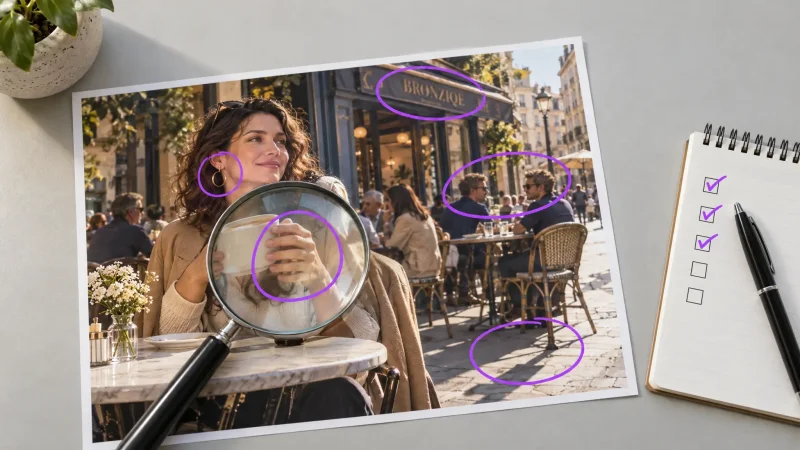
Check every clip for glitches in hands, faces, text and physics before publishing.
Label realistic AI footage where platform rules or good practice require it.
Mistakes to Avoid
Using the same default style as everyone else. It makes your content blend in.
Skipping a human review of the final cut.
Using an AI avatar to imitate a real person without permission.
Expecting a single prompt to produce a finished ad.
Where This Is Heading
Clip length, audio quality and character consistency keep improving, which will make multi-scene videos easier to produce. The advantage will go to teams with a clear story and brand style, not to those who simply generate the most footage.
Ready to try? Start with the AI video generator, turn one product photo into a short clip, and compare it with what you make today.