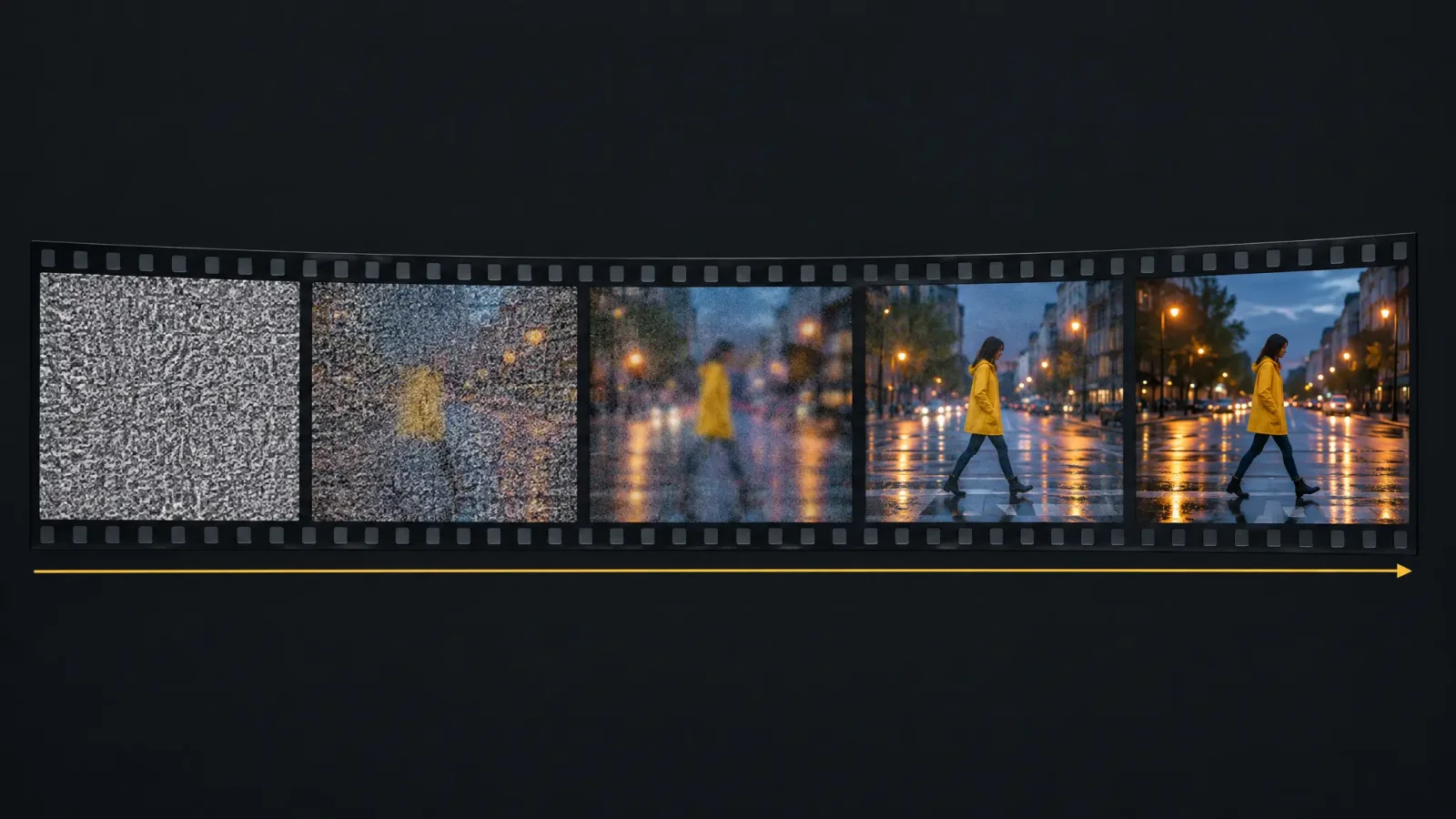
If you have ever typed a sentence into a box and watched a short film appear thirty seconds later, you have probably wondered how an AI video generator works under the hood. The short answer is that it starts from digital noise and removes it, frame by frame, until a scene that matches your prompt is left. The longer answer explains why clips are short, why hands still go wrong, and why some models now come with sound. If you would rather see it than read about it, you can turn a photo into a video and watch the process on your own image.
The core idea: video diffusion
Most current video models are diffusion models. During training, the system sees millions of video clips with matching captions. It learns by taking a clean clip, adding noise until it is unrecognizable, and then practicing the reverse: predicting what the clean version looked like. After enough practice, it can begin from pure noise and denoise toward a clip that fits a caption it has never seen.
A still-image model does this for one picture. A video model has to do it for a stack of pictures that must agree with each other. That extra requirement is where most of the difficulty, and most of the cost, comes from.
How a prompt becomes a clip
The text is encoded. A language component turns your prompt into numbers that describe subject, action, setting and style.
The video is built in a compressed space. Instead of working on full-size pixels, the model works on a smaller, compressed version of the video, which keeps the computation manageable.
Denoising happens over time. The model refines all frames together, using attention across frames so a face or object in frame ten still matches frame one.
The result is decoded. The compressed video is expanded back to normal resolution, and some systems add an upscaling pass.
Text to video versus image to video
With text to video, the model invents everything from your words. With image to video, you supply a still, and the model treats it as the starting point or a strong reference, then predicts how things might move. Image to video usually gives you more control over how the subject looks, because the look is already decided. Text to video gives you more freedom, and more surprises.
Both modes exist for a reason. Use image to video when a character, product or place has to look the same every time. Use text to video when you are exploring ideas and do not yet know what you want.
Why clips are so short
Look at the models available on MagicShot at the time of writing and the pattern is clear. Most clip options run from four to fifteen seconds, and only a few go to twenty or thirty. That is not a marketing choice. Every extra second adds frames, and every added frame has to stay consistent with all the others. Compute grows quickly, and small errors compound: a jacket changes color, a face drifts, a hand sprouts a finger.
Cost follows length. On MagicShot, a longer duration costs more credits, and the premium models cost several times more per second than the lightweight ones. That is why a sensible workflow tests an idea cheaply first and spends on the best model only for the final shot.
Where the sound comes from
Early AI video was silent, and people added music afterward. Newer models generate audio in the same pass as the picture, so footsteps, ambient noise and even speech line up with the action. Independent reviewers generally report that audio quality varies a lot between models, and speech that matches lip movement is still the hardest part. If sound matters to your project, check it on a short test before you commit.
Why the same mistakes keep appearing
Hands and fingers. Small, fast, overlapping shapes are hard to keep consistent across frames.
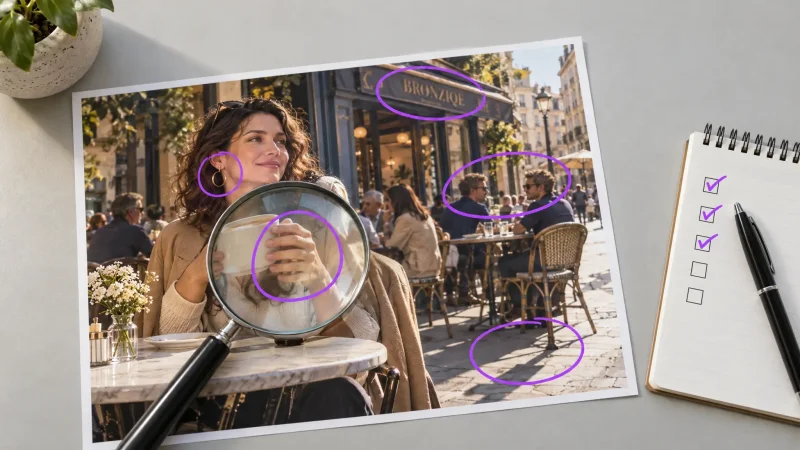
Text in the scene. Letters on signs and screens tend to wobble or change between frames.
Physics. Models learn what motion usually looks like, not the rules behind it, so liquids, collisions and cloth can look off.
Long continuity. The longer the clip, the more room for the subject to drift from where it started.
Prompting for how the model actually works
Because the model builds one scene from one prompt, structure helps. A reliable order is subject, action, setting, camera and light. For example: a woman in a yellow raincoat crosses a wet street at dusk, slow tracking shot from the side, soft streetlight reflections. One clear action beats a list of five. If you want two actions, make two clips and join them.
Using real people responsibly
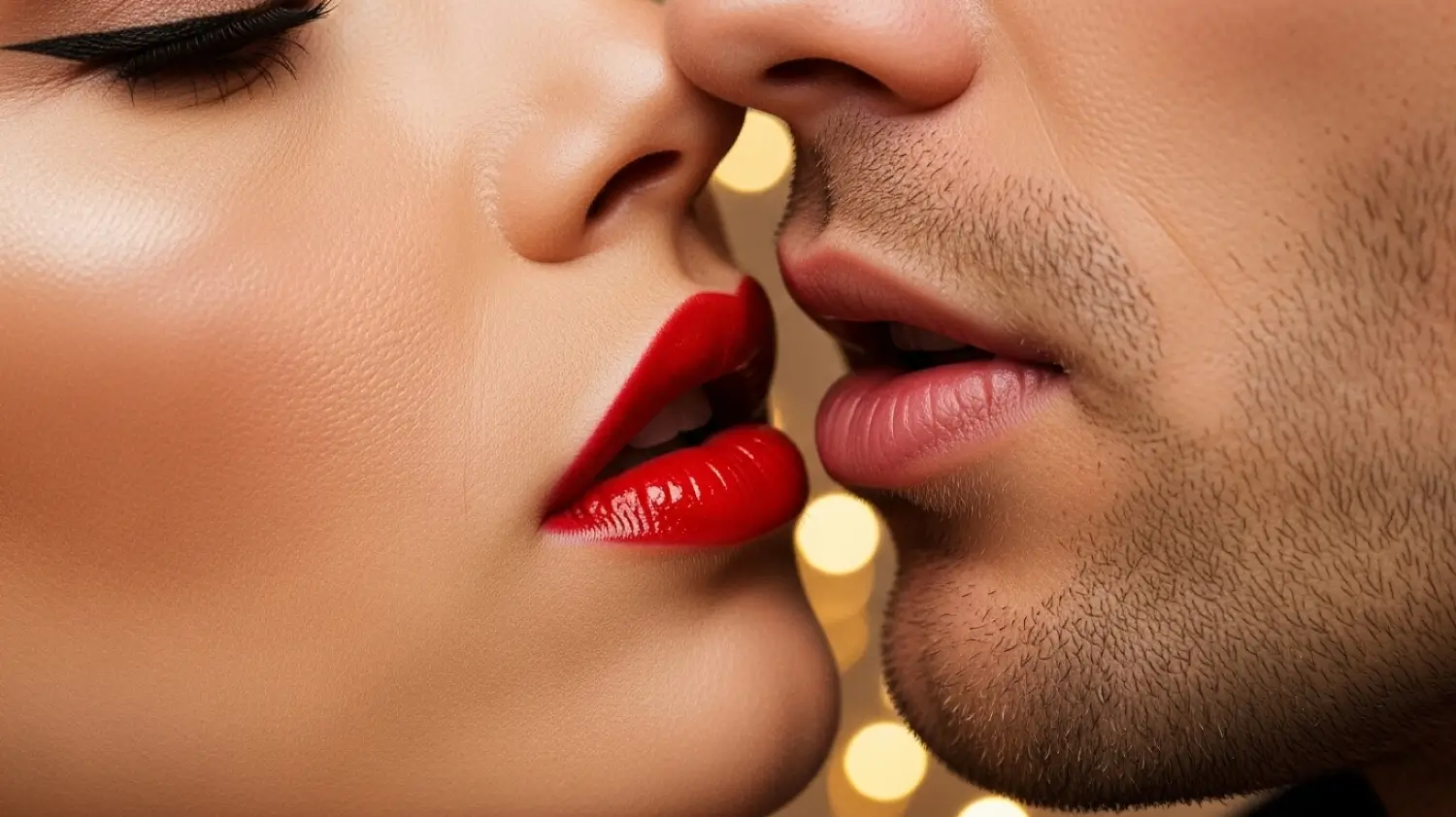
Image to video can animate any photo you give it, which is exactly why consent matters. Only animate photos of people who know and agree, avoid animating children without a parent's permission, and never present a generated clip of a real person as if it were genuine footage. Most people are happy to be asked first.
The practical takeaway
Knowing the mechanism changes how you work. Keep clips short, describe one action, test cheaply, and spend your credits on the final version. When you are ready to see your own picture move, try image to video on MagicShot with a clear, well-lit photo and a one-sentence motion prompt.