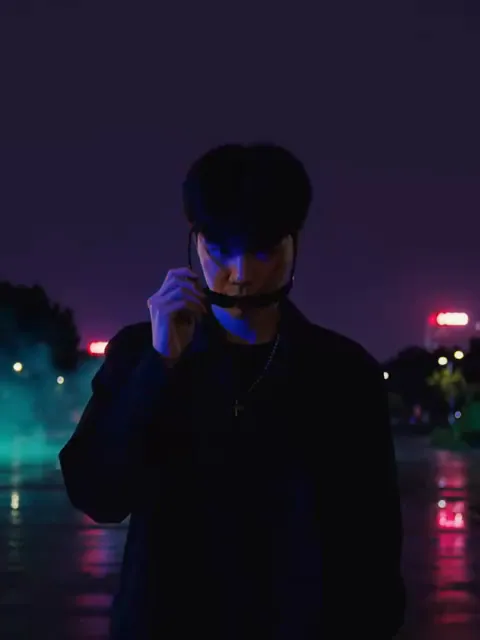
What the Flashing Lights video effect does
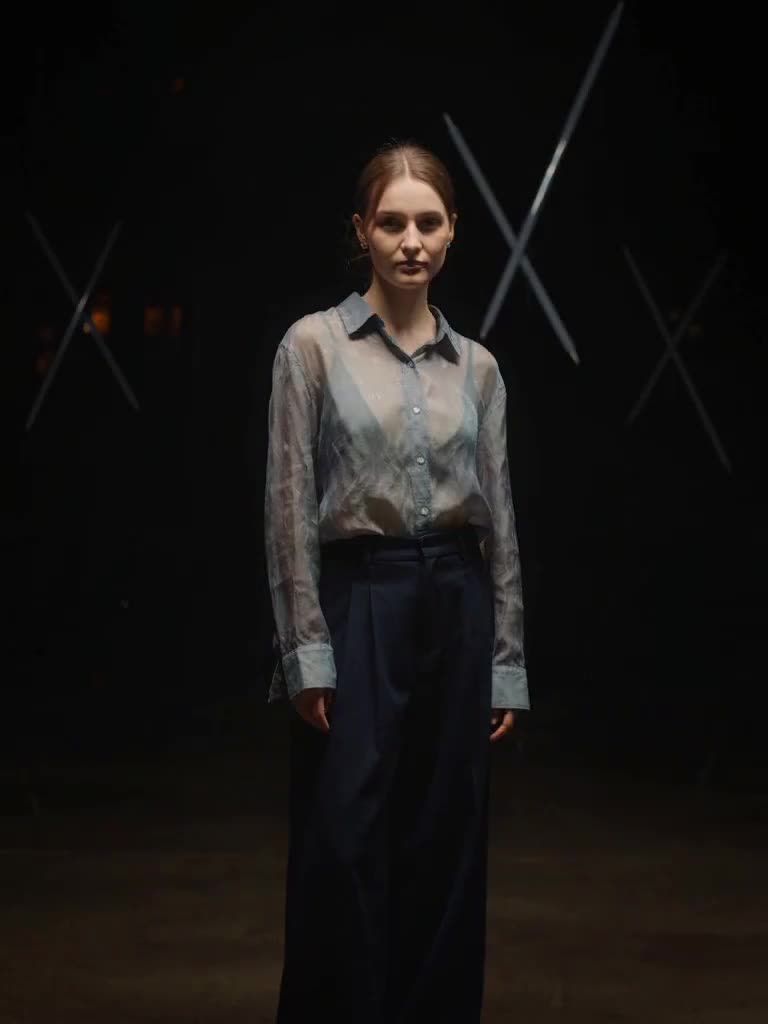
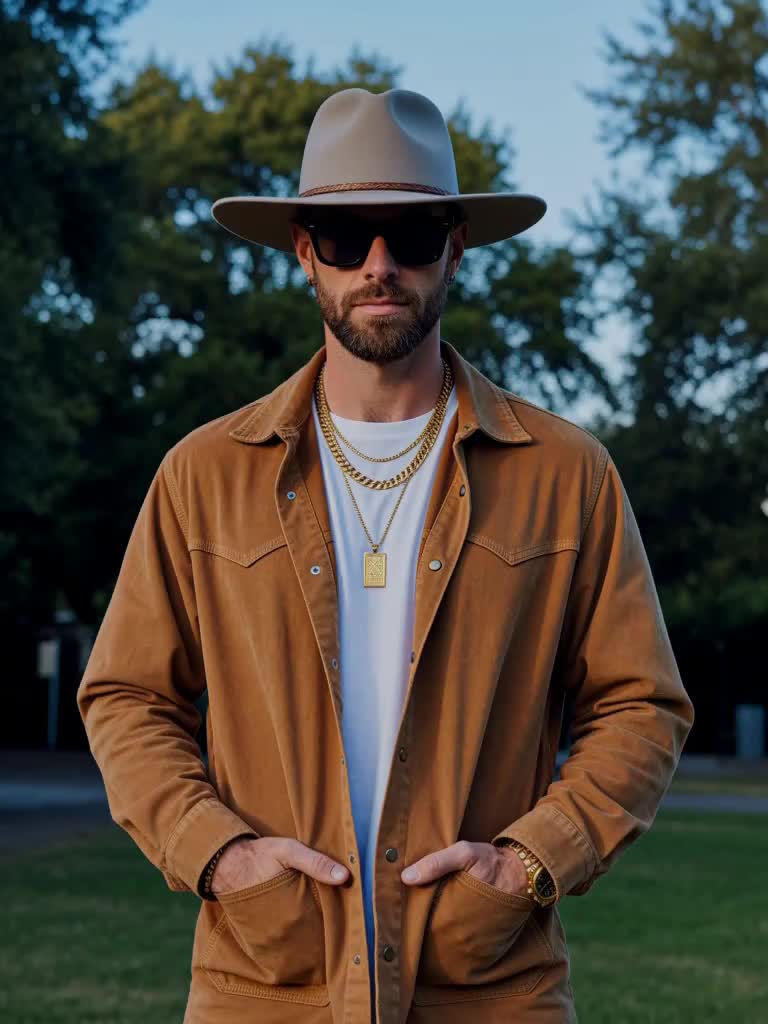
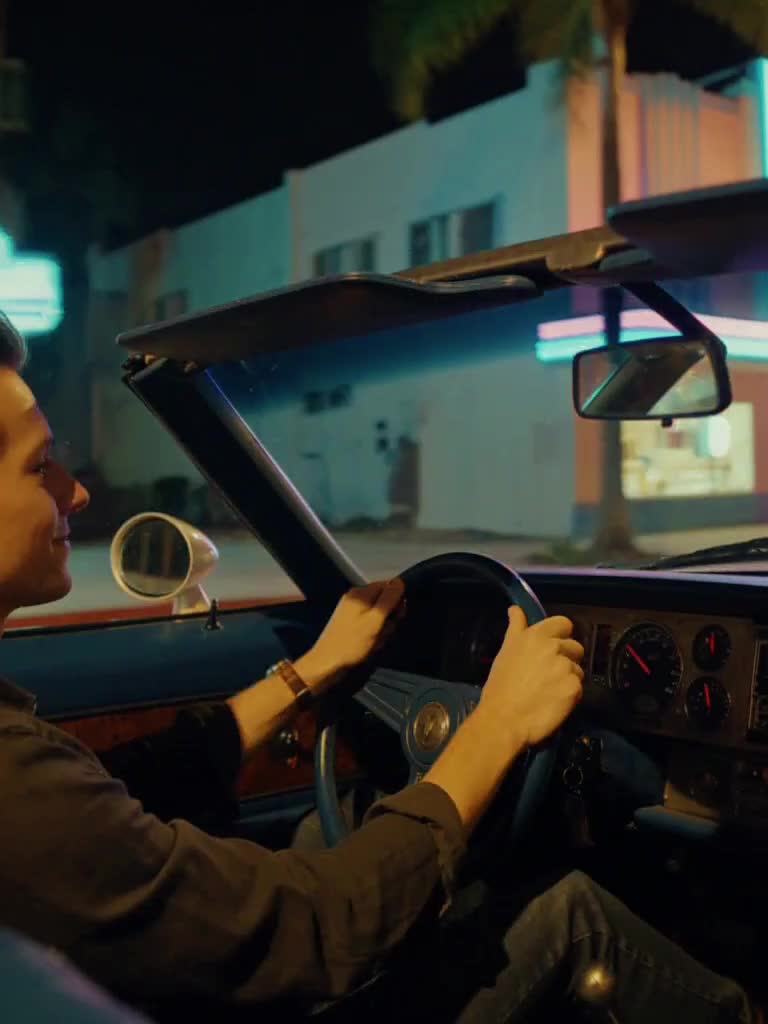
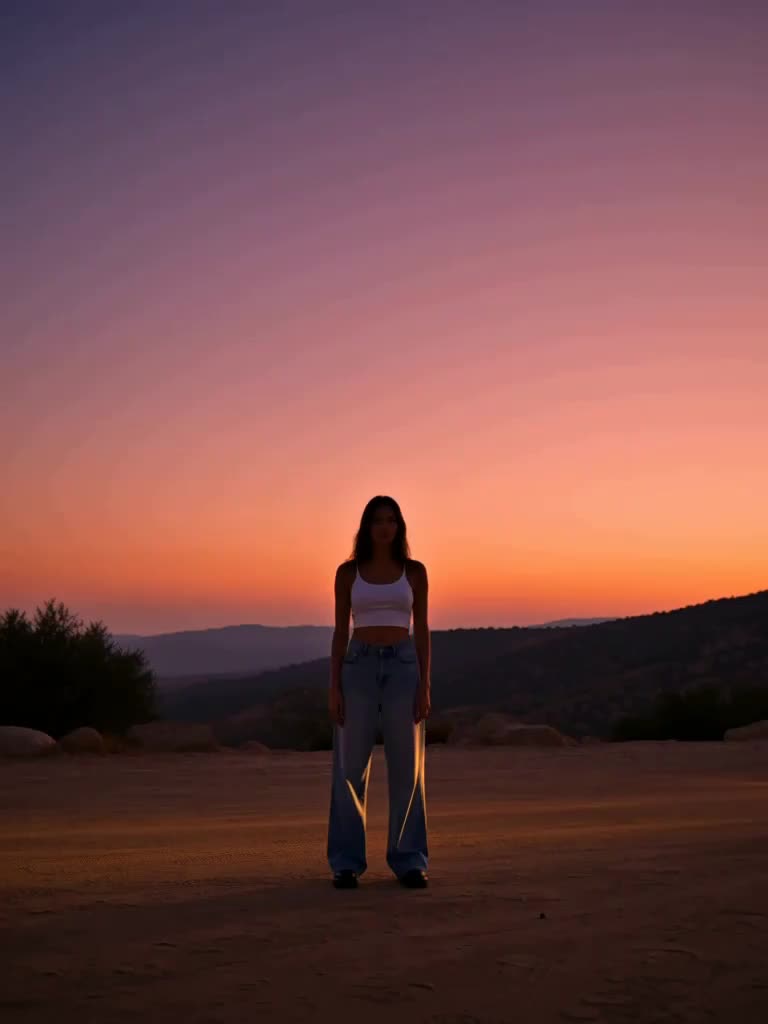
The Flashing Lights video effect keeps your scene and your framing and changes the night. Upload a photo and the light falls to a deep purple with a thin pink band on the horizon and haze in the air. Then red and blue light starts to strobe across you and the surroundings from off-frame, sweeping left and right in rhythm, throwing hard moving shadows, with faint teal and magenta reflections on the wet ground. You do not react the way you are supposed to. You slowly slide on a pair of dark sunglasses, lift your chin and give the camera a slow, unbothered smirk while the lights keep going. Anyone who has lost a wanted level in Grand Theft Auto knows exactly what this is.
The photo that works best
This effect does not move the camera or rebuild the scene, so what you upload is what gets lit.
A chest-up or waist-up photo with your face toward the camera. The smirk is the payoff, so the face needs to be clear.
A night or dim photo if you have one, but daytime works too; the effect takes the light down itself.
A spot with some ground or wall near you. The strobe throws shadows and reflections, and it needs surfaces to hit.
No sunglasses in the source photo, since the effect adds them.
What you get back
A short vertical clip with the night drop, the red-and-blue strobe wash and the sunglasses-and-smirk beat. There are no vehicles, no sirens, no other people and no readable text, so it stays clean and brand-safe wherever you post. Cut it on a beat drop and it does the work for you.
Vice effects are MagicShot originals inspired by the neon-coast look everyone is waiting for. MagicShot is not affiliated with or endorsed by Rockstar Games or Take-Two Interactive.