What the Cover Grid video effect does
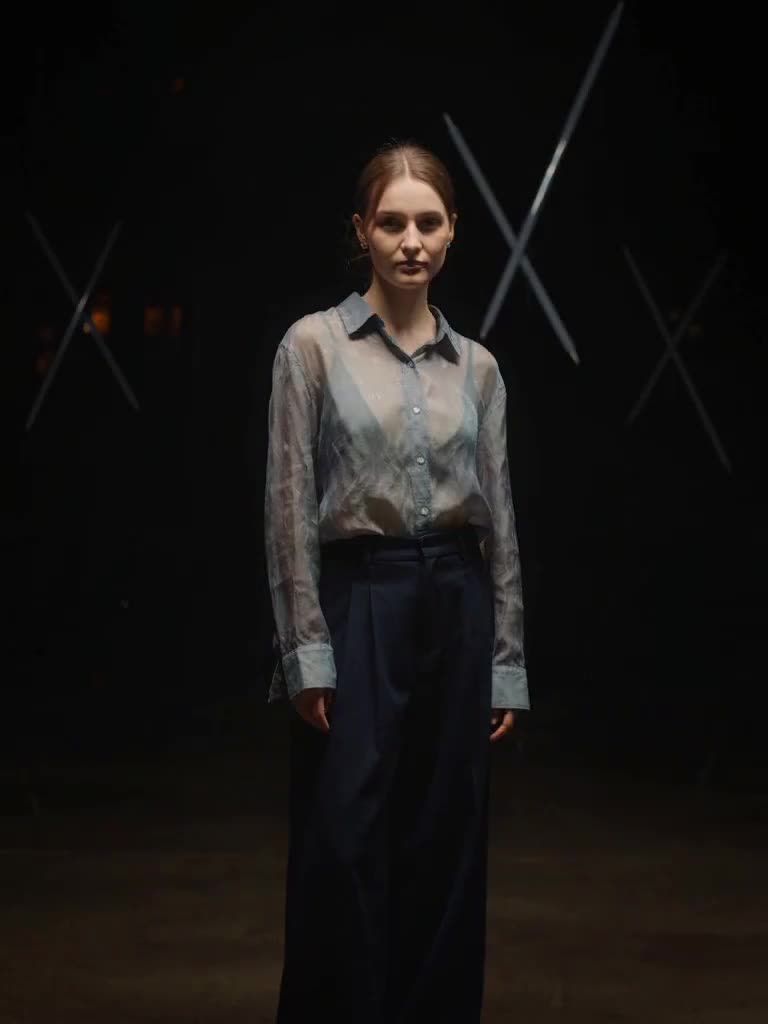
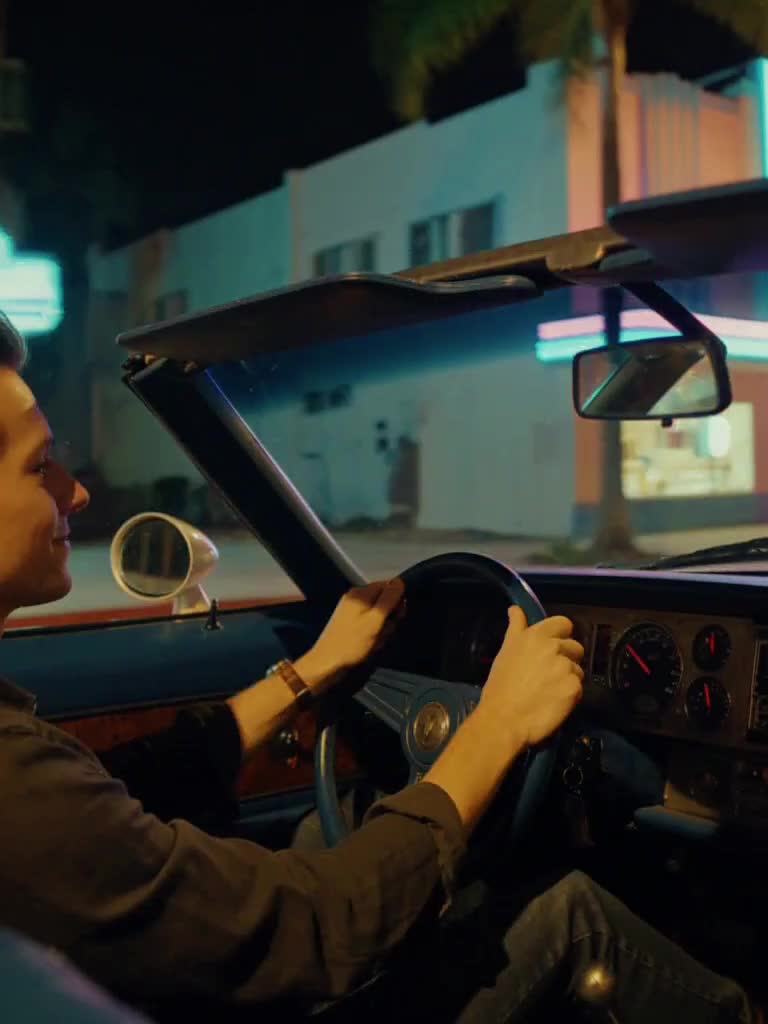
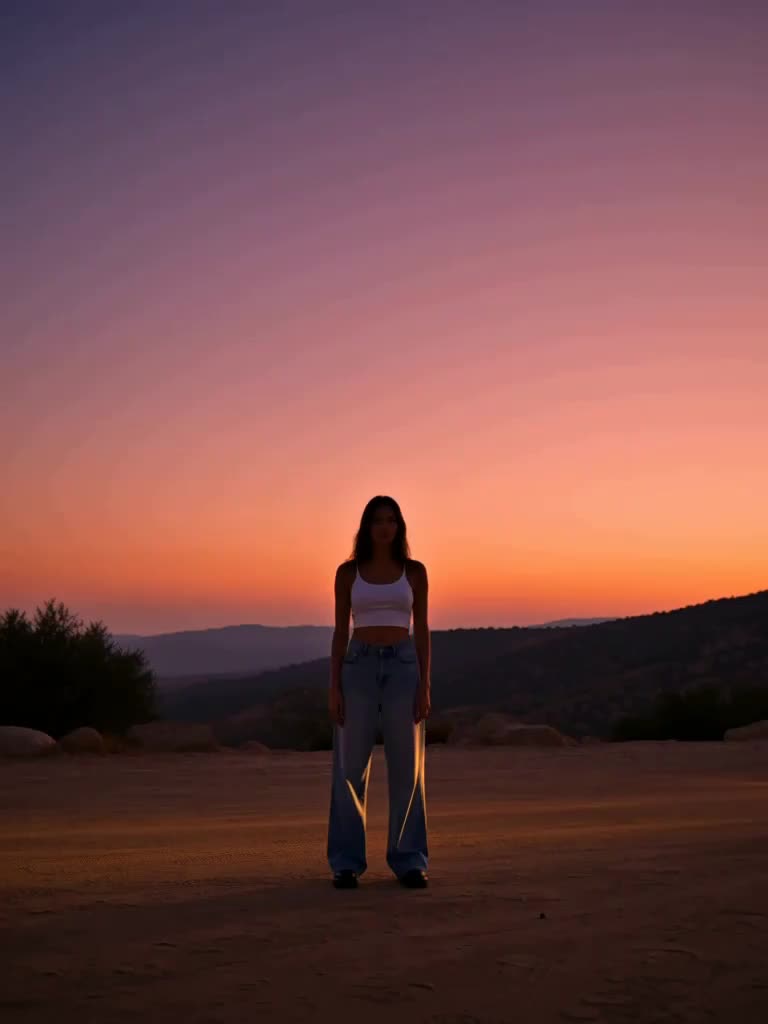
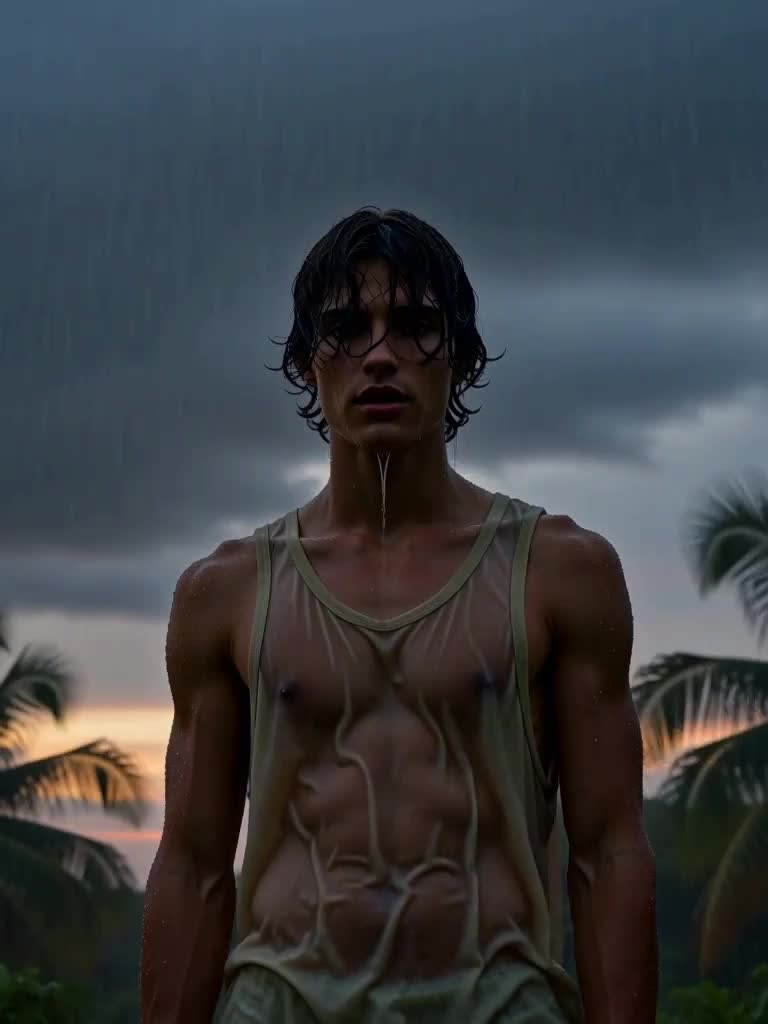
Every Grand Theft Auto cover is a grid of painted scenes from one world, and the Cover Grid video effect builds that grid around you. Upload a photo, and the live frame snaps into a painterly, hard-edged illustration of you in the same pose. The frame then splits into bold rectangular panels that slide in one at a time: you leaning on a pink convertible at sunset, at the wheel of a speedboat, walking a neon-lit art-deco strip at night, on a palm-lined beach, on a rooftop over the city. A thick coloured border runs between the panels and a blank strip sits along the bottom where a title would go. The grid holds, a little film grain drifts over it, then it collapses back to the single photo and you smirk at the camera.
The photo that works best
The illustration style is forgiving, but the panels all reuse your face, so start strong.
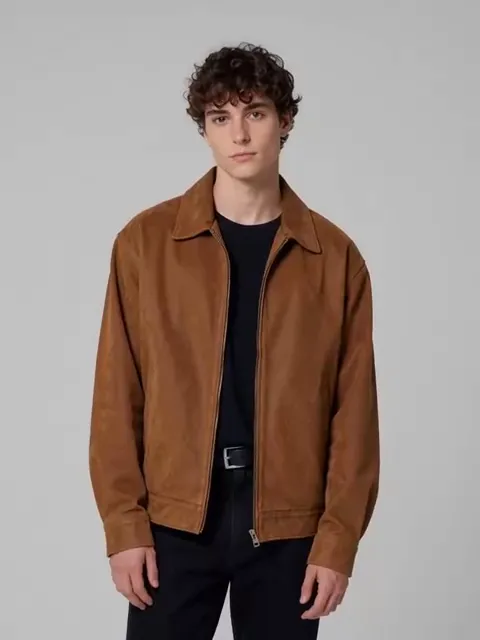
A chest-up photo with a confident expression. A smirk or a level stare suits the cover-art look better than a big smile.
Even lighting on the face. Hard shadows across the eyes get exaggerated once the frame goes painterly.
A fairly plain outfit. The effect redresses you per panel anyway; busy prints can bleed between scenes.
Portrait orientation, since the grid is built vertically for Shorts and Reels.
What you get back
One vertical video with the snap into illustration, the panel build and the collapse back to your photo. The bottom strip stays blank, there are no logos, titles or wordmarks anywhere, and the same face appears in every panel. Freeze the full grid for a thumbnail or profile picture.
Vice effects are MagicShot originals inspired by the neon-coast look everyone is waiting for. MagicShot is not affiliated with or endorsed by Rockstar Games or Take-Two Interactive.