What the Orbit Cam video effect does
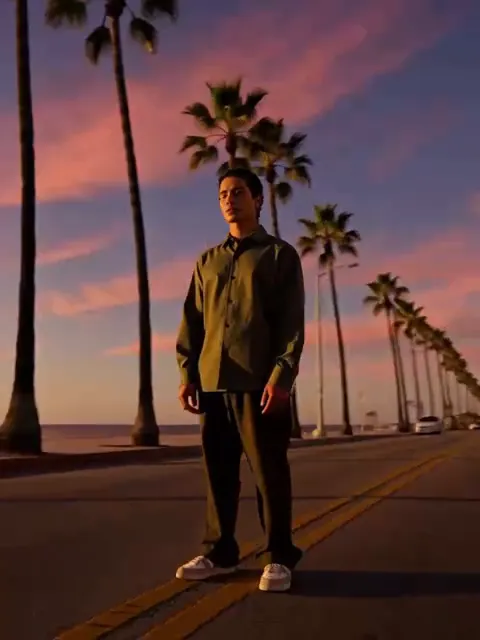
The Orbit Cam video effect is the third-person camera from an open-world game, pointed at you. Upload a photo and the scene becomes a sun-baked oceanfront street with palms and pastel art-deco buildings under a purple-pink-orange sky. The camera drops low, to about hip height, and orbits all the way around you in one smooth move while the background sweeps past with long raking shadows and a brief flare as it crosses the sun. You do not move your feet. As the orbit completes and the camera comes back to the front, you slide a pair of aviator sunglasses on with one hand and hold a cool stare. It is the GTA 6 style character reveal, with you as the character.
The photo that works best
The orbit shows you from every side, so the AI needs a solid read of your whole body.
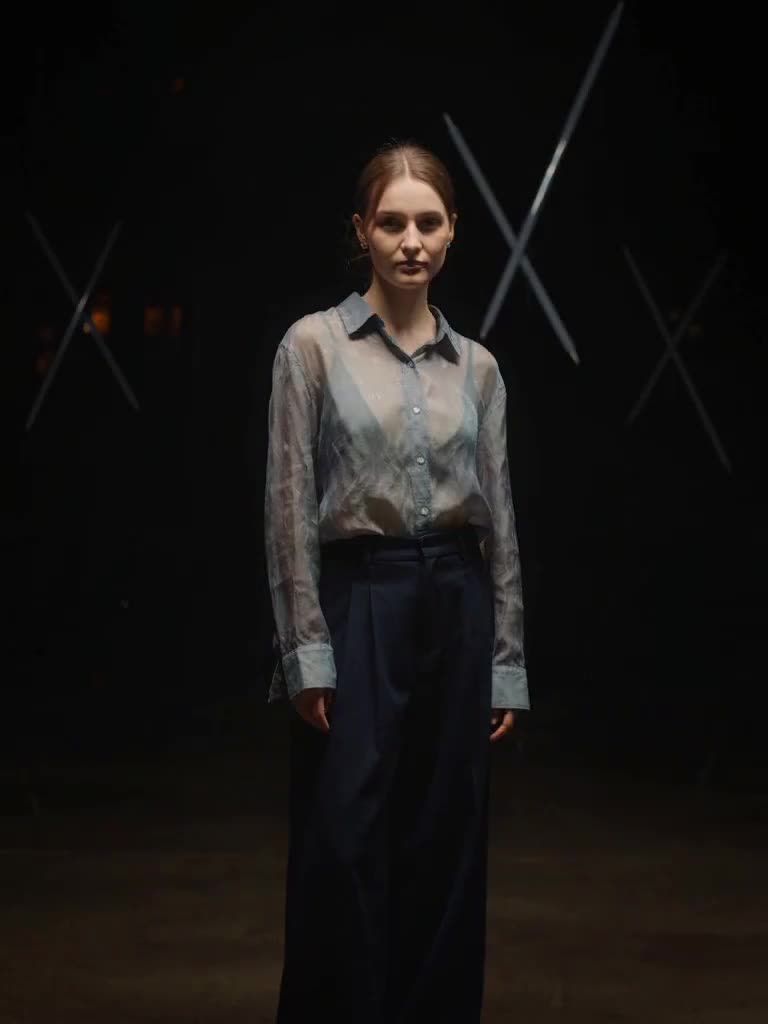
A full-body or three-quarter photo, standing, feet visible if possible.
A confident, planted stance: weight even, arms relaxed or crossed. The effect keeps your pose and spins around it.
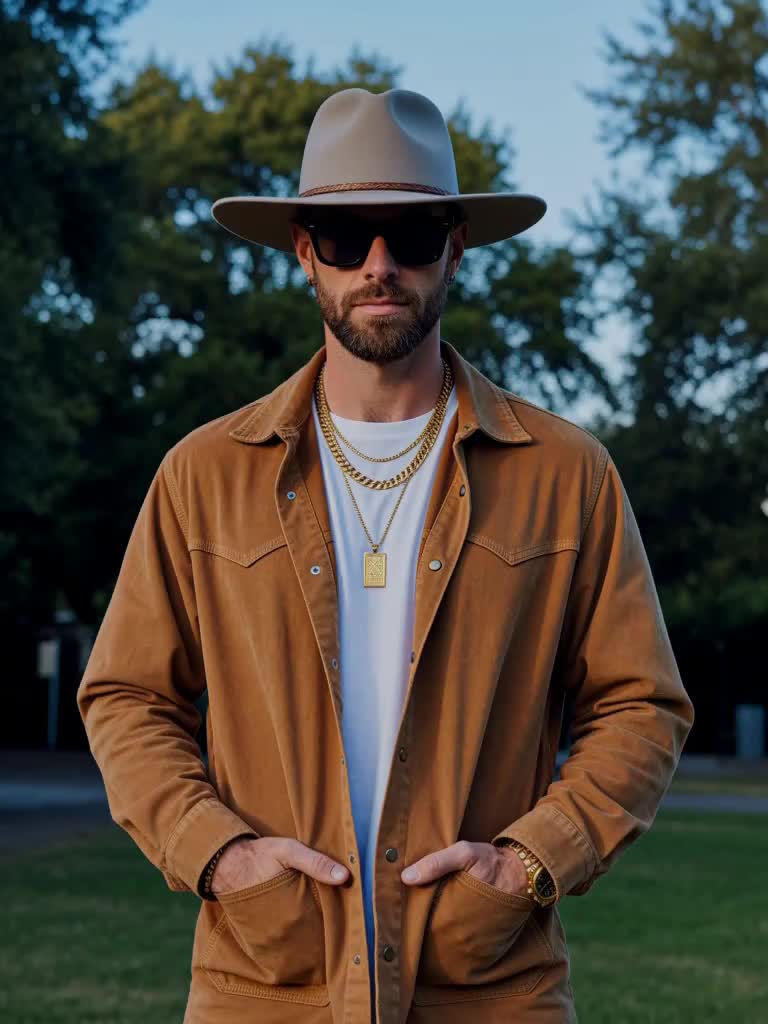
No sunglasses in the source photo. The effect adds them at the end, and two pairs looks wrong.
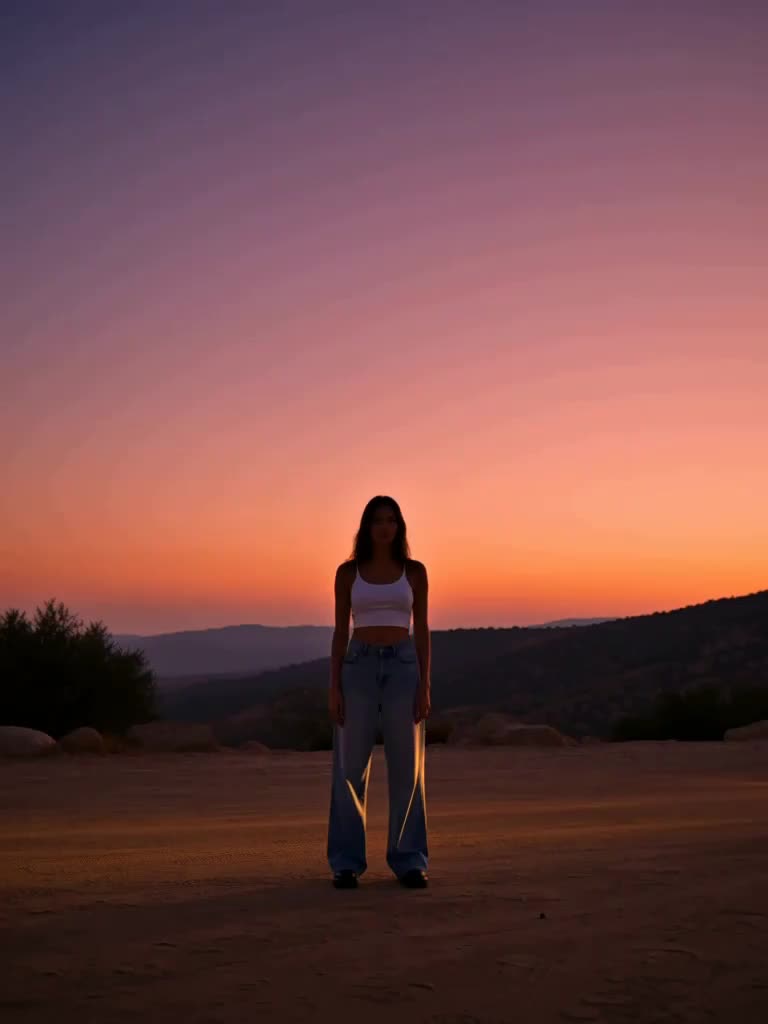
Clean, even light. Strong backlight in the source can make the far side of the orbit guess at details.
What you get back
A vertical clip with one full 360-degree orbit, the sunglasses beat and the final stare. Your body stays coherent from every angle and there is no readable text or signage in the street. It is the natural opener for an outfit reveal or a before-and-after cut with the Vice photo presets.
Vice effects are MagicShot originals inspired by the neon-coast look everyone is waiting for. MagicShot is not affiliated with or endorsed by Rockstar Games or Take-Two Interactive.