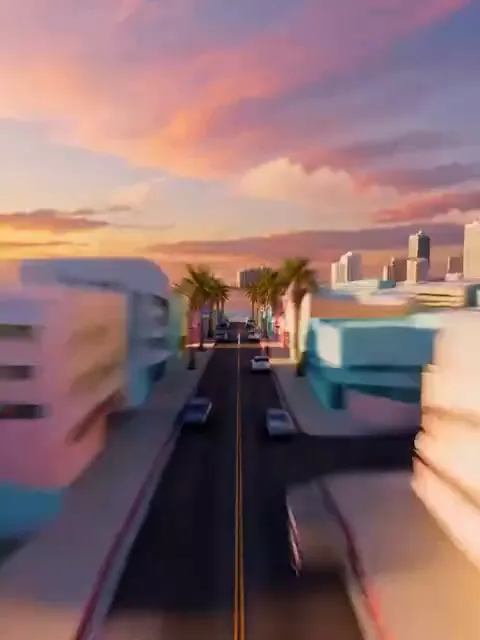
What the Character Switch video effect does
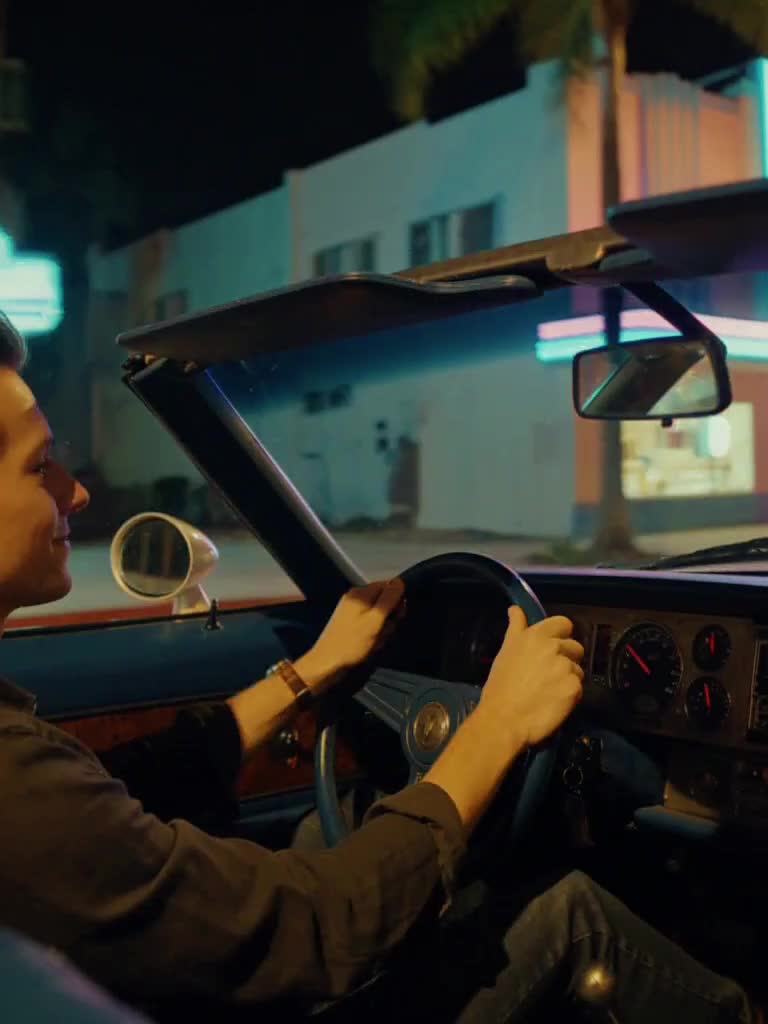
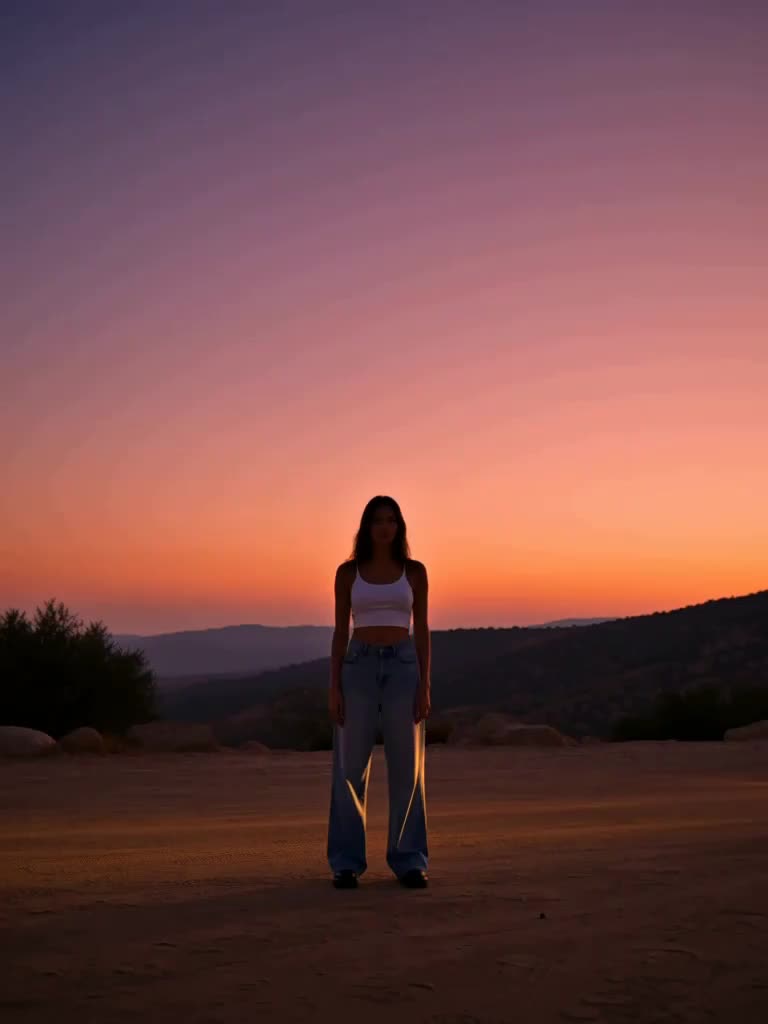
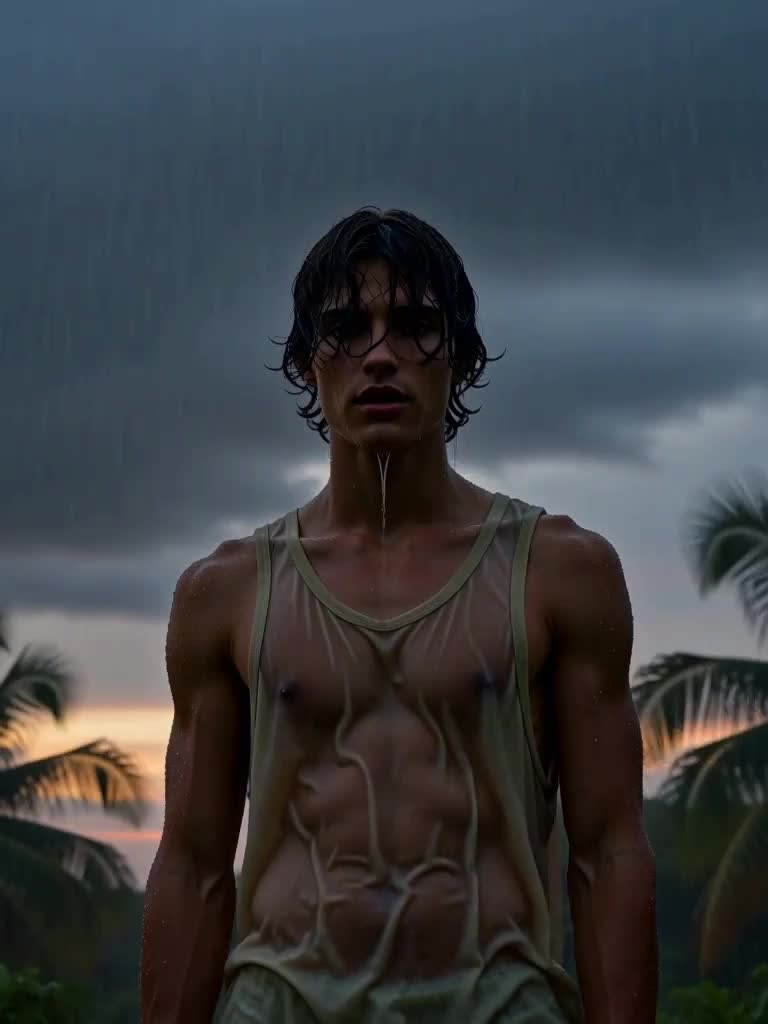
Upload a single photo and the Character Switch video effect rebuilds the most recognisable camera move in open-world gaming around you. The shot starts on your picture, pulls straight up until you are a dot on a glowing grid of art-deco blocks and palms under a purple-to-pink-to-orange sky, hangs for a beat, then whips sideways and dives back to earth. It lands in a third-person frame behind and above you, now standing on an oceanfront boulevard next to a pastel-pink convertible, and you turn and look up at the camera. It is the GTA VI character switch, done with your real face instead of a game model.
The photo that works best
The effect keeps your identity locked from the first frame to the last, so give it a clear reference.
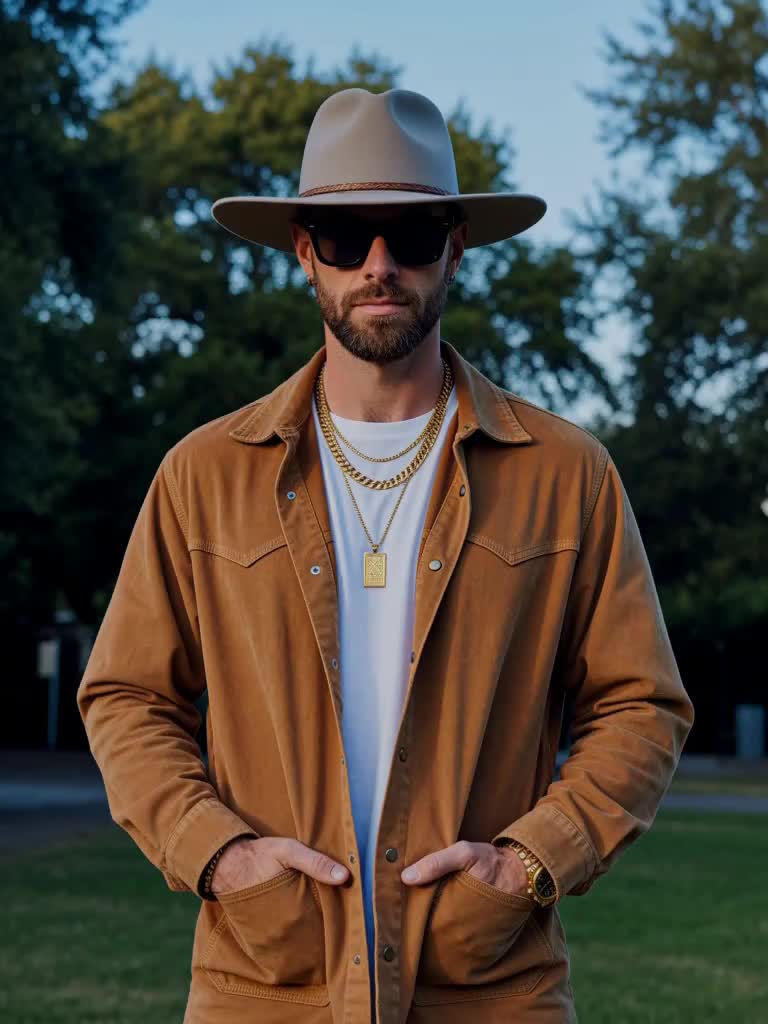
A chest-up or full-body photo with your face in focus and well lit, no sunglasses over the eyes.
One person in frame. The camera has to find you again after the dive, so a solo shot keeps it clean.
A simple background: a street, a wall, a doorway. The effect replaces it anyway, so do not overthink the location.
Shoot in portrait if you want to post it as a Reel, Short or TikTok without cropping.
What you get back
One vertical video with the full pull-up, whip and dive, ready to post. The city below is generic with no signs or text, there are no logos anywhere, and your original photo is untouched. Pair it with the Orbit Cam or Cover Grid effects for a full Vice-era set.
Vice effects are MagicShot originals inspired by the neon-coast look everyone is waiting for. MagicShot is not affiliated with or endorsed by Rockstar Games or Take-Two Interactive.