A YouTube channel logo maker has to solve one specific problem: your channel icon shows up as a small circle everywhere on the platform, from search results to the corner of every video. Get the size and crop right first, then match it to your banner and thumbnails so the channel reads as one brand. Start with MagicShot's logo generator.
YouTube Channel Logo Maker Size and Crop Requirements
YouTube displays channel icons in a circular crop at a small size across the platform, so design at a larger square canvas (800x800 pixels is a safe standard) and keep the key elements inside an inner circle, since anything in the square's corners gets cut off. A youtube logo maker that lets you preview the circular crop before exporting saves a redo after upload.
Consistency Across Icon, Banner, and Thumbnails
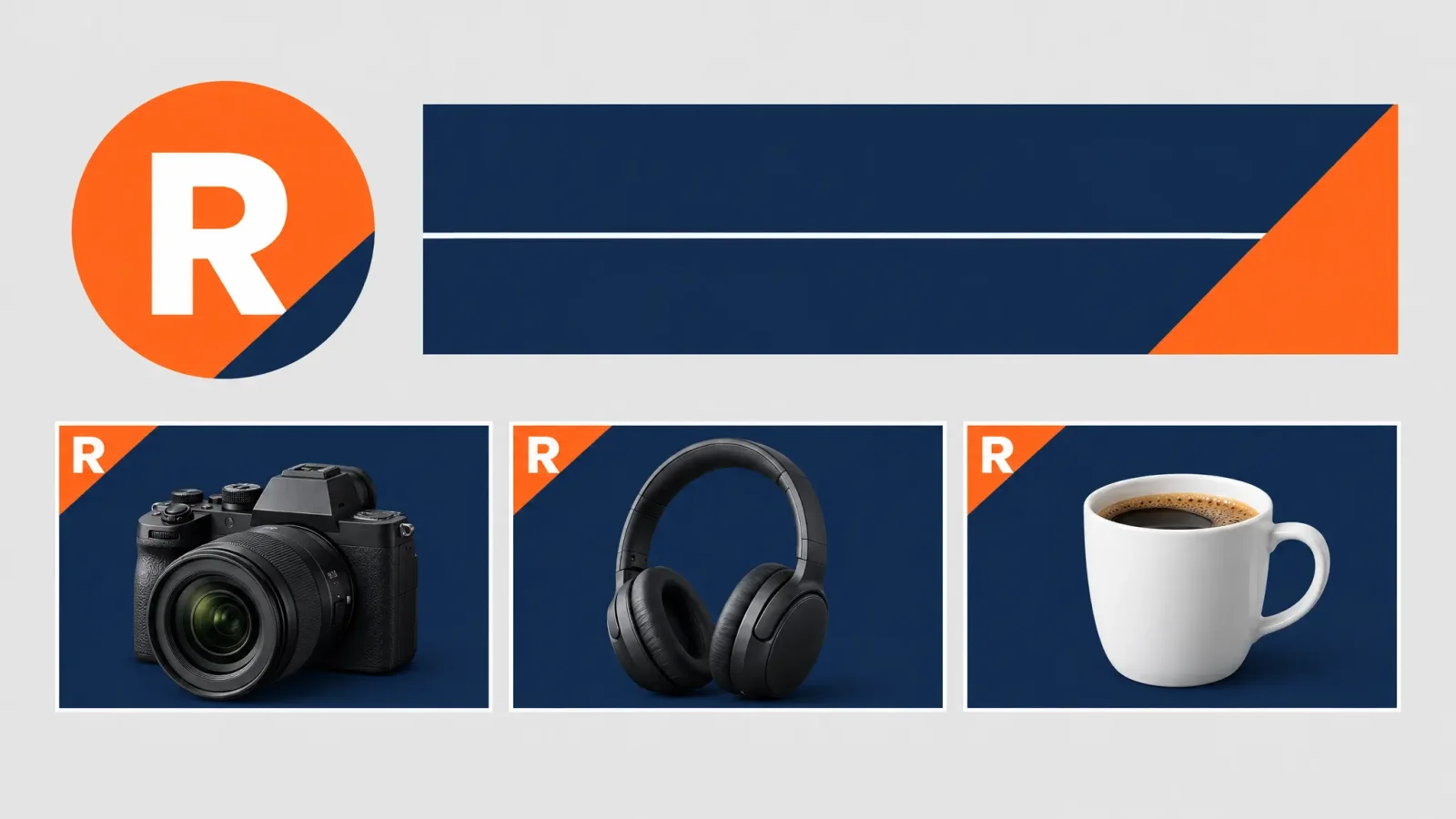
Viewers recognize a channel through repetition: the same color palette, the same typography choices, and a similar visual style across the icon, the channel banner, and every thumbnail. That doesn't mean every thumbnail needs the logo on it, but a shared color scheme and consistent framing, a corner badge, a signature border, a recurring font for titles, does more for brand recognition than the icon alone.
Niche Examples
Gaming: bold color, a mascot or character silhouette, high contrast for visibility next to bright game footage.
Tutorial/how-to: a clean, simple mark, often a monogram or a single object icon, that reads as trustworthy rather than flashy.
Vlog: a personal mark, initials or a stylized signature, that feels like a person rather than a company.
Text-Heavy Logos at Small Circular Sizes
Rarely do they hold up. A channel name in full, especially in a decorative font, tends to blur into an unreadable smudge once it's shrunk into a circle a few dozen pixels wide. If your channel name matters for recognition, use the first letter or your initials as the icon mark and let the full name live on the banner, where there's enough space to read it clearly.
Matching Banner Art to the Logo
Generate banner art using the same palette and shapes as the icon so a viewer landing on your channel page recognizes it as the same brand they saw in a thumbnail or a subscribe button. Consistency across these three assets matters more than any single one being elaborate on its own.
If you're also managing a Discord community for your audience, see How to Make a Logo for a Discord Server for the same small-size legibility rules applied there. MagicShot's logo generator can produce the icon, banner, and any letter-based versions from one starting design.