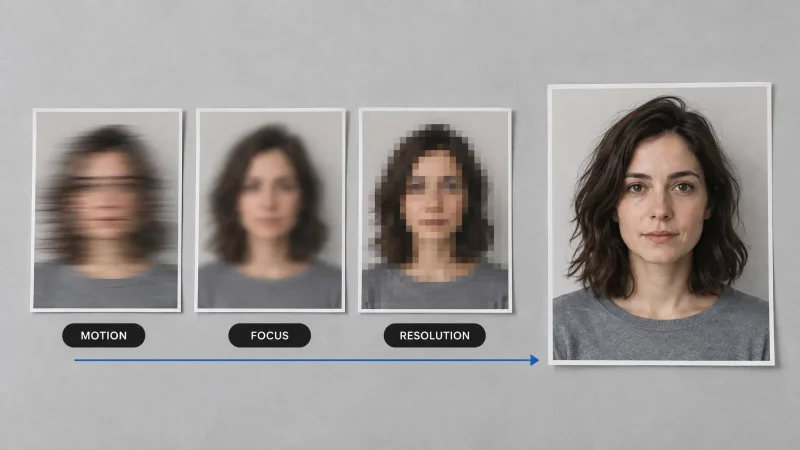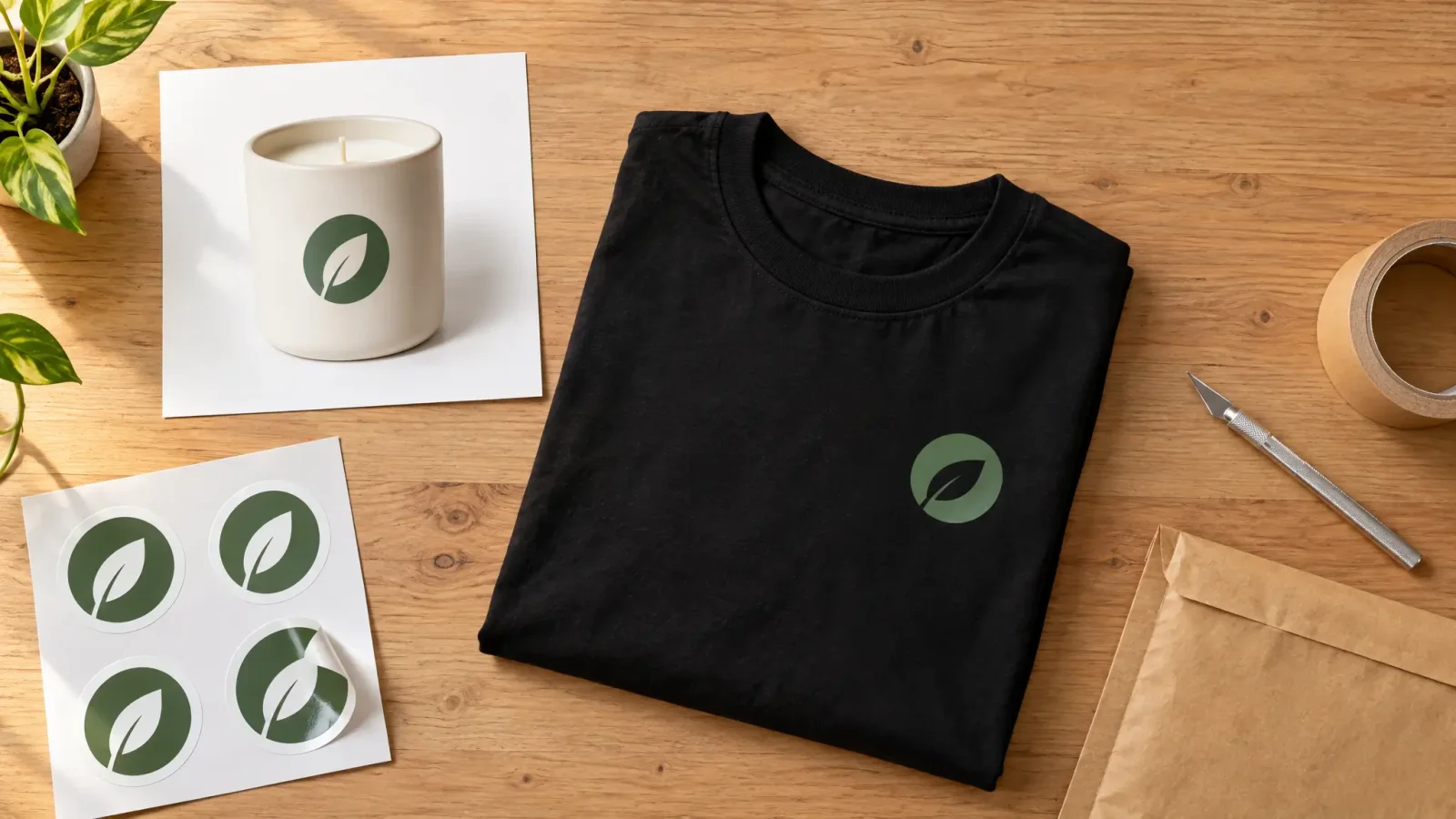
A transparent image maker turns an ordinary photo into a PNG with no background, ready for a product listing, a logo file or a sticker sheet. The steps are always the same: upload, remove the background, export as PNG. What differs is what you do with the result. Here are three workflows sellers and creators use, plus the export mistakes that trip people up. You can follow along in the background remover.
How to Make a Background Transparent
Upload the photo or illustration.
Run background removal and preview the cutout on a dark and a light backdrop. Edge problems hide on one and show on the other.
Fix any rough spots, then export as PNG.
Workflow 1: A Product Shot for Etsy or Amazon
Start with a photo of the product on any plain surface. Remove the background to get the product on a transparent canvas. From there you can place it on pure white for an Amazon main image, or keep the transparency for a lifestyle composite. Amazon's main-image rules ask for a pure white background and recommend at least 1,000 pixels on the longest side so zoom works. Both Amazon and Etsy update their image requirements, so check the current rules before you upload.
Workflow 2: A Logo Asset
A logo with a background baked in only works on one color of packaging or webpage. Remove the background once and you can place the mark on a black t-shirt, a white business card or a colored banner with no visible box around it. Export as PNG, not JPG. JPG cannot store transparency, so the background comes back as solid white the moment you save one.
Workflow 3: A Sticker for Print or Discord
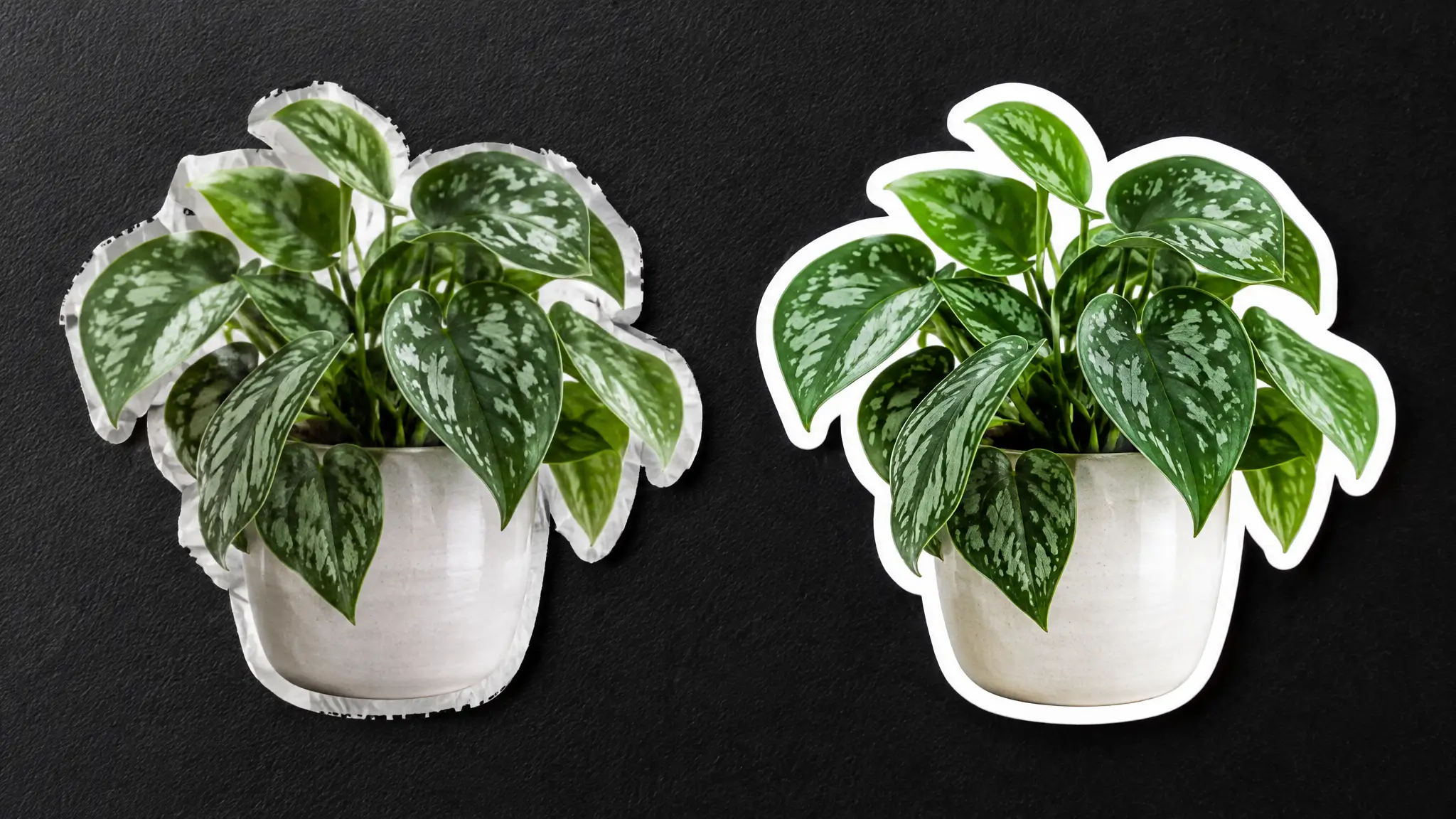
Stickers need a clean, high-contrast edge more than any other use. A stray background pixel shows as a fringe once the sticker is cut or placed on a dark chat background. Remove the background, then zoom in on thin details such as hair or small text before you export. For Discord, export square and keep the subject centered with a little padding so it does not get cropped. Discord also caps file sizes for emoji and stickers, so check its current limits.
Export a Transparent PNG the Right Way
Whichever workflow you use, export as PNG and check the pixel dimensions against wherever the image is going. A print sticker needs a much higher resolution than a Discord upload, and an Amazon main image has its own size floor. If the edges look rough, upscale the source image first and remove the background second.
If you are comparing how different removers handle hair and glass, see our guide to background remover tools compared. To make an image transparent in any of these workflows, open the image editing tool and run the upload-and-export flow.