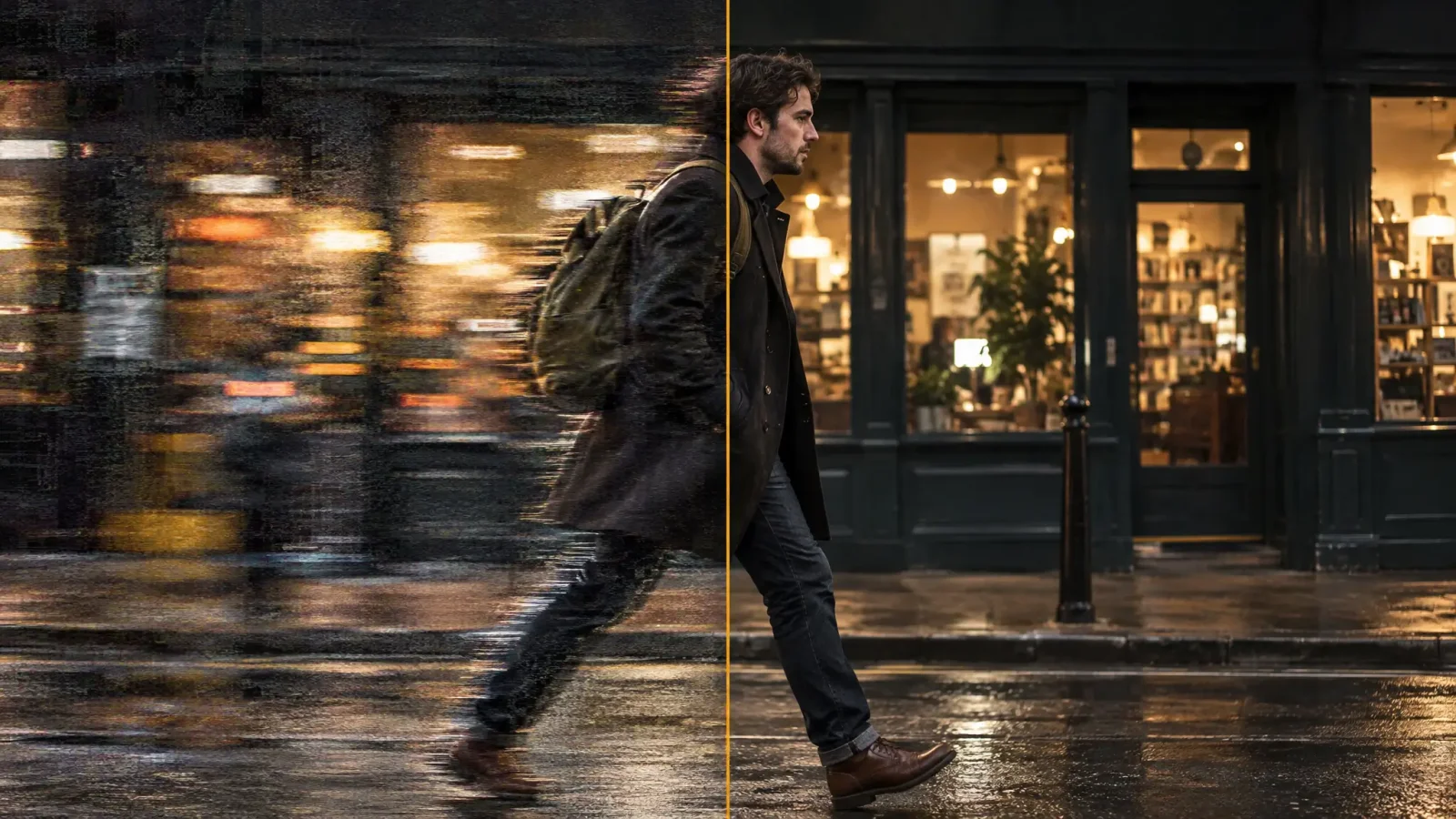
If you already tried Photoshop's sharpen or smart sharpen filter on a badly blurred photo and got a grainy mess instead of a fix, the problem is not your settings. A sharpen filter and a true deblur image tool solve different problems, and pushing a sharpen filter harder on a photo it cannot fix just amplifies noise. This post explains why, and walks through deblurring with MagicShot's image editor instead.
Want every method in one place? Read our complete guide on how to unblur an image with AI.
Why Photoshop's Sharpen Tool Makes Blur Worse
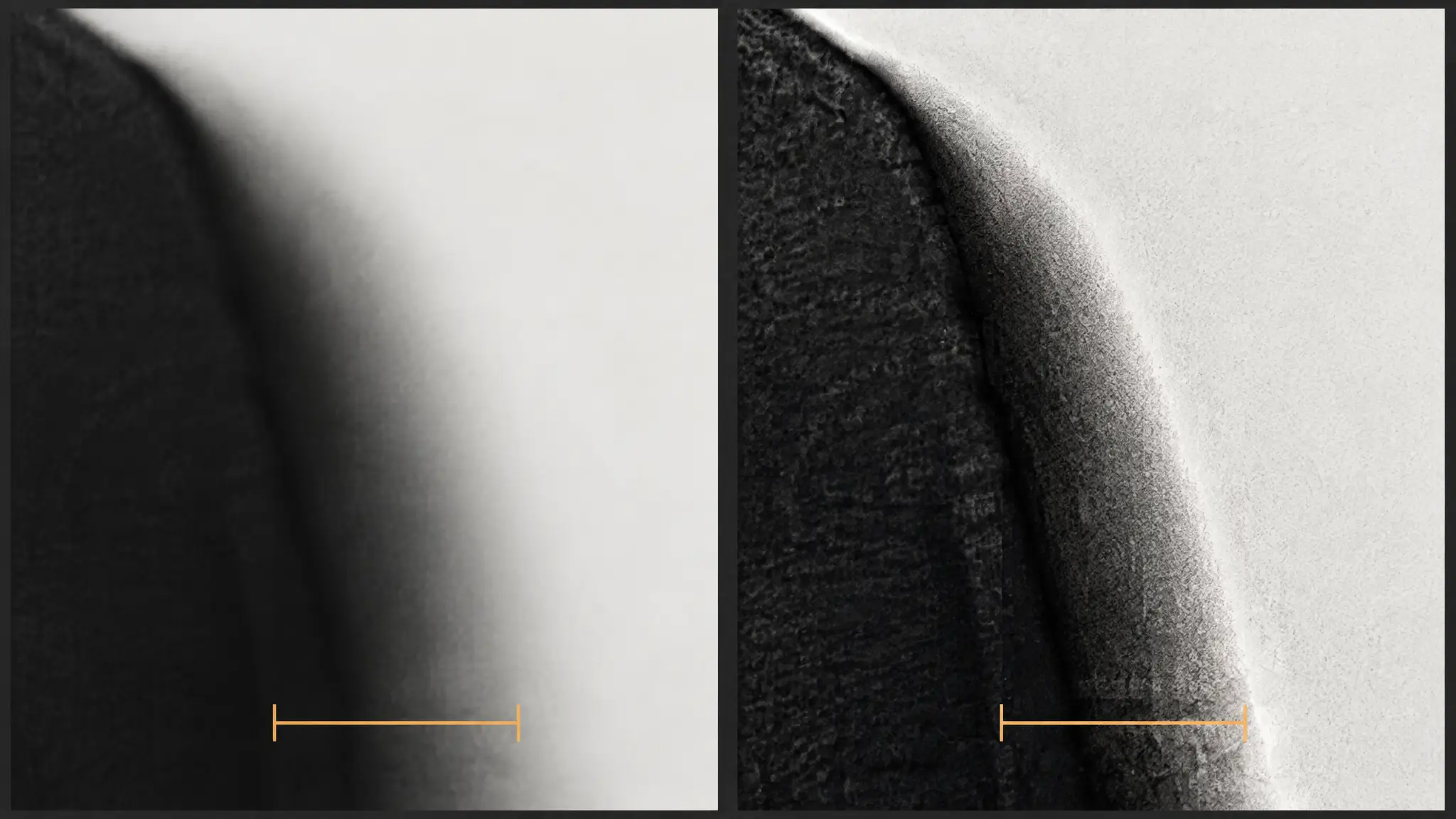
A sharpen or smart sharpen filter works by increasing contrast along edges that already exist in a photo. On a photo with real but slightly soft detail, that looks like an improvement. On a photo with genuine motion blur, where the actual edges were smeared during the exposure rather than just softened, there is no crisp edge underneath to sharpen. The filter amplifies whatever noise and compression artifacts are present instead, which is why pushing it harder on a badly blurred photo tends to produce a grainier, harsher-looking image rather than a clearer one.
How AI Deblurring Works Differently
An unblur ai model does not just adjust contrast on existing pixels. It is trained on large sets of sharp and blurry photo pairs and learns what a sharp version of a given blur pattern most likely looked like, then reconstructs that detail. For motion blur specifically, this means the model can identify the direction and extent of the smear and rebuild edges along that path, something a generic sharpen filter has no way to do since it has no concept of how the blur was created.
How to Deblur a Photo in MagicShot
Upload the photo to MagicShot's image editor, ideally the original file rather than a screenshot of it.
Select the detail-recovery option built for deblurring rather than a general sharpen or stylistic filter.
Generate and compare the result against the original around faces, edges, and any visible text.
Download the deblurred file at full resolution.
Because an ai unblur image pass reconstructs rather than just boosts contrast, results on genuine motion blur tend to look noticeably more natural than a heavily sharpened version of the same photo, without the grain a manual sharpen filter introduces.
Limits: Text, Video Frames, and Extreme Blur
Text in a blurry photo, a sign, a screen, a label, can sometimes be recovered if the blur is moderate and the letters retain a partial shape, but severe blur that has erased the letterforms entirely will not resolve into readable text no matter how the file is processed. Individual video frames can go through the same deblurring process as a still photo, though a single extracted frame usually has less resolution to start with than a dedicated photo. There is a practical limit either way: a blur remover pass improves an image, it does not manufacture detail from a frame that has none left.
Read Next
How to Unblur a Photo: The Complete Guide for the full overview of blur types and fixes.
Image Enhancer: How AI Actually Improves a Blurry, Low-Res Photo for a broader look at AI detail recovery beyond just blur.