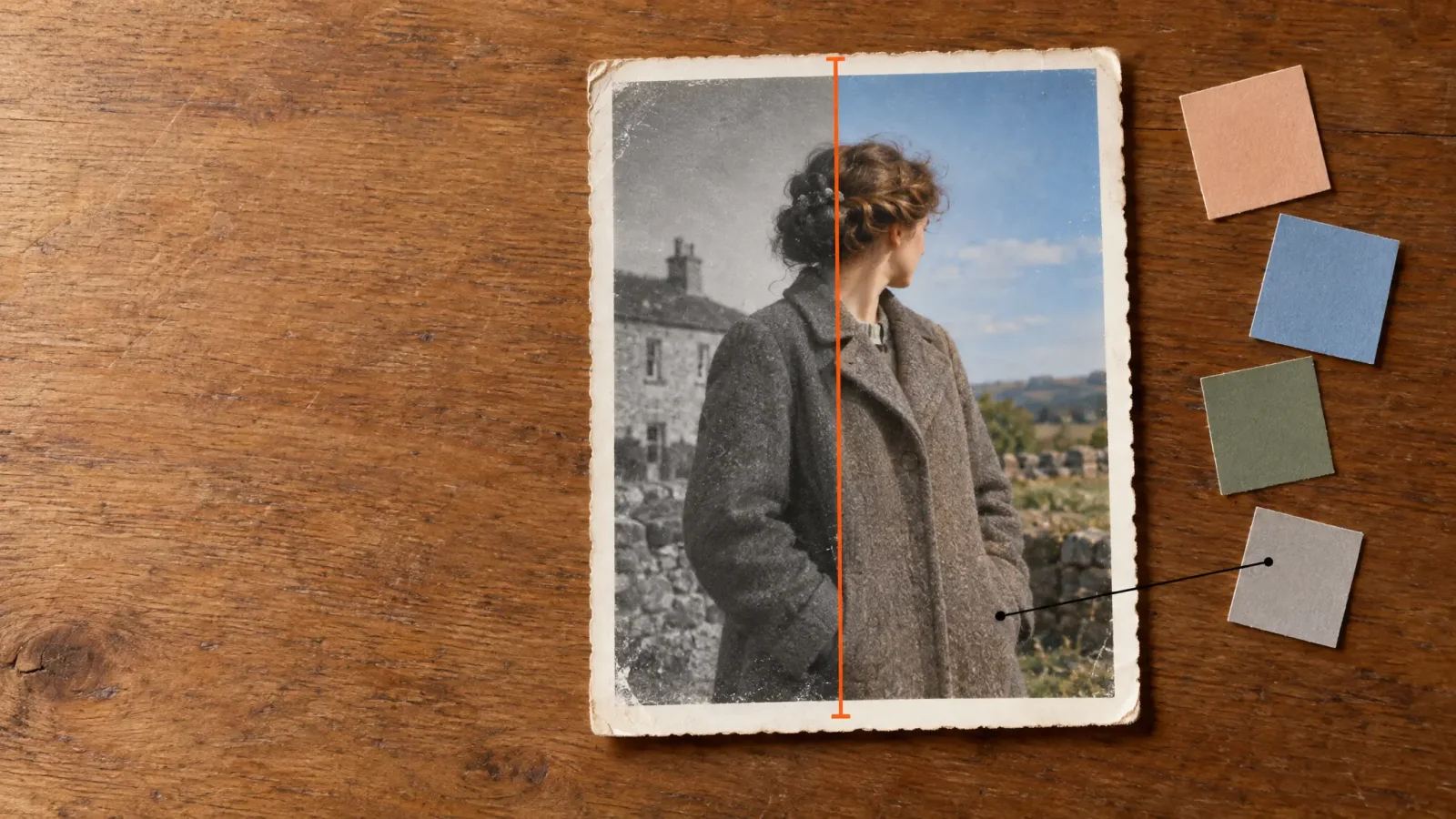
A black-and-white photo records brightness only. The colour was never captured, so an AI colouriser is not recovering it. It is making an educated guess from tone, texture and context, and that guess is often good enough to make an old portrait feel alive. Knowing where it is reliable and where it is guessing helps you get a result you will actually keep.
What the Model Is Doing
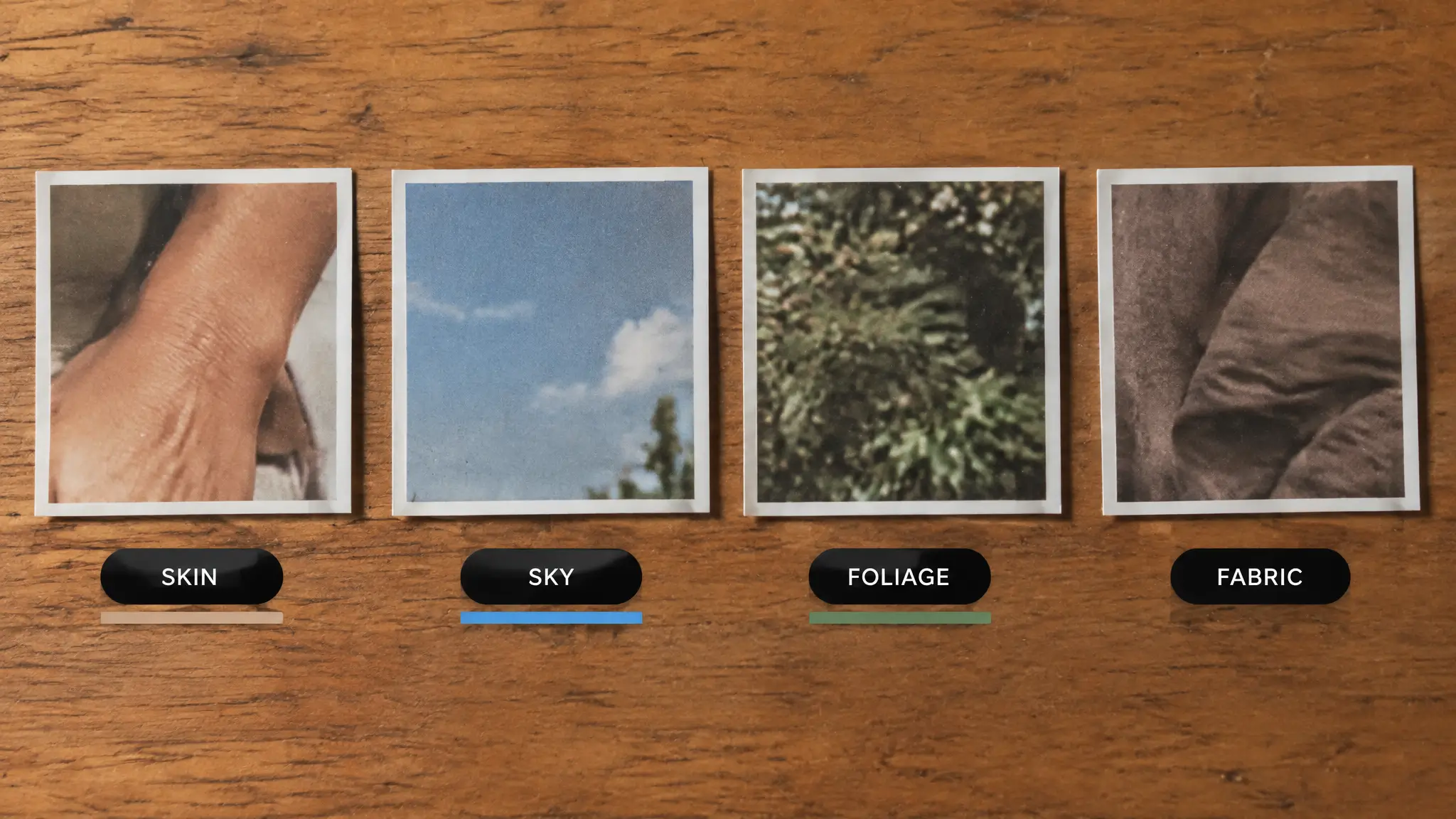
Colorisation models learn from large numbers of colour photos what grey tones usually belong to skin, sky, grass, brick or cloth. Faces tend to come out convincing because skin appears in so many training examples. Things without a strong colour convention, such as a particular coat, a car, a painted door or a uniform, are much more of a coin toss.
What Usually Works and What Does Not
Usually believable: skin, sky, trees and grass, wood, stone, common building materials.
Often off: clothing colours, vehicles, signs, flowers, anything where the real answer cannot be seen in grey.
Often too even: large areas can look slightly washed, because the model plays safe rather than risk a vivid wrong colour.
Prepare the Scan First
Colour results depend a lot on the scan. Scan or photograph the print flat, in even light, with no glare. If the image is faded, scratched or torn, repair it first, because colour added on top of damage tends to make marks more noticeable. Our guide to restoring old, damaged photos with AI covers that step, and the Photo Restorer handles it.
Colorize in MagicShot
Upload the black-and-white photo to the Image Editing tool.
Choose the colorize option and run it.
Review the result at full size. Check skin first, then any detail you know the real colour of.
If something is clearly wrong, rerun it or edit that area rather than accepting the first result.
Use What You Know
The best colour work uses family knowledge. If you know grandpa's car was dark green, or that a dress was blue, say so when you adjust the result. A guess from the model is a starting point. A fact from someone who was there is better, and it is the difference between a pretty picture and an accurate one.
Keep the Original
Colorising works on a copy and creates a new file, so your original stays as it was. Still, keep the untouched scan alongside any colour version. Colour is an interpretation, and it is worth being able to tell later which parts were added and which were photographed.