
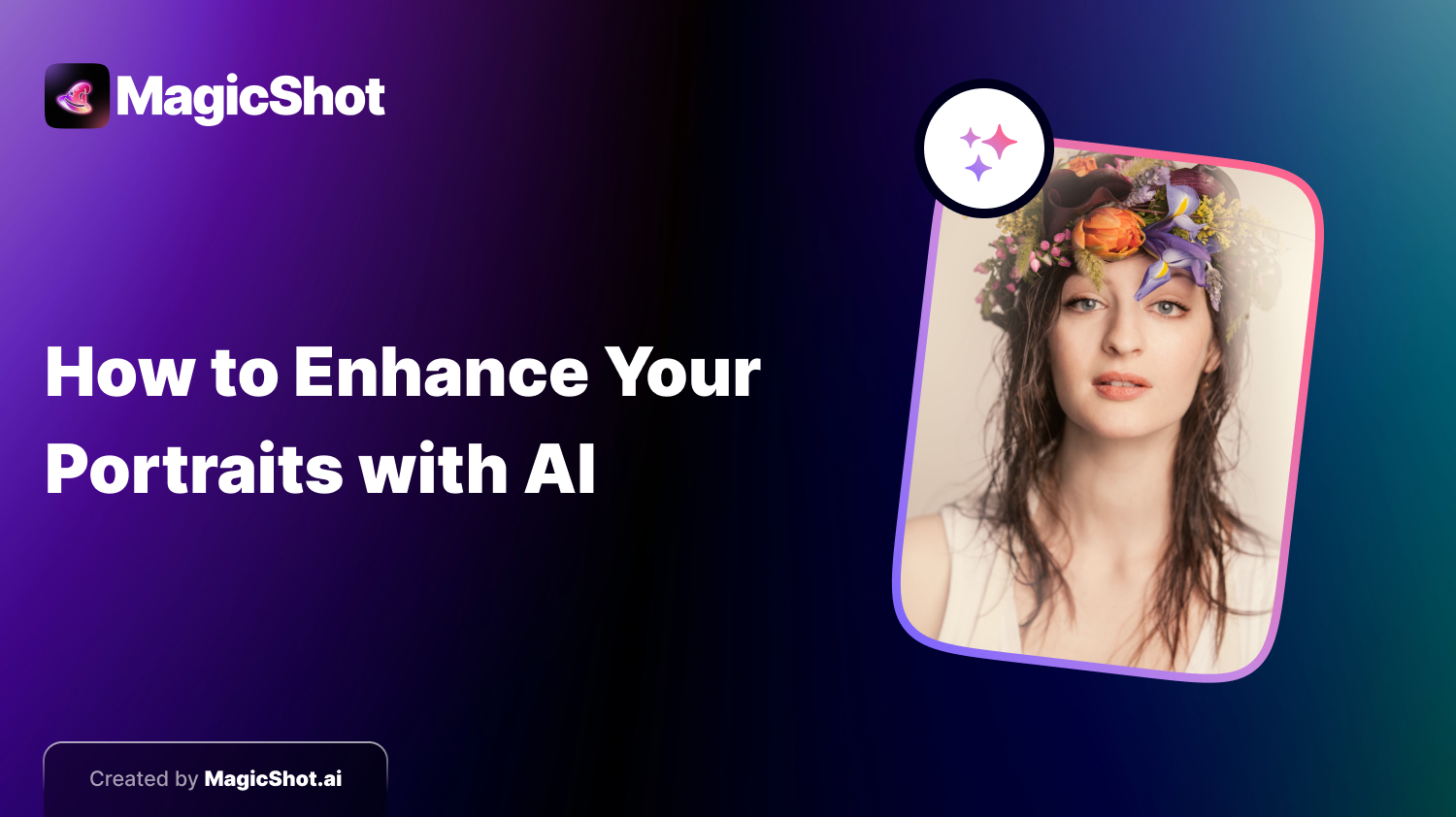
A good portrait used to depend on the camera, the light and a retoucher with spare hours. AI has changed the last part. You can now clean up a photo in seconds, restyle it as a painting, or build a portrait from a written description with no photo at all. The skill that remains is knowing which approach fits the result you want, and how far to push it before the person stops looking like themselves.
Two ways to make an AI portrait
Start from your own photo
You upload a picture and the tool improves or restyles it. Typical jobs:
Cleaning up. Evening out lighting, reducing noise and softening distracting blemishes. Keep the touch light, because heavy smoothing makes skin look plastic. - Eyes and expression. Fixing red-eye or a flat catchlight is fine. Changing an expression is riskier, since small changes can alter how someone looks. - Backgrounds. Removing clutter or replacing a plain wall with a studio or outdoor setting. - Style changes. Turning a photo into a painting, sketch or pop-art version.
The portrait series tool is built for this kind of work, producing several variations from one photo.
Start from text
Here you describe the person and scene, and the model draws one that did not exist before. The more concrete the description, the better: age range, hair, clothing, mood, lighting and the background. "A woman in her sixties, short silver hair, linen shirt, soft window light, neutral grey backdrop" gives a far more useful result than "nice portrait".
Ideas worth trying
Professional headshots for a profile or CV, where consistency and a natural look matter more than effects. - Profile pictures for social media in a style that suits the platform. - Fantasy and character portraits, such as yourself as an elf, a knight or a space pilot. - Period looks, like a Victorian studio photograph or a Renaissance painting. - Art-style versions, from oil painting to comic book, for gifts and prints.
How to keep it looking like you
Use a sharp, evenly lit starting photo with the face clearly visible. - Change one thing at a time, then compare with the original. - Be careful with skin and eye edits. If friends would say it no longer looks like you, dial it back. - For professional use, avoid altering features that would surprise someone meeting you in person.
Picking a tool
Check what the tool does with your uploaded photos, whether it offers both photo-based and text-based portraits, and whether the licence allows the way you plan to use the results. Our overview of the top AI image generators covers the wider field. On MagicShot, you can run photo edits and text-to-image portraits in the same place, and generation uses credits.
Bottom line
AI makes portrait work faster and more varied, but the best results still come from a good source photo, a specific prompt and restraint. Try a light edit first, then a bolder style, and keep whichever one you would be happy to put your name next to.
Try Countless AI Image, Video, and Audio features on MagicShot.ai
Generate realistic photos of anything. Imagine, describe and create those images within seconds. Enhance your existing photos with our advanced AI engine.


